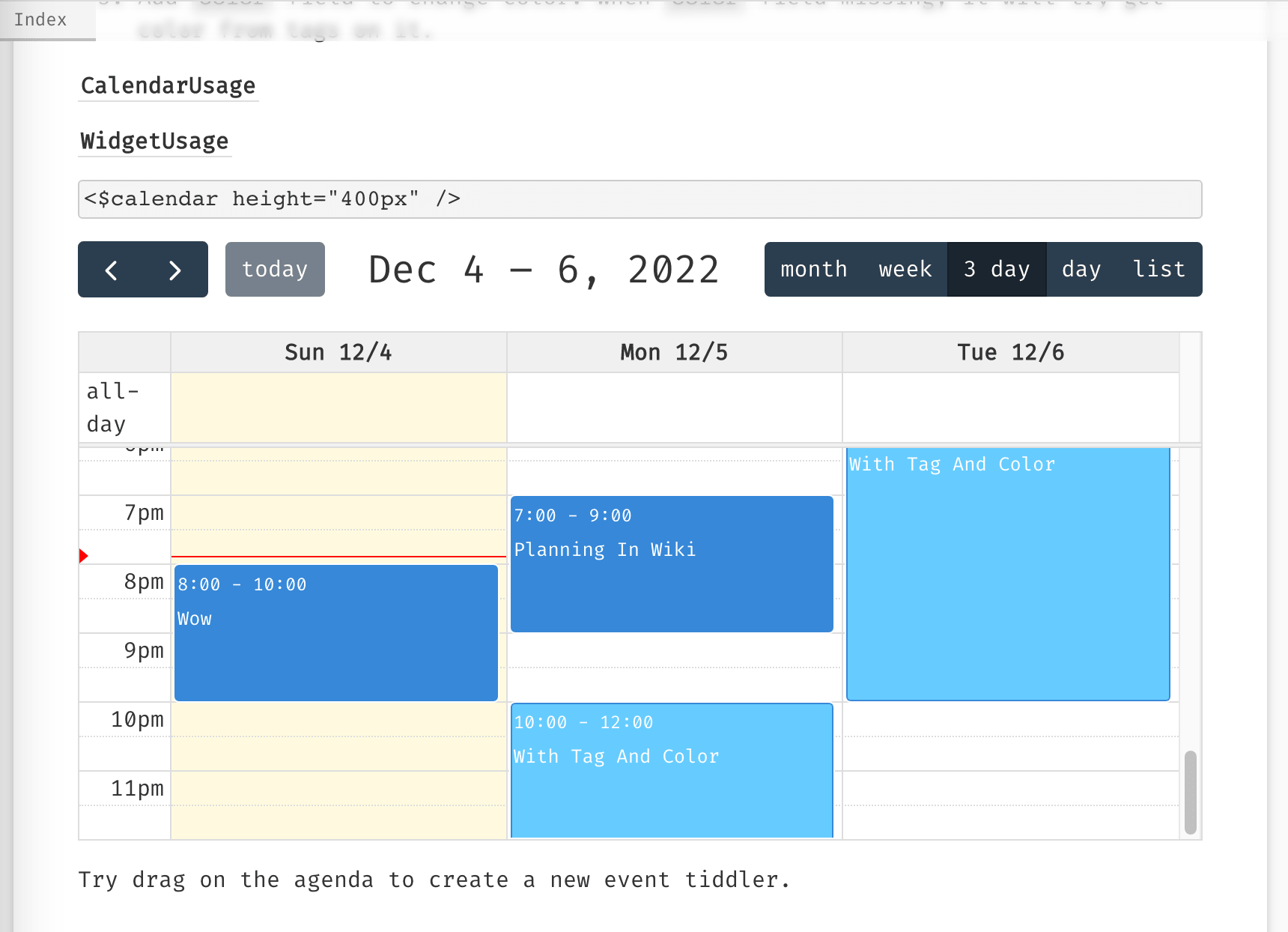
@linonetwo that is excellent, I also appreciate the appointment and end time can be dragged. Something I really like about google calendars, I will have a closer look in coming days to see if;
I can customise the date fields and they are tw serial dates
Look at other integration methods within an existing wiki.
Look at its hackability for an innovative use of calendars
It happens to be 90% of the way to something I have wanted to build, where moving one appointment “pushes” the next appointment forward into the future.
Where the end of one appointment is linked to the start of the next, and the next … Save time one one and shorten it for the next to adjust, run over and push the next entry later - but not if fixed in time.
I expect with your use of a library it may not be as hackable?
Yes, most of the tweak requires changing code in TS file, and should learn about config of FullCalendar Documentation | FullCalendar , it has resource view that you may be interested about, but how to map the tiddlers to this view is still a question (using filter).
See Resource Timeline in Demos | FullCalendar
I personally just want a drop-in replacement for GoogleCalendar, because currently I only use it for writing diary, which can totally be replaced by this plugin currently. But I also wonder if there can be other usages.
Wow! This new update packs tons of features. I like that we can use custom fields for start/end date since I’m already using due fields in my wiki. If I may have a couple of suggestions:
In week/3 day/day mode, any all-day tiddlers will span all rows on that day column. This will clutter 1-hr rows if we have lot of all-day tiddlers. I noted that there is already an all-day row at the top, could this row be used to house all-day tiddlers instead? (This is the behaviour in google calendar as well.)
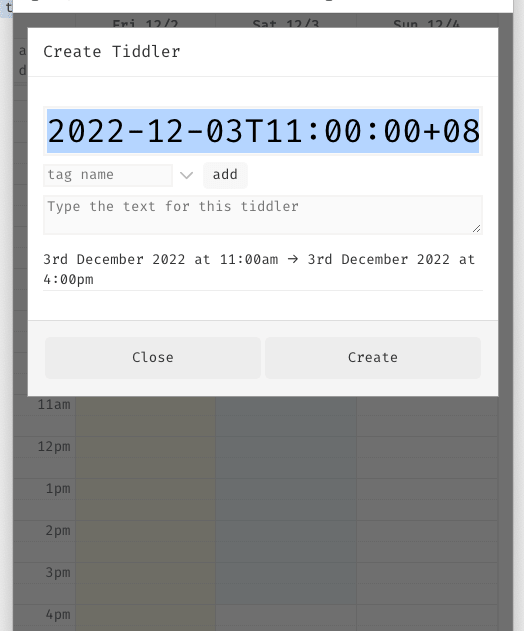
If would be great to have a read-only mode (disable all tiddler-creating-popups) so we can use it in public-facing wikis.
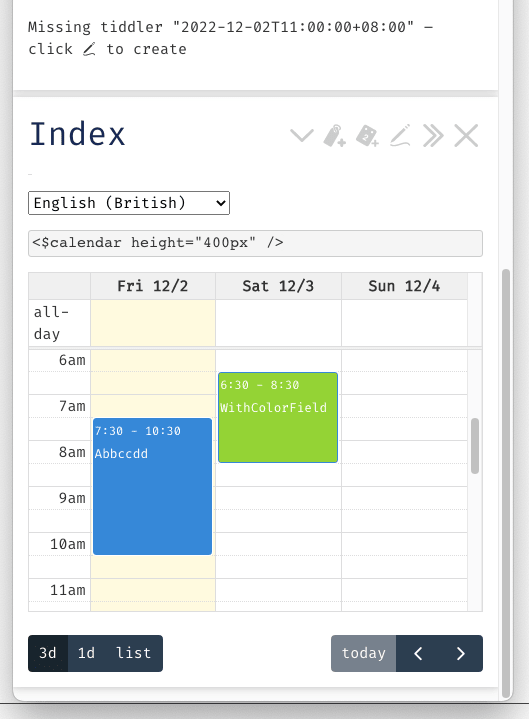
Thanks @linonetwo the calendar is very mobile friendly on Android.
One request for future consideration - the event display on calendar view currently shows the event time first. Is it possible to add a config toggle or event template that displays the event text first?
e.g: ‘Dentist 09:00-09:30’ instead of ‘09:00-09:30 Dentist’.
On a small screen I can’t see the event text on 30min events, only the time.
It is only feedback for future versions and might take longer than 30min. I’m sure you are busy with the new job.
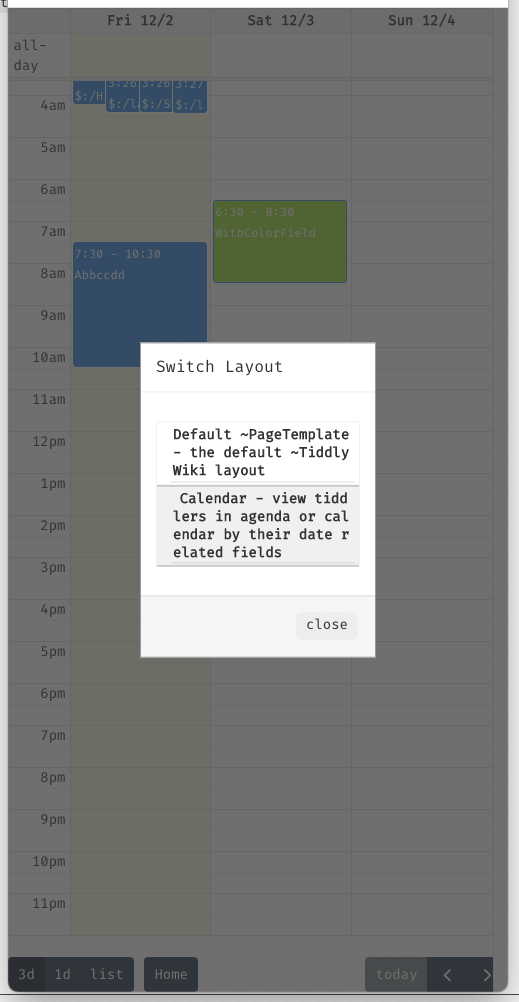
Incidently, your demo site seems to be saved with ItonNote theme which isn’t so mobile friendly and the language dropdown is no longer immediately visible (for me anyway). Changing it to vanilla fixes it.
I think your customisations so far are increasing the integration with tiddlywiki substantially.
An outstanding issue in native tiddlywiki is an effective date picker, we need both a normal popup calendar select with or without displaying the date. eg an Icon to select the date and/or time with or without also displaying the time.
If in your work you could provide macro access to a date picker in the library it would be helpful
It would be nice if we could show the picker if a fieldname exists/or not exists, but has no value, and indicates it has a value without displaying the value and tooltip that displays the value. Displaying formatted dates is already easy.
I have found a way to leverage the default HTML picker and convert to a tiddlywiki serial date. date-picker.json (1.3 KB) however it has two limitations
I need to maintain a field with the HTML form of the date (can be useful)
I can’t have an icon only picker (ie hide the date)
A picker to support a range of dates start-date and end-date for example would also be helpful.
*If this picker were suitable if could be placed in the core.
The final outstanding issue is basic date arithmetic just add or subtract N days from a provided date while honouring the calendar would be very helpful.
I would be supprised if this code is not already in the library you have used, we just need access to it.
Without suggesting you do anything specifically I think there value in ensuring your solution has this hackability and tweak ability that many of @EricShulmanIt’s all about time date/time tools can be used along side this calendar.
In fact if you try to implement a feature not in the “library” or are introducing a “hackable feature” consider a quick review of related items in Eric solution which is after all the definitive work on date and time in tiddlywiki. I am not asking you to integrate them, just to ensure enough flexibility others can integrate them, if at all possible.
Advanced feature to keep in mind.
I eventually hope to have dated tiddler appear in the calendar and be able to link other tiddlernames with a time length eg 1/1.5 hours, to that item in the calendar such that all linked items are listed after the scheduled items on the calendar but will move according to the prior one’s end time.
This will introduce an interesting and possibly very effective method for day planning and time management because you do not need to set the date time, only that it should proceed or follow something in the calendar, and will flow over to the next day if not completed.
However I just realised we may be able to provide a more generalised solution.
Do have a look at my prior solution, I believe it could be improved with some CSS
It is based on the <$edit-text ... type=date />
I wonder if we could just improve the way we handle the result that comes from the edit-text widget regardless of the HTML type that is used, but especially for dates.
Kind of like providing pre/post handling to convert dates
Perhaps we could do this through actions on the edit-text widget, or with a widget/macro that wraps edit-text?
This may be trivial once TW 5.3.0 is released, a new widget using an existing widget.
It provides an $edit-text input control with a popup Calendar. If TiddlyTools/Time/Calendar is not installed (or if “type:date” is specified as a parameter), then the default HTML date picker is used as a fallback; and, if “type:button” is specified, then the $edit-text input control is suppressed and a $button is used instead.
For your purposes, you can get a simple button when using type=date (the default HTML date picker), without using TiddlyTools/Time/EditDate, like this:
The really important part is width:1.5em, which forces the text input field to only be wide enough to show the system-provided calendar icon, which effectively hides the date input text.