Hi Folks,
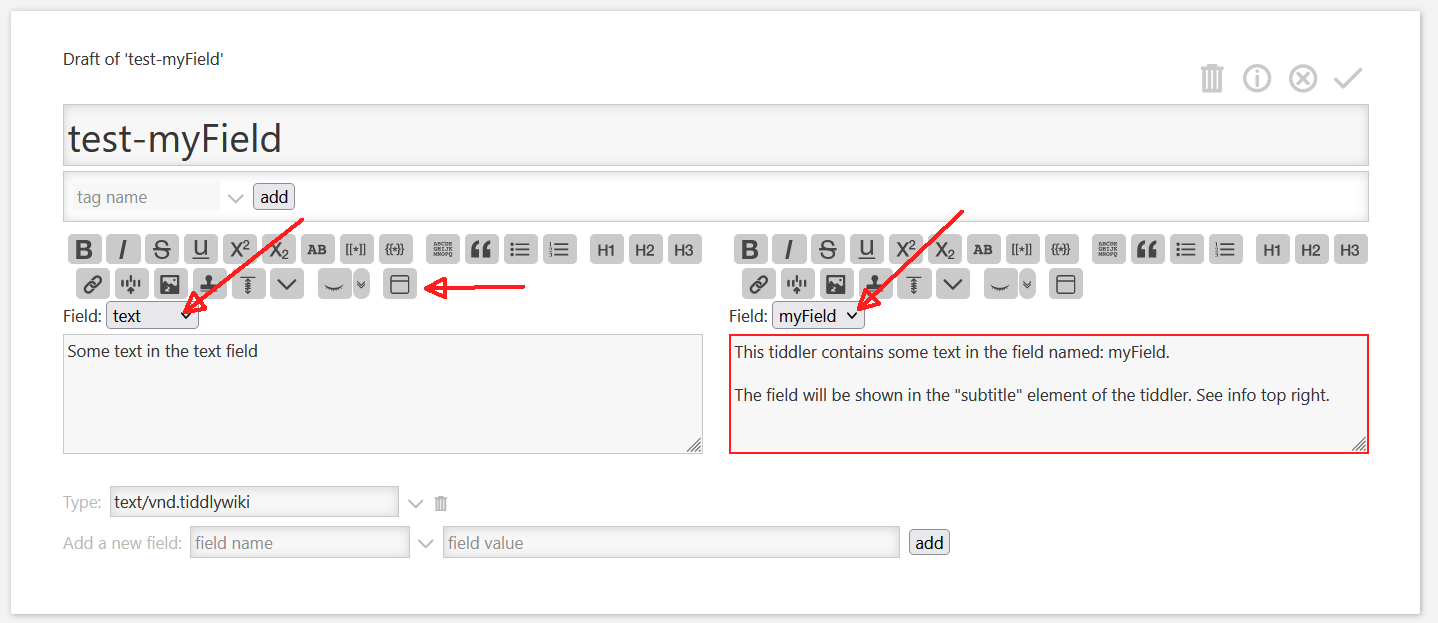
I did just publish a new plugin that can be imported from the standard plugin import dialogue, if you use the configuration tiddler from: at wikilabs.github.io
Very clever concept to adapt the main editor. I’m pretty sure I would not have come up with this but instead fumbled around to try to expand the various fields where they reside but that would of course be a problem with the hidden fields, etc. Good thinking on your part!
I watched the video last night so maybe I’m forgetting something you showed, but now that I am testing it on your demo site, I was expecting all fields - or at least all custom fields - or at the very least all hidden custom fields - to be listed in the little dropdown. But they are not. How does a field “make it” to the dropdown list? IMO it would be neat if I could use this to turn any single-line input field into a multiline field for editing.
I also really like the Field Visibility plugin. I was not expecting you, of all tiddlywikians, to create it though
Thx, … The main problem is, that I needed to heavily modify the core EditTemplate. But I thought it would be a good exercise in the light of the upcoming “cascade filters”.
I hope they will make it easier to add content to the View- and EditTemplates without modifying the core stuff that much.
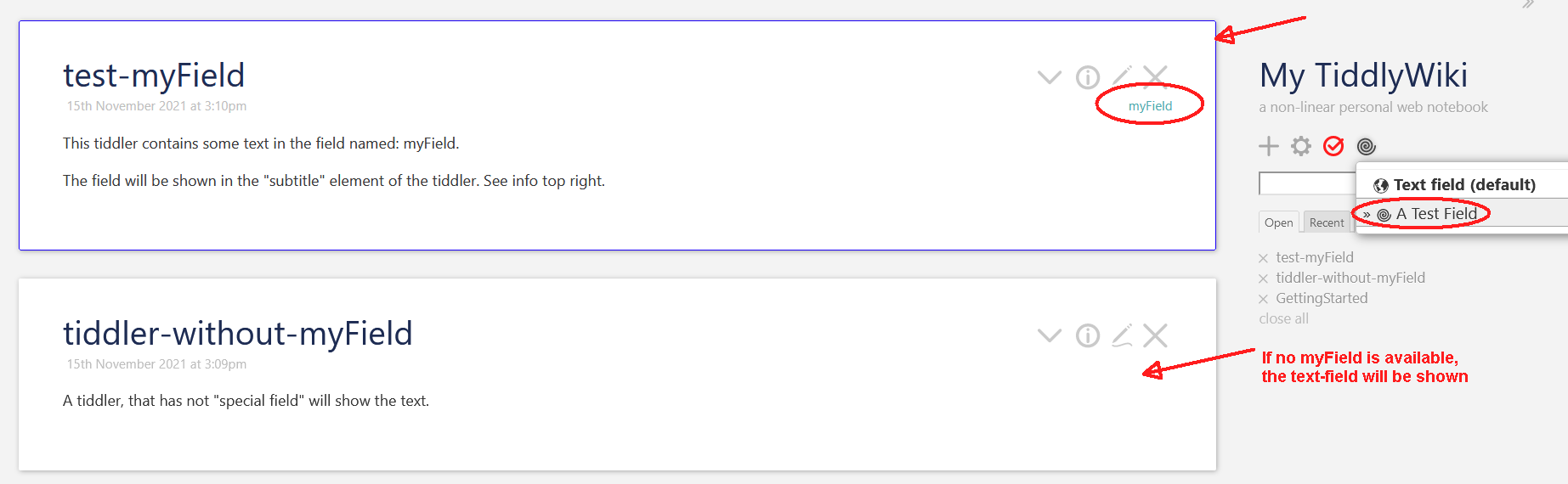
With the page-button definition. The plugin readme has a button to create a new “field switcher”. Atm only those fields make it to the dropdown.
I did not show hidden-fields by design at the moment, because they are used by core js-functions. If users change them it may cause unwanted side effects.
My first iteration had a filter that showed all “user defined” fields, but some of them may be needed as single-line fields, so I did make it more strict for the beginning
Yea, I wanted to have a possibility like this for quite some time. … But I also think the next version will be a bit different. … Especially the “edit mode” info button needs some more work. … I’ll probably create a completely new view, with less tabs, since not all tabs make sense in edit-mode.
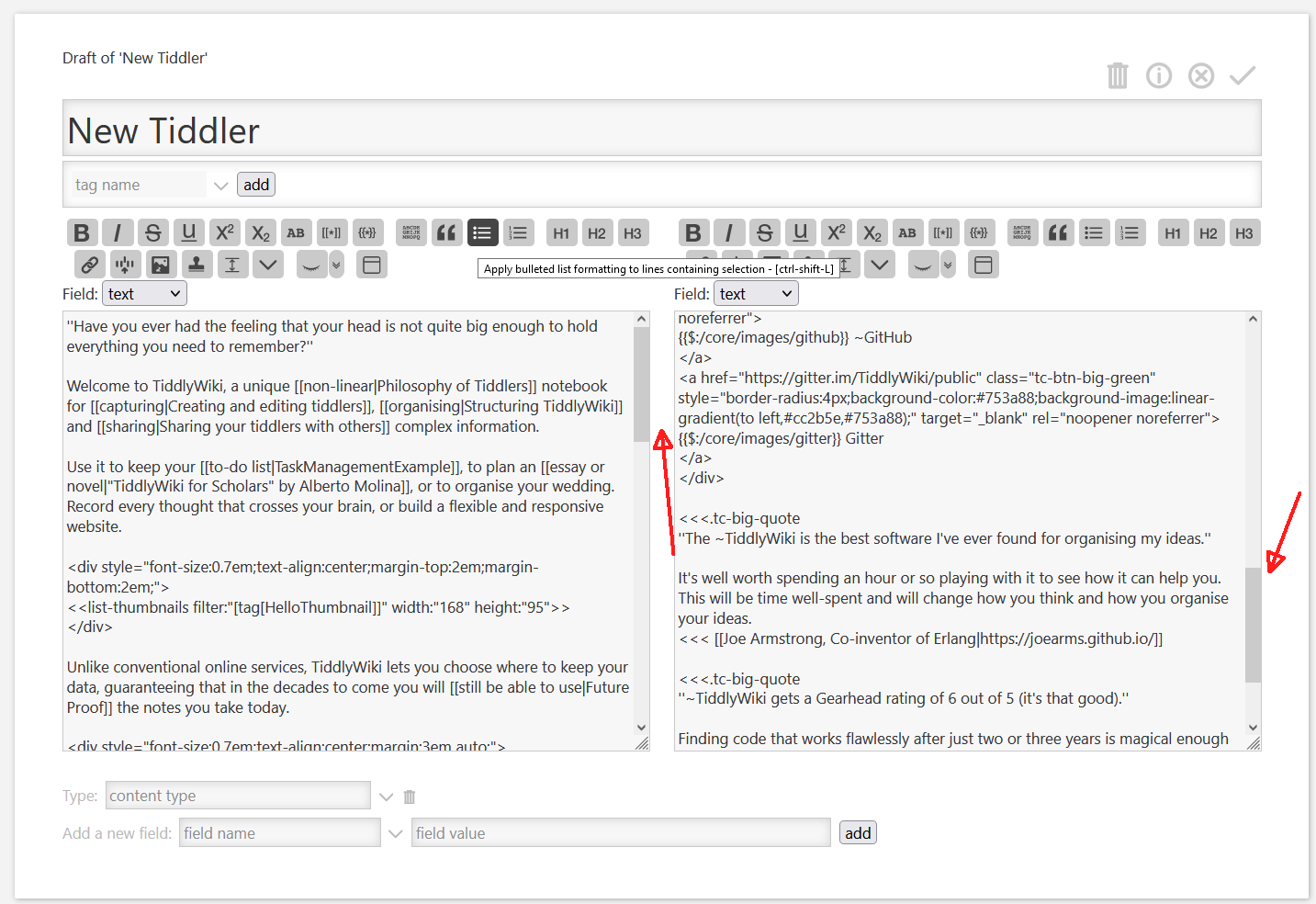
Yea, a “happy accident”. … I usually don’t have very long tiddlers but from time to time, it would have been nice to go back up to have a closer look, how I did exactly phrase something, without leafing the current cursor position.
Much better solution than my current approach (displaying an editor below the main editor when the field “comment” is there). I’ll be using this, thanks a lot
You are welcome! … I did think about different layouts … But this will need the upcoming TW v5.2.1 …
Be aware that the plugin at the moment, does modify several core tiddlers, which isn’t optimal. The plugin readme shows a list of tiddlers that it modifies.
I had a question or two about the Multiline Field Editor
Would it be possible to turn the dropdown into a dropdown toolbar button, like the ‘choose preview’ button?
Could it be modified to get any of the current fields of the target tiddler, rather than just specific preselected ones?
could it change what field displays in the view template as well?
Sorry if I’m asking a lot of it, but It looks like it would be really really useful for instances like if someone wants to use the main text body for just macros and such, while having the ability to use a multi-line editor for fields like description, for instance.
I do not see the advantage. There needs to be a visual indication, which field is edited at the moment. If I would remove the select element I would need to add a text field and create a new button. Toolbar buttons only have an SVG icon and no text. … IMO you need to be more specific why this would be an advantage.
I think so, I’ll have a look.
There already is a page button, which allows to select which field is shown by default. It’s described in the video
If you need a per tiddler configuration based on the existence of a field or a tag it should be done the conventional way. Create a tiddler tagged [tag[$:/tags/ViewTemplate]] which contains a list, that shows additional info on demand.
Ah, sorry to clarify I just meant copying the css style of the button, and making it inline with the other buttons, I like how it is otherwise, it works perfectly.
Ah, I’ll have to give that a watch, I had previously checked it out just on my phone and didn’t have a strong enough reception for video playback haha
Came looking for how to adjust the size of the editor of tiddler fields and found a solution that does more instead. Thanks for creating this plugin @pmario!