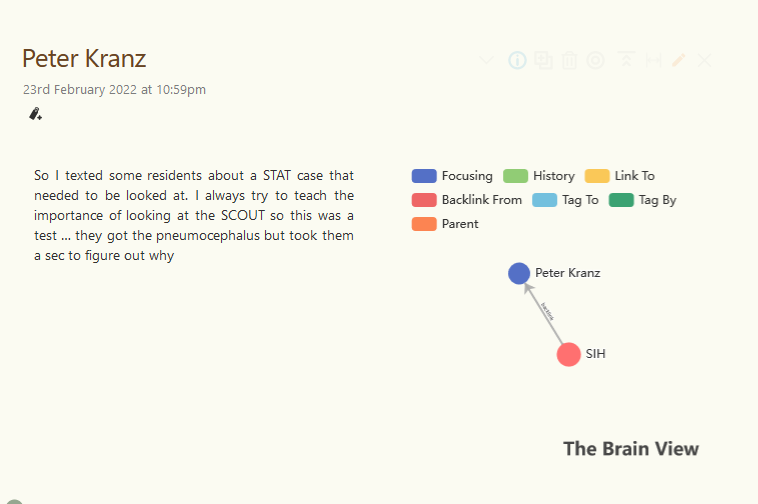
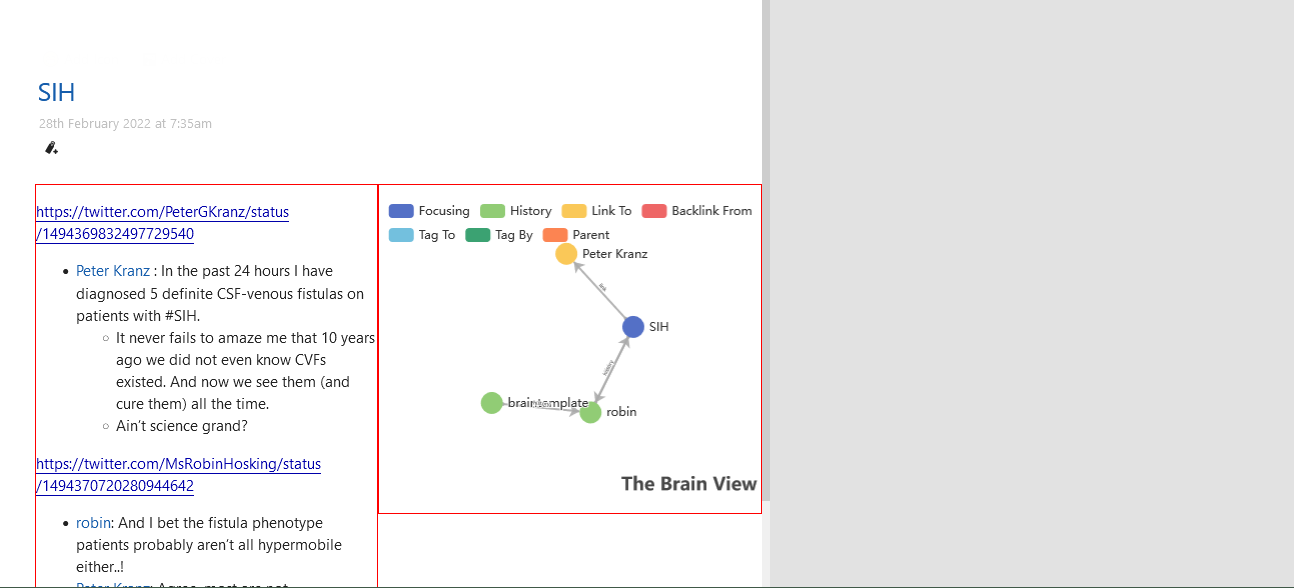
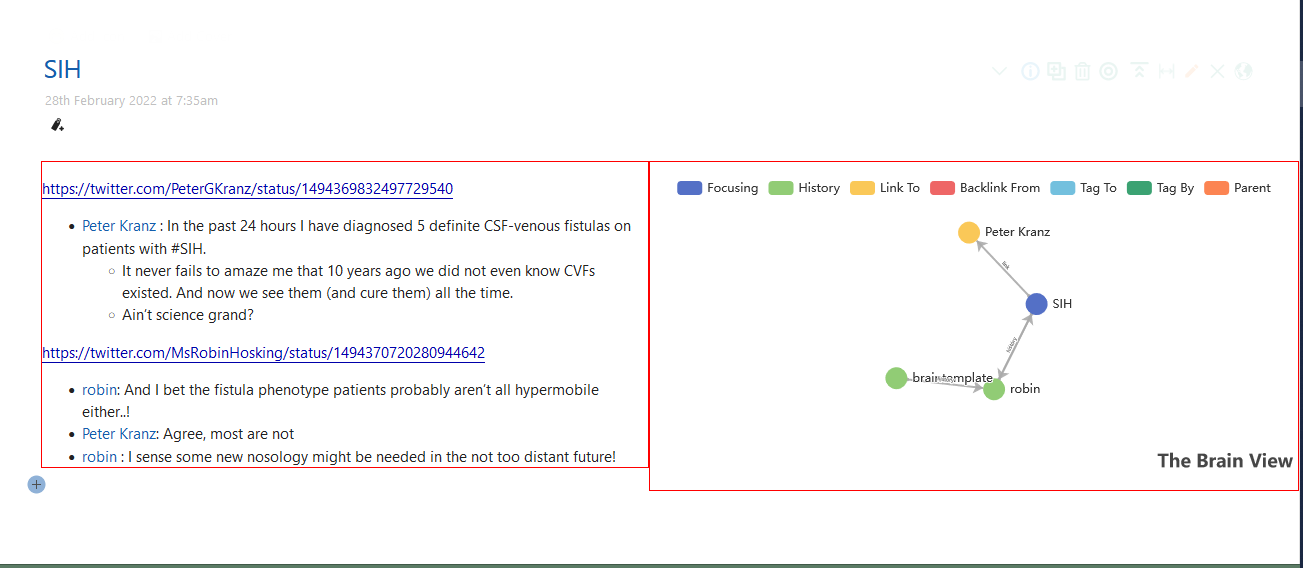
I was experimenting with the Reference section of the tiddler. Recently I started using TheBrain of eCharts. I tried to make a viewtemplate to float the TheBrain to the right side of the text field of the tiddler or the tiddler body. For this i used flexgrid/autolayout-with-image from Shiraz.
But I don’t know how to transclude the text field of the current tiddler in this viewtemplate . What should i replace ''Third''<<.lorem>> with to transclude the text of the current tiddler. I was planning to use hide-body field once this viewtemplate works.
While Eric will have solution for this, I may recommend @Sttot and @linonetwo the authors behind Echarts. They can give hints, solutions here. I will take a look but not used TheBrain before!
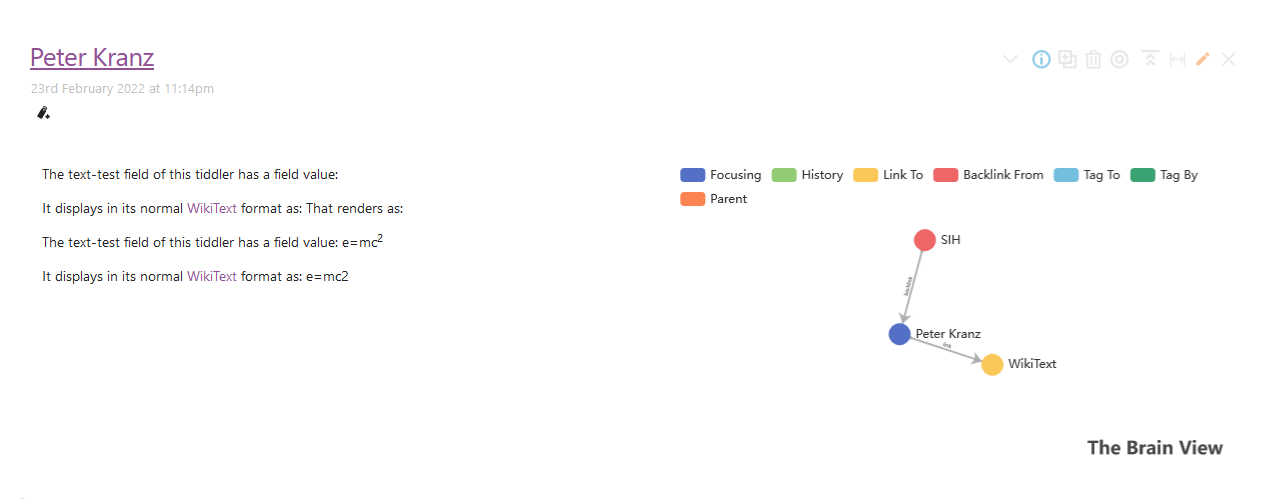
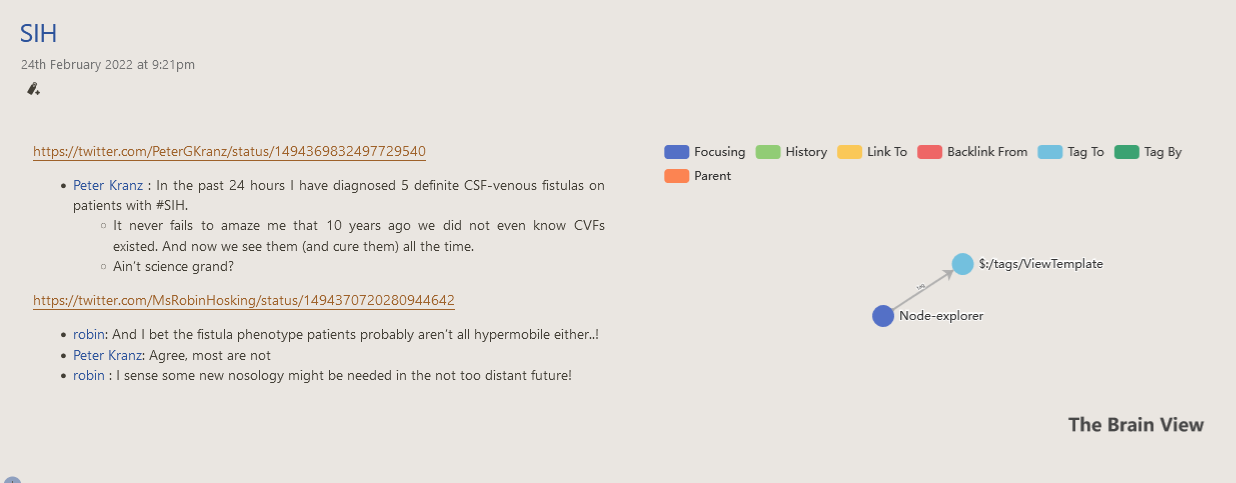
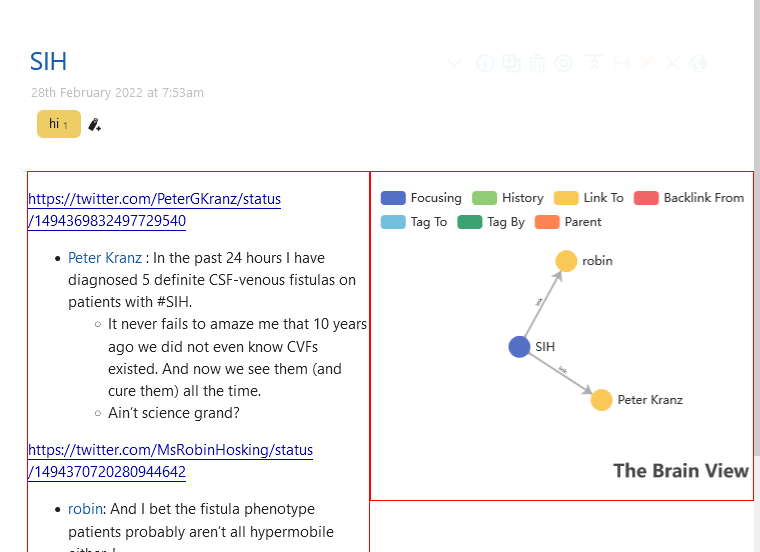
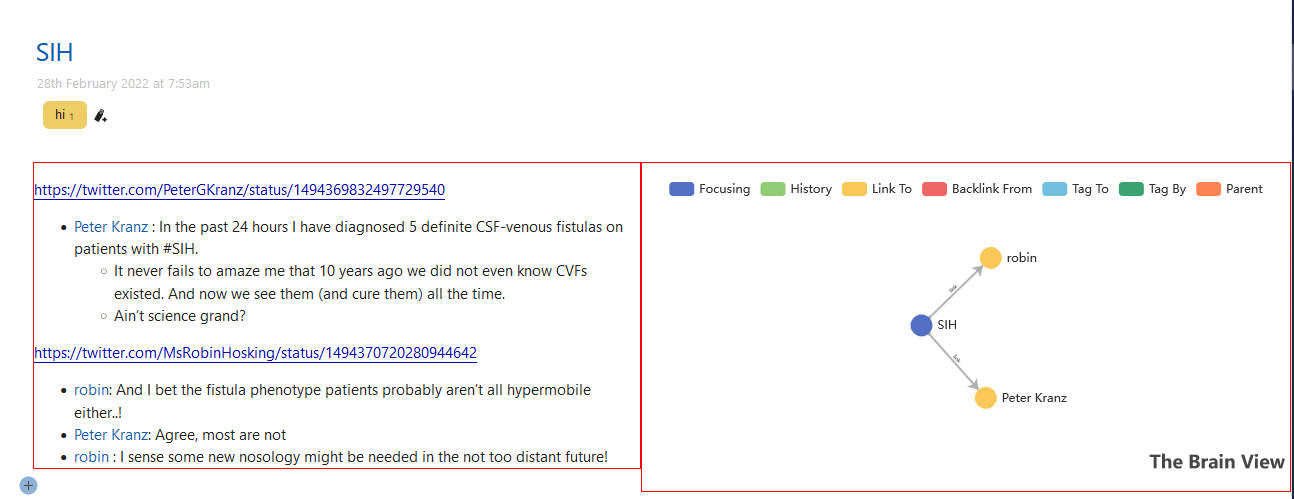
I just want to know how to transclude the current tiddler text without losing wikitext formatting. Currently i am using {{!!text}}. But the wikitext formatting is lost when using {{!!text}}as shown in these images. I think that’s not related to echarts or theBrain.
I had already about asked this in the echart plug in github repo. But they suggested to ask in the forum since its about viewtemplate.
Could you setup a minimal demo wiki (with all those plugins installed) and share the link here!
This way one can better understand the issue and give a try for possible solution!
It makes use of the new cascade for the viewBody template, and works on tiddlywiki.com.
Basically if a tiddler has the field rhs-include containing a tiddler, it will transclude that tiddler on the righthand side of a two column table ands transclude the current tiddlers body in the left hand side.
You could change it to detect is there is a matching echart and instead transclude that, then it will only occur for tiddlers with an echart.
Alternatively your original filter can be rewritten, like I suggested elsewhere
I use Krystal horizontal layout plug in in almost all my wikis (some things may not work in Krystal like in the classic layout of TW).
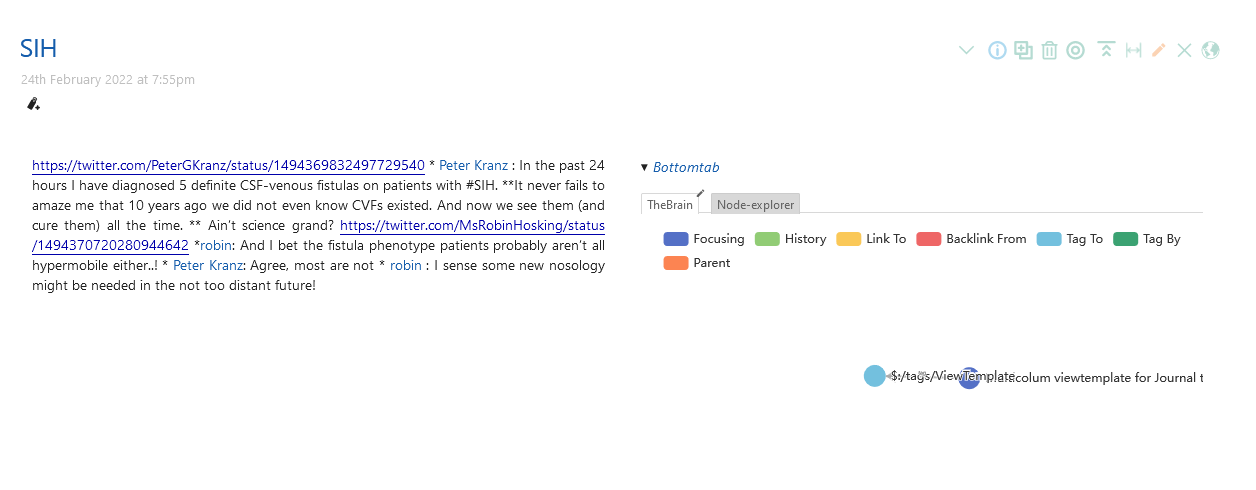
One day when I was experimenting with my wiki, I thought of changing the backlinks (reference) section at the bottom of the tiddler. I thought it would be better to use node-explorer of Shiraz instead of the TOC Generic plug in I was using since node-explorer can edit the referenced/backlink tiddlers within the reference section itself. Then I thought I will add TheBrain Echarts also to the reference section along with the node-explorer using the tab macro to give a side by side graph view also. Then I thought why I have to keep the reference section at the bottom of the tiddler. Instead keep it to the right side of tiddler body which was inspired by Subpages concept by Jeremy in AMBIT. But in Krystal horizontal story river, the right float of Subpages was not working. So I used Shiraz Flexigrid option and transcluded the reference section ( including node-explorer of Shiraz and TheBrain echarts using a tab macro) to the right side of the tiddler and tiddler body to the left side of the tiddler. And it was working OK.
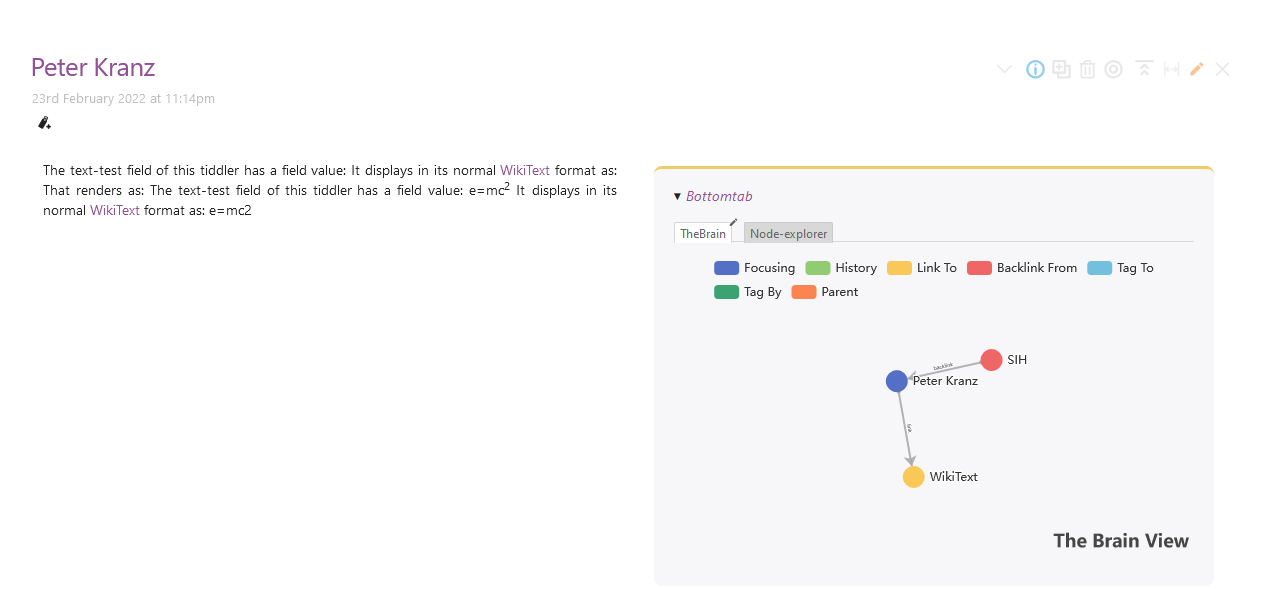
Here you can see tiddler body (text) to the left and reference section ( including node-explorer of Shiraz and TheBrain echarts using a tab macro) to the right.
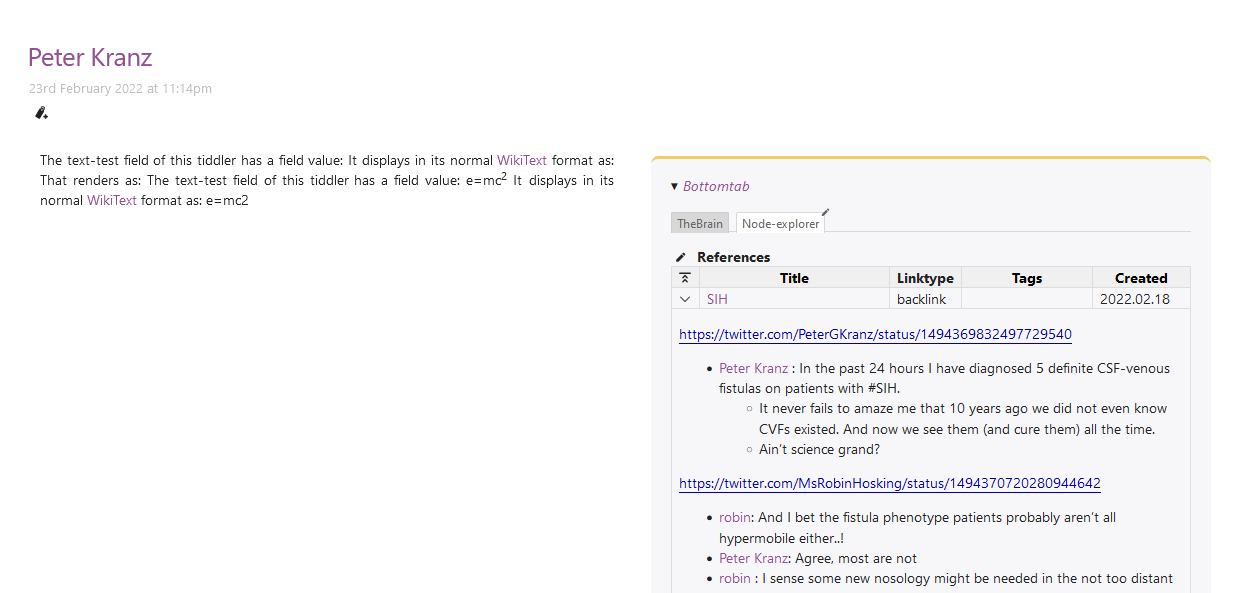
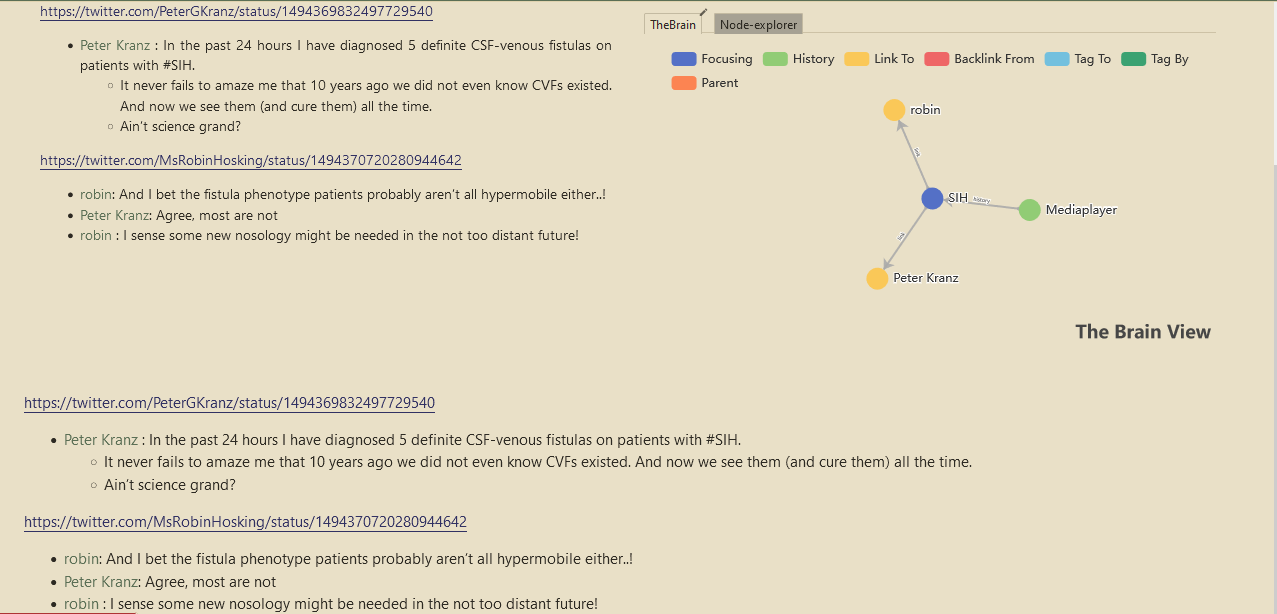
Only problem with this approach for me was that the $:/core/ui/ViewTemplate/body will also display the tiddler body and will result in duplication of the tiddler body. This is what I am trying to avoid.
See the duplicated tiddler body (text) above and below.
I could add hide-body field to the tiddlers with the new viewtemplate for References (inlcuding node explorer and TheBrain) and set it to yes. But I want almost all the tiddlers in my wiki to have the new viewtemplate for References except for system, shadow tiddlers and a few specified tiddlers i create which can be marked by a specific tag or field. Its not feasible to manually add hide-body field to all tiddlers I create. For making this easier , I can create a custom new tiddler button which will add hide-body field automatically. But I was checking whether I can avoid creating a custom new tiddler button . That’s when I started thinking about the ways to hide the $:/core/ui/ViewTemplate/body for all tiddlers except the once I mentioned before. It would have been easier if there is a way to hide one viewtemplate when another another viewtemplate is used on the same tiddler.` May be it should be feature request
I don’t think your solution remove this obstacle of duplicating the tiddler body contents in view mode. Correct me if I am missing something.
This thread was created when I had doubts about how to use the Flexgrid of Shiraz in a viewtemplate for References to float the node-explorer and TheBrain Echarts to the right of tiddler body. What i need now is way to avoid duplication of the tiddler body contents wherever the new custom viewtemplate for References is applied . That’s why I had to create one more thread regarding the ways to hide the $:/core/ui/ViewTemplate/body
I have I belive shared all you need to get this done. I have shared the method and techiques but since I dont have your configuration I could not build the actual solution.
You can
Look at my code and steel the methods
or share a basic wiki with us and i can configure it for you
or I could have a go putting your above code in a body template and give it back to you but that way I cant test it.
Basicaly you should be able to move what was in your view template to the body template.
May be I don’t have enough knowledge to understand it . For the time being I am not going to pursue further with this project. I have wasted soo much time behind it. Will revisit when my mind is fresh. Thank you for the help.
Sharing demo wiki into discourse is not easy like in github.
Yes, because you are in the text field, transcluding the text field.
IMO, the way around it is to add a new and conditional viewtemplate with your mindmap. Then style the text field and this new template to show side by side. I would put this styling inside the very new viewtemplate because it will need to dynamically use the current tiddlers title.
@twMat Did you edited the code after posting initially. When I first used your code .rightside was floating at the right top of the tiddler overlapping the viewtoolbar buttons. So i added margin-top:146px; to [data-tiddler-title='{{!!title}}'] .rightside { and then both .tc-tiddler-body and .rightside came at the same level side by side. I thought finally I got it working and was happy. But when I viewed the tiddler in the maximized state (only seen in krystal horizontal plug in), although .tc-tiddler-body and .rightside where at the same level, the nodes of the TheBrain graph were moving out of the screen/tiddler to the right.
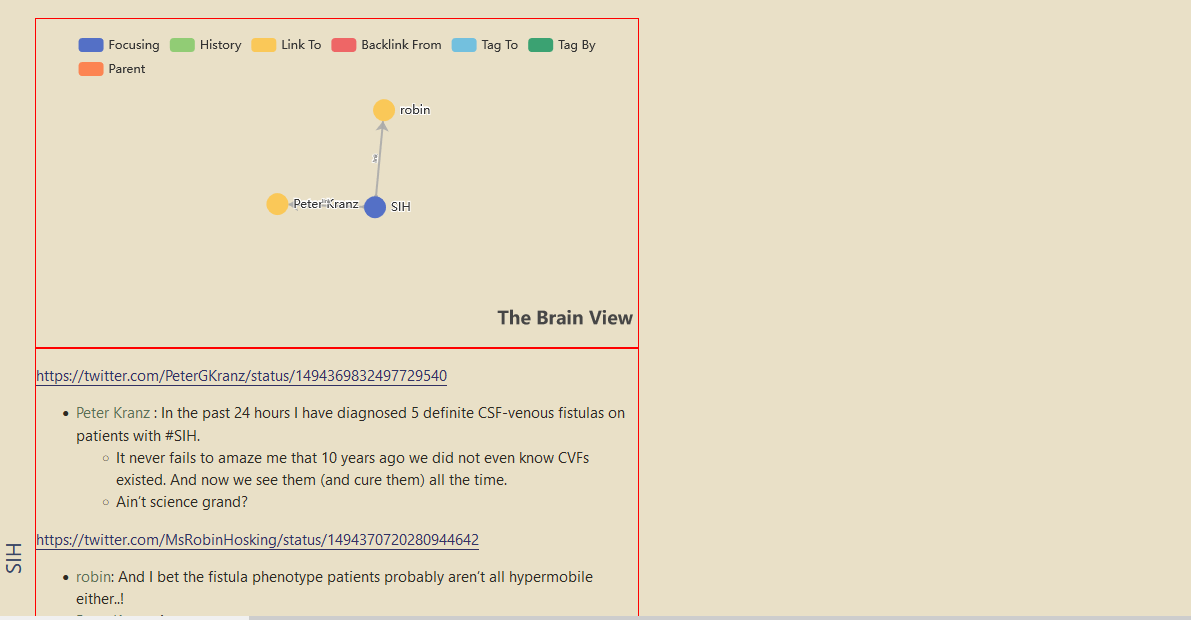
So I deleted the initial code and copied the code from the forum again. Now the .tc-tiddler-body and .rightside are seen one above the other with graph view on the top.
But, in my edited code, you can see if just removing clear:left; will position them correctly. You can also see what happens if the widths are set to 49% instead.