[NEW] The priority field now uses numbers instead of phrases. So it is sortable now. See $:/plugins/kookma/shiraz/templates/body/priority. Task manager table shows the equivalent phrases e.g. “1” for “very low” priority
[FIXED] The tiddler clone column in dynamic table is not added by default now, manually add the tbl-clone into the list of fileds you passed to table-dynamic macro.
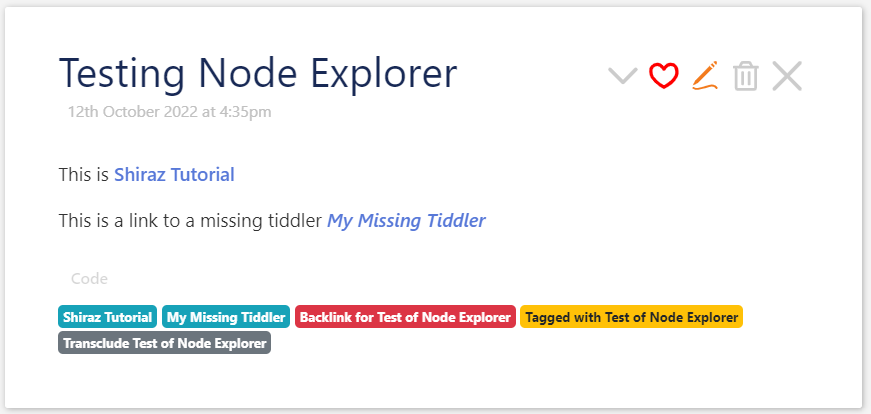
Perhaps this should already be the part of $:/plugins/kookma/viewtemplates/node-explorer-details. Cause it does not make sense to have an explorer in a single exported tiddler.
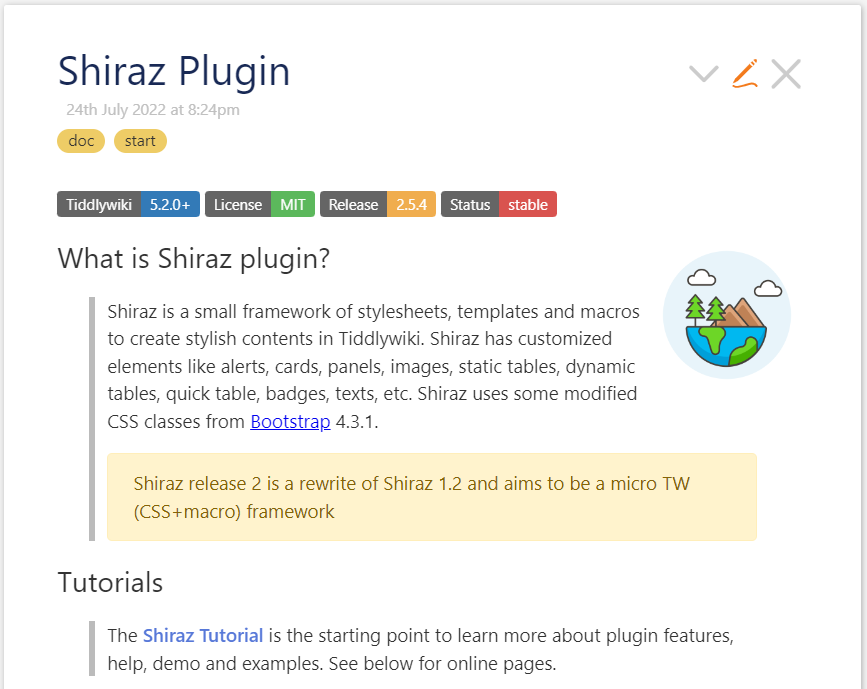
This is an example of using Shiraz and is not part of Shiraz plugin!
I think exporting tiddlers and creating static page is a different topic. I am sure this has been discussed before.
Please make search in forum and look for customizing export to html.
@Mohammad I was just reviewing Shiraz and realised one thing that reduces my use is finding the details quickly when I need it. I realised that a cheat sheet with “minimal but sufficient information”, in a single tiddler would be helpful, and could be included in the plugin.
The tutorial is great for learning yet is appropriately, somewhat verbose. Cases such as “Alert with horizontal divider” is useful illustration but need not be mentioned in a cheat sheet because it is “just” using a --- or <hr> in the content.
I just thought I would mention this. because as a fan of Shiraz Wine and TiddlyWiki tools, I want everyone to benefit from your lovely work.
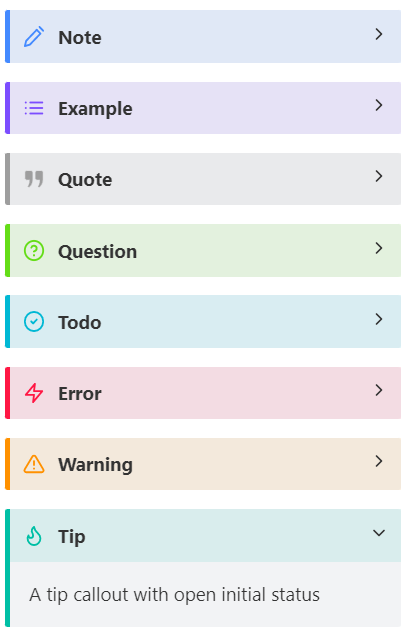
Hey all, callout-details is a powerful successor to telmiger’s details widget, and shares the advantage of being easily exported to static-html details markup.
Its only downside is that it’s not convenient for super-complex non-transcluded content. You’ll have to transclude anything other than simple text strings – or else do funny """ or <div> bookends if you want to jam multi-line dropdown-content into the same enclosing tiddler.
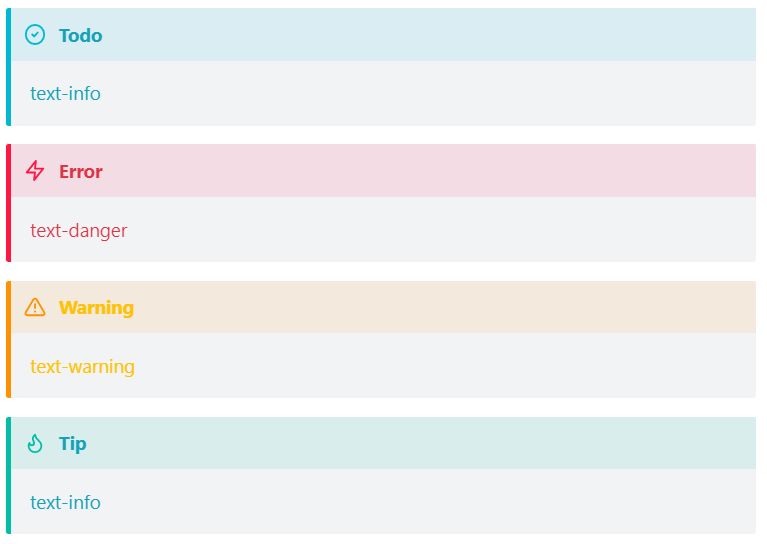
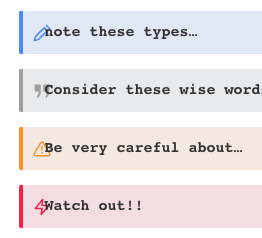
But it’s tremendously flexible, style-wise: it puts a variety of standard (yet of course configurable) “admonition” styles at your fingertips — both with and without details-collapsability.
If you’re interested enough in this, you may well be running telmiger’s details widget already. And converting to shiraz callout-details may take some time (going through to do excise/transclusion fixes as needed).
Minor problem for using both during transition: the css for telmiger’s details widget conflicts with css for Shiraz callout-details: callout-details summary bars render with text overlapping icons (and they also lose the visual caret-icon cue for collapsable GUI):
Quick solution: put the following in a tiddler tagged $:/tags/stylesheet, thus cancelling out the offending bit of telmiger’s css (whose negative text-indent causes both the icon overlap and the disappearance of caret-icon):
Perhaps you did not see that I had already found the bit of responsible css in the details widget – and was posting the small bit of code needed to get the two solutions to play well together?
I saw your solution! but that solution affects all details in a wiki so it absolutely has side effects.
The callout plugin uses namespace for CSS styling! so, it works fine and does not change the styles of other details elements.
That problem is with $details widget plugin! You will have such problem in any wiki in that the $details widget has been installed.
It is not a good practice to change property of a standard html element globally! We only do this in stylesheet like normalize.css. So, please wait to see what @telmiger thinks on this.
Hi @Springer, thank you for exploring this and for providing a fix at the same time.
When I wrote the Details plugin, not all browsers were equally good at supporting the details HTML element. So the not so good practice mentioned by @Mohammad was a feature in my eyes at that time, fixing the quirks of browsers for all details elements in a wiki, hand written as well as generated by my widget.
I think Springer is on the right track by switching from my Details plugin to a – for her use – better and newer solution. Her temporary fix makes the transition smoother, so I am grateful for the comment and hope other people on the same path will find it.
The details widget did that and so much more! It has played an essential role in every project I’ve developed, for a few years now. I still think for some uses it’s the most powerful tool, since it’s very easy to generate and edit complex structures (including nesting details) all within the same tiddler.