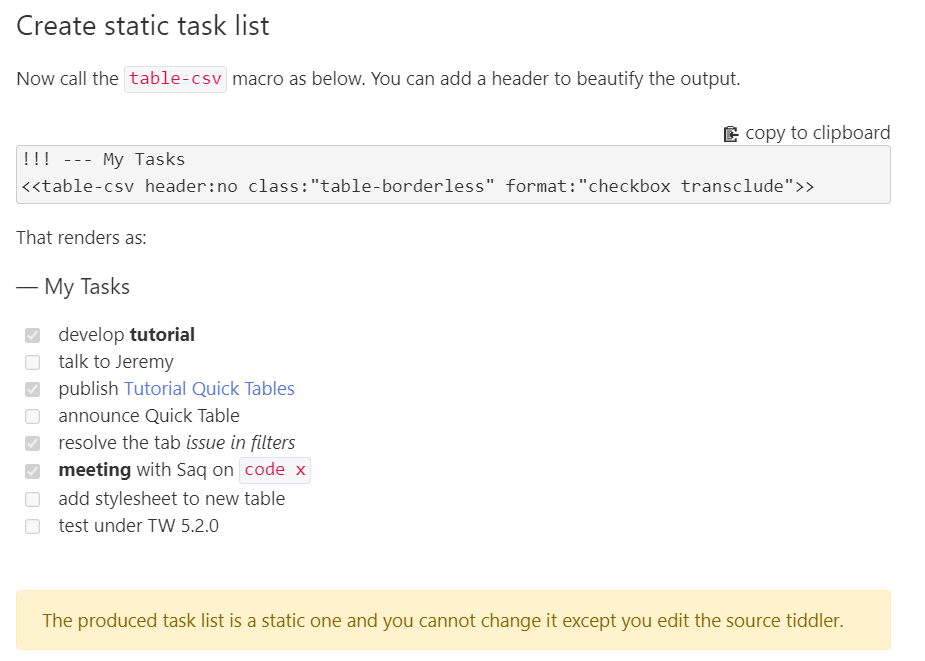
Shiraz plugin just got a new update. Its quick table (table-csv) has got new column formatting macros, and makes creating table of math and chemistry formula very easy and fast! It also extends the static todo list (from 2.4.0) to new interactive todo list from plain text!
Shiraz is a small framework of stylesheets, templates and macros to create stylish contents in Tiddlywiki. Shiraz has customized elements like alerts, cards, panels, images, static tables, dynamic tables, quick tables, badges, texts, etc. Shiraz uses some modified CSS classes from Bootstrap 4.3.1.
Changelog
Revision 2.4.2
Date: [10th Sep 2021]
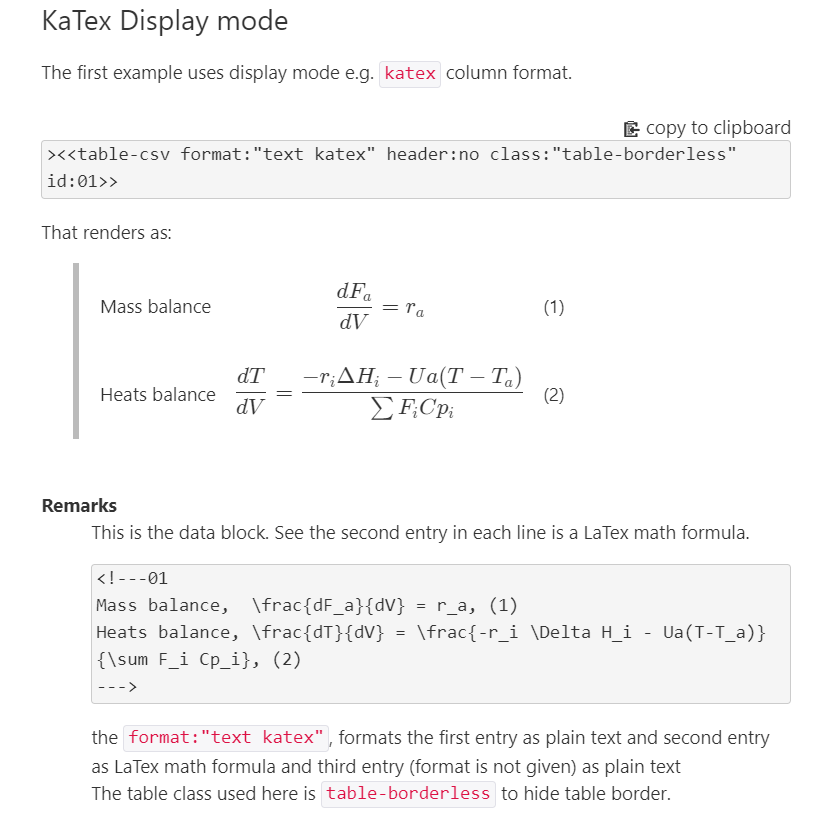
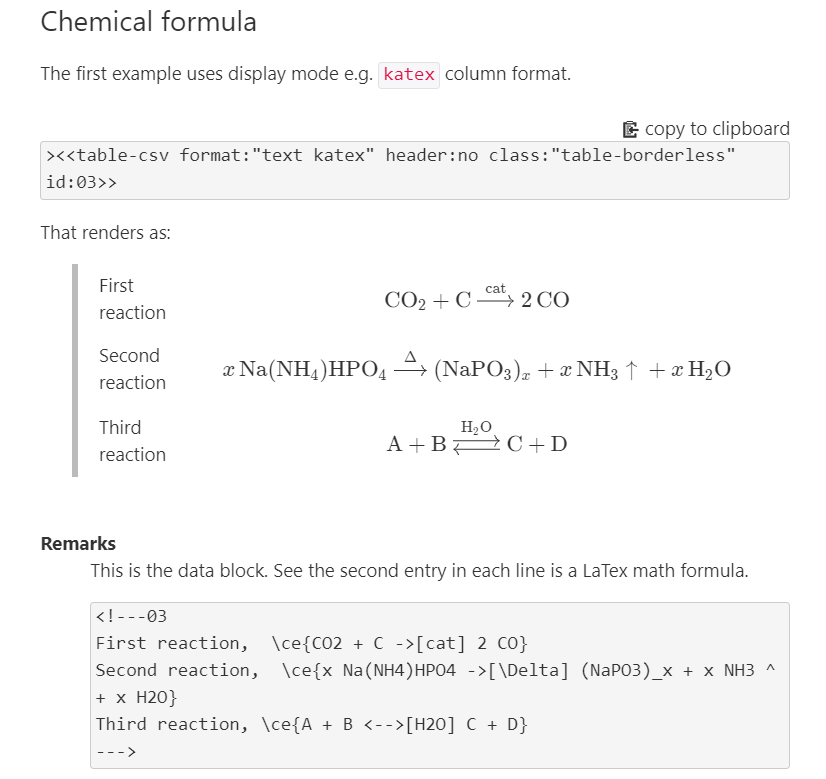
[NEW] quick table support for mathematical typesetting using official ~ plugin
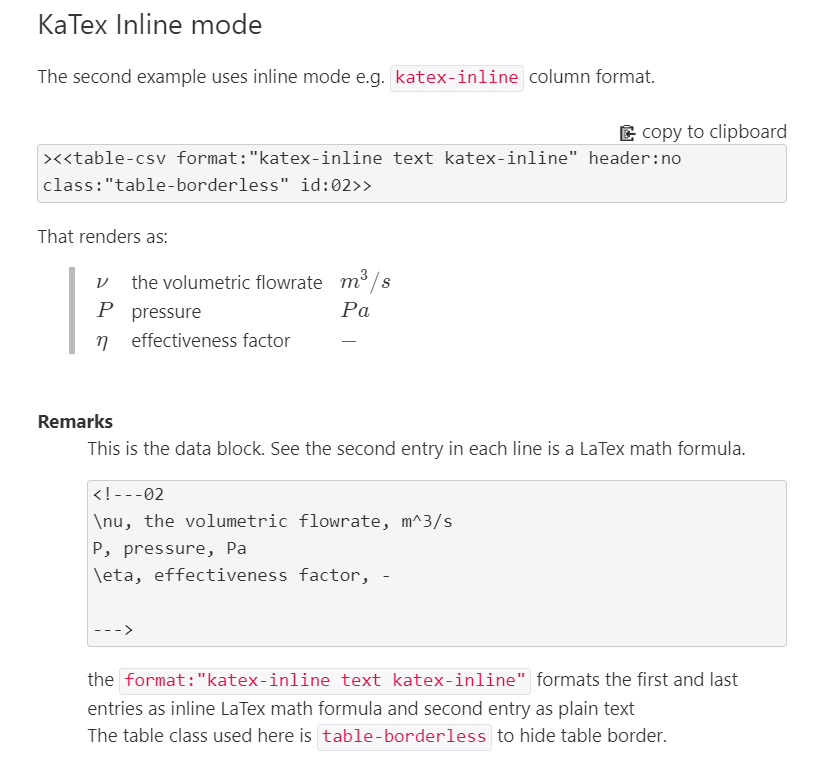
[NEW] quick table new formatting macros
[FIXED] quick table documentation
Revision 2.4.1
Date: [1st Sep 2021]
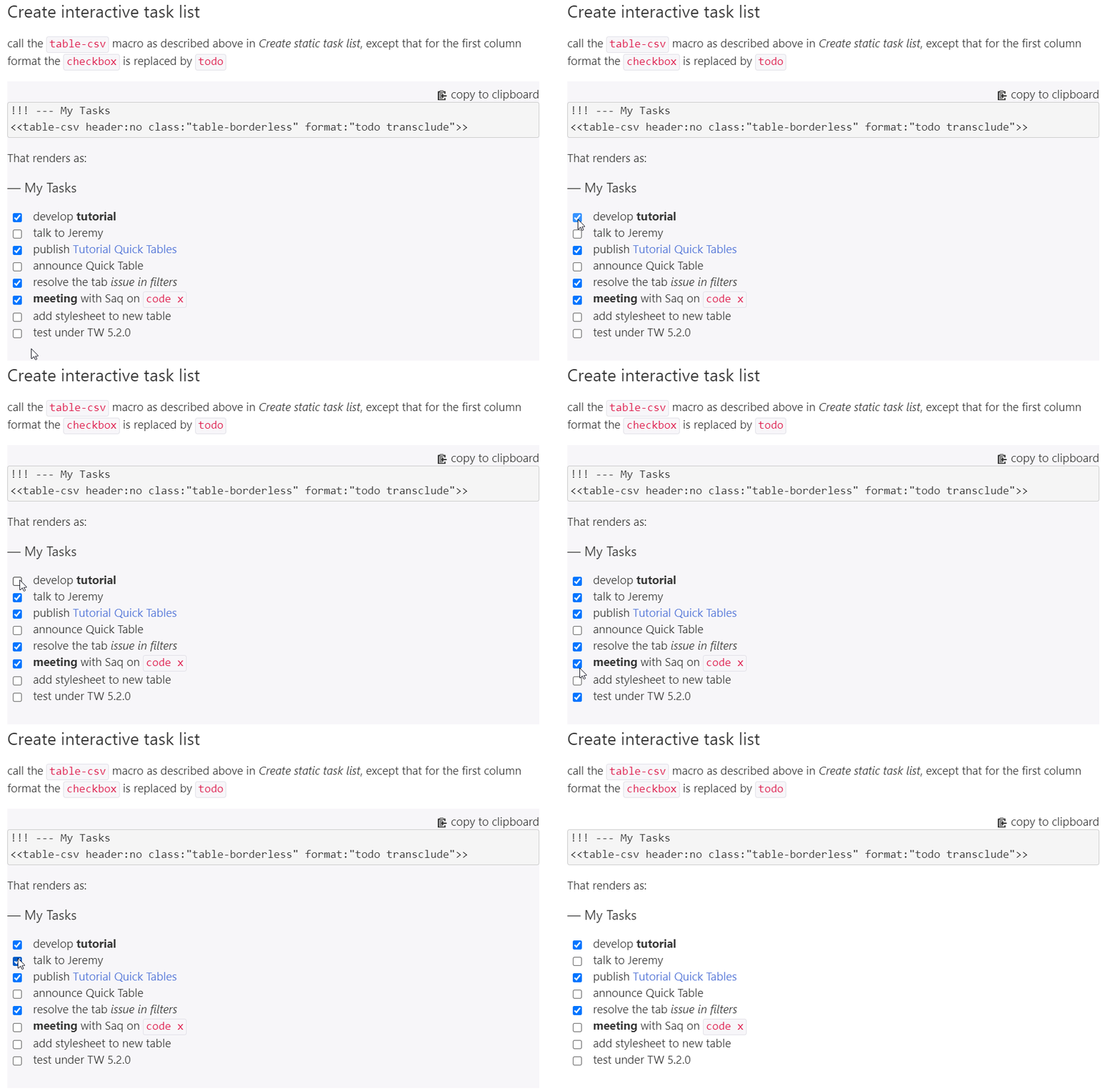
[NEW] interactive task list for quick-table is added
[NEW] quick-table can read date entries in form of yyyy 0dd 0mm with any delimiter e.g. 2021.09.5, 2021-09-05, 2021 09 05, 2021/09/05, or mixed of these formats.
[FIXED] quick-table documentation has been improved
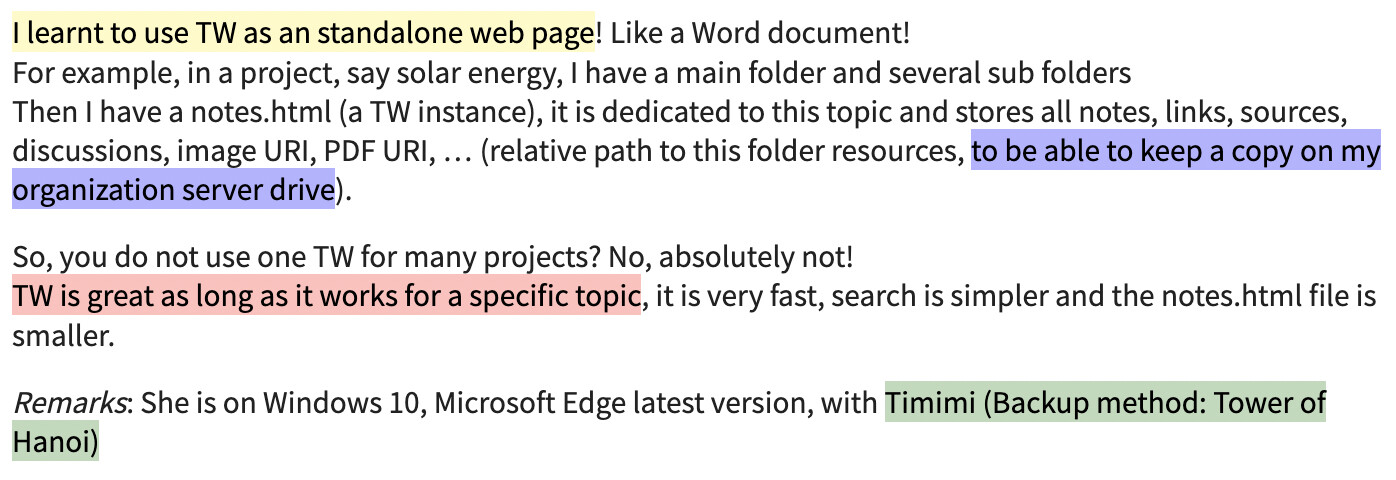
you need to remember the color codes if you want to use multicolor highlights
Most good highlighting apps available online use gradients instead of a solid color, which creates better looking results
I think having direct macros like <<hly "hello world>>to highlight with yellow gradient, <<hlr "hello world>> to highlight with red gradient, would be more useful.
What do you think?
Are you open to this contribution to the Shiraz plugin? Or would you prefer me to add these macros in a standalone plugin?
The macro accepts color names while it accepts color functions and color codes.
Note that names are thise you use in real life: red, blue, yellow, lightblue
links has been given for html standard names,
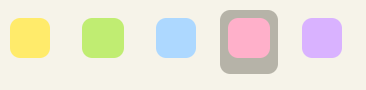
Most higlighter app provide only 3-4 colors. So for our usecase, 3 macros should be enough.
True. But the famous colors like red, yellow do not make for attractive highlights. As I mentioned, highlighter apps use linear gradients instead of solid colors.
For example, the colors you need in the following screenshot from a highlighter app are not solid html colors.
True and this is a great feature. But that’s my point. In the current form user will have to remember to use rgba(255, 153, 153, 0.7) to get similar highlight.
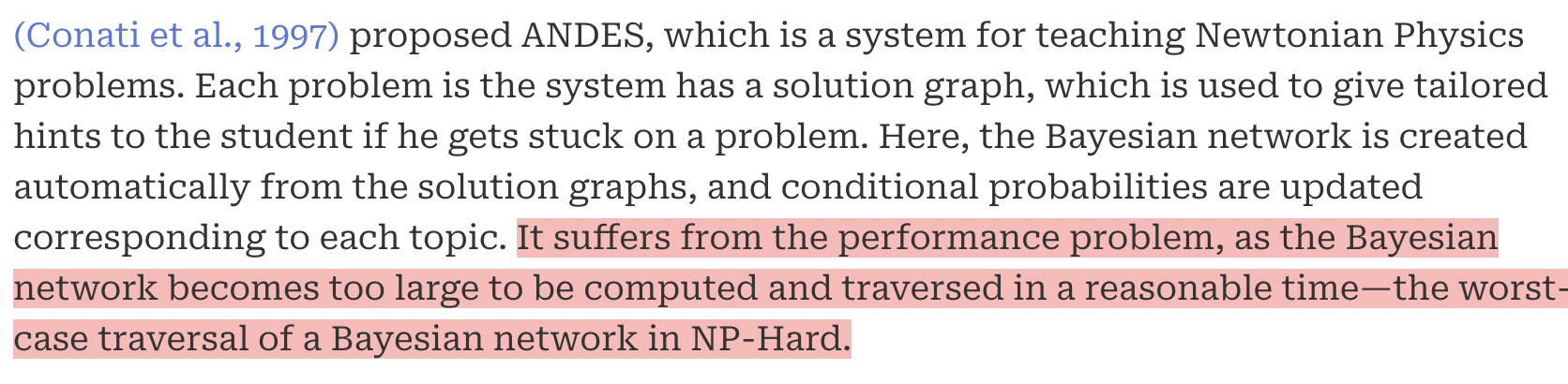
For example, in the following screenshot from my TW, I used bc macro with rgba(255, 153, 153, 0.7). Next time, if I want to use the same highlight color, I will have to remember to use this clumsy piece of code, rgba(255, 153, 153, 0.7).
Note: CSS also accepts 8-digit hex for RGBA values. While you still would have to remember the “magic code” for the desired highlight color, you could write #FF9999B2 instead of rgba(255, 153, 153, 0.7), which is, perhaps, easier to remember, and certainly easier to type.
I just wanted to show you how flexible is the bc macro.
By the way it is simple to do what you want:
Consider you like to have custom macros for below cases
<<bc src:"This is a text.">>
<<bc src:"This is a text." color:"lightcyan">>
<<bc src:"This is a text." color:"lavender">>
<<bc src:"This is a text." color:"#C9FFB3">>
<<bc src:"This is a text." color:"rgba(255, 99, 71, 0.25)">>
which produces five most used colors for highlighting

 !
!