Clipping 100MB ~ 1GB of website and images into an HTML might sound horrible, but storing 1GB of images or 30k of tiddlers won’t have a significant performance impact in NodeJS Wiki / TidGi App. (What I’m currently doing and already have), so I’m using NodeJS wiki instead of HTML version after 2019.
My Tiddlywiki is served by node js v18.20.4 and I have successfully installed pnpm.
In the extension’s options I chose TidGi-Desktop (although I don’t use this app but didn’t see an option for standard Tiddlywiki) and entered my nodejs uri: http://192.168.4.100:8080. (Understand this is not an API but I don’t have one).
I’m confused by what you mean by NodeJS API. I access my wiki with http://192.168.4.100:8080 which is a linux server hosting nodejs and my wiki files. I can’t use http://localhost:8080 since there is no server running on my local host.
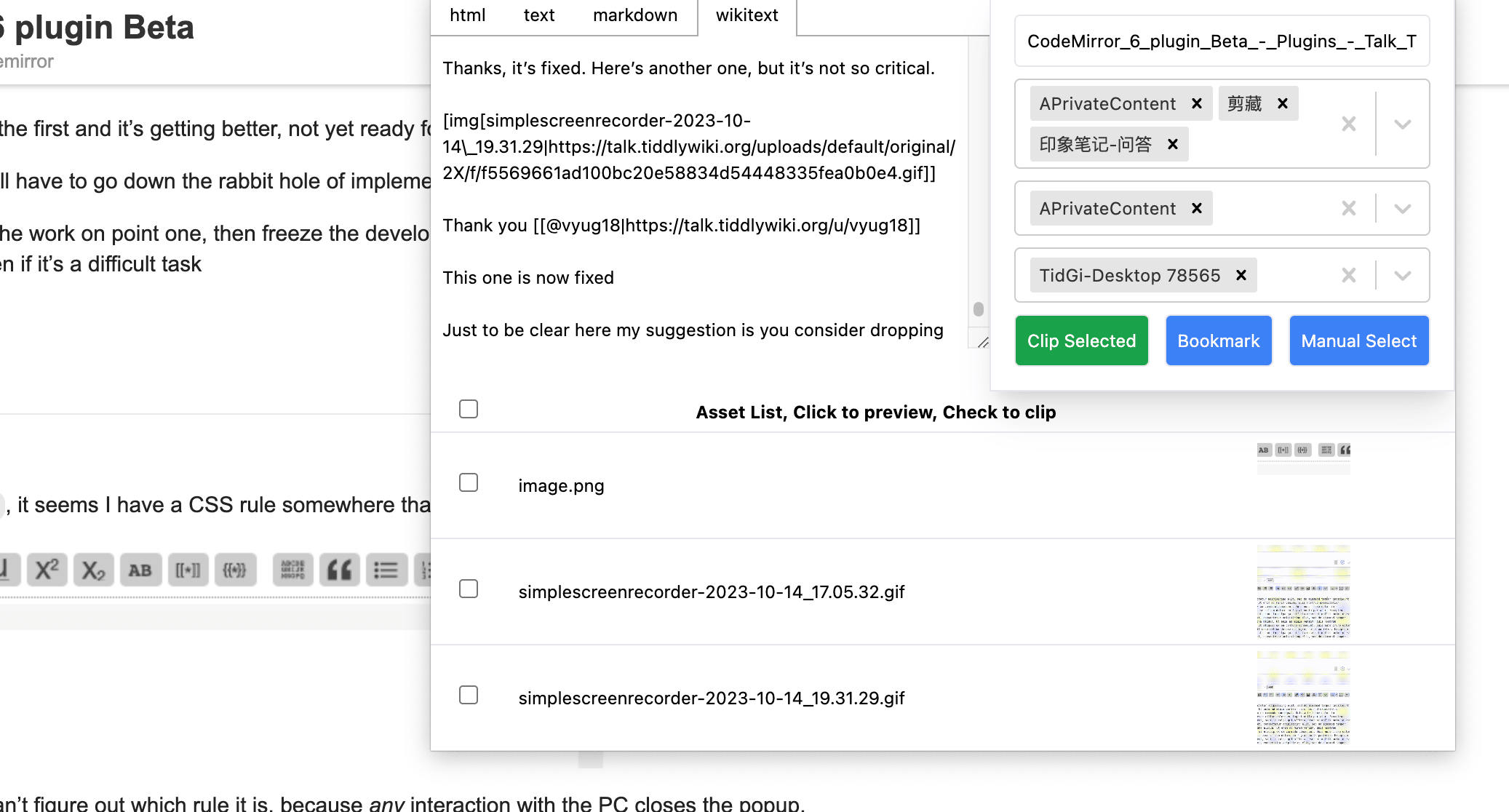
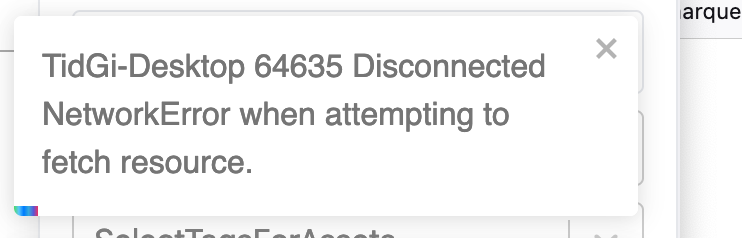
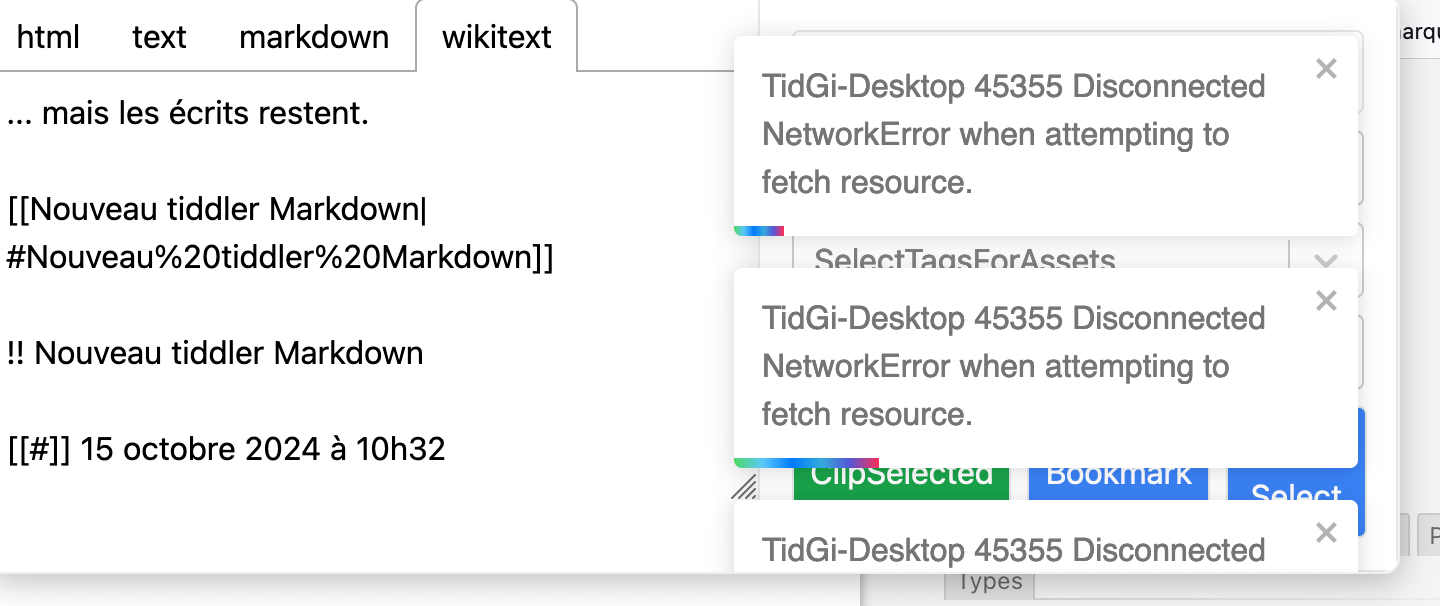
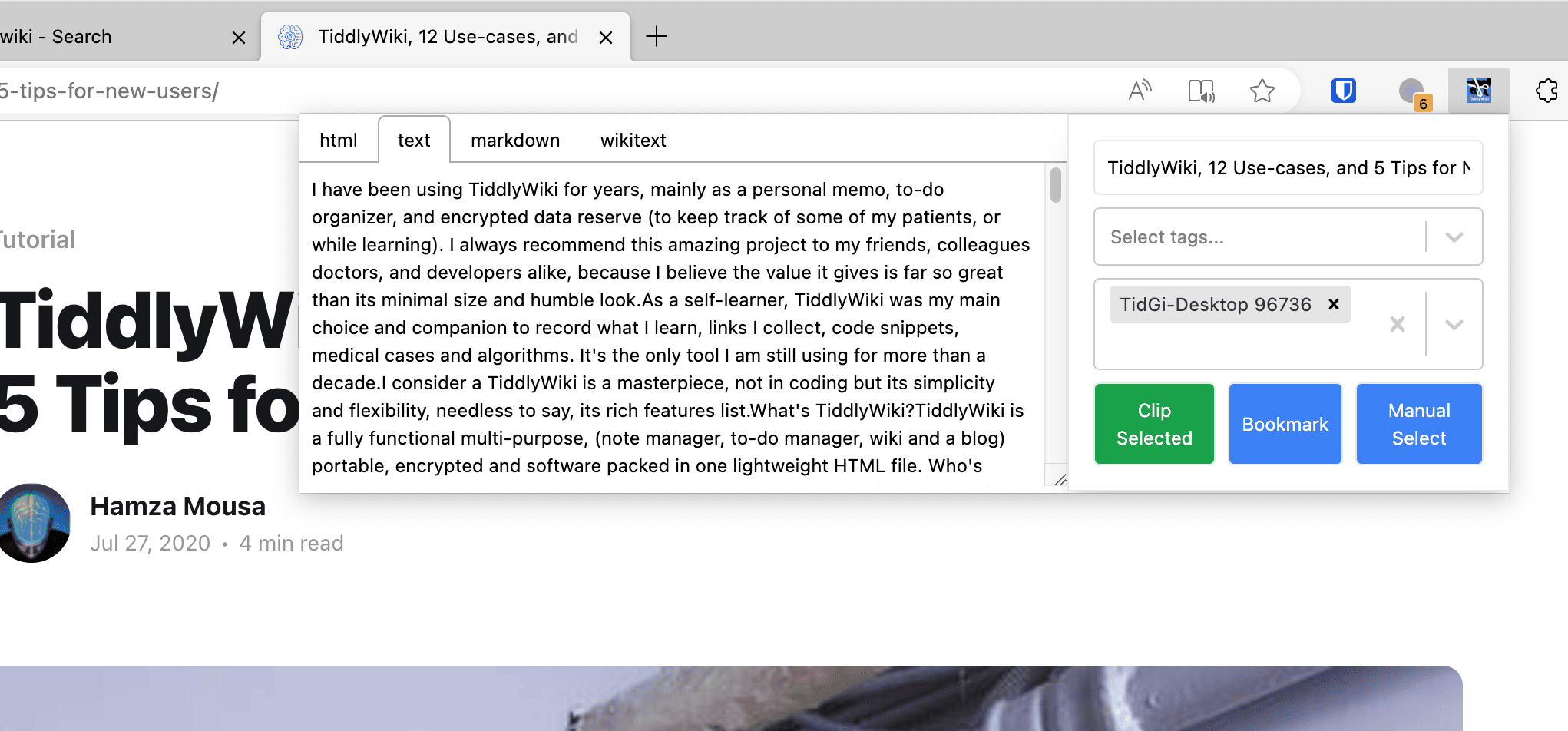
I still have the error message but at least this morning I got within the plugin’s window the wikitext of a markdown tiddler opened in my browser. I had to manually select/copy and paste into a new text/vnd.tiddlywiki tiddler to complete the conversion which is great, although I think your plugin can do this for me (if it can write to nodejs).
The problem seems to be that the plugin can’t access my nodejs server (and this also is what the error message says).
I am a very basic user of nodejs, actually I use it only to serve Tiddlywiki. I saw on your website an example of a url localhost:5212 so I guess that my TiddlyWiki server address ending with :8080 isn’t an API url…
I probably need to do something on my nodejs server to get a server API port? Am I right? If so, could you please lead me to a nodejs explanation to set this up?
Have you tried 192.168.4.100:8080/recipes/default/tiddlers.json? Can you access it? Also try 192.168.4.100:8080/recipes/default/tiddlers.json?filter=[tags[]] . This is the easiest way to know if your server is providing API.
I think extension it self is working, you can try use it with TidGi Desktop https://tidgi.fun/ , if you are not a technical person. Or you can start a new post in the forum about this issue, because I think it is not relevant to clipper extension now.
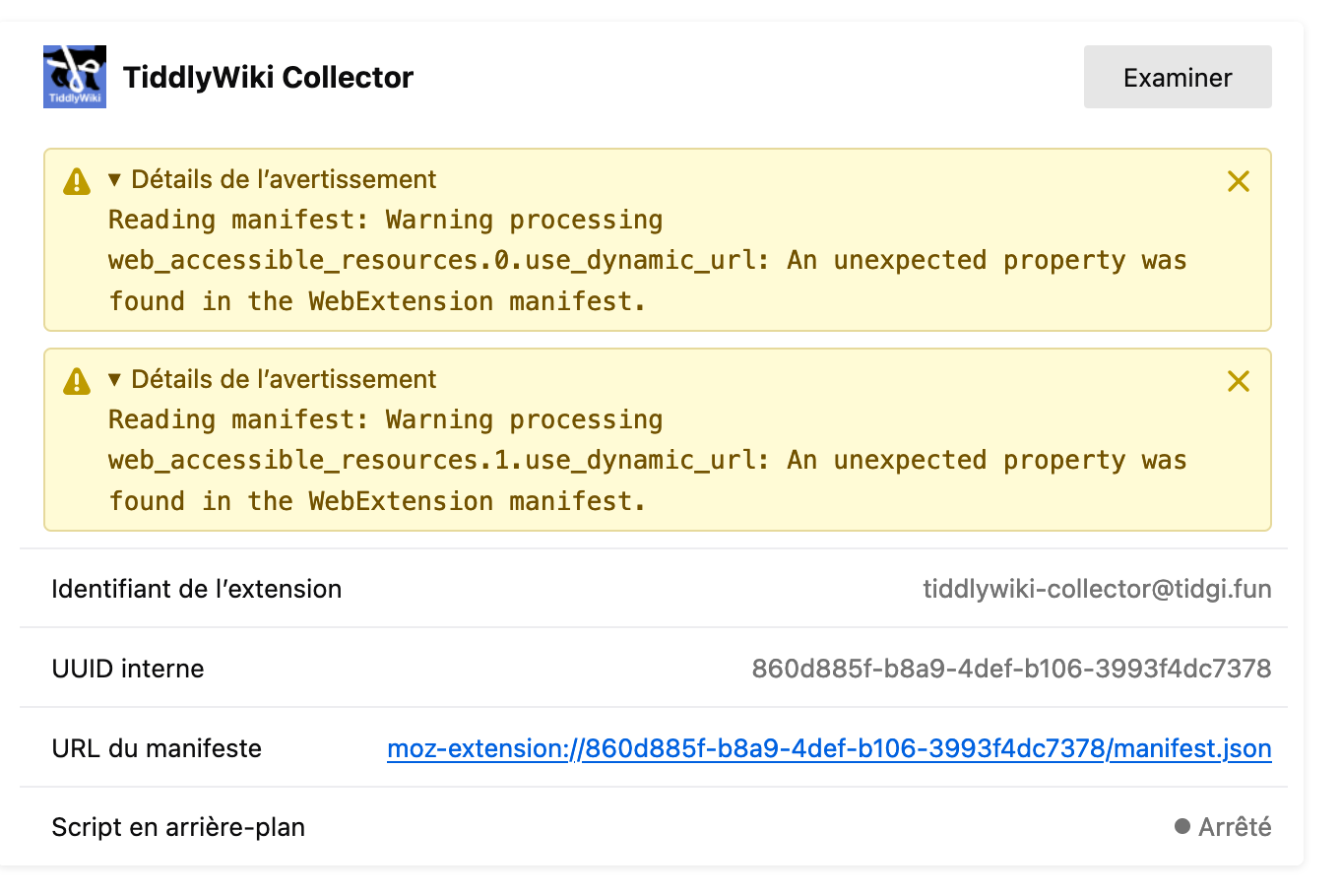
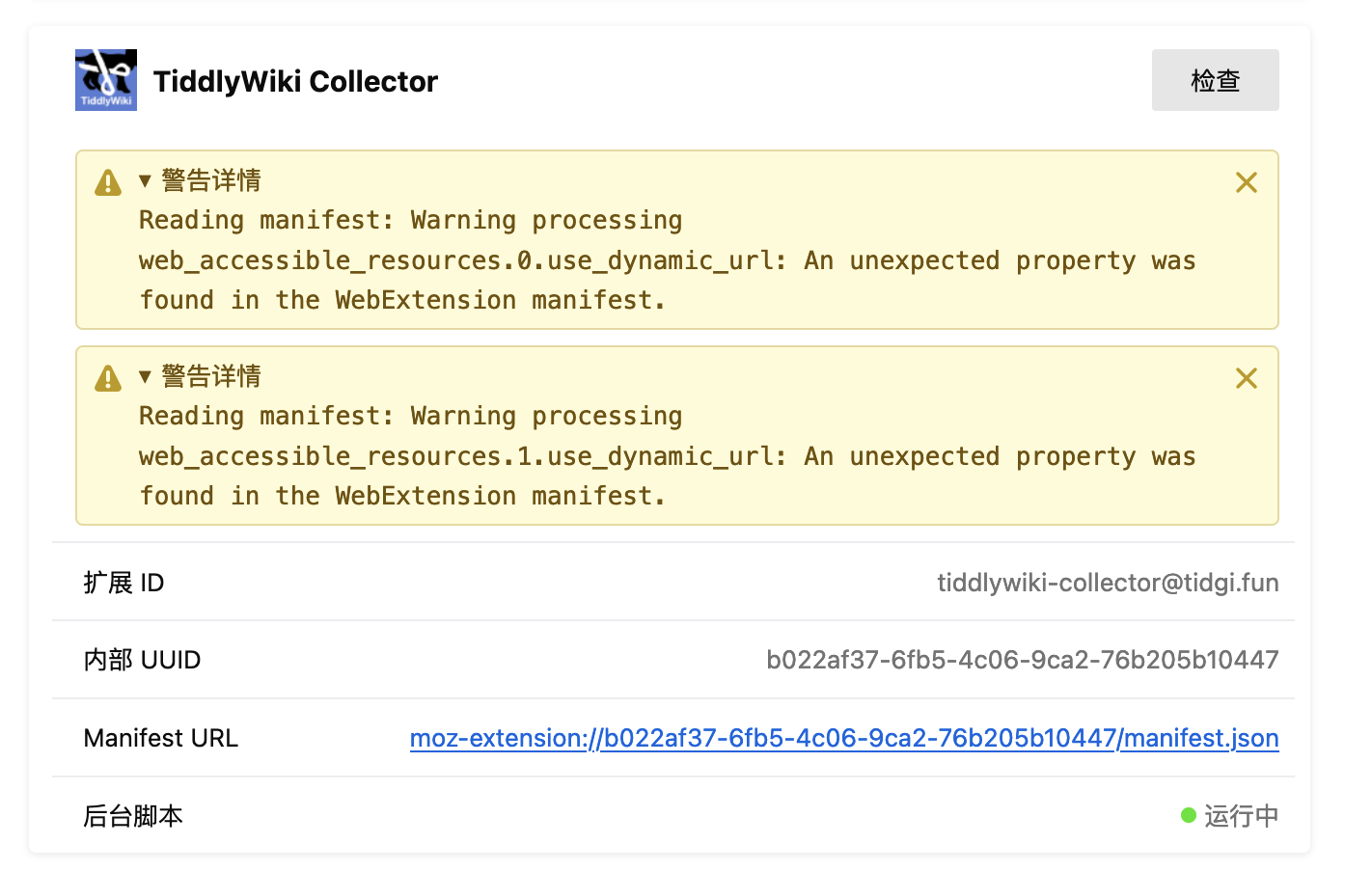
I got the following 2 warnings about your plugin after going to about:debugging#/runtime/this-firefox (in the address bar). Not sure if this could be related:
I see, this is OK, I also have this in about:debugging#/runtime/this-firefox , but note that my uuid is b022af37-6fb5-4c06-9ca2-76b205b10447, if this isn’t unique for each user, then you might not using latest version v0.6.0 ?
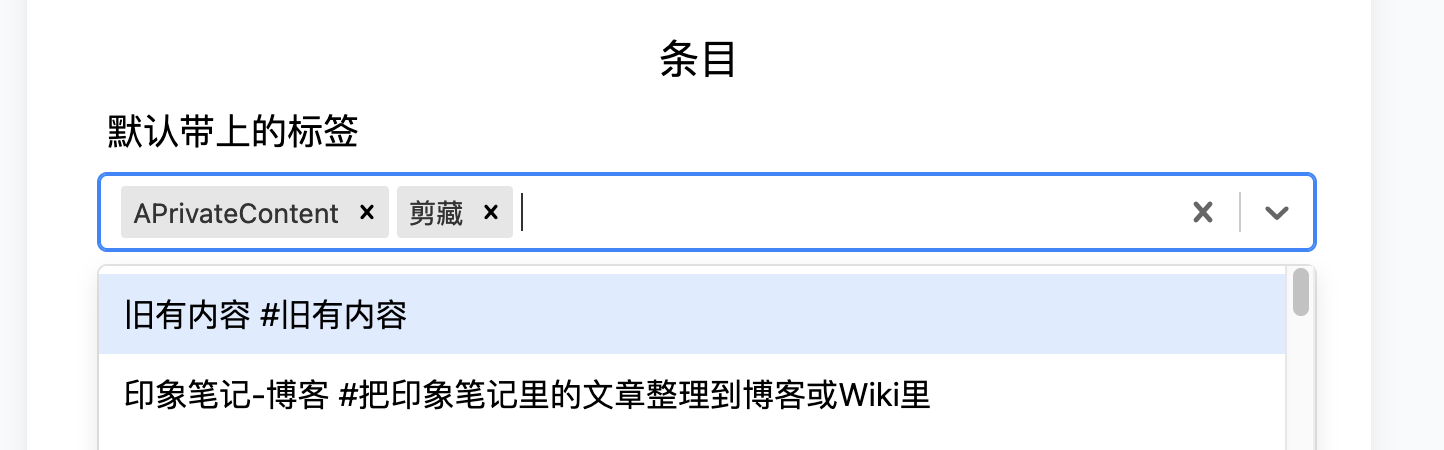
Usually it can load your tags list in the config, so you can add default plugins, is that work for you? I can confirm it works with my TidGi app’s HTTP API on my Mac.
I tried my local IP http://10.100.1.117:5217/, and it show the same error! So maybe for security, Firefox block the request to any other server, you can only send request to the localhost.
So the solution is, You need to use http://localhost:xxx instead of ip like https://192.168.4.100:8080/
Anyway, at least it works with TidGi app, that is it originially designed for.
So maybe if you don’t use TidGi app’s free localhost http API, you will need to setup a HTTPS for your remote server API. http:// is only for localhost, for remote you will need “s” in https://192.168.4.100:8080/
This is what I guess, I don’t have such server to test now.
SOlution:
You need to use http://localhost:xxx instead of ip like https://192.168.4.100:8080/
@linonetwo Your last comment remembered me that I have the Firefox https everywhere plugin activated, so I deactivated it and tried again.
No success.
Changing http to https means I need a proxy server on the nodejs server. I don’t really have such a need as this server isn’t exposed to the Internet, only local lan.
Still I may install one and test this later. Thank you for following up.