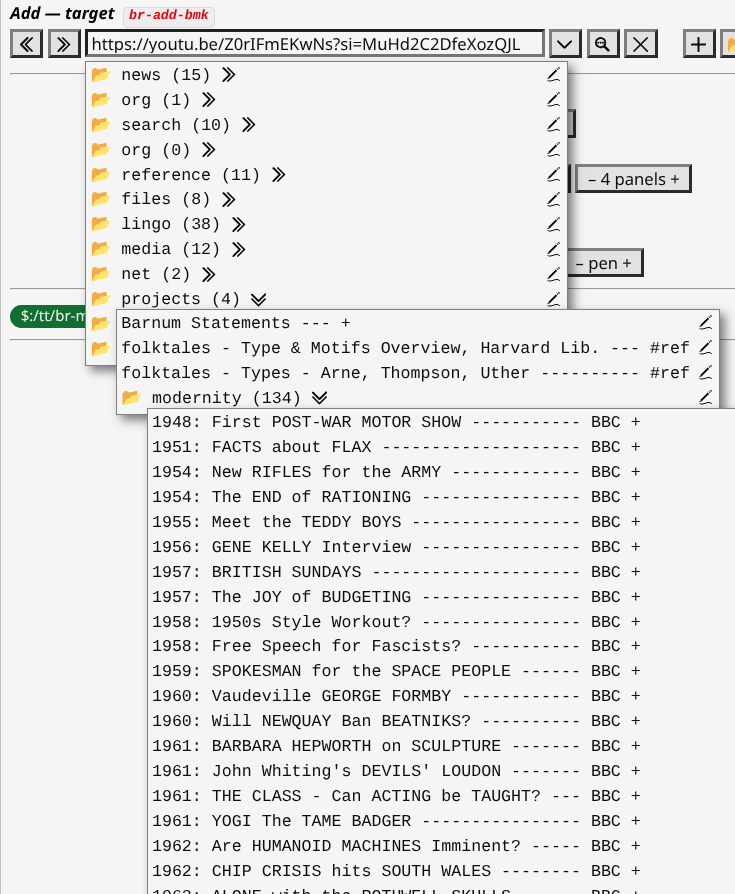
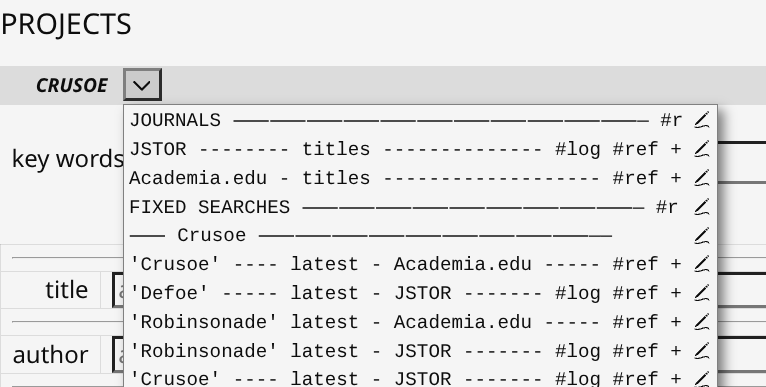
I assume that the dividers (i.e., ---- REFERENCE -------) are actually bookmarks with some “dummy” URL values, but I wonder why you didn’t just use separate sub folders?
-e
I assume that the dividers (i.e., ---- REFERENCE -------) are actually bookmarks with some “dummy” URL values, but I wonder why you didn’t just use separate sub folders?
-e
Actually I just edited the JSON and the urls for them are all empty.
It seems to work fine!
If by accident you click on one of those “headings” the menu just seems to exit.
Am I doing something wrong?
TT
Ah. Good question.
Actually I will add folders to many resources later when I’ve prepared them.
For the use case that folder is the Single “Overview”.
I do want it undivided.
Best, TT
EASY APPLICATION, GREAT FUNCTION – #1
This is just an example of how flexible the miniBrowser is …
Background assumptions …
(1) you have converted a bunch of your browser Bookmarks to miniBrowser format that you’ll use regularly;
(2) you need a simple way to use those;
(3) you don’t need to edit them, only click them;
(4) you understand miniBrowser CSS.
The combination of “intelligent loading / unloading” of iframes in the miniBrowser WITH fine-grained CSS of it’s UI gives enormous scope on different ways to present output.
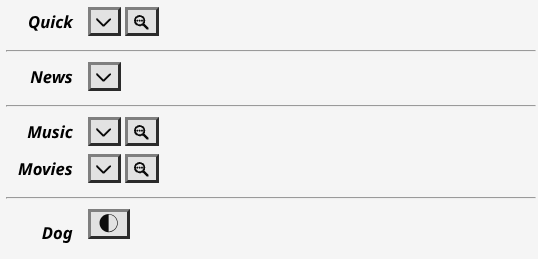
Here is one minimalist example I already use in the Sidebar …
I used miniBrowser CSS to hide the iframe until it is loaded. Hence only 3 icons show. Nothing else is needed.
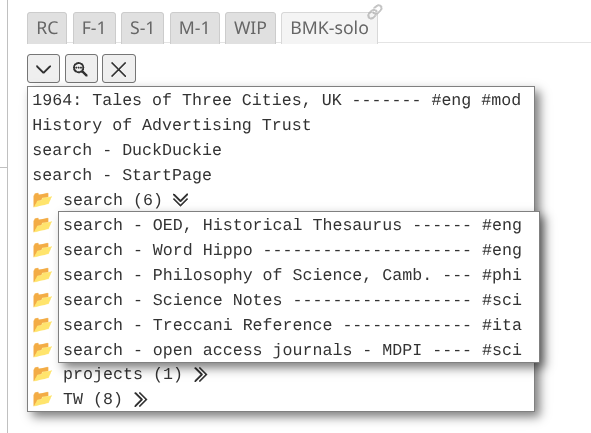
The Down Arrow enables selection of any link …
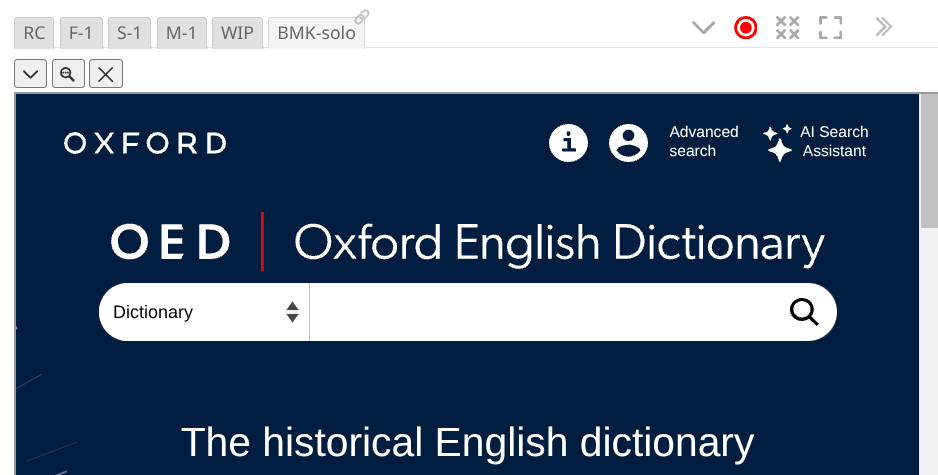
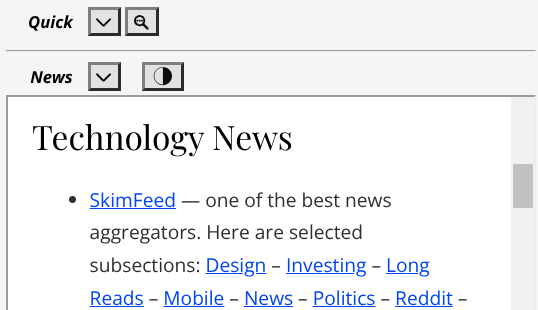
… that opens the selected address in an iframe, like this …
.
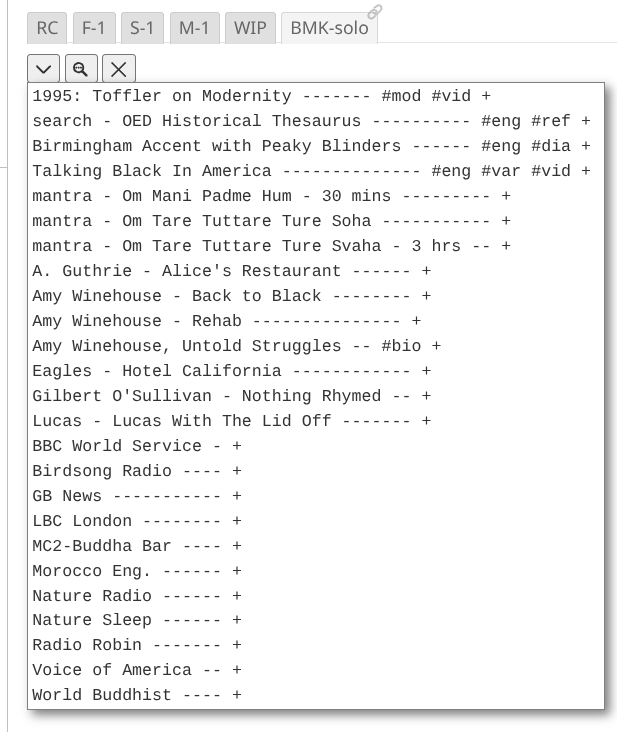
The Magnifying Glass Search is confined to externalised sites. Those with Suffix “+”…
Click a link and a browser tab opens for it. In the TW nothing changes.
Clicking the X icon clears any iframed site.
The code for all this is …
<$let width="100%" height="50vh" name="br-bmk-only" folders="$:/config/TiddlyTools/Bookmarks" find="[suffix[+]]" extlink="+" zoom=".75,1">
 <span class="tt-bmk-only">{{TiddlyTools/Panels/Browser}}</span>
</$let>

[CSS omitted]
It is marvellous,
TT
Reminder: you don’t need to set variables if they are using the default built-in values. Thus, in your posted code, you can write:
<$let name="br-bmk-only" find="[suffix[+]]" zoom=".75,1">
Also, I’m interested in seeing your CSS so I can add “Customization” info in the help documentation.
-e
Yeah. I know. And it is better that way.
I’m just trying to get a few more uptakers understand the options.
It is a brilliant tool
TT
@EricShulman I wanted to follow up on this and thank you for allowing custom extlink.
I now have practical examples of how that helps (in combination with the find filter).
Case 1: Routine external links that can’t be iframed. I use standard suffix
"+".
Case 2: Optional external links that can be iframed but sometimes need to open in a new tab for complex searches. I use suffix
"⇗".
Case 3: Internal (local files) & external links to music. Some iframeable, some not. So, open in a new tab for audio player consistency. I use suffix
"🎵".
You get the idea?
The suffix I’m using to good effect to easily differentiate types of link.
Just comments
TT
Update for drag-and-drop handling to re-arrange bookmarks:
Also, URLs are now automatically wikified before being applied. This allows you to use transclusion shortcut syntax (i.e., {{tiddler!!field}}) or global macros/procedures (i.e., <<getMyInput>>) within URL strings!
This makes it possible to use TiddlyTools/Panels/Browser to dynamically construct URLs for search engines. For example, to submit a Google search with the TiddlyWiki sidebar search input, you can use
https://www.google.com/search?q={{$:/temp/search}}
enjoy,
-e
Whoa! Super useful!
For instance I need to use a search engine without AI generated results sometimes.
Now I can via a “dynamic” miniBrowser bookmark! …
https://{{opts!!pre-ddg}}duckduckgo.com/?q={{$:/temp/search}}

... the value "pre-ddg" is set to "noai." if no AI is needed.
Efficient, easy.
TT
I assume that you are saying this within the in-wiki Browser solution specifically. Are you using the $wikify widget and could it have performance issues? I am just curious.
Yes… I am using $wikify within the TiddlyTools minibrowser, just before setting the URL in the IFRAME (or before sending tm-open-external-window).
This is a completely reasonable use of $wikify, since it enables URLs to be dynamically constructed from any wikiscript syntax you need (typically a simple transclusion of a field or index value).
Also note that the performance of the $wikify widget is generally only of concern when it is invoked multiple times from within a loop.
In the TiddlyTools minibrowser, this is not a problem because $wikify is being invoked just once in response to a deliberate user interaction (choosing a bookmark, pressing enter from the URL input, or clicking the “open in separate window” button).
-e
True, but functions or “Substituted attribute values” (backticks) can do this now as well, but I have not seen any performance comparisons.
I guessed this was the case here.
Functions only handle filter syntax, and backticks only handle filters and basic variable references. In contrast, $wikify handles ALL kinds of wikiscripting, which enables use of much more complex logic such as multi-conditional %if sequences.
-e
Update: added keyboard modifier enhancements to the URL input and the bookmarks:
Previously, in the URL input, you could type/paste a URL and then press enter to open that URL in the IFRAME. I’ve extended this functionality so that you can use modifier keys to bypass the iframe:
Similarly, in the bookmarks popups, in addition to click to open that bookmark in the IFRAME, you can now use modifier keys:
enjoy,
-e
These are just comments …
The CSS in the MiniBrowser is really good and easily enables variant uses like …
url and you only need see that URL you can use CSS to simplify the needed tools to this …You can also hide the miniBrowser viewport until an URL is loaded. This allows …
Closed …
Open …
Just a few examples of MiniBrowser flexibility.
TT
This is a comment.
One showing how useful being able to transclude searches into Bookmark URLs is …
Background: I have a few projects that involve on-going research.
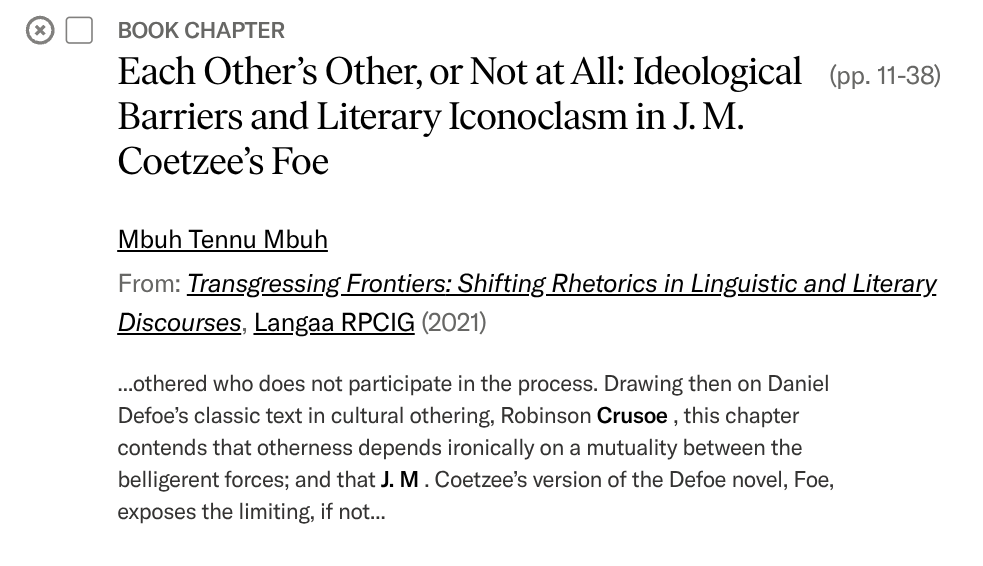
Here is an example of one with dynamic searching enabled through the miniBrowser Bookmark System with Transclusion.
Result …
- Enter Keywords in Search Interface …
- Select Bookmark to pass search through an URL …
- Final Selected Result Output …
Q: What is the point?
A: Makes it easy from within a TW to create, maintain & activate complex bespoke searches. Lightweight. Simple.
It’s a winner!
TT
Side comments to gild the lily.
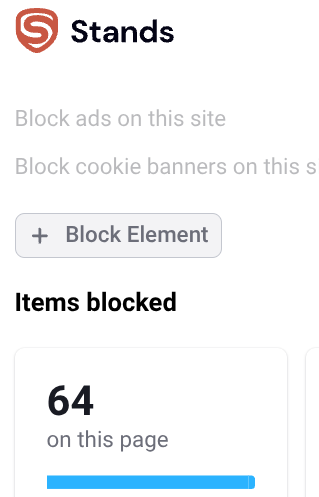
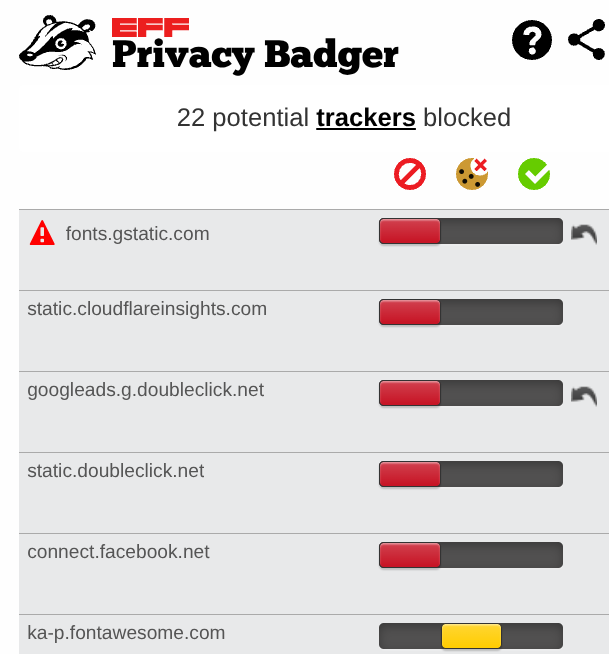
I wanted to check that using many iframed mini-browsers in one TW that …
- Anti-Ads & Anti-Tracking still block cruft in embedded iframes ?? …
At least on this Chrome, on my Chromebook, they do for my TW with many mini-browsers. Detecting and controlling …
Good confirmation all is okay on the standard cookie blocking front with iframe embeds in a TW.
TT
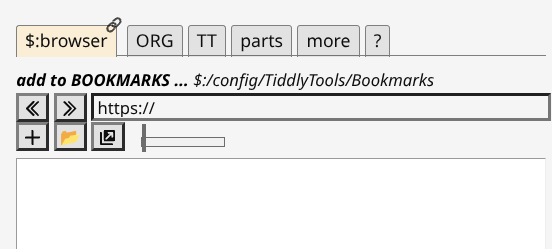
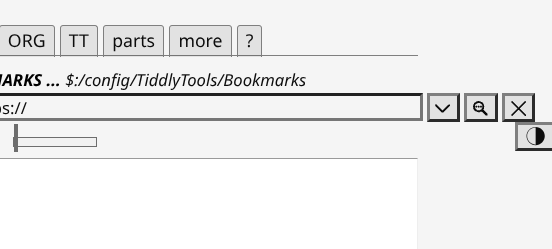
@EricShulman a small issue on your great CSS. I’ll try to explain …
Visible:
Off to Right:
I assume this is because of the use of <nobr> to separate different parts of the toolbar (good idea!)?
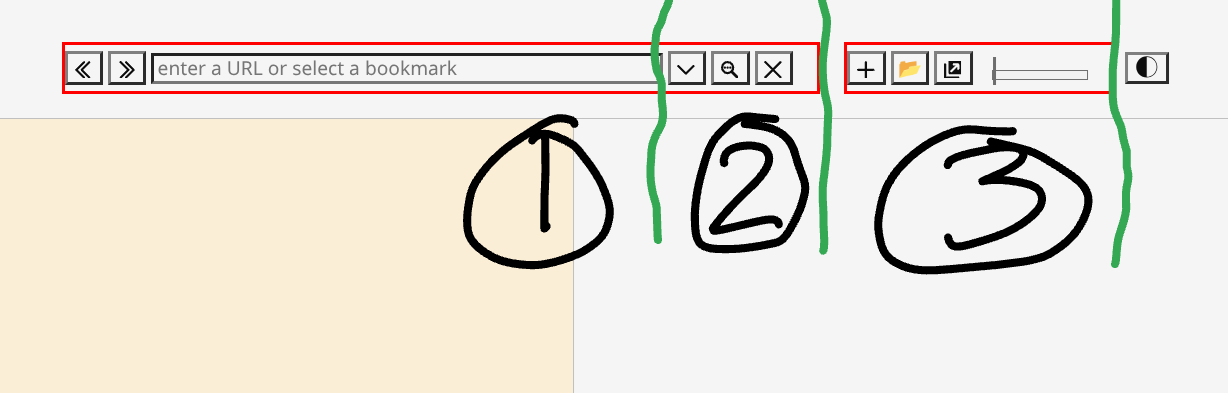
In my understanding the toolbar currently has 2 <nobr> sections like this …
Q: Would it be possible to have 3
<nobr>sections?
Like, for instance …
That should enable good block wrapping in narrow contexts?
Hopeful thoughts,
TT