TiddlyTools in-wiki Browser is super-useful

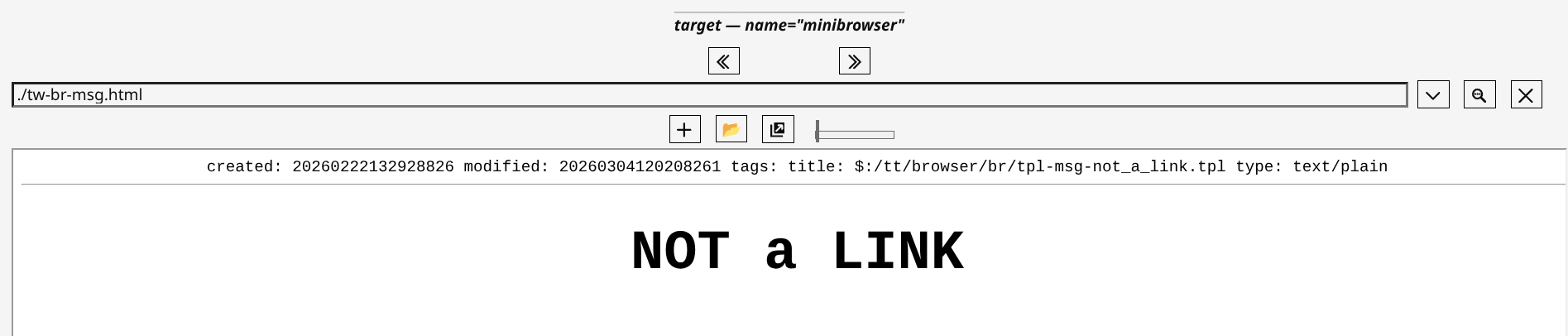
The Minibrowser toolbar now has three “nobr” segments:

  • The previous/next buttons
  • The URL input plus bookmarks dropdown, search dropdown, and clear URL buttons
  • The add bookmark, add folder, open in window, and zoom slider

The reason for this segmentation is that the bookmarks and search dropdowns are closely associated with the URL input and are also aligned with the left edge of the URL input so their buttons should always appear on the same line as the URL input.

Note: to further reduce the width of the Minibrowser toolbar, you can use CSS to adjust the URL input size and folder width, like this:

.tt-browser-url { width:20em; }
.tt-browser-folder { min-width:auto !important; }

enjoy,
-e
2 Likes

Hello @TiddlyTitch,

Could you share a demonstration site for your use of Eric’s browser as a bookmark manager / research project?

One question I have is are you manually editing the bookmarks name or are you using some tools to help create pretty title with tags, categories, sources, …?

BR,

Eskha

Great stuff! Thanks!

TT

@Eskha I’ll answer in some detail as this question is very relevant to beginner use of Minibrowser.

I will explain my situation—which will not be everyone’s.

Notes to Eska on Transitioning from Main Browser Bookmarks to TW Minibrowser Bookmarks ...

  • Step 1: Export your bookmarks to a file from your browser.
    Preferably in JSON format.

FYI in Chrome I used this extension to export a starting JSON.

  • Step 2: Import the Output JSON from (1) into a Regular Expressions based text editor to remove obvious cruft and shape your bookmarks as you need.

FYI in TW the best raw Regular Expression tool for changing text remains TiddlerCommander–Regex (SNR) section. It could well be the best editor for the (2) import.

Though, note, any decent Regex Tool could help you Transition from Browser to Minibrowser Bookmark format.

  • Note 3: The Minibrowser Bookmark JSON format is simple …
{
    "Page Title One": "https://where-it.is",
    "Page Title Two": "./local-file/where-it.is"
}

@Eskha back to answer your original query …

Q: TT are you using some tools.

A: I was. At the start. Not now.

FYI my situation may not be typical?
I maintain over 2,000 bookmarks.
150 I use normally.
The rest are only needed for rare research citations.

May the Browser be With You,
TT

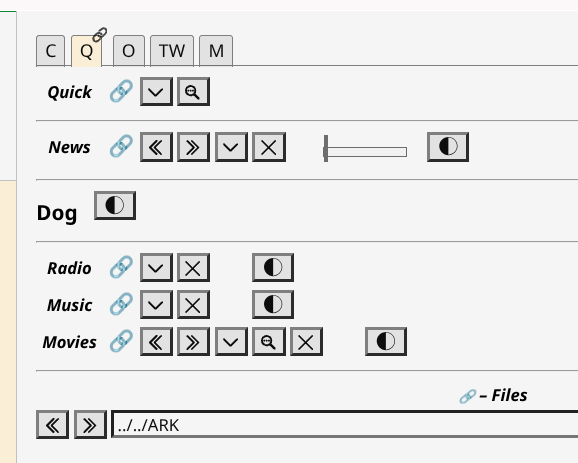
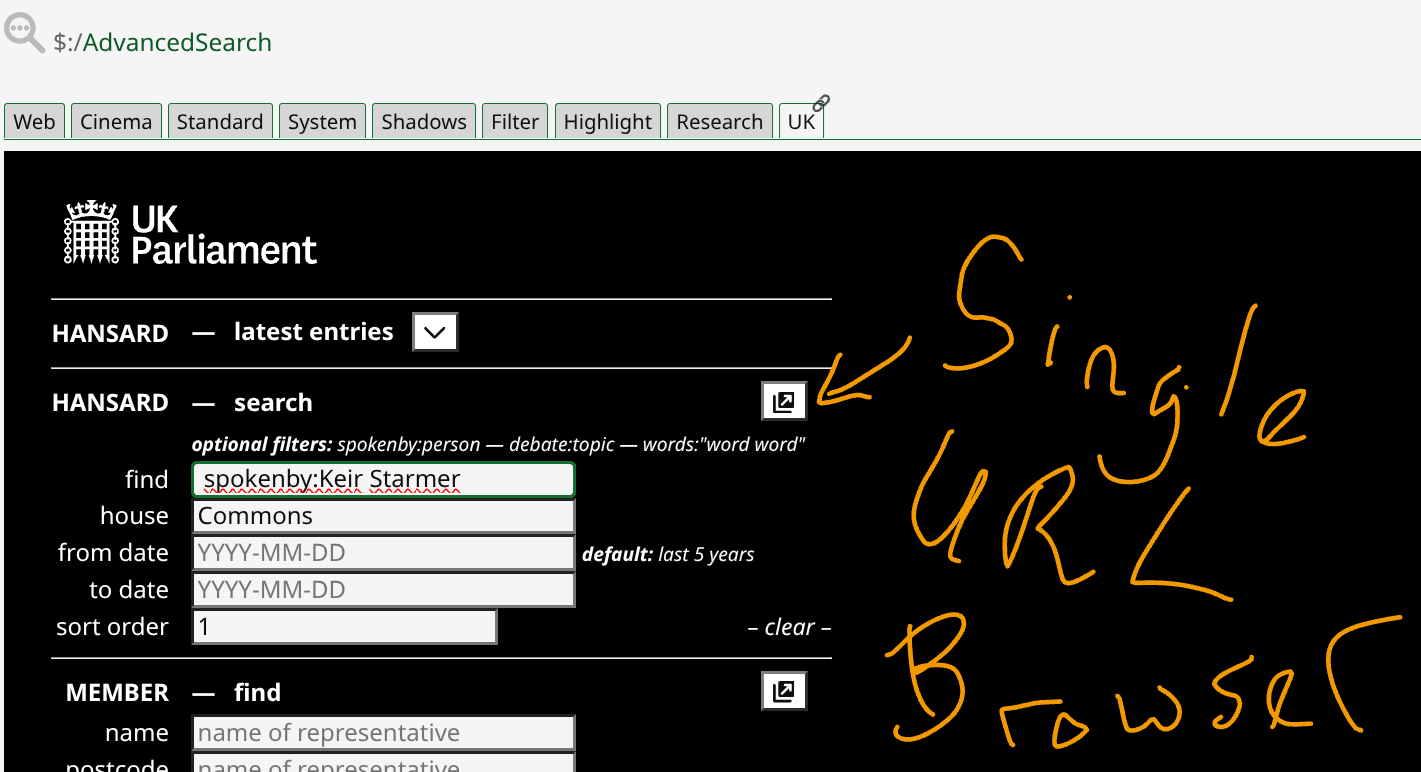
I think another example of Minibrowser URL WITH LIVE TRANSCLUSION would be useful to see …

Interface …

Minibrowser code …

<$let name=“br-searchers-uk-hansard”
url=“https://hansard.parliament.uk/search?
startDate={{$:/config/tt/br-uk-hansard-from}}
&endDate={{$:/config/tt/br-uk-hansard-to}}
&searchTerm={{$:/temp/tt/br-uk-hansard-key}}
&house={{$:/config/tt/br-uk-hansard-house}}
&partial=False
&sortOrder={{$:/config/tt/br-uk-hansard-sort}}”>

TT

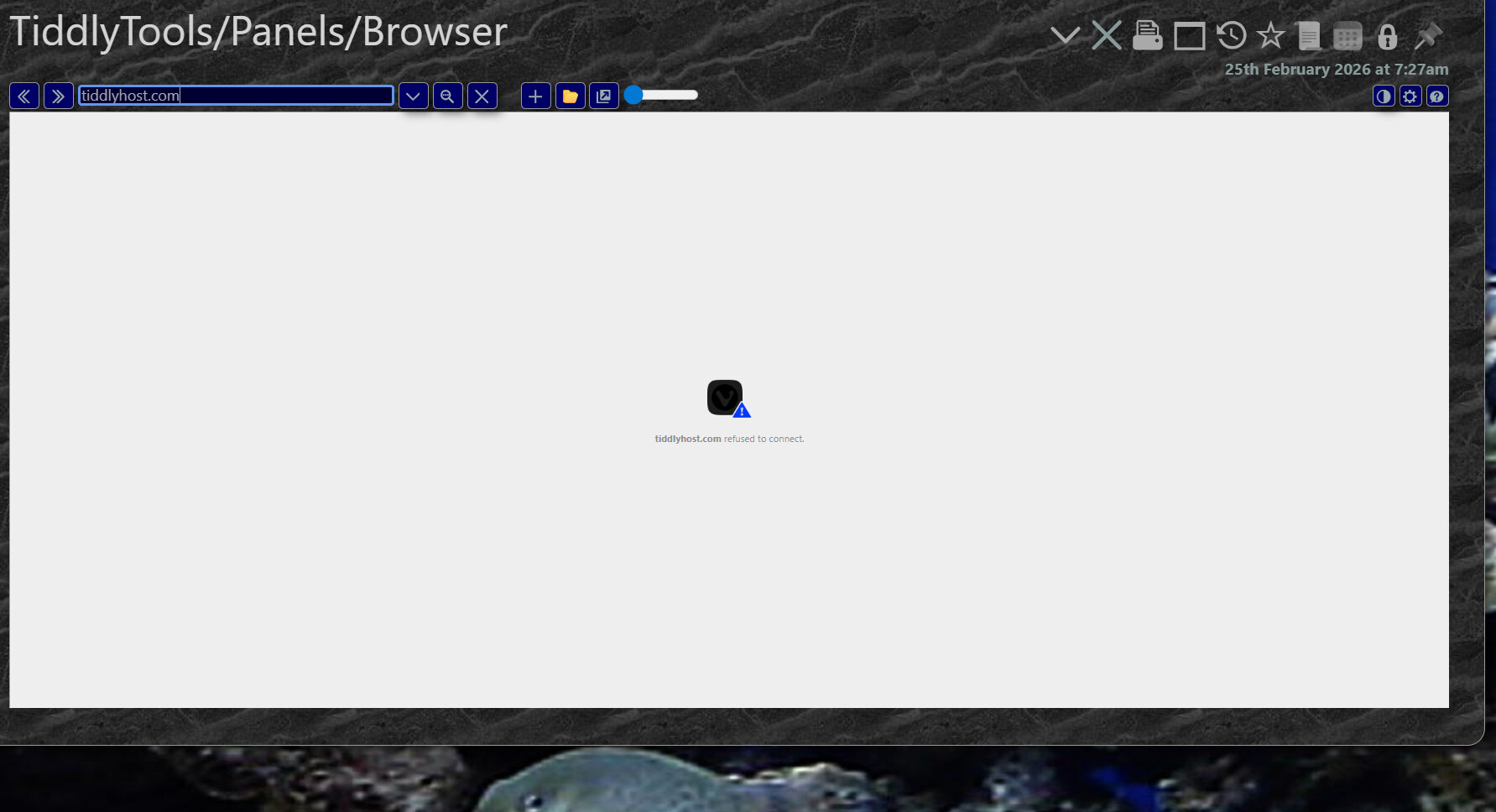
I thought I might embed tiddlyhost sites in my wiki, but apparently it doesn’t play well?

1 Like

Right.

TiddlyHost sites won’t embed in iframes.
That is, I assume, because their server blocks that, I think.

@simon Baird probably has good reasons for doing so?

TT

Thank you TiddlyTitch for your answer.

I will try to create something to help format bookmarks title with “----” and " source / metadata", and “#tags” as I find it both simple, useful for recall, and visually good looking.

Right.

Small notes. For a precise layout of entries I have a stylesheet setting the font to monospace …

/* MINIBROWSER DEFAULTS MODS ====================== */
/* folder & bookmark style */
 button.tt-browser-mark {font-family:monospace;}

and, for some items, I use different dashes, like …

  -     —     ⸺

TT

@EricShulman I just wanted to check on one Minibrowser behaviour.

I’ll try and explain clearly. Please tell me if it is not clear.

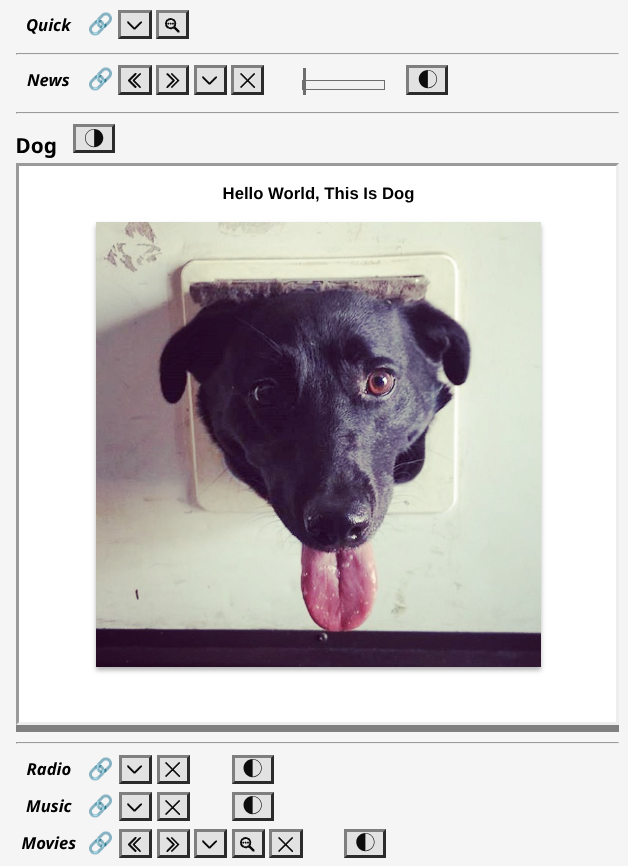
  1. I am using your great CSS to easily create “Compact Minibrowsers” like …
    Screenshot 2026-03-03 18.30.05
  1. That expand ONLY when an URL is activated, e.g. …

Q: Is just using the enable/disable display button, as I do a lot, enough to fully de-activate the live iframe?

Just interested!
TT

@EricShulman, I have a question on temporary tiddlers …

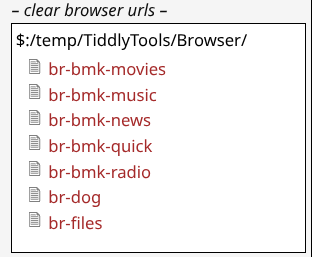
Q: If I delete all these $temps it will automatically close ALL of those active Minibrowsers? For example …
image

If so, it is a neat shortcut to close open iframes?
TT

yes.

When the enable flag is cleared, the view() macro invokes view_disabled(), which does not even have an iframe element. In addition, the view_enabled() macro (which renders the iframe) is only invoked if the current URL value is not blank, even if the enabled flag is set to “yes”.

-e

Deleting a $:/temp/TiddlyTools/Browser/... tiddler clears the current state of that specific MiniBrowser. This includes the enable flag as well as the URL input value, so that MiniBrowser reverts to it’s initial settings. Thus, deleting ALL of the $:/temp/TiddlyTools/Browser/... tiddlers will close all open iframes.

Except… if you have used <$let enable="yes" name="..." url="...."> to “hard-code” the initial settings of a MiniBrowser instance, which forces that MiniBrowser to display a URL without needing to have a corresponding $:/temp/TiddlyTools/Browser/... tiddler.

-e

Thanks for the confirmation. It’s good to know if one is opening lots of MiniBrowsers and later want to close them all, via one button, you can.

Good to know. FWIW, I only need one MiniBrowser like that (i.e. perpetually available for links targeting it’s name).

TT

Follow-up comment.

Great! I can now easily style a special browser using “the 3 nobrs” toolbar segments well.

Here is a result styled for minimizing fat finger data entry issues …

TT

Update, Browser Sets …

I have begun to move towards the final practical implementation of a TW as THE browser within a browser.

How?

I added a Story Saver.

The point is to simplify quick loading of “Browser Sets” of TW’s I edit.

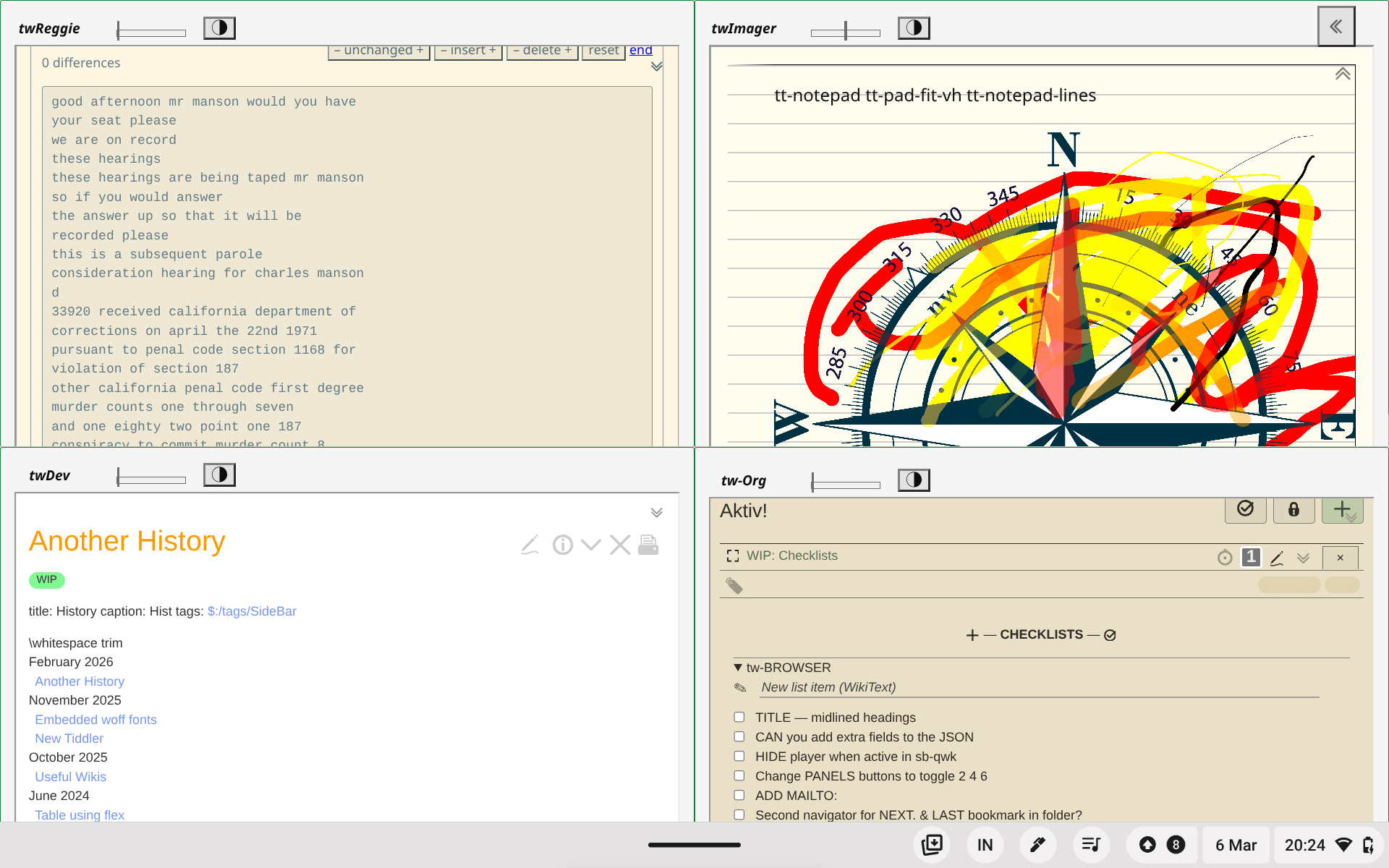
An example result is 4 iframed TWs, in a simple interface, like this …

TT