New CodeMirror 6 TiddlyWiki5 plugin

This is wonderful! I hope to have time to try out a few changes that I think would be improvements, but it’s quite usable as is. Thank you!

But I still would love to see @saqimtiaz’ suggestion of updating the plugin display to nestle subplugins directly under their parents.

Sorry for the typos before. Yes clearly * # work, but I found adding ! : and others help full, especially with the tab indent and unindent.

I was suggesting we could return to the author, but I will have a look into it myself.

Hi @yan

I’ve noted all your points and will integrate them, will make tab-behavior probably configurable if possible
For the Auto-List behavior I have no idea yet how it should behave. That’s an area where different users have different tastes…

Thank you for your input and best wishes,
Simon

1 Like

Great job! Thank you

Two questions:

  • Is there any option for Right-to-Left writing for RTL language like Persian, or Hebrew?
  • Is it possible to turn on/off autocomplete? This because Autocomplete plugin which also works in fields may be used by some users?
1 Like

Hi @Mohammad

Thank you for your kind words.

Not currently in the plugin, but CodeMirror 6 supports bidirectional writing, even per-line if I recall correctly. I will make that either configurable or make it detect it globally

I’ll add that as a configuration option but I don’t know if the Autocomplete works with this plugin at the moment. If plugin authors want to make their plugins work with the CodeMirror 6 plugin they need to tell me which functions the need in engine.js

Thank you and best wishes,
Simon

1 Like

For all VIM lovers

Could you let me know which functionality is missing in the vim plugin or what you would desire to have as options?

I made :w<enter> save the current tiddler and :wq<enter> save and close the current tiddler
Probably will need :q<enter> to cancel editing

But I believe I can add more commands

Thank you, let me know if you’re interested

Hi @Mohammad

how about a separate plugin that enables a stripped down Codemirror 6 engine (CodeMirrorSimpleEngine) in all inputs and textareas? So that also there highlighting and autocompletion works?
We can then enable for those inputs / textareas other plugins conditionally

3 Likes

Hi @BurningTreeC, I have custom EditorToolbar buttons with keyboard shortcuts. These keyboard shortcuts don’t seem to work.
If such shortcuts are defined, they should also override any shortcuts from the selected keyboard layout.

For reference, here is the tiddler for such a shortcut:

actions: <$action-setfield $tiddler="$:/state/popup/editor/content" text="$:/mwi/ui/EditorToolbar/external-link-dropdown" /><$action-editorpopup />
condition: [<targetTiddler>!has[type]] [<targetTiddler>type[text/vnd.tiddlywiki]] [<targetTiddler>type[text/x-markdown]] [<targetTiddler>type[text/markdown]]
description: insert external link
icon: $:/yaisog/images-lucide/external-link
shortcuts: ((editor-popup-link))
tags: $:/tags/EditorToolbar
title: $:/yaisog/ui/EditorToolbar/external-link
type: text/vnd.tiddlywiki

((editor-popup-link)) is currently assigned to Alt-L. But I also tried others.

Hello Simon,

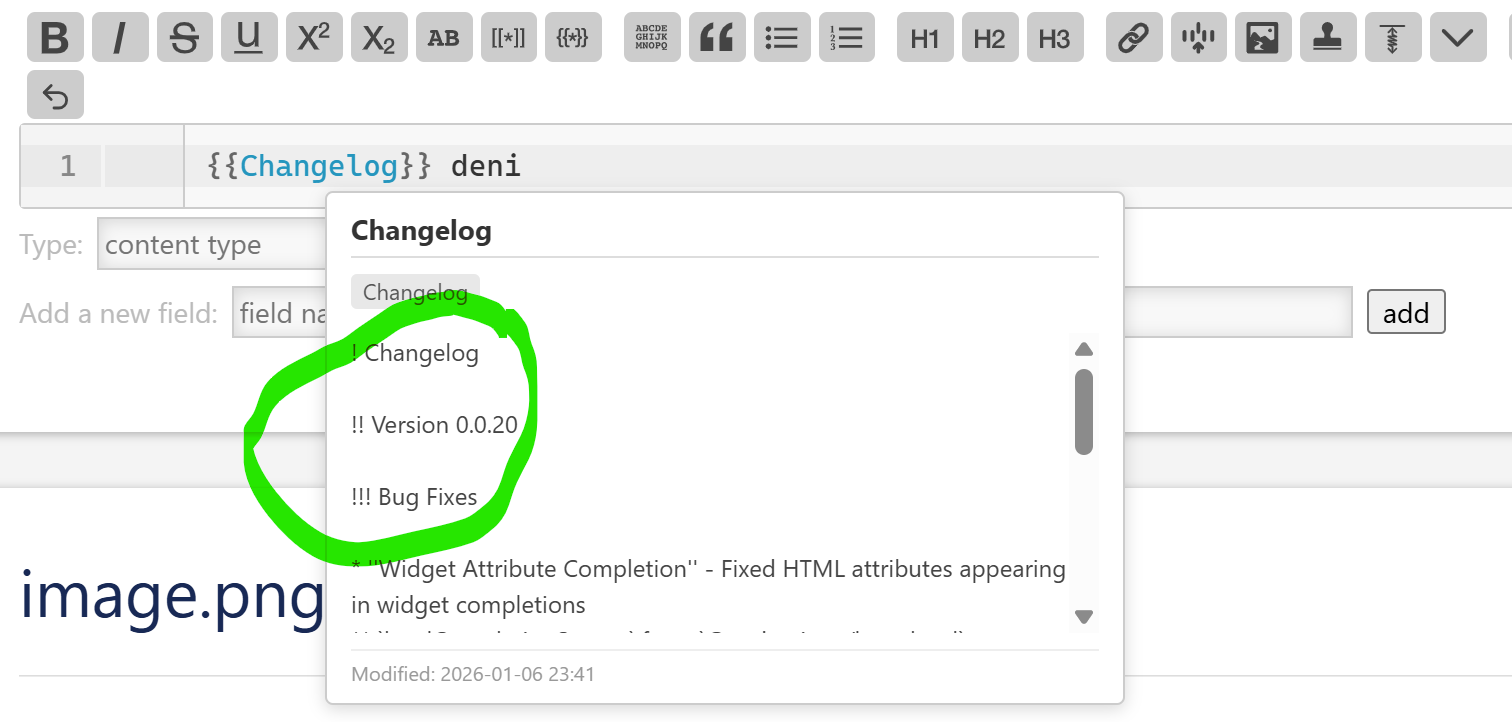
The 0.0.20 version is working well in TW 5.3.8 (no longer RSOD at startup).

However I really miss the previous behavior for lines starting with * or #: using tab or shit tab does no longer adds or removes the * or # character; it is now indenting / unindenting the line. Is it intended / an option?

Also the “CTRL +SHIFT + Z” is not working to activate Zen mode.

BR,

Eskha

  • Configurable: Automatically enter insert mode if a tiddler is blank
  • Configurable: Vim key mappings, such as quickly pressing jk in insert mode to exit insert mode

Regarding the use of the tab key: it also does not work (or no longer works) to accept autocomplete

1 Like


Normally, it is more appropriate to change the preview here to HTML rendering corresponding to the type.

Here are a few other cool features: In code editors, hitting gd (goto definition) lets you jump straight to where something is defined. In TiddlyWiki, could we add support for jumping to the corresponding tiddler too (without having to use Ctrl+Click)?

Thank you @BurningTreeC.
Unfortunately Autocomplete does not work.

Hi @Maurycy
Would you please let us know if there is any plan to support CodeMirror 6?

What I like with Autocomplete from @Maurycy is the flexibility to define custom autocomplete (for example from a datatiddler). I am not sure if this is possible with CodeMirror 6.

1 Like

I spent a short moment back when this was originally reported to me but it’s very much non-trivial. CM6 has a completely different API and, if my memory serves me well, this plugin also hooks into TW differently.

Which is to say, it’s not coming anytime soon I am afraid :(.

Thank you! I truly hope this wonderful plugin keeps being maintained—it’s greatly appreciated.

1 Like

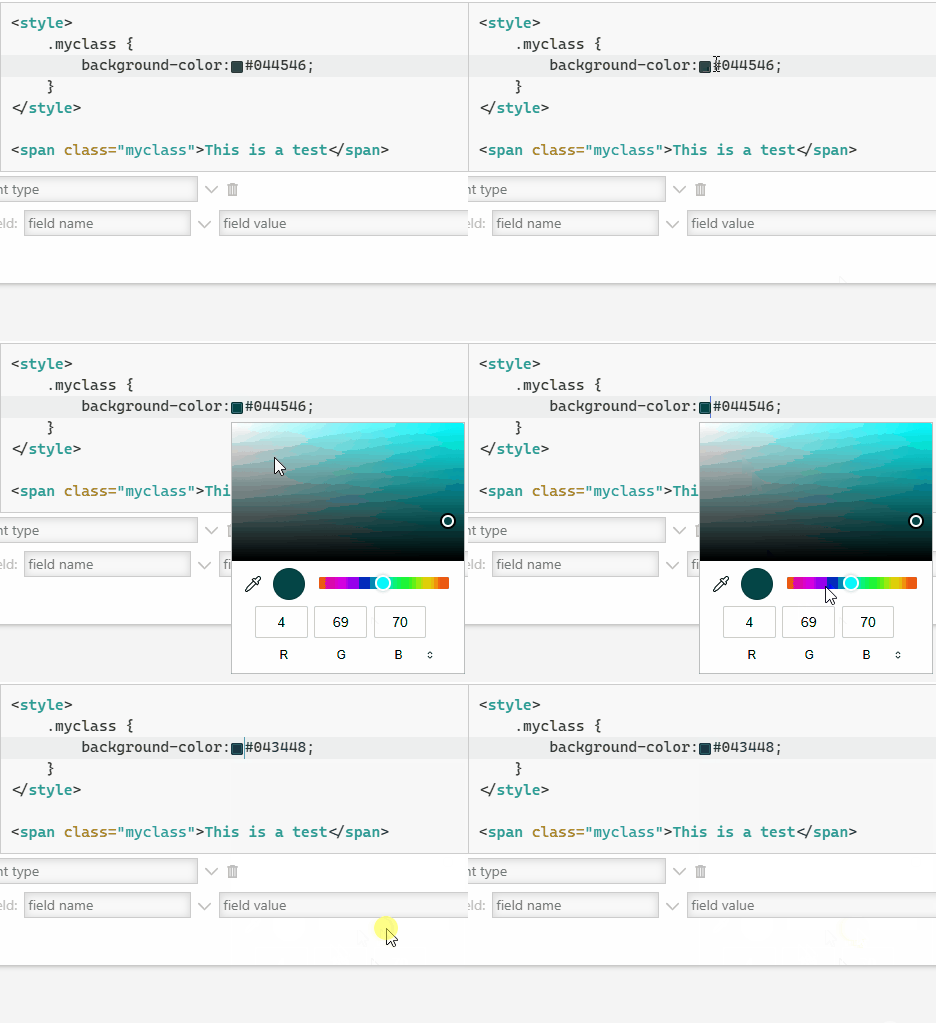
I think there might be a bug in the color picker - any interaction with the popup closes it - mouse or keyboard. I’m on Windows 11 + Edge Browser on your demo site.

Animation

Hi @stobot

I believe I fixed this in the PR for TiddlyWiki where I want to include the plugins as core TiddlyWiki plugins:

If you want to check it out

Hi @Yaisog
Do you have a chance to test your keyboard shortucut at the following preview?