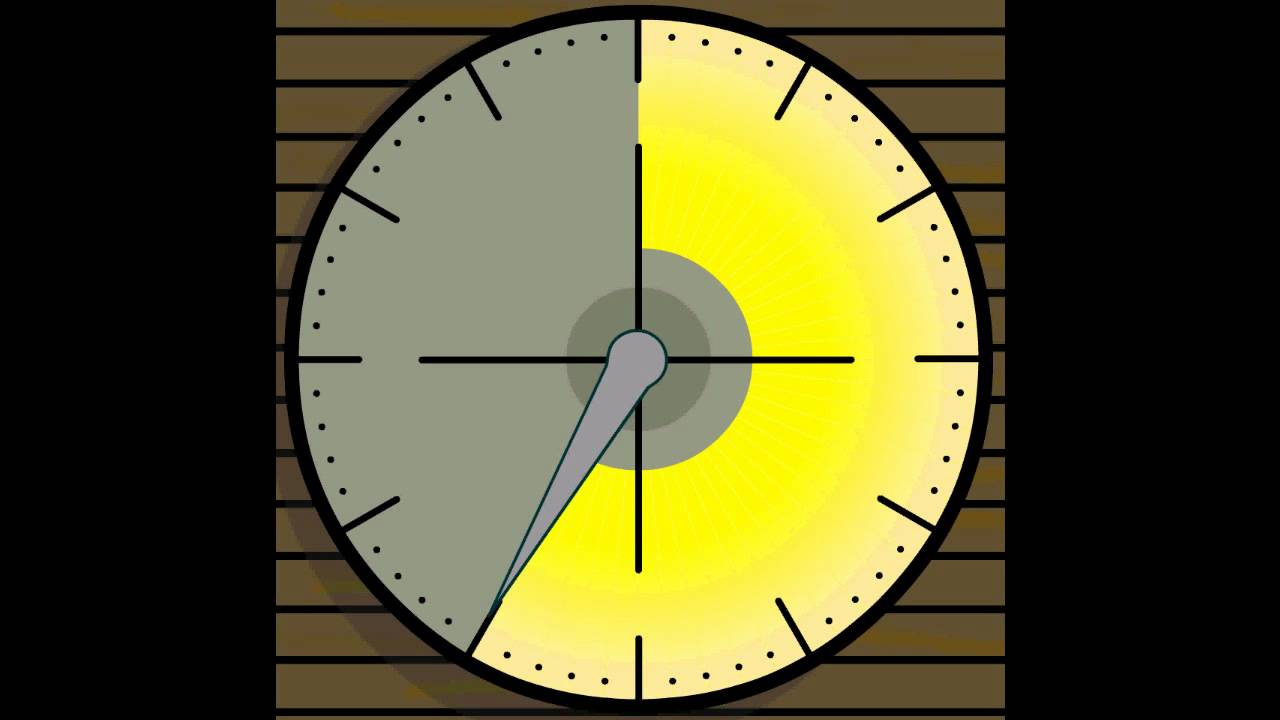
One of the things I’d like to do in TW is better control videos. To give a basic idea at the foot of this post I will put a link to a 1 minute countdown video. What I really want to do is have BIG buttons to Pause / Restart such videos. The example is from youtube but that is not important. What I am wondering is IF in TW we could better control videos.
Hi Joshua,
as a teacher who uses TW for classroom-management I say: Very good idea.
I would like to add the idea to implement some sort of pomodoro-timer like this one here: https://pomofocus.io/
The CountDown macros don’t display a fancy graphical clock. Instead, it shows a message box when the timer reaches 0. However, it also supports “custom actions” that can be triggered when the timer reaches 0. This could be used to allow you to trigger the start of a video when the timer reaches 0.
It’s also possible (though not exactly trivial) to use the internal functions of the countdown macro to create complex programmatically timed sequences of events. See SampleSequence for an example. Using a similar technqiue, it should be possible to write a “harness” that takes a list of video clips, each with a specified play length, and trigger them in sequence, one after the other.
I have being dreaming about the possibility of watching a video and when clicking at a point in time creating a tiddler with that time in the title or a field. Of course the reverse from the tiddler click to view the video at that point in time.
What would be even better is to set points in time in the video playback that can trigger an action.
Such features would support video review and editing but also interactive videos . Videos that allow post publishing collaboration and comments.
@TW_Tones, interesting comment. Certainly for YouTube type vids you can easily set a time index for a video in it’s URL. That might be a method to do part of what I want without needing JS — since it is urlable you can just stick it under a custom SVG button. TT
Right. I think the issue is one of those “in-between” things—meaning there are many levels of approach to the problem, but, generally, it is a confusing issue from lack of clear answers on the net giving an overview. I think it may be easier IF one only needs audio, rather than video? Though I also do think the HTML 5 standards for video might be worth looking into—at least there is some kind of “universal” approach in that?
IMO https://vimejs.com/ (GitHub repo) may be a promising candidate here. … But I didn’t have had a closer look yet. I just saw it about 1 1/2 years ago.
Right! Basically the OP was yearning for more clarity on a simple idea that is currently quite difficult to solve. That is NOT a TW issue per se. Merely more a general (unneeded) obscurity on the net about something basic? TT
Sorry, but I don’t get the idea and I have absolutely no idea, what you try to achieve.
The thread title says: “Where is the Countdown Module?”
The OP says:
One of the things I’d like to do in TW is better control videos. To give a basic idea at the foot of this post I will put a link to a 1 minute countdown video. What I really want to do is have BIG buttons to Pause / Restart such videos. The example is from youtube but that is not important. What I am wondering is IF in TW we could better control videos.
Me a bit confused:
I don’t see, what a “Start / Stop” button for a video player has to do with a “Where is the Countdown Module?”
If I click the video in full-screen mode it pauses. If I click it again it starts playing. .. I can’t think of a bigger button like that. …
Ciao @pmario, right, my OP is a bit confusing. Part of that is because of the way videos currently work on the net and it is not so easy to convey the issue. Their controls behave fixed. I’m used to being able to change interface through CSS when I need to. But video interface is like a “strange land”.
Ciao @pmario, regarding the “countdown” aspect of the OP, which is also relevant, I am interested in the kind of things that @EricShulman has done brilliantly, natively, in TW already. I.e. to solve the issue of countdown, not through video control—rather to develop a TW visible timer interface that also has sound.
Do you mean custom overlay button (such as featured on my example) located ON the video, or do you mean widget buttons that you can place anywhere in the tiddler/wiki (meaning you could have your video, then some text, then a button to pause/play/restart the video) ?
Hi Joshua,
for performance and ecological reasons, it would be nicer to build the moving-image you want to use the video for by pure css like this here
At this time, to solve the particular problem, either of those approaches would work. All I want is a clearer way to start / pause / restart a video of a countdown.
But, longer term, buttons that could do this that could be separate from the frame in which a video runs would be great! I hope this is now clearer.