hi all,
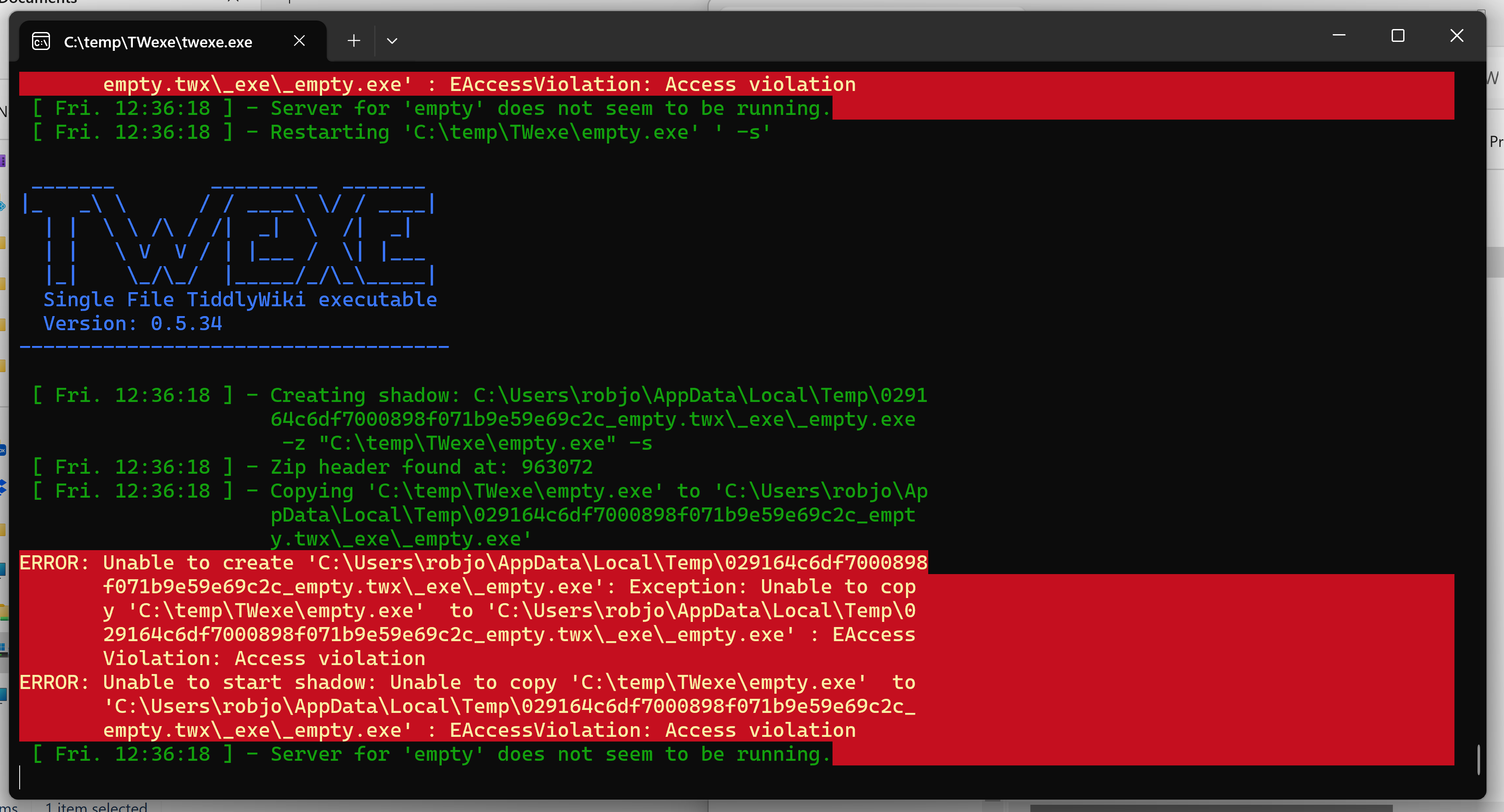
i am trying to set up a new wiki for a new theme / viewtemplate i’d like to make, and twexe remains the most easy-to-use saver for standalone html wikis that doesn’t require a browser extension or internet access. however, it looks like the latest version doesn’t save properly. the wiki appears to be served correctly to localhost and i can access it fine, but when i go to save, it just triggers the download saver.
i have tried adding the server URL (in my case, http://127.0.0.1:8080/) to the Tiddlyspot saver settings as recommended elsewhere, but it looks like it has broken from some changes to the saving mechanism since 5.3.2 (the version of my main wiki which still saves fine). i am not sure which update broke it as i don’t know where to install past versions of TW to test.
has anyone been able to successfully use twexe on a new (5.3.6) wiki?
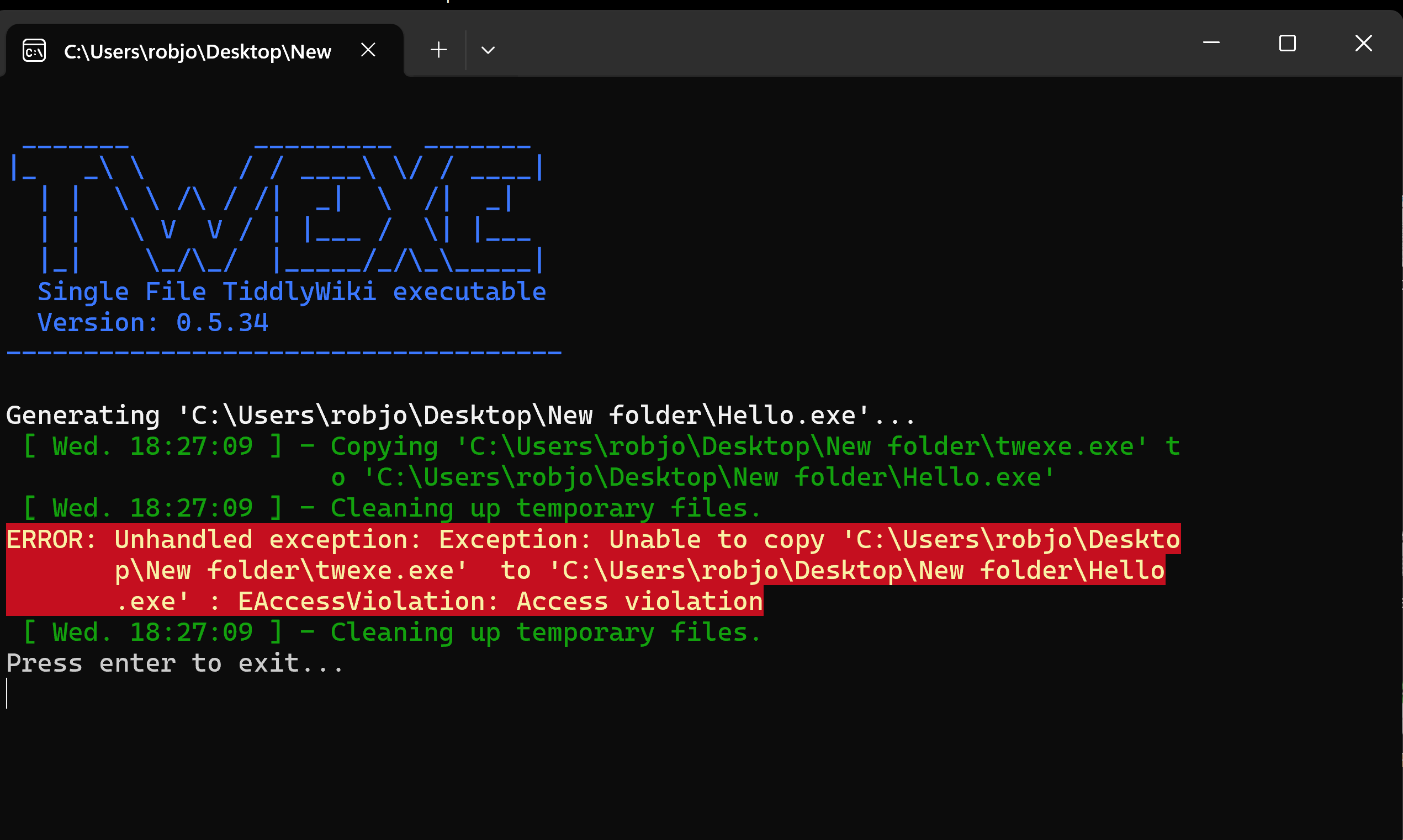
After reading this post I thought I was intrigued by the idea of TWexe and thought I would give it a try.
I downloaded TWexe to a folder on my desktop. I then created a new wiki called Hello.html from an empty 5.3.6 and added the settings as noted in Solution 02 above.
When i drop the wiki on to the TWexe icon I get the following:
I’m guessing you have Windows 11? MS is always adding new security features. I would start by changing the compatibility mode of twexe as outlined in step 3 here.
No luck with step 3 either!
Bearing in mind your comment about the age of TWexe I might give it a miss. I did like the idea of being able to distribute a single file executable wiki, but recognise that many systems do not like unknown .exe files.
Thanks for your help though @Mark_S
So I tried it with my ancient Windows machine. I also got an access violation error, but it still managed to create and run the new exe file. After tweaking the settings under save, it worked as expected.
So, it appears that the problem isn’t 5.3.6, but rather changes in the operating system that may or may be able to be overcome by some Windows or AV tweaks.
One problem with this method of saving is that it doesn’t let you configure the port. So if you already have apps on that port, you’re out of luck. Also this means you can’t run more than one tw file at a time.
thank you, it looks like these was an issue with adding the saving info the the control panel TiddlySpot settings. i created the two tiddlers as shown in the post you linked and it works.
for reference, after loading a new twexe file, these two tiddlers need to be created:
title: $:/UploadWithUrlOnly text: yes
title: $:/UploadURL text: http://127.0.0.1:8080/store (or other, see below)
something else that may cause problems is that you need to specify the port in the saver, but the port is not reserved for that file… if you have multiple twexe files, the first one always goes to port 8080, then 8081 etc… this is an issue if you plan to have multiple open at once as they could save over each other. to fix this it looks like you’d have to specify the port at launch (is this possible?) or make sure they are always opened in the same order.
true, but when saving it uses the given UploadURL, right? so if you have your UploadURL set to port 8081 it will only be able to save there if it happened to be the 2nd TWexe instance you opened (not a guarantee!)