TidWeb: A Tiddlywiki Browser for Android

Saving files locally is supported on the latest APK (you might try again, I just pushed an update that addresses some of the broken features, but it should pop up a dialog asking if you want to “just save” or if you want to “replace” which will reload your current webview to the new save.
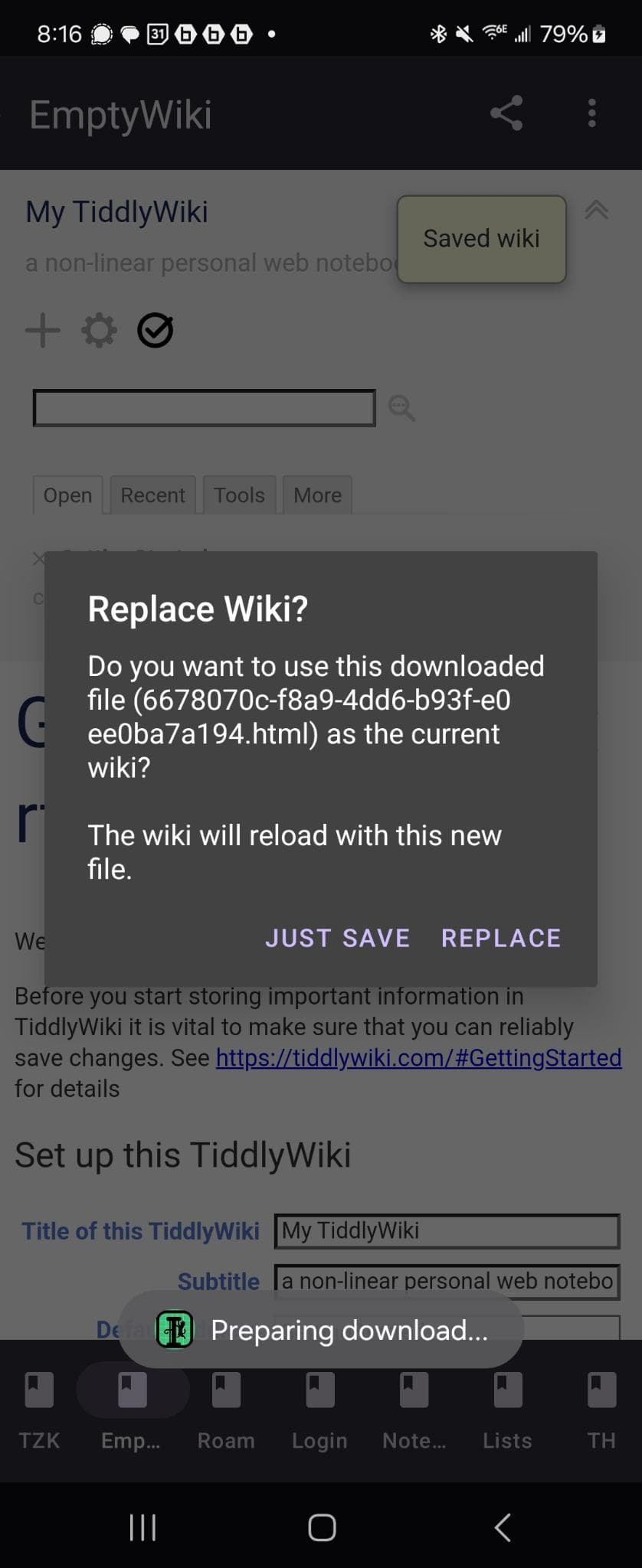
Heard on the zoom enhancements, I am thinking a more extensive settings menu is something I’d shoot for post-release.

It works great for my node servers. I have not tried much Tiddlyhost with it, but also encountered login troubles in the past when I attempted previously.

I have just made an attempt, though, and had no problem signing into Tiddlyhost – you might try again, and if you do I’d appreciate hearing how it goes :slight_smile: I verymuch appreciate getting another user’s feedback.

As far as deleting goes, I see that is not working correctly on my TiddlyHost, is that where you experienced the error? My Node servers and single files seem to delete fine.
Yes the problem with deleting was on TiddlyHost.

Will have to reflect on why that would be, I hadn’t originally designed the app to take Tiddlyhost in mind, though I think it’s a good idea. :slight_smile:

Am happy to announce the v.1 release of TidWeb, which one can download either directly from the github page, or from the play store as an official tester.

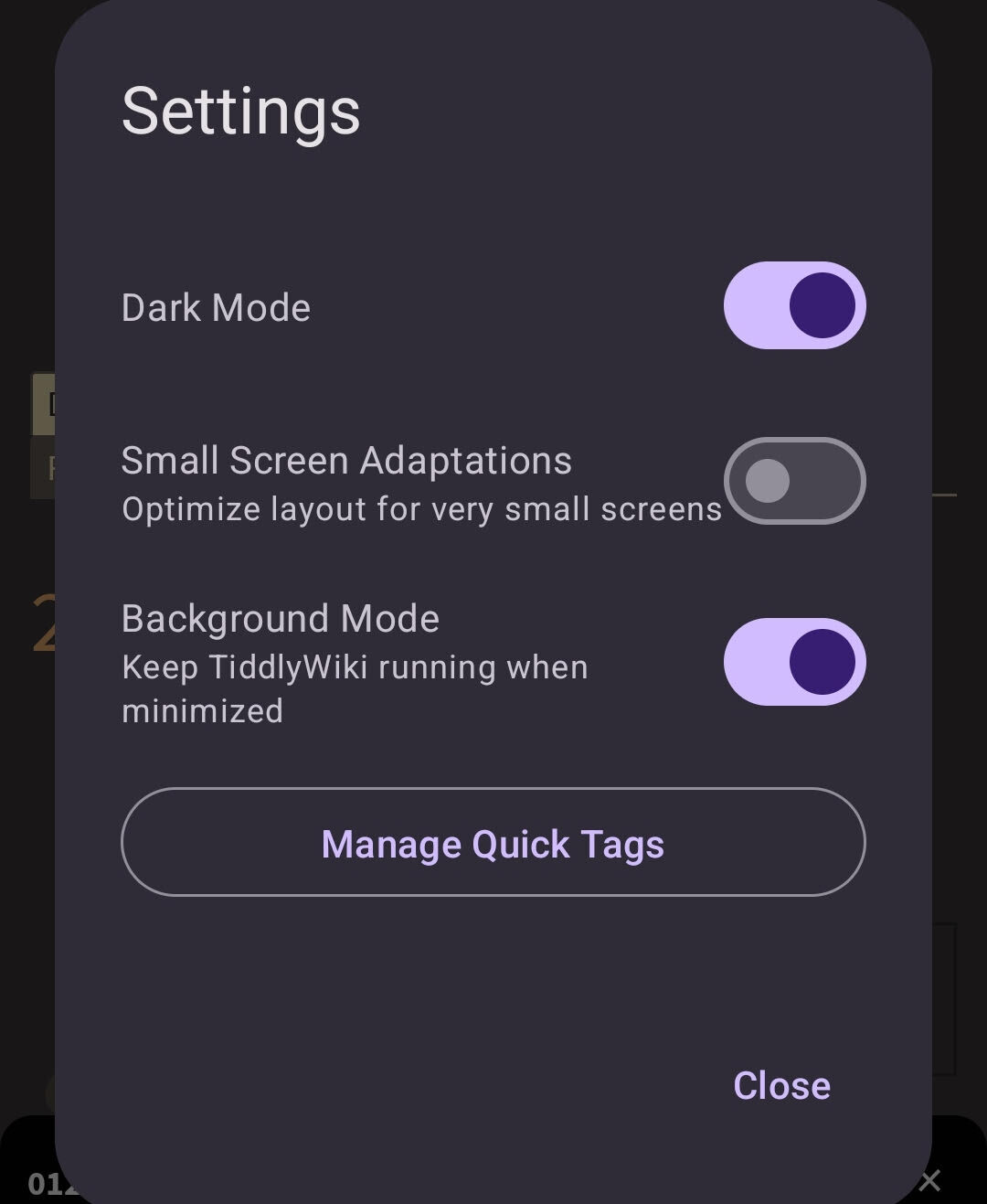
First, I took @markkerrigan 's advice and I moved the VSS option into the settings

As you can see, there is also a toggle for “Background Mode,” which I highly recommend users enable, as this will allow you to leave the app running in the background so you can return to it quickly if you want to take notes without needing to load each time.

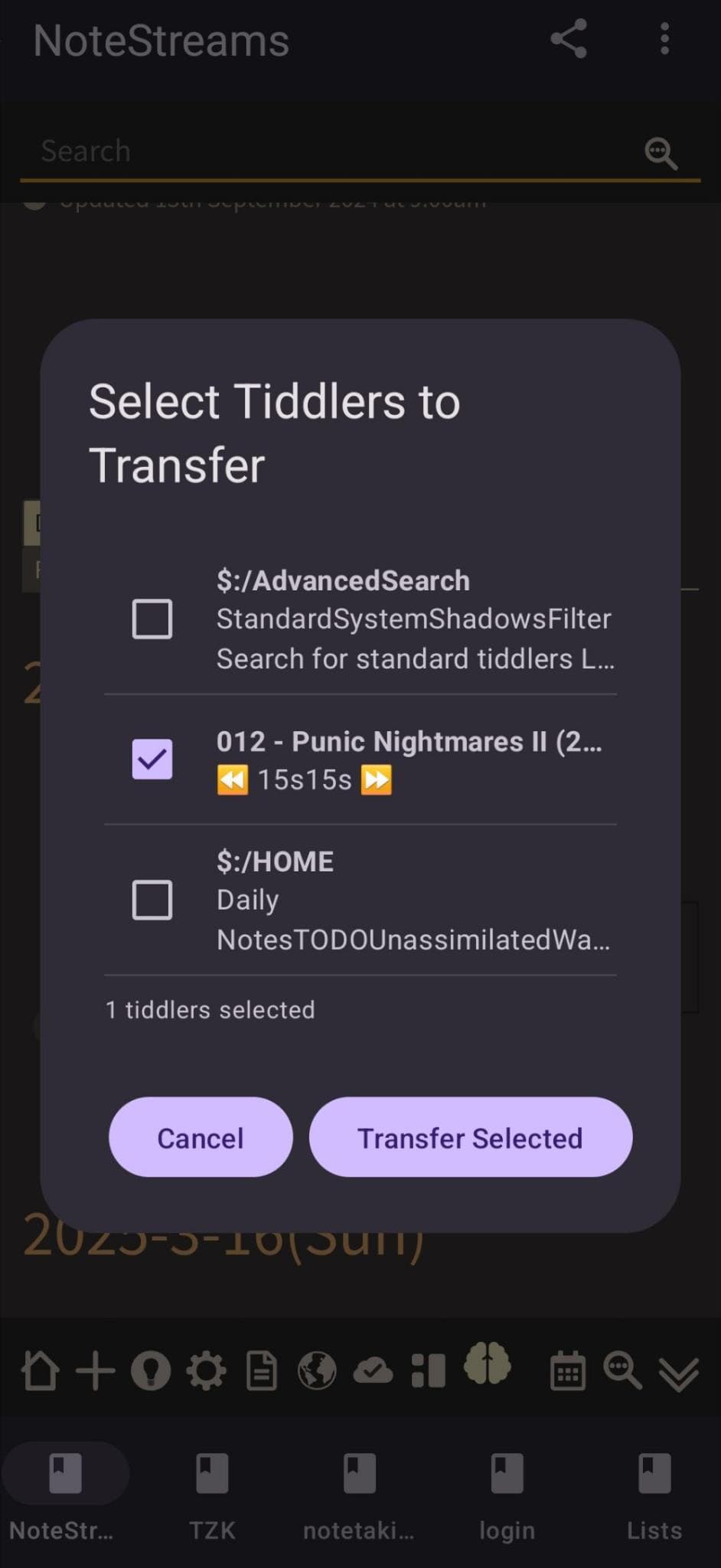
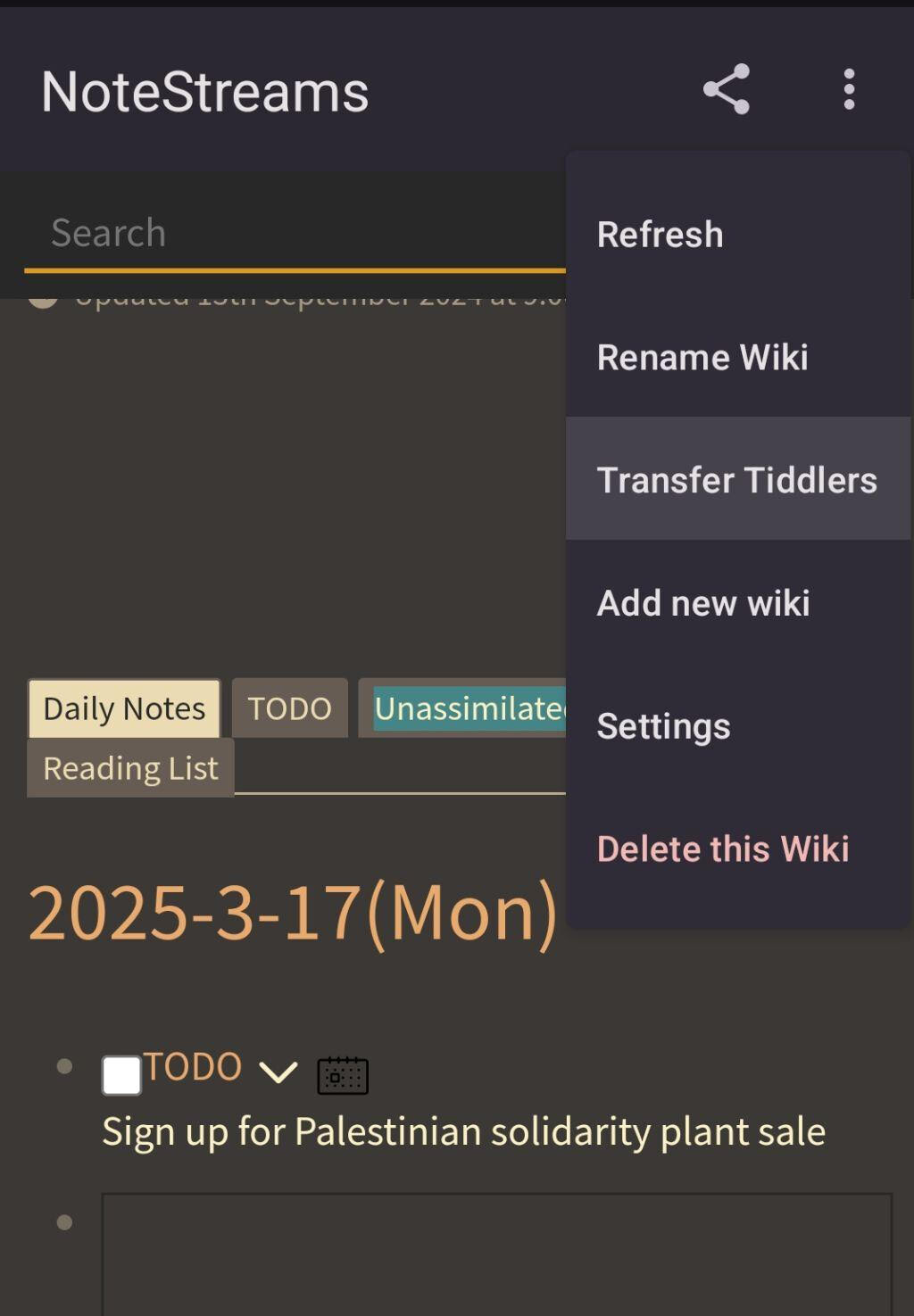
Further, to demonstrate what kinds of things are further possible with this app, I’ve developed a Transfer Tiddlers feature

This option allows you to select from all the tiddlers in your currently open story river

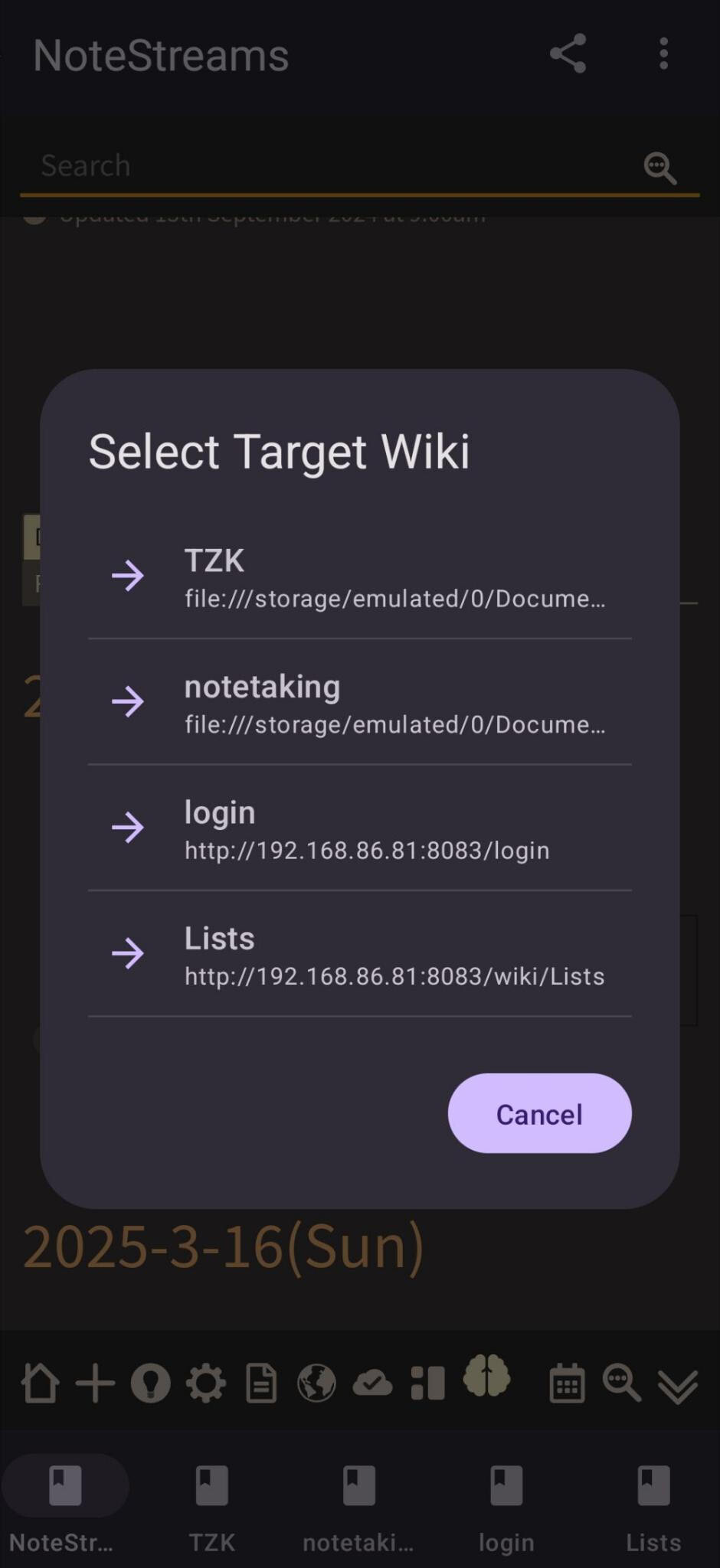
Then, once you have selected the tiddler’s you’d like, you simply pick the instance to which you’d like them transferred:

The app takes care of the rest, creating in the selected instance new tiddlers that match the old tiddlers. This might be especially helpful if one is taking notes while offline and away from a connection, who might want to transfer those notes back to a server wiki later.

Would still like to find more templates, to @TW_Tones point about making mobile TW more accessible – but I have found the app to be useful thus far and, as always, am very interested in hearing anyone’s suggestions for improvements or new features :smiley:

1 Like

Have just realized that if you want to be a tester you’ll need to be added to the invite list. If you’re interested, please DM me with your email :slight_smile:

@well-noted I have created node js wiki in the macbook and window laptops using the new Tiddlywiki app described here - Another TiddlyWiki App: Delivering a Smoother User Experience (2025),Support Windows, macos, linux (archlinux).

What should I do next to access it from your Android app.

Posting to announce the latest release of the latest updates to TidWeb. Either download the APK from github or send me a private message with the account associated with your Google Play to request being a member of internal testing.

This release fixes a lot of small but persistent errors such as fixing the widget to now use a custom modal, and improving the user experience in a lot of ways that together, qualify as a major release.

Cheers!

1 Like

In reply to @arunnbabu81, or anyone else who is wondering, there is a menu button on the top right from which one can select “Add New Wiki” – from there you should see a popup in which you can point the app to the url of your wiki.

I currently have multiple wikis set up from my MWS config :slight_smile:

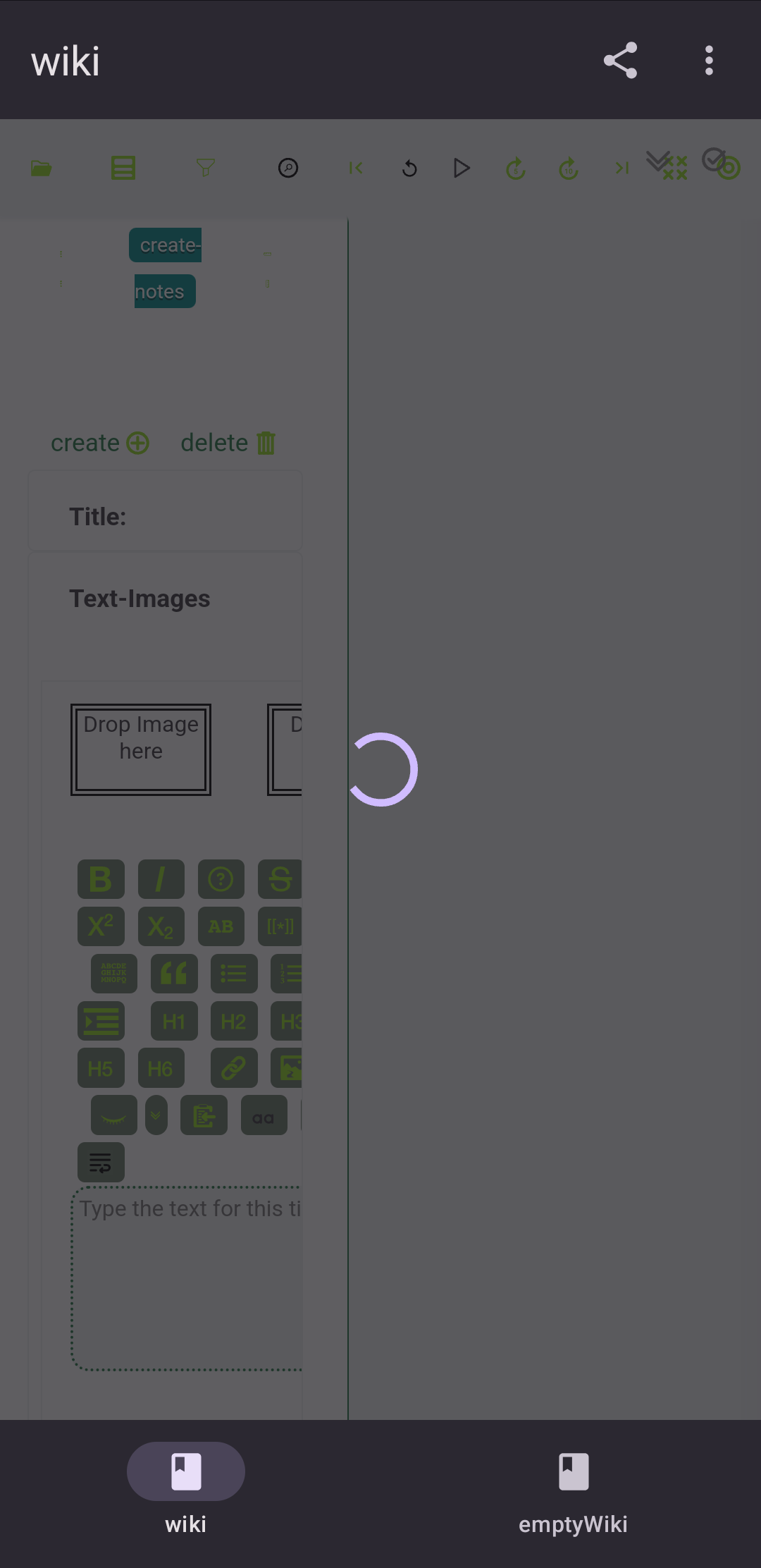
I downloaded the apk from github and installed the app. Then I used the url of the node-js wiki from the tiddlywiki-app and entered it in the create new wiki popup. The wiki loaded in TidWeb app. But a loading animation is seen as an overlay on the wiki page. But I was able to use the wiki inspite of this loading animation displaying . I could even create a new tiddler and it was simultaneously reflected in my desktop app also.

Any way to fix this loading animation ?

Hey @arunnbabu81, sorry for the late reply, I overlooked this somehow.

The loading animation was giving me trouble too and I ended up disabling it. Will send you a repackaged APK :slight_smile:

I have tried the app after you recently mentioned it in the other thread. The Github apk is as old as the previous posts in this thread and still suffers from loading animation trouble.

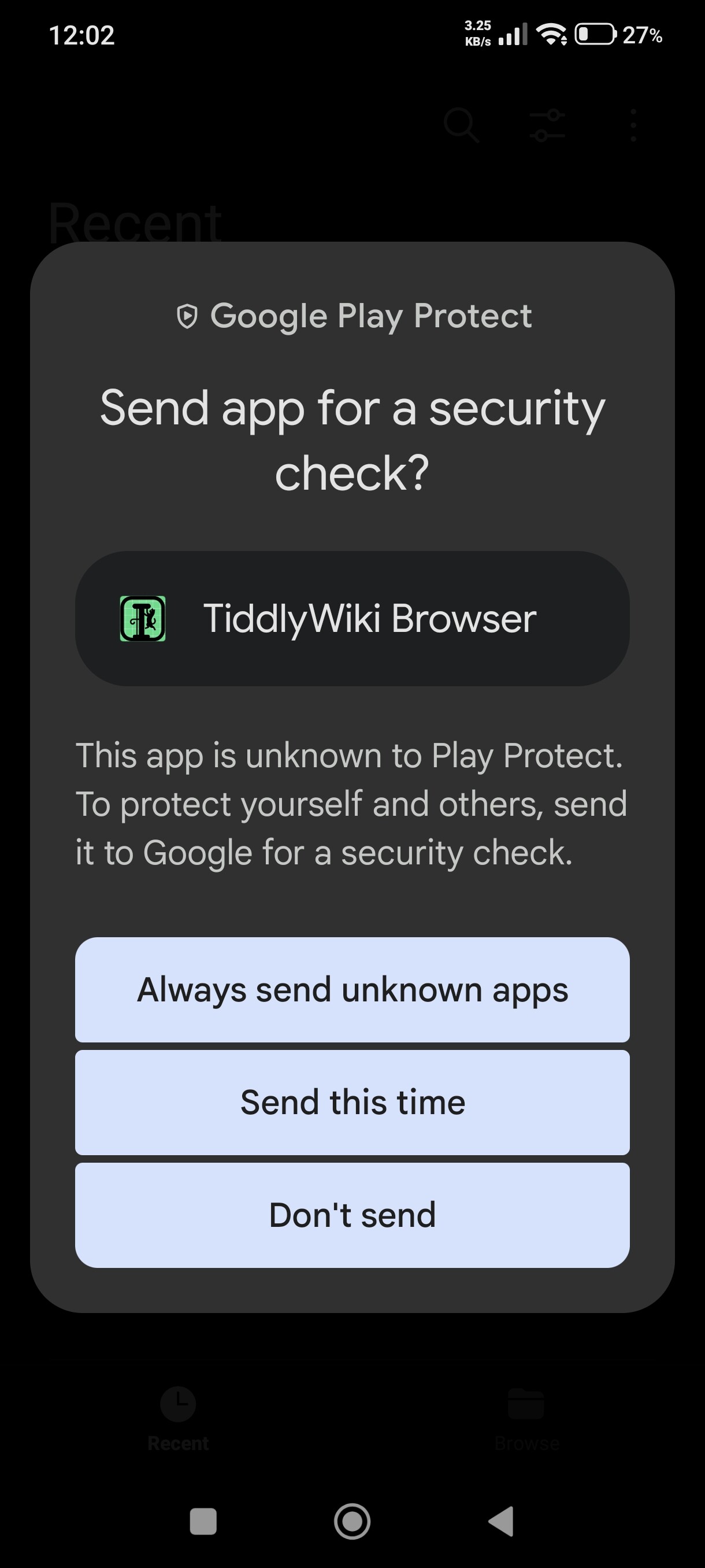
Google Play displays a warning when trying to install the app

This is predictable, but if Google decides to pull the plug, there won’t be any difference between not being able to install this from apk and Tiddloid through F-Droid.

I tried to import an encrypted single HTML local wiki file and it failed.

OS is Hyperos 3 (Android 16)

Thanks @vuk , there’s an update :slightly_smiling_face: I’ll get on it this afternoon

EDIT:

This version should work much better for you, @vuk, it’s the one I’m using :slight_smile: Please let me know if you have any other problems. I’ve not tried to import encrypted HTML files (I’m not even entirely sure what encryption you’re meaning…) but importing html files is working fine for me

1 Like

The fresh one is reported as invalid package and I can’t even install it.

Likely because I forgot to sign the package :face_with_hand_over_mouth: updated, should work now.

I can install the newest apk, but importing an encrypted wiki still fails. It’s the standard full wiki encryption offered by vanilla TiddlyWiki.

Interesting. I’ve never tried to import an encrypted wiki, so that’s really helpful feedback :slight_smile: Thanks @vuk, I’ll add it to my priorities list right now!

Perhaps decrypt, import then encrypt again?

What is the practical value of such a suggested workflow? If the decrypted wiki content hits the smartphone storage, doesn’t this defeat the purpose of using ecnrypted wikis at all? I am using wiki encryption not only for protecting data during transfers between devices, but also for making access to it harder on devices where the wikis are used.

To be clear, @vuk, this is the encryption to which you’re referring?

Yes, this one.

Twenty chars to make Discourse happy.