TiddlyDesktopRS on Android Play Store - Test phase

I think the short answer here is that local, LAN connectivity isn’t happening. You need to use the relay to see how it looks when working correctly.

When you have a working connection, then you can use the “link”, er, link that appears at the bottom of the peers list to connect two files together. As I understand it, the file to be linked should be in “sync” on one device, but not on the one where you are instantiating the link.

I was looking at my battery log yesterday, and it appeared that TDrs/A was one of the chief power users. The log is a bit hard to interpret, but for myself I think I will kill the process when not using.
0.0.67 Android
0.6.15 Linux

Currently, if I set up relay, the phone can get an offer to link from the desktop – even if sync is off for the file on the Desktop. No offer is seen the other way, if the Desktop is set to sync and the document sync is turned off on the phone.

No linking or potential linking at all occurs when the relay is off. (LAN mode)

You’re all testing with a latest version that has issues.

I’m right now testing and building a new one which will resolve these issues.

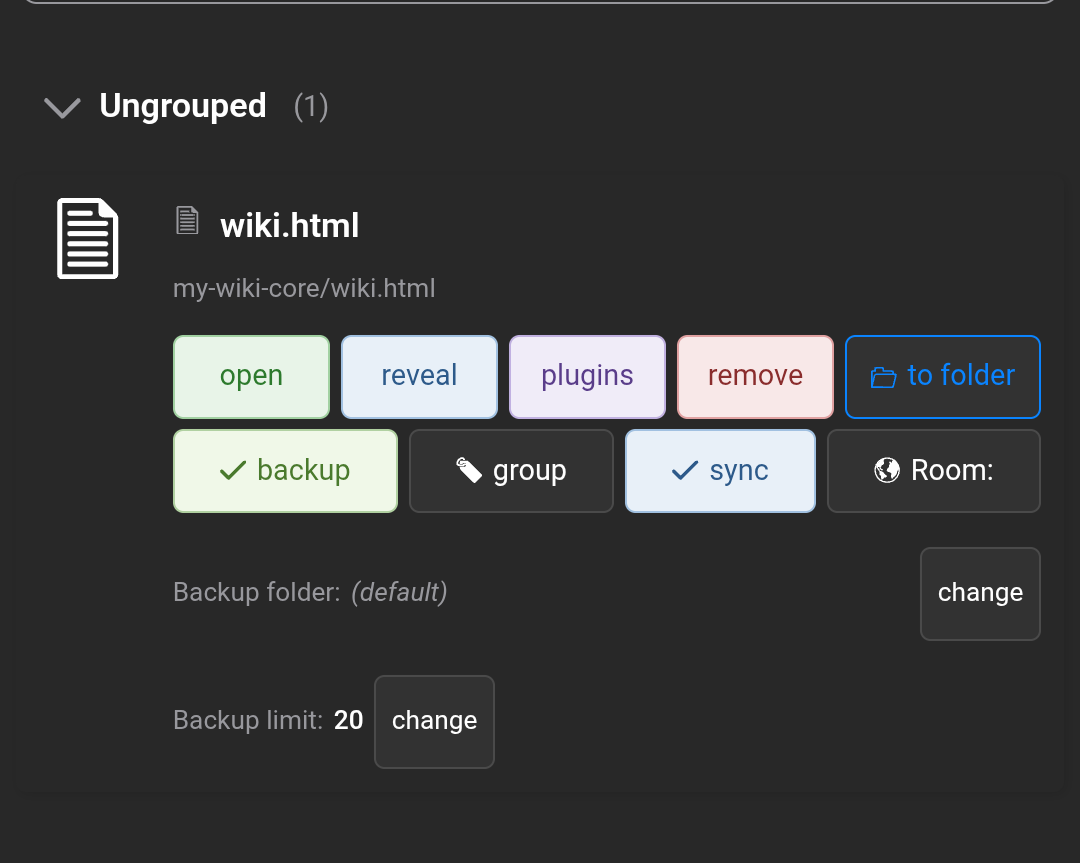
This is my android app 0.0.67

I have one wiki in my phone…and i have created a room in the android…set the wiki in sync mode

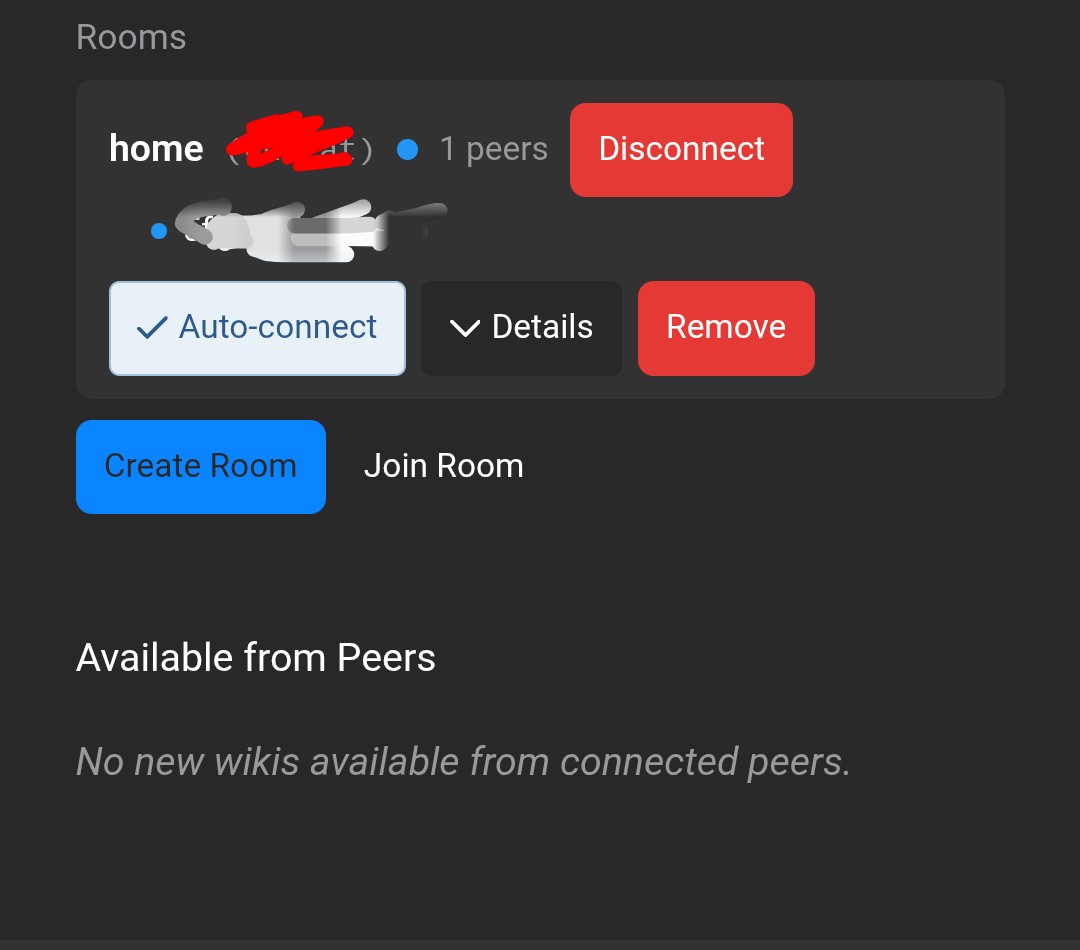
Next screenshot is from the desktop…windows 11 and app version 0.6.15

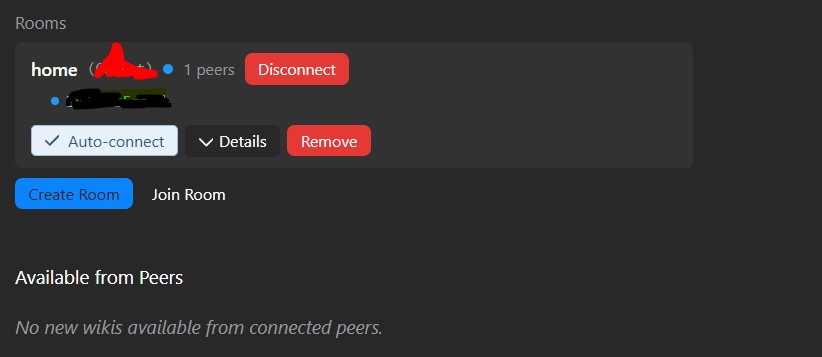
I have joined the room which I created in Android and it’s showing one peers…but the wiki is not shown in the section available from peers

This has been the case from the time rooms were introduced in the app…I was lucky enough to have phone to desktop sync only once when LAN sync was introduced. Sync has never worked with the rooms for me although the wiki show a peer icon with anonymous user

Same for you, wait for the coming release