I’ve decided to create an Android App from the TiddlyDesktopRS source code.
The code is freely available at the GitHub repository.
I plan to put the App on Google Play and would like to invite testers for the obligatory Google Play test phase.
Therefor I would need your E-Mail address which you use for your Android Play Store (don’t post it here, if interested send an E-Mail to burningtreec@gmail.com or send a private message).
I would need at least 20 testers but it would be better if I had more.
The App, when it’s tested and ready for release on the Play Store, will cost some amount which is meant to support the development and maintenance of the TiddlyDesktopRS platform. The Desktop apps remain free forever and who doesn’t like to pay for an Android app can get it from GitHub.
That said, I would be glad if I found some interested Users here in the forum.
Let me know if you’re interested and don’t hesitate to contact me directly.
P.S. an iOS app is possible in the future if everything goes well.
the Android App is now available for testing on the Google Play Store for those who sent me their E-Mail Address. It’s still possible to opt-in if anyone’s interested, just send me an E-Mail to burningtreec@gmail.com …
There is something important to notice, but figured it out once it’s easy cheasy:
If you create a single-file wiki or folder wiki, always do it in a sub-folder like “Download” or “Documents” or even better a dedicated “Wikis” subfolder, because Android will ask permission on that folder and WILL NOT allow permission on the root folder. That’s why you need to choose a sub-folder. So the easiest way is to create a “Wikis” folder once and always use that but you surely can use a different folder for each wiki, it’s up to you.
The app has a built-in “External attachments” feature (enabled by default but you can always disable it in ControlPanel > Settings > External attachments). It’s my preference to not bloat the wiki up. Files imported into the wiki that way are COPIED to the “attachments” folder beneath the wiki. That’s necessary because at wiki setup you already give the specific wiki folder access there and then it’s possible to read files from there. Otherwise, keeping files at their file locations, will not work (or you would need to give permission every time for each file).
That said, I’d like to say a big “Thank you” to all those that were interested in testing and hope everything goes well for you. I sent you the opt-in link via E-Mail and using that link the app should be free for you. Please let me know if otherwise.
Hi @stobot - there’s nothing (yet) to signup for regarding an iOS test.
For iOS I’d need a paid Apple Developer Account which costs 99$ a year. If this Android app pays for it, I’ll create the iOS app, too, otherwise I don’t think there’s a chance given that it costs money and it needs time to create the iOS app.
But I’m positive about it that everything goes well and there’s a chance.
I’ve downloaded the app. There are some display issues (system UI like status bar or navigation bar covering app’s/wikis’s UI). Where would it best to report these in detail?
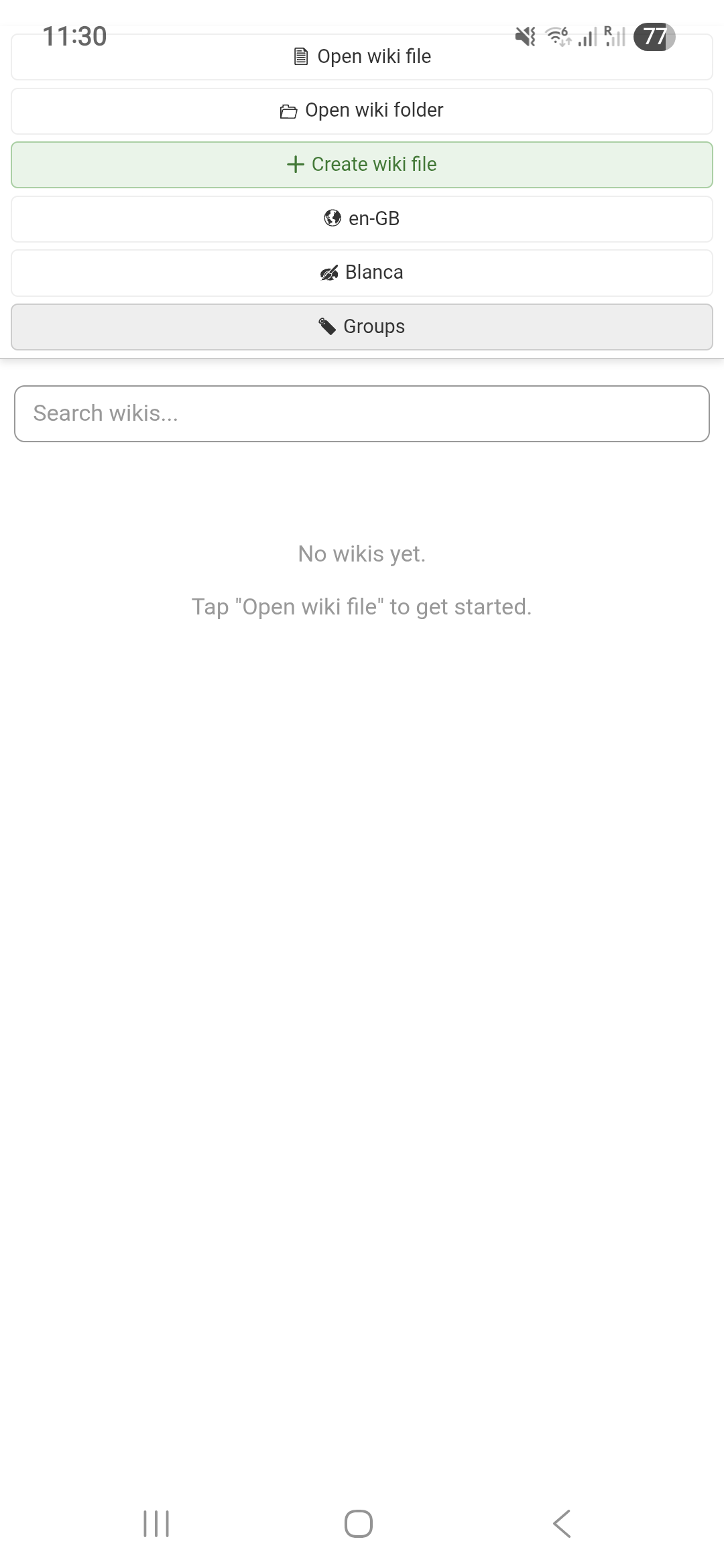
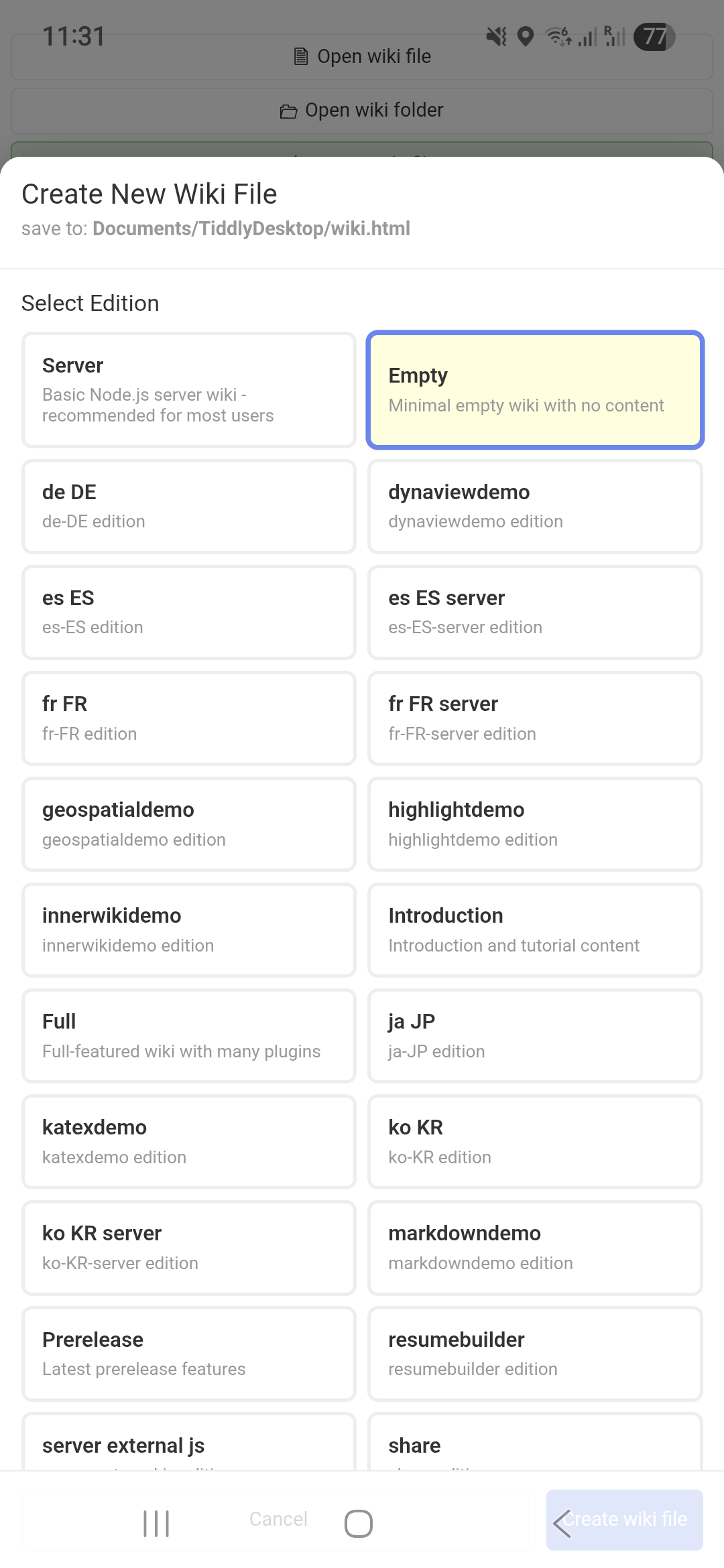
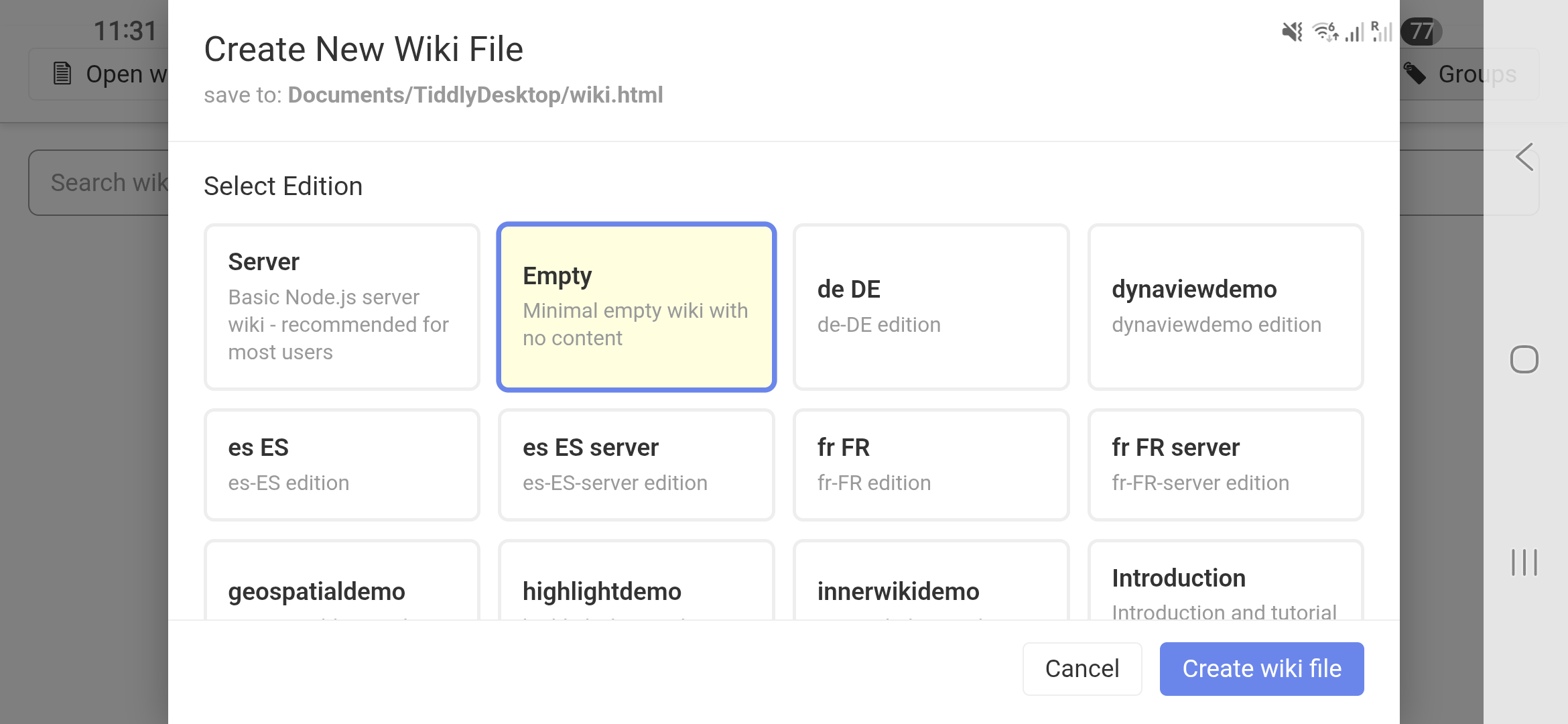
Android 16, Samsung S24. The system top status bar and bottom navigation bar overlap the app and make some UI elements difficult or impossible to access, e.g. the create wiki button is only accessible in horizontal mode, otherwise it’s covered by the navigation bar. The open wiki button is partially covered by the status bar, but accessible.
Information about the payments during test phase: they are not simulated, you don’t actually pay something. I don’t find an option to make the app not show the payment option, but for now be assured that you’re not charged while testing.
I think there is a mechanism for devs to hand out individual redemption codes or something? Maybe that is the intended way to give free access to an otherwise paid app?
I’m refunding everyone who decides to opt-in. Have done so with the current 3 testers.
So there’s no risk for you testing this app, I refund within a short amount of time.