@vilc hi!
Has anything changed to the better with the new update?
@vilc hi!
Has anything changed to the better with the new update?
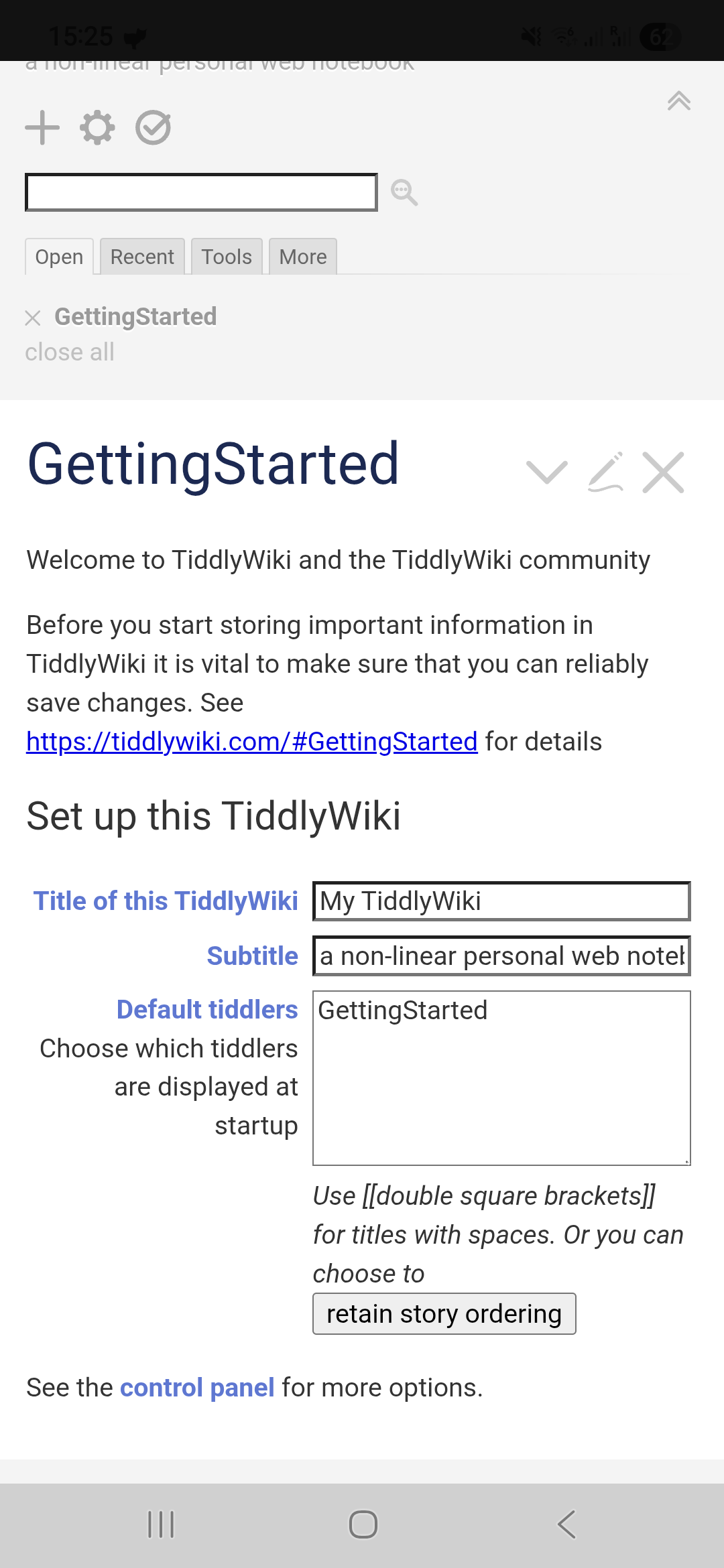
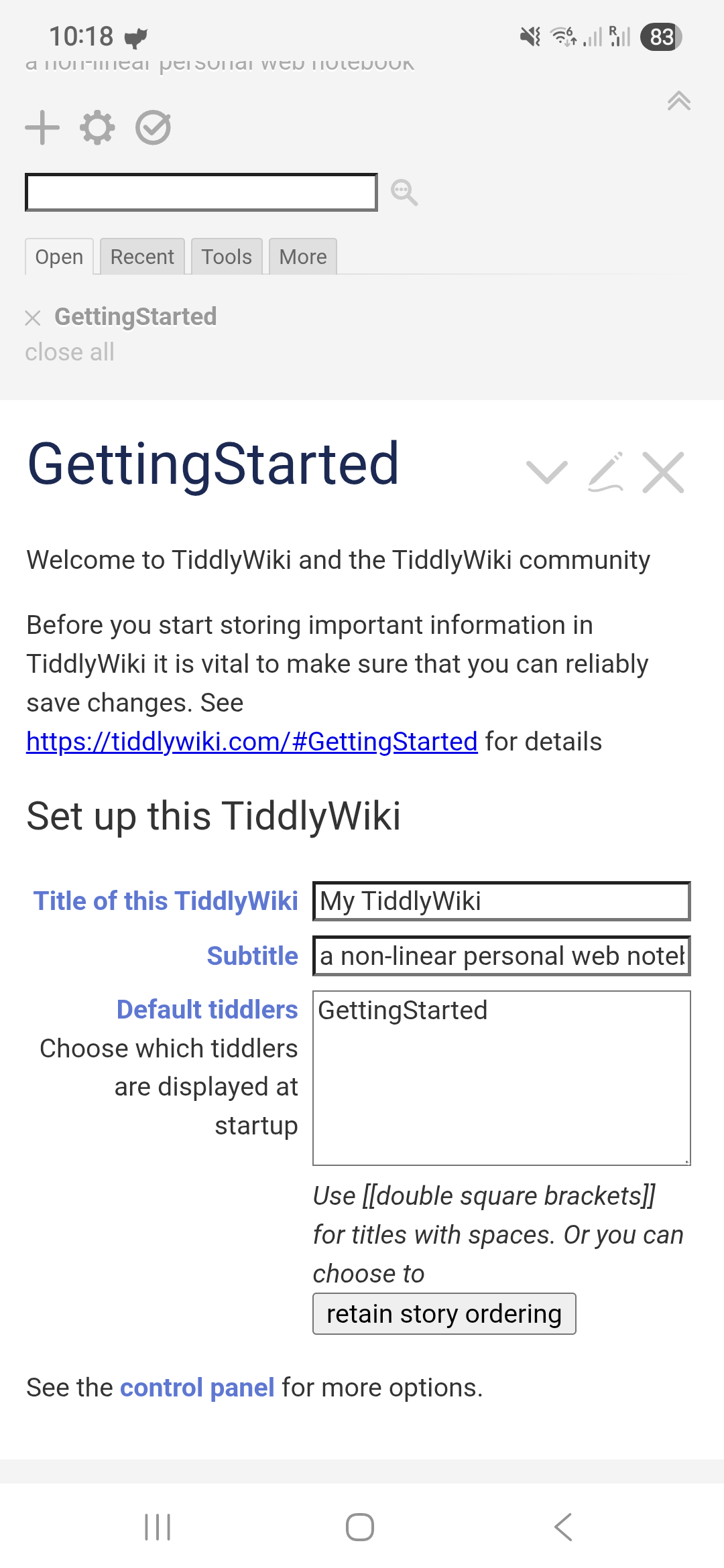
It’s better, because the system bars do not overlap with wiki (e.g. a bottom bar similar to notebook theme is not covered and therefore usable).
But there are still some issues:
Tested on v0.0.3
Yes I need to test this on newer android versions than mine!
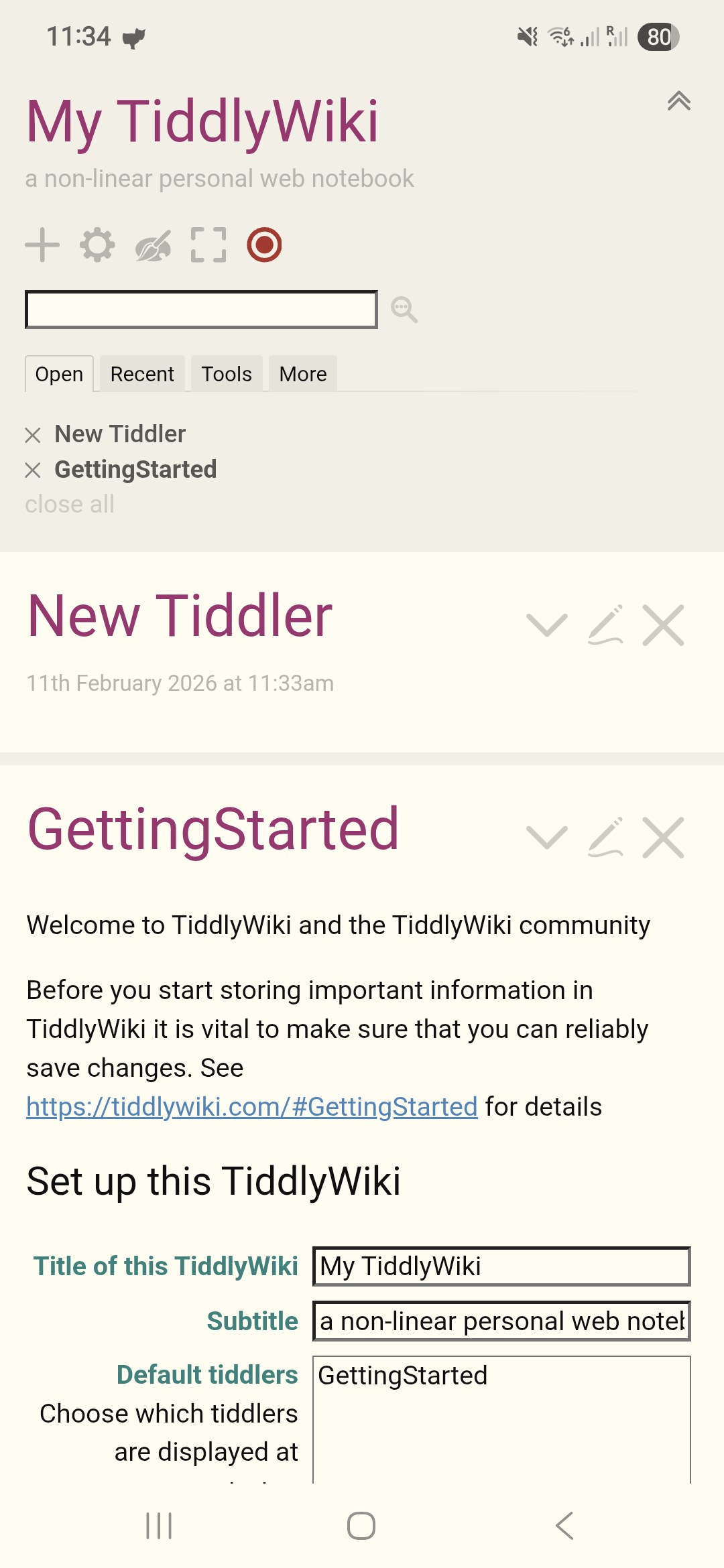
It’s much better with the system bars on v0.0.5 now. The status bar and navigation bar don’t cover the UI anymore, and their colors respond to the wiki’s palette. The only issue that remains is that the wikis are opened a little bit scrolled down, so that the title is invisible and the subtitle is partially visible:
Hi @vilc ,
thanks for the feedback! Yes I’ve now tested on Android 16 to make sure everything works as expected.
The scrolled-down view at startup is TiddlyWiki5 specific. At startup of a wiki, TiddlyWiki5 scrolls the first tiddler in the story list into view, and in the shown case it’s the GettingStarted tiddler.
To solve such issues we’d need to create solid meaningful pull requests at the TiddlyWiki5 repository itself.
Could you please, if you find some time, test these points?
Thank you for your valuable time!
Simon
I understand about the initial scroll, thanks for clarifying.
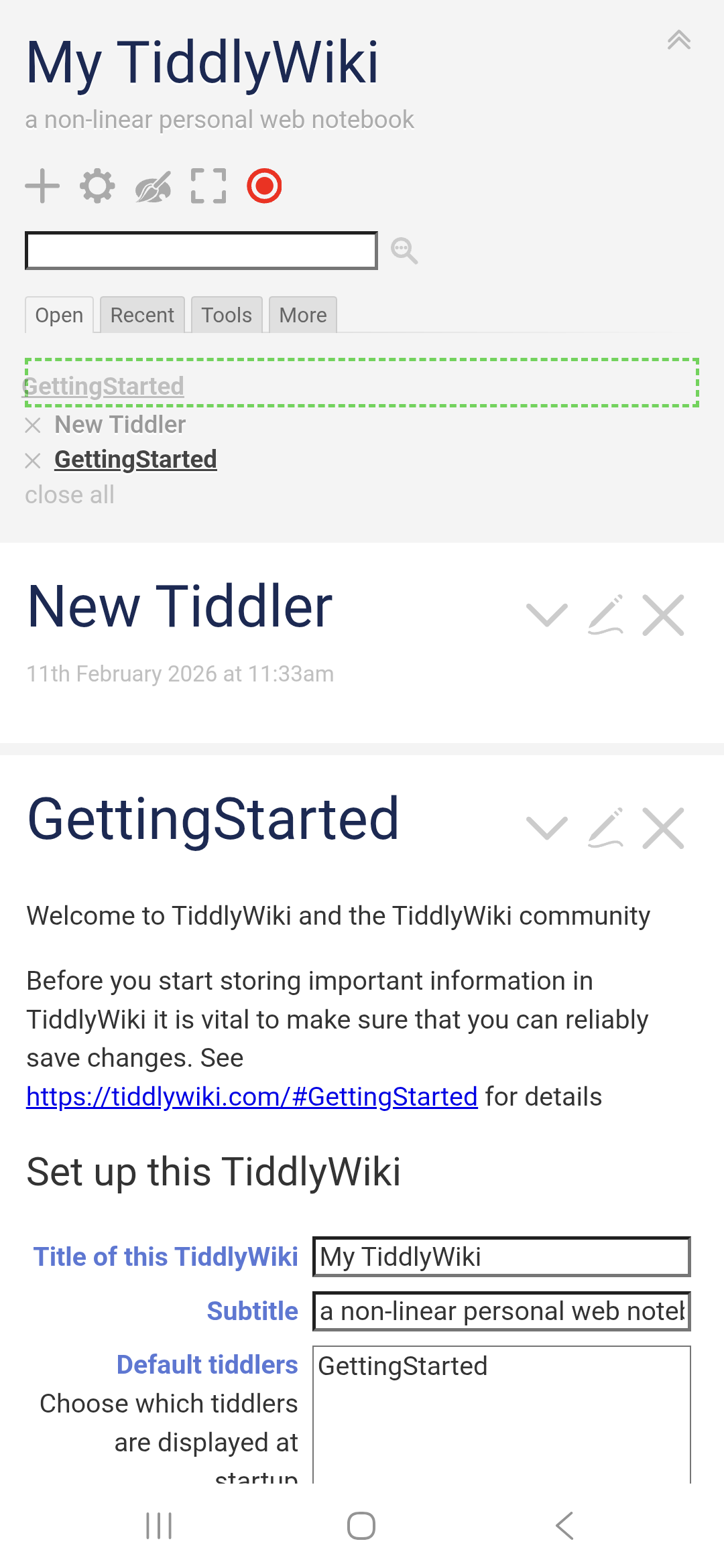
Fullscreen looks as expected, drag and drop works (wow that’s nice to have on mobile):
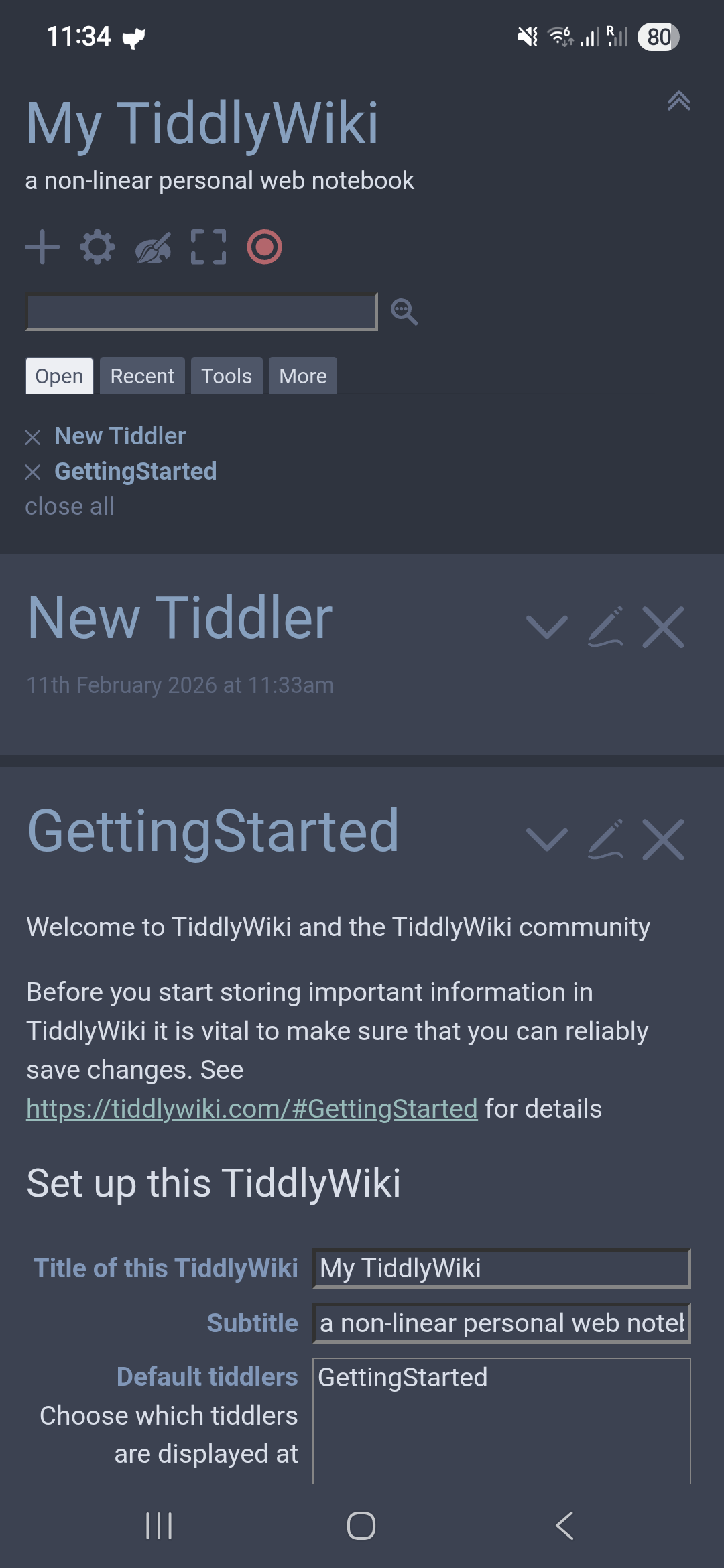
Status and navigation bar react to palette. I would personally prefer both bars to take the background story river color. As of now, the bottom navigation bar takes the tiddler color, which looks strange on some palettes with high contrast between the bg and tiddler.
Importing images works smooth. The image is copied to wiki folder/attachments/ and a canonical URI refers to this new file. The only problem I see is that if multiple single file wikis are kept in the same TiddlyDesktop folder, then all the attachments from all wikis would be put together in the same folder. Is the behavior on desktop the same (sorry I’m not familiar with desktop TD that much)? Is it expected/recommended to keep each single file wiki in a different folder anyway?
Hi @vilc and thank you very much for testing!
Yes it’s expected to put all attachments into the same attachments folder if the wikis are all in the same directory. That avoids too much duplication of files. But you can however put - like you mentioned - each wiki in its own dedicated folder.
On desktop attachments work differently. There the attachments do not get copied, they simply get streamed to the wiki if they are kept externally. On Android it’s necessary to go the way of the “attachments” directory beneath the wiki file / folder, because the wiki there has access to files. It’s a workaround because of Android filesystem access limitations.
I’m so glad that it works for you!
Next update brings share files with wiki, open JSON, CSV, HTML and TID files with wiki, and a web clipper! So stay tuned 
Thank you,
Simon
Is there any chance we can get a native ‘Share-to’ android function that will trigger the import window on a selected TiddlyWiki with the ‘shared’ content?
That might be it’s own rabbit hole lol but I would love to be able to ‘share’ links, text messages, etc into TiddlyDesktop-RS to import as tiddlers.
Next release!
Not the messages sharing though. But come with ideas what could be shared with wikis!
Thanks,
Simon
I’ve downloaded the v0.0.6 update. I tried sharing an image to a wiki, it worked as expected (image copied to attachments folder, canonical uri tiddler in wiki), but it was a bit strange that the drop down list of wikis to share with contained some that had been already deleted and not visible on the wiki list in the td-rs app. As if there was some cache or list of recent wikis that was different to the list of wikis shown in the app.
The release notes mentioned handling intent:// links. Could you give some example or point to a source of examples/syntax on how to use these? I have a brief idea of what the intents are in Android, but I’ve no idea how this could be used practically in TW.
Hi @vilc
Thank you for your bug report, I’ll fix it soon.
Here’s an example of the use of intents, it needs the pickaday plugin by @Mohammad installed:
\procedure time(suffix)
<$select tiddler={{{ [[$:/temp/calendar/]addsuffix<suffix>] }}} default={{{ [<suffix>match[start]then[0800]] :else[[0900]] }}}>
<$list filter="[range[6],[21],[1]]" variable="hour">
<$list filter="[range[0],[3]]" variable="step">
<$let minutes={{{ [<step>multiply[15]pad[2]] }}} time={{{ [<hour>pad[2]addsuffix[:]addsuffix<minutes>] }}} timeValue={{{ [<hour>pad[2]addsuffix<minutes>] }}}>
<option value=<<timeValue>>><<time>></option>
</$let>
</$list>
</$list>
</$select>
\end

<$edit-text tag="input" placeholder="Titel" tiddler="$:/temp/calendar/title" class="tc-calendar-title"/>
<br><br>
<$edit-text tag="textarea" placeholder="Beschreibung" tiddler="$:/temp/calendar/description" class="tc-calendar-description"/>
<br>
<$edit-text tag="input" placeholder="Ort" tiddler="$:/temp/calendar/location" class="tc-calendar-location"/>
<br><br>
Datum: {{||$:/plugins/kookma/pikaday/ui/buttons/TodoDueDate}}

Beginn: <<time start>>

Ende: <<time end>>

<$wikify name="wikifiedDescription" text='"""

{{$:/temp/calendar/description}}

"""'>
<$let startTime={{{ [{$:/temp/calendar/start}!match[]] :else[[0800]] }}} endTime={{{ [{$:/temp/calendar/end}!match[]] :else[[0900]] }}} title={{$:/temp/calendar/title}} description={{{ [<wikifiedDescription>encodeuricomponent[]] }}} location={{$:/temp/calendar/location}} start={{{ [{!!due}removesuffix[120000000]addsuffix<startTime>addsuffix[00000]format:date[TIMESTAMP]subtract[3600000]] }}} end={{{ [{!!due}removesuffix[120000000]addsuffix<endTime>addsuffix[00000]format:date[TIMESTAMP]subtract[3600000]] }}}>

<a href=`intent://calendar#Intent;
action=android.intent.action.INSERT;
type=vnd.android.cursor.item/event;
S.title=$(title)$;
S.description=$(description)$;
S.eventLocation=$(location)$;
l.beginTime=$(start)$;
l.endTime=$(end)$;
end;`>
Create
</a>

</$let>
</$wikify>
this example opens the calendar activity / intent and creates a calendar entry with title, description, location, start and end time. It’s not perfect because I had to subtract an hour manually from UTC time to match my timezone. I’d like to somehow automatically match the timezone… but anyway, you get the idea. There are many different intents one can create like that and launch by <a href="intent://...>launch</a>
Hi all,
the next Update of the Android App will bring “Real-time” sync over LAN to the App.
With that, two devices in the same network can sync wikis over WIFI for example.
An update made in one wiki will then almost instantly be reflected in the other connected wiki.
This works with the Android App and the TiddlyDesktopRS Desktop apps.
Further, the new Update brings some bug fixes and a significant faster startup time of wikis.
For those who are interested in testing, the test phase is still going and it’s still possible to opt in.
Who pays the cost of the app will be refunded right after, that’s how I handle it during the test phase.
Cheers,
Simon
Hello Simon,
Some first /early feedbacks:
Issues / unexpected behavior:
What I really appreciate:
Open question:
BR,
Eskha
Hi @Eskha - yes these are the necessary steps to grant the App permission to the file AND the folder. Otherwise this won’t work.
I’ll investigate!
Did you click on “Open folder” or “Create new wiki file”?
Hmmm… not that easily
On the desktop app that works already, on Android I’ll have to think about it
Tiddlyhost should work from within the wiki. When you set it up, it should save your wiki both to Android and Tiddlyhost, same for GitHub, GitLab and Gitea savers.
Thank you,
Simon
@BurningTreeC Finally I was able to install the app. I would be interested to know whether support for third party cloud storages like onedrive will be supported
Hi @arunnbabu81
Support for third party cloud storage is not directly supported, there are workarounds with sync-apps that are available in the Play Store. They sync a local folder to your OneDrive for example. But no, direct support is not given.
So what is the best way of syncing wikis between mobile phone and desktop using the android and desktop app created by yourself. How do you sync your wikis
I sync them over LAN-sync
You can activate LAN-sync in your Android app and the Desktop TiddlyDesktopRS app.
Then you pair the two devices once using the pairing code - show the code on one device, enter it on the other device.
Then you click the “Sync” button on one of your wikis and that wiki will show up as available for syncing on the paired devices.
Click on “Get wiki” on the paired device where you want to get the wiki, choose a folder where it should be saved.
It will then get the wiki, store it in that folder and open it.
Do one last thing if you want two-way-sync: on the device where you did “Get wiki” check the “Sync” button too.
Will check it and give my feedback… Thankyou @BurningTreeC
Thank you @BurningTreeC for your answers.
I have clicked on the “Create new wiki file”.
I was not able to reproduce the issue on the following tests.
I will try with Tiddlyhost saver. If I understand well the expected workflow (local editing ( remote publishing) is:
Do I understand well the behavior / imagined workflow?
BR,
Eskha