Hi @Jon - thanks for reporting!
I totally forgot about the feature. Within 30 minutes a fixed version will be available.
Hi @Jon - thanks for reporting!
I totally forgot about the feature. Within 30 minutes a fixed version will be available.
Just tried the latest version and you have certainly fixed it - brilliant!
I can also report that in your version of tiddlydesktop, the wiki handles unsaved changes as expected - giving the option of cancelling if accidentally attempting to close the wiki before saving.
In the original version (for me anyway) that would lead to a doom loop of having to repeatedly hit the cancel button to try and close the dialogue.
Thanks again
Jon
tiddlydesktop-rs-0.0.47-linux-x86_64.tar.gz
ran the install script
tiddlydesktop-rs

thread 'main' (22130) panicked at /home/runner/.cargo/registry/src/index.crates.io-1949cf8c6b5b557f/tauri-2.9.5/src/app.rs:1301:11:
Failed to setup app: error encountered during setup hook: Could not find source index.html. Tried: ["/usr/lib/tiddlydesktop-rs/resources/index.html", "/usr/lib/tiddlydesktop-rs/index.html"]
note: run with `RUST_BACKTRACE=1` environment variable to display a backtrace
/home/runner is not my home directory. Is this hardcoded?
install.sh puts things to /usr/local by default, as it seems how it sets PREFIX. But in the log above there’s no such path. Is install.sh out of sync with the rest of the codebase?
Does TDRS support isolated session data? (TD original shared cookies etc among instances).
Does TDRS support browser chrome/host facilities like Ctrl-F (find)?
Hi @CodaCoder
This is coming with a custom search panel built in
No, currently it does NOT support isolated session data. Should it? And if yes, why?
I’ve now explicitely made it isolate session data so that cookies etc. are not shared among instances.
@BurningTreeC This is excellent so far!! I’m certainly looking to use this in the future and am doing testing now. In particular, the SPEED of rendering is faster than any other method I’ve used so far, which is really helpful in my main, complex 30,000 tiddler daily organizer system.
One feature that I rely on heavily for my work wikis are to display images sourced from SharePoint, primarily user profile images. I do this today like this (XX is company name):
<img style="height:150px;width:150px;object-fit:cover;object-position:top;" src={{{ [[https://XXXXXXXXXX.sharepoint.com/_layouts/15/userphoto.aspx?AccountName=]addsuffix{!!email}addsuffix[&Size=L]] }}}/>
This works fine on all of the browser based savers since logging in on another tab saves the credentials and things all work nicely, but that doesn’t carry over to this. Can you think of any workaround?
Hi @stobot
Good point! I’ll add an “Auth” section to the control panel that lets you navigate (in a new window connected to your wiki) to your sharepoint site / whatever site and do the login.
Session data will be stored per-wiki
v0.0.54
What does not yet work?
Wow!! Impressive turn-around, just installed, tested and it (Auth for SharePoint) works perfectly!! Love the search functionality as well!
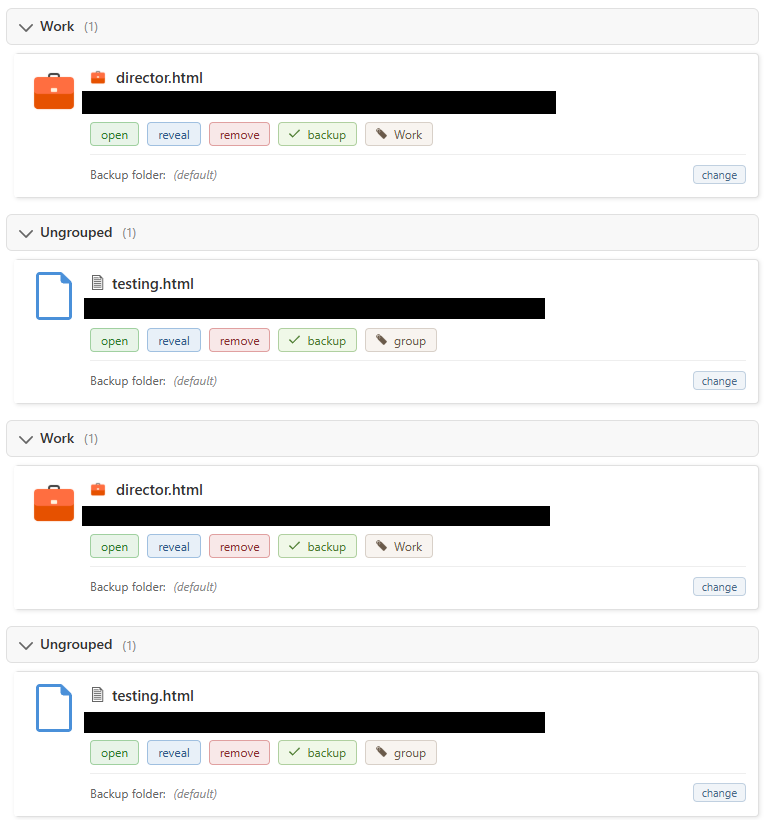
Groups: I added a group to my so-far single wiki which worked well, and then I added another one and noticed that the menu duplicated. It persisted even after tagging the “testing” one, and closing / reopening.
Possible bug: I don’t know what the tray icon is supposed to do, but double-clicking it doesn’t do anything for me, and right-clicking on it and selecting “Open Wiki” also doesn’t do anything. What would be nice is that either of those actions should open/reveal the “Wiki List” area. Right now to get there I re-launch - not sure if that’s intended. I’m running the .exe portable setup in case that’s relevant.
@stobot thanks for reporting!
Both bugs will be addressed soon!
Hi @BurningTreeC,
I’m looking forward to this new TiddlyDesktopRS.
I have a view questions (v 0.1.1):
Thanks.
Hi @StS
Currently you can’t customize the startpage - what would you like to change?
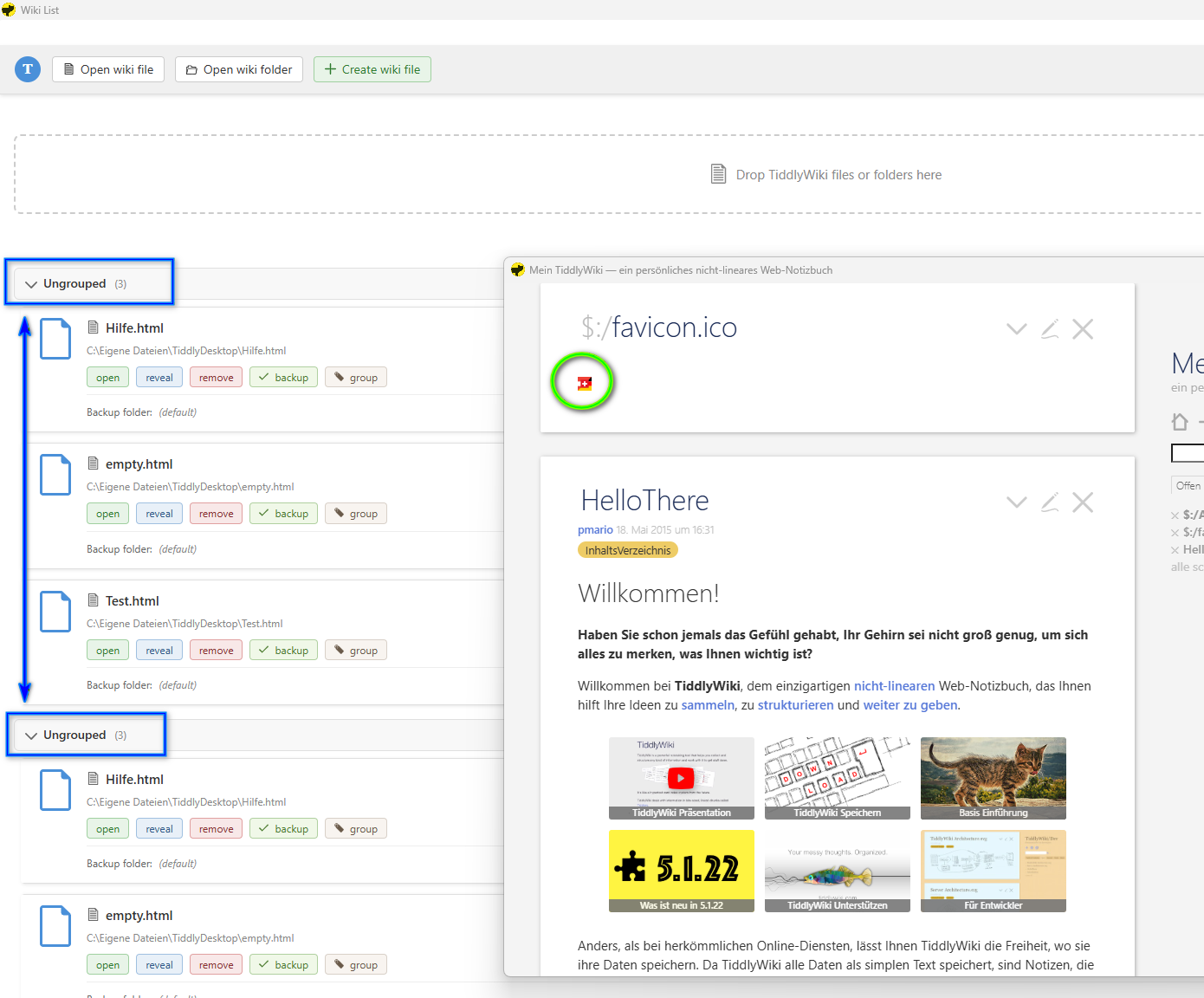
The system putting each wiki twice is a bug which should be resolved in version 0.1.2
Is the favicon shown for non-encrypted wikis or never?
Thanks!
0.1.2 fixes both issues for me. As I’m installing as portable and use the default generated directory, is it safe to just let it keep overwriting, or should I delete the folder between versions?
Hi @stobot - you can keep the folders between versions - if the app has an update it automatically updates the necessary files
Great! Good to know. Just to confirm, “updating” is still go to github, download… right? Any chance of an in-app update process? Or even a “check for update” button?
Wow, that’s a good call!
Maybe…
@TiddlyTitch - have you seen how to get the tiddlydesktop-rs-commands plugin?
The performance on Linux is very poor compared to Windows for me. I think the Linux build – using the RPM package on Fedora 43 KDE, may be running without hardware acceleration. The splash screen does not load, there are black artefacts, etc.
I second everyone else in saying that the Windows build is a dream!
My one other bug report is that the $:/favicon.ico stored in the wiki as image/png is not loaded by the way, on either system, but that’s a minor point.