
I wonder how you were able to synch earlier (before rooms). Or was that on a different computer?
different executables in different paths probably
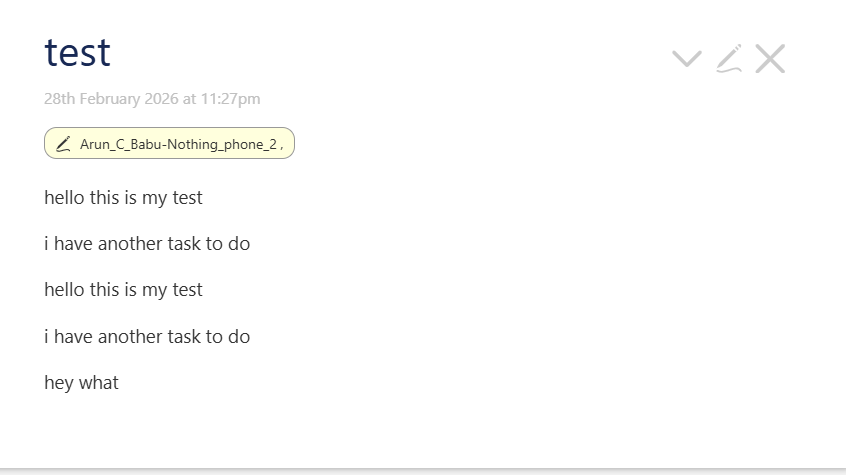
I think there was some mistake in the words I used previously. I was using the same laptop and phone all the time. What I got previously was not real - time syncing of wikis while editing . But I was just able to use the get wiki option and open wikis from peers. Real time sync while editing tiddlers was introduced later by BTC I guess.
This is how it looks now for me.
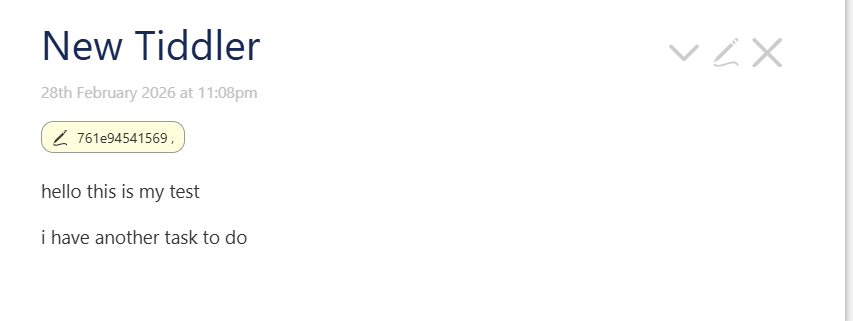
@arunnbabu81 if you now setup a $:/status/UserName on both devices you should see that instead this cryptic code. Also, these codes are not real device codes, they are hashed and encrypted. So basically another one knowing this code cannot use it for anything.
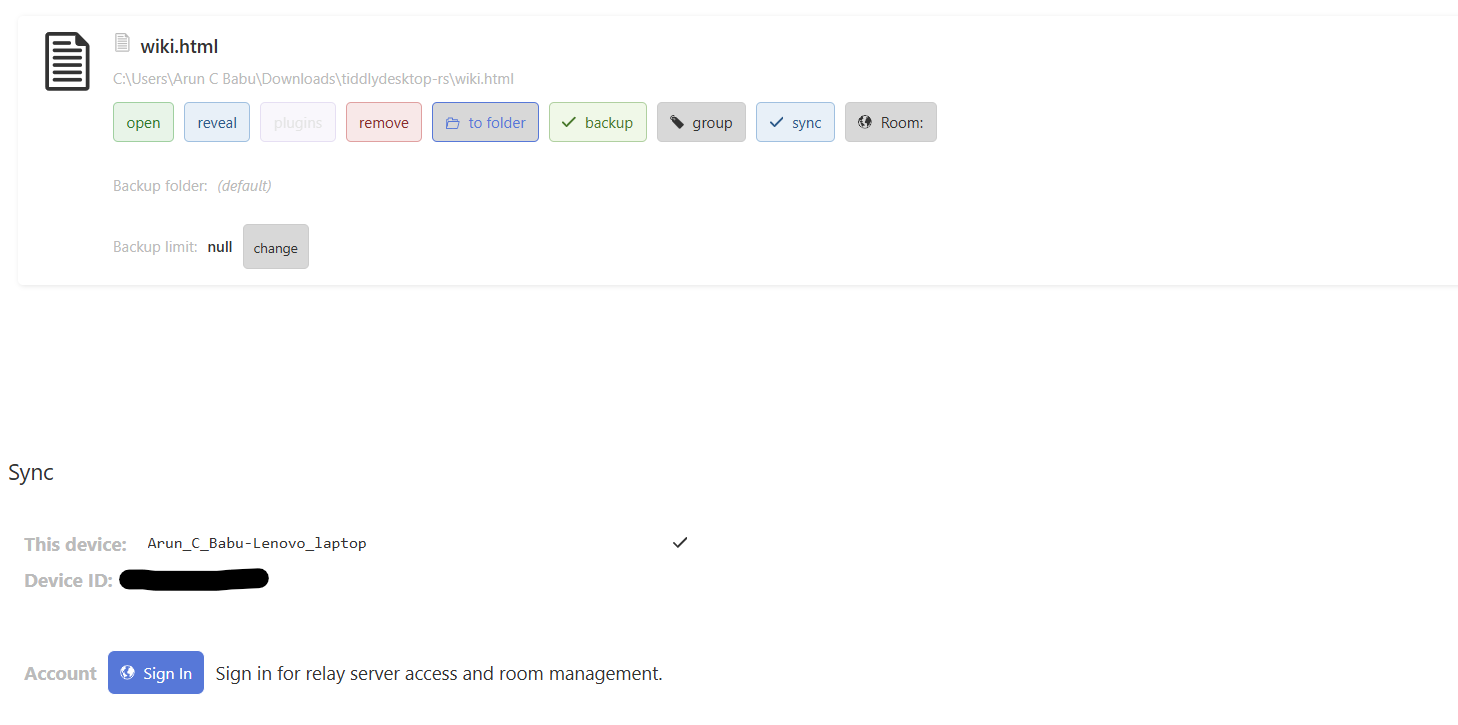
Did you meant This device option in the app dashboard as seen in the screenshot. I modified the name there and it was working
@BurningTreeC How does the github and google sign in works ? Is it safe to use such servers for relatively private data ?
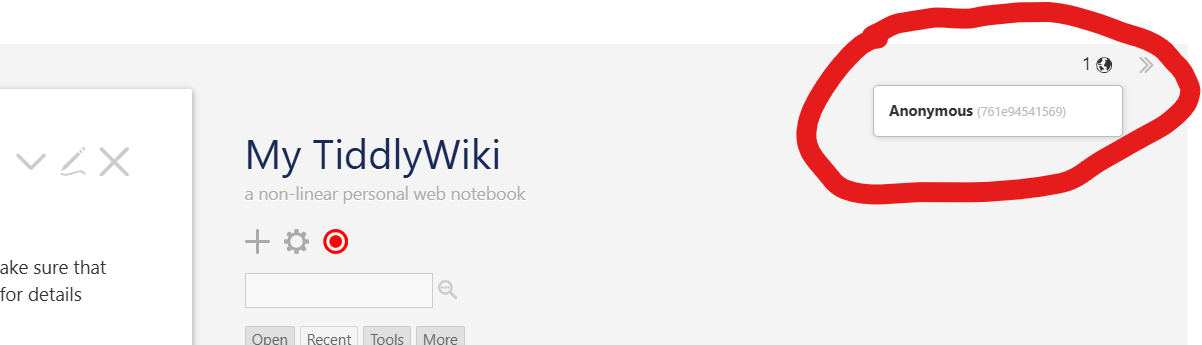
it shows the $:/status/UserName of the connected peer
Where can I find $:/status/UserName
In the $:/ControlPanel > Info > username for signing edits
So this tiddler doesn’t get synched?
No, doesn’t make sense to sync it, correct?
- $:/StoryList
- $:/HistoryList
- $:/temp*
- $:/state*
- $:/language*
- $:/status*
- $:/DefaultTiddlers
- $:/view
- $:/layout
- $:/palette
and others I don’t recall from memory… they don’t get synced.
That’s useful to know. I knew it couldn’t be all system tiddlers, because plugins were synching.
Thanks!
The $:/core plugin never syncs. $:/config* tiddlers never sync, they are user preferences.
If I disconnect the Room for the phone, then make changes to a tiddler on the phone, and then reconnect, those changes aren’t propagated back to the desktop.
Do I need to re-link (leave the room?) in order to assure changes are seen on both devices?
No, you should just have both wikis open at the same time and both devices connected to the room so that they can sync…
Once they’re connected they go back to communicating.
But the changes made while the phone was disconnected do not synch.
A common scenario would be someone who makes notes on their phone all day, and then goes home and wants to synch up.
They should sync. Try closing the wiki on Android and opening it again. The wiki on Desktop should catch up.
The two tiddlers are not synching up.
Does it work for you?
- Disconnect the room on the phone
- Make a change to a tiddler
- Reconnect
- Close/Reopen on the phone.
I’ve done this twice. The tiddlers don’t sync up if changes are made while offline.
1 Like
When you disconnect the room on the phone, after reconnecting, is the wiki then still assigned to the room?