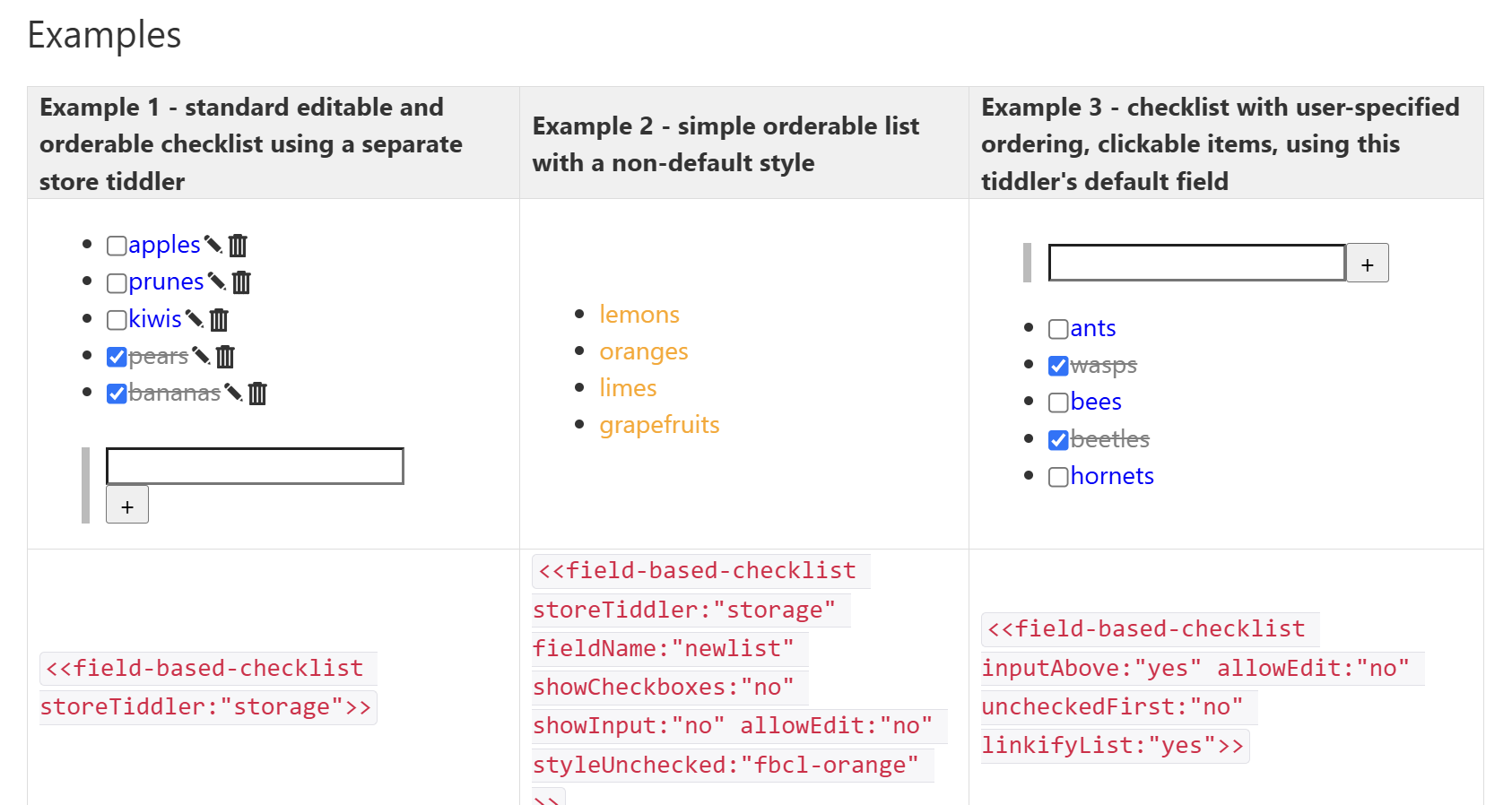
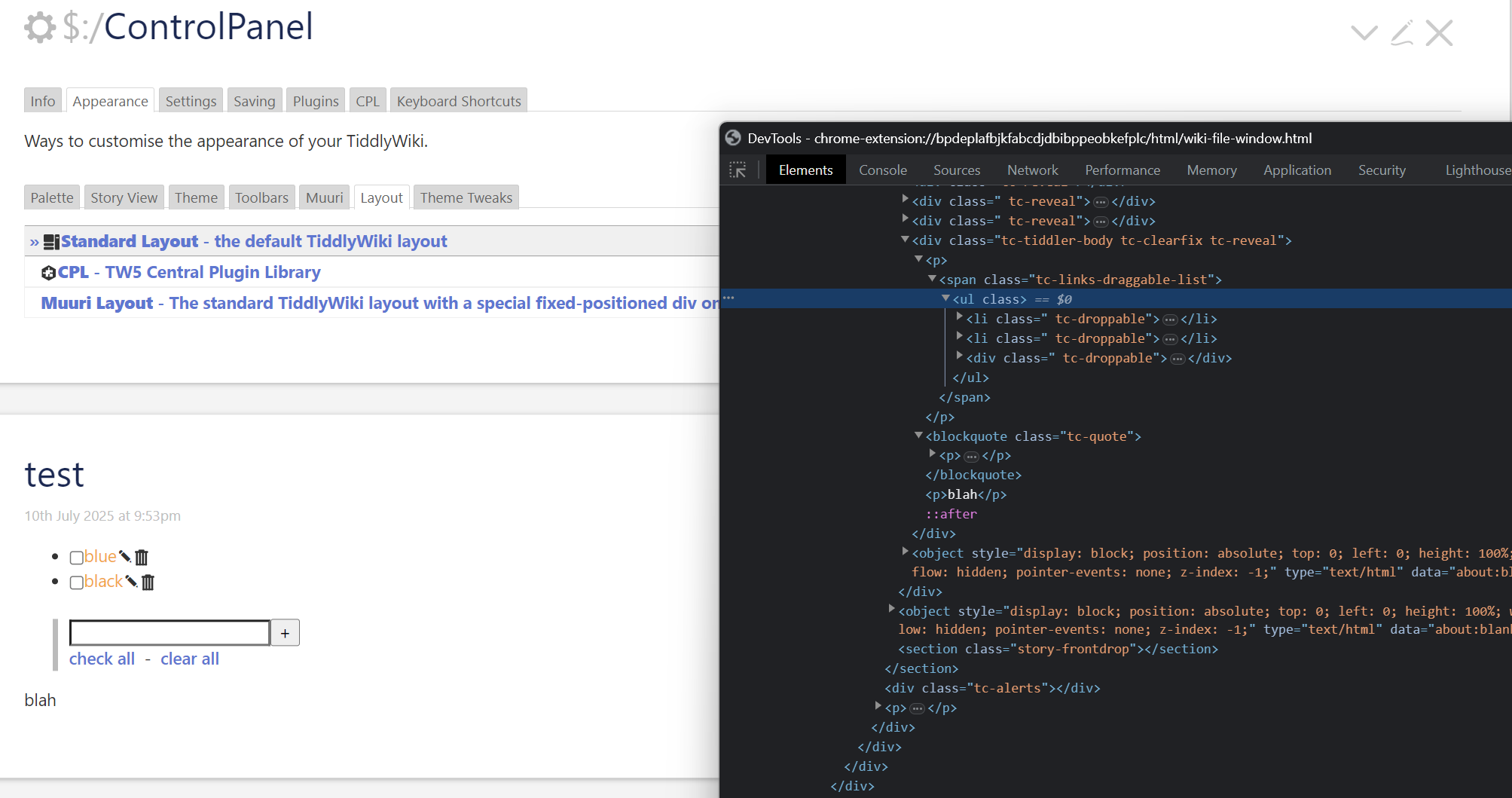
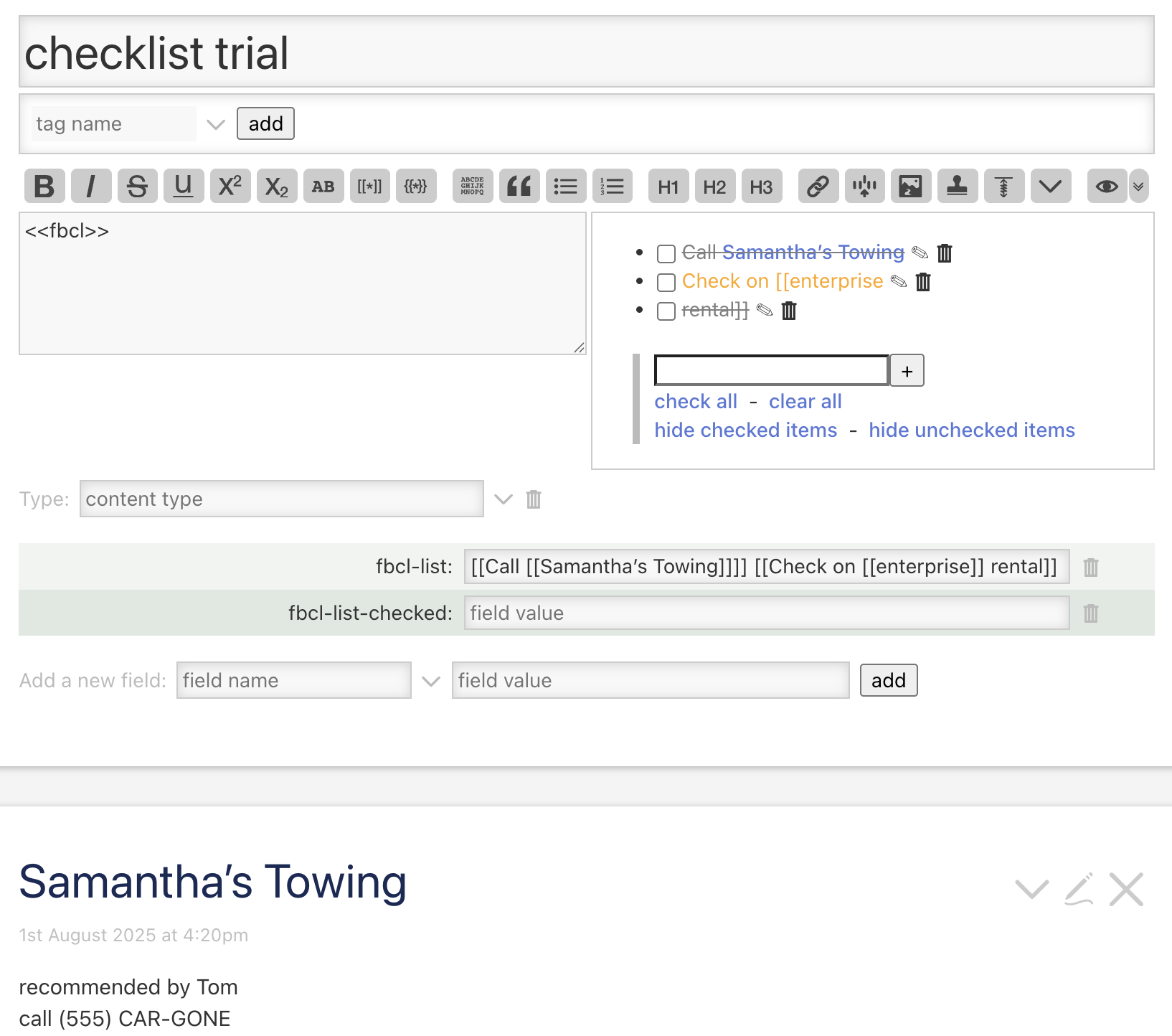
Right @Springer, this is a limitation resulting (largely) from the design decision to store all list items in a single “list” field.
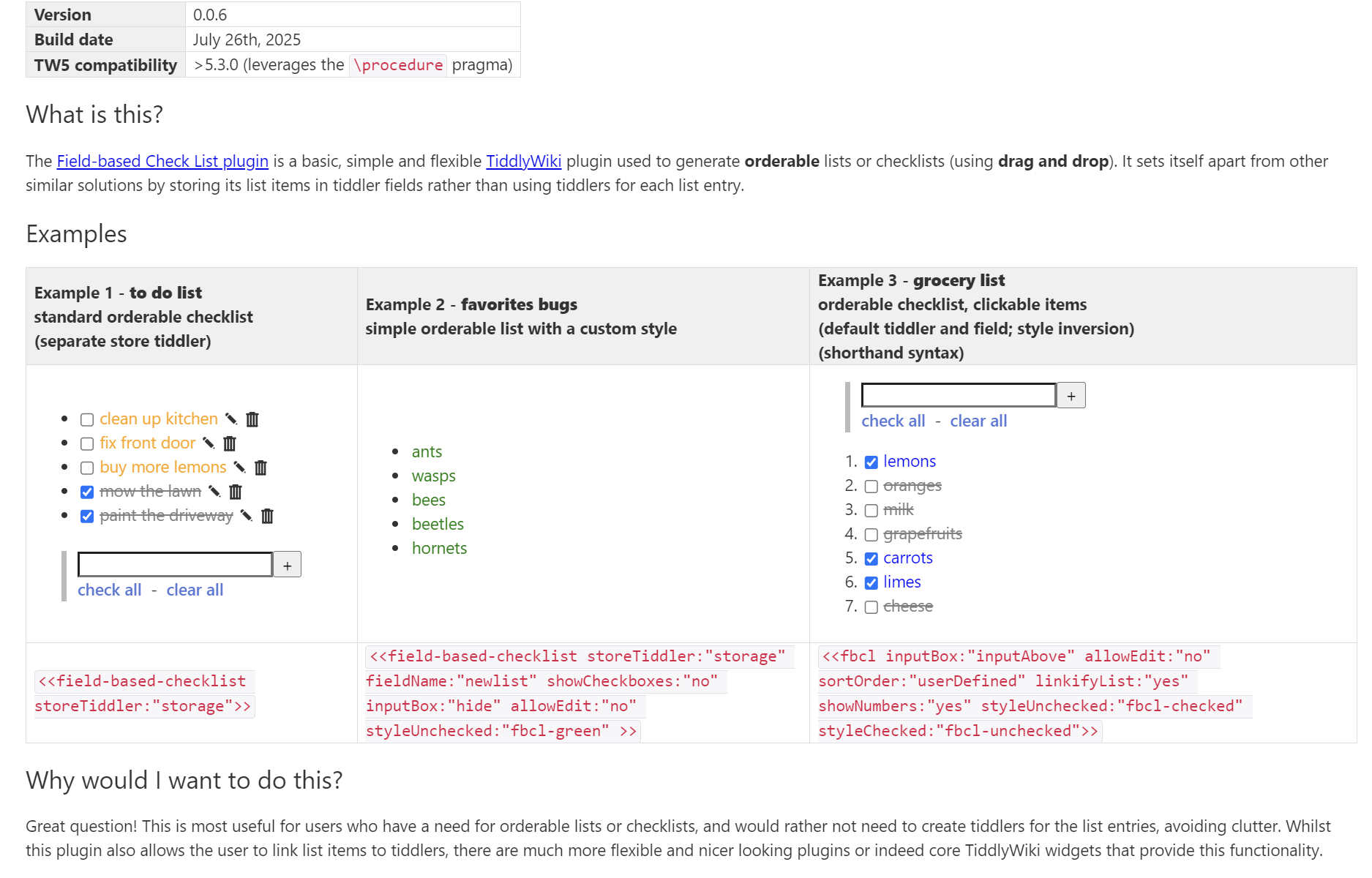
However, it seems that this solution stores items in a field and still allows links within items somehow: @benwebber 's checklist (in fact this solution seems to do most of what I was working towards, including item re-ordering!). I’ll investigate this approach… My early look points to a CSS styling problem more than anything else, and specifically, this dynamic test falls apart.
containsStr=`[contains:$(searchField)$[$(searchValue)$]]`
I didn’t see a styling issue in Ben’s solution, but the demo doesn’t apply a style dependent upon checked/unchecked status.
There are a few alternatives that also work:
More heavyweight solutions such as @telmiger’s ToDoNow that store each item as a tiddler have a similar limitations, because tiddlers’ titles also shouldn’t contain square brackets.
However, interestingly, @Maurycy’s EvidentlyCube’s TaskList Demo stores each task “title” in the body of a specifically tagged tiddler (and not its title), which can accommodate wikitext. In the “Simple task list” demonstrated at the link above doesn’t parse wikitext when rendering the task list, but the “Task List Showcase - Advanced Work Todo” does show it is possible.