oeyoews
February 23, 2024, 6:32am
1
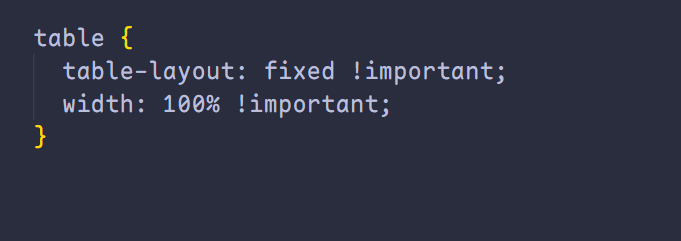
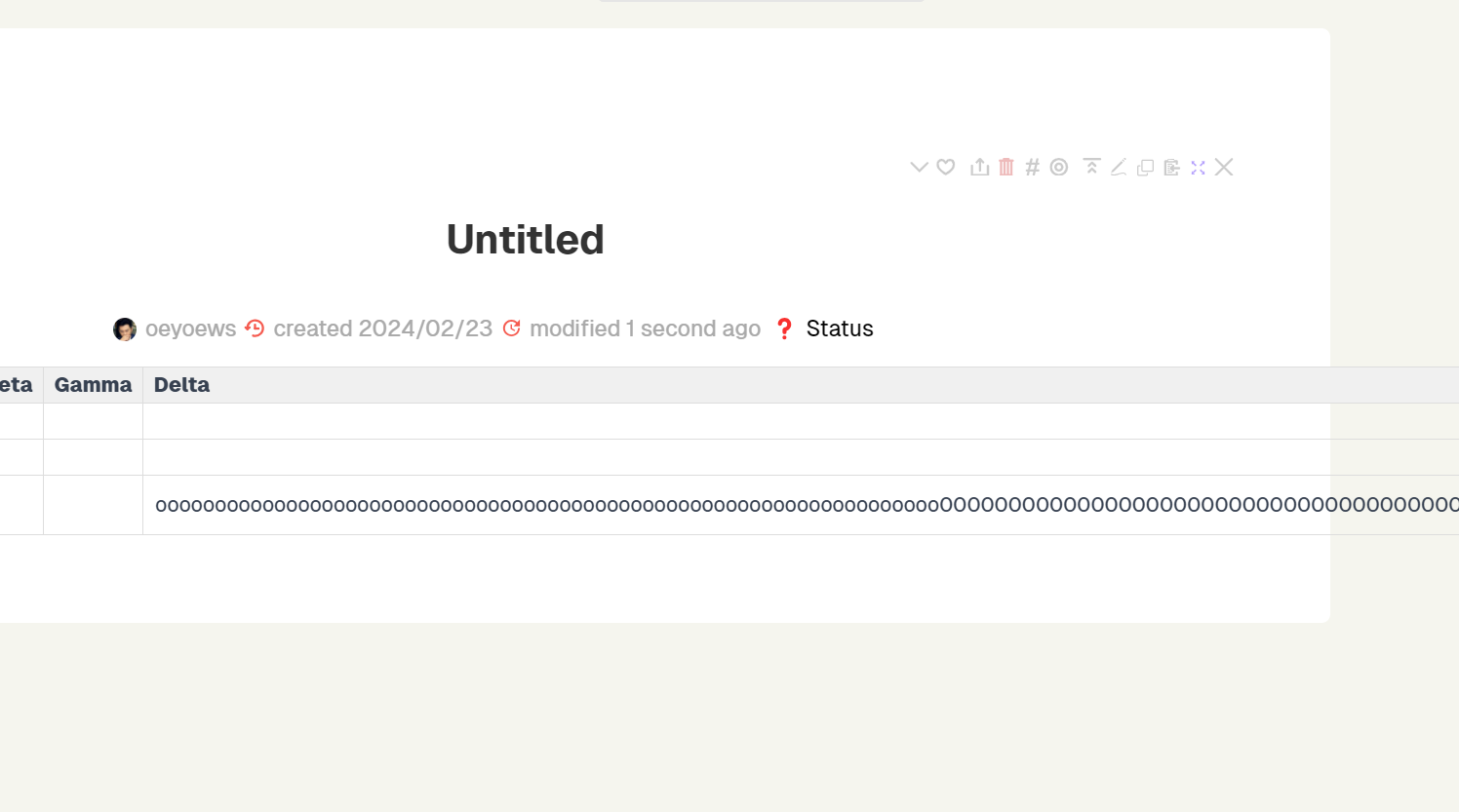
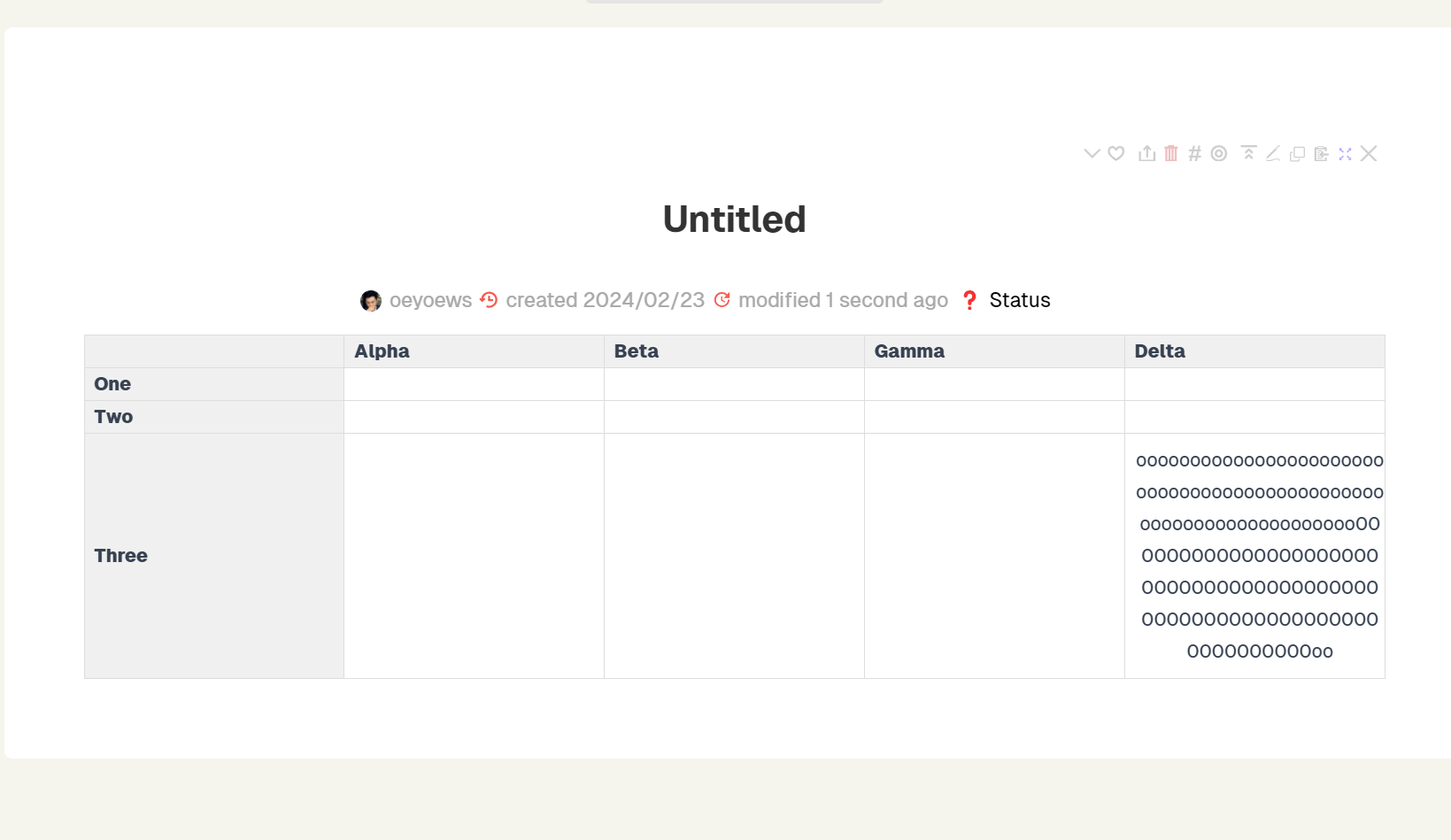
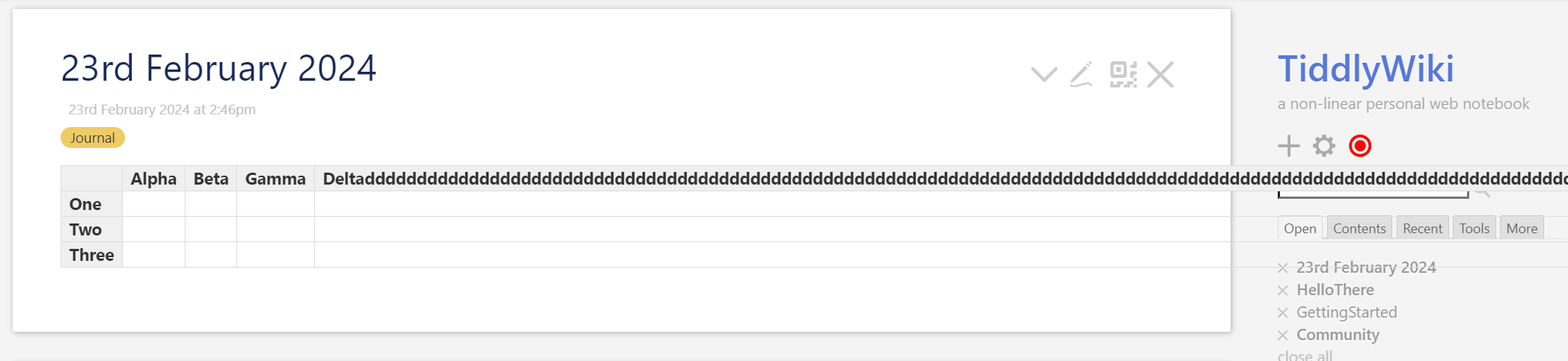
In the past, for the problem of table overflow, I always needed to add an extra node to wrap the table and use overflow-auto to solve this problem, but this is obviously not the best way. I just discovered that using table-layout can solve this problem very well.
Some people may not like important here, but it is recommended to add it in order to prevent this style from being covered by tiddlywiki.
Below are comparison photos
1 Like
oeyoews
February 23, 2024, 6:43am
2
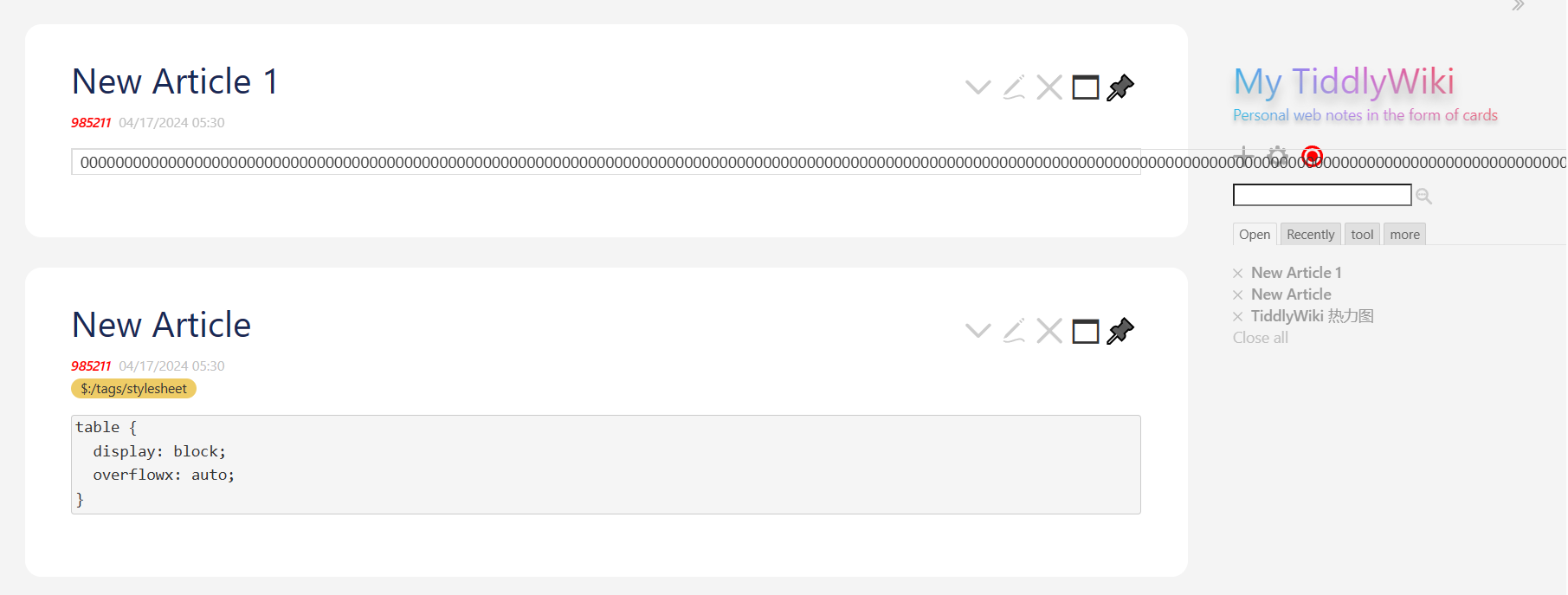
<!-- another same way no important but have scrollbar -->
table {
  display: block;
  overflowx: auto;
}
1 Like
oeyoews
February 23, 2024, 6:48am
3
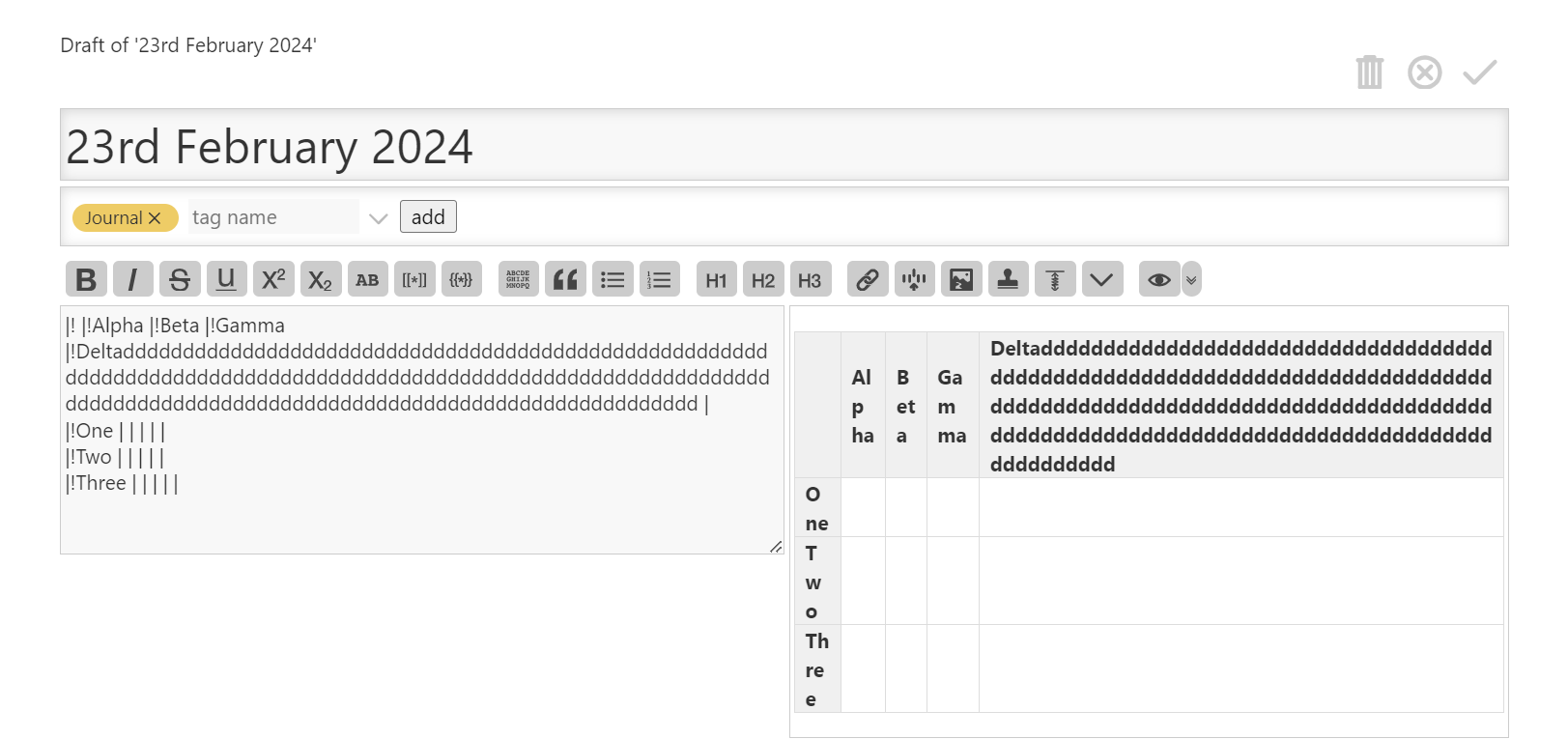
In fact, by default, the UI effect of the table in the preview interface and the real interface are not consistent, perhaps due to the influence of the grid layout.
1 Like
oeyoews
February 23, 2024, 7:01am
4
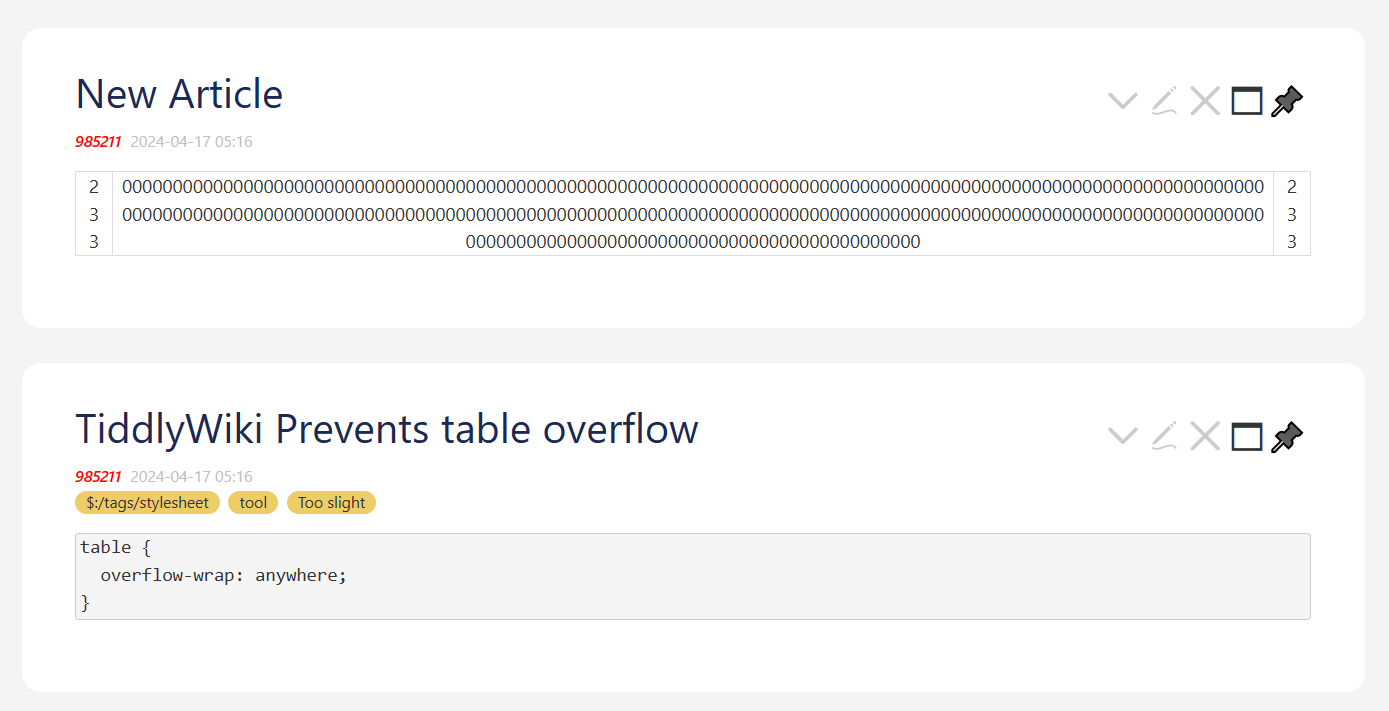
or use
table {
  overflow-wrap: anywhere;
}
1 Like
@CodaCoder recently posted a useful way to avoid !important:
In terms of CSS, I add @layer tiddlywiki-defaults to the TiddlyWiki core css ($:/themes/*). That helps you avoid needing !important. I’ve been doing that since Jan 2023. In this regard, TiddlyWiki could do better to allow the cascade to work as it is (not was) intended to work in ~2024.
2 Likes
XYZ
April 16, 2024, 3:25pm
6
It’s an interesting idea
The traditional text in the table is converged in the cells with this code
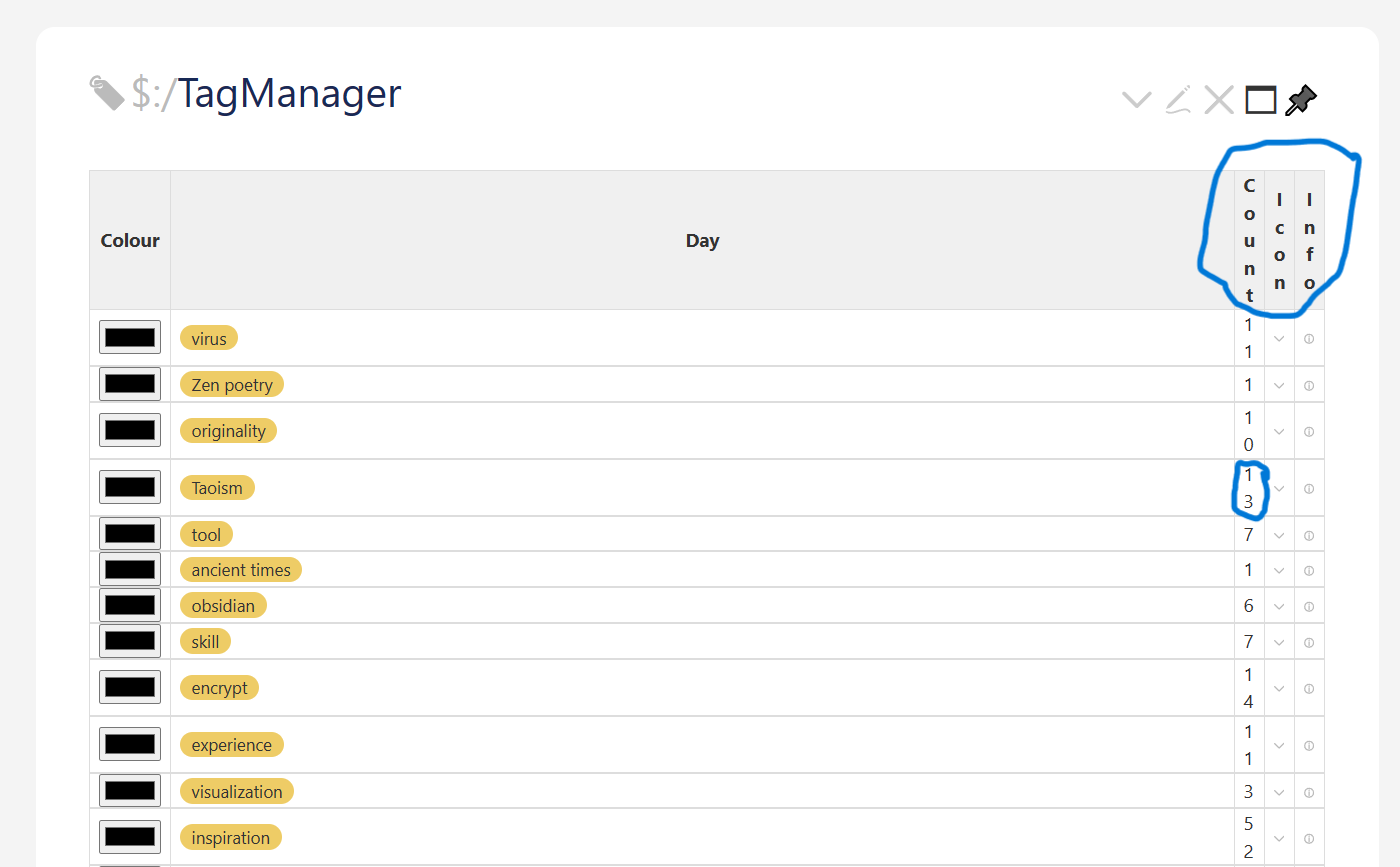
It seems that this code is not very friendly to $:/TagManager tiddler
This code theoretically runs without a problem, here is what I put such as plug-in what wrong caused
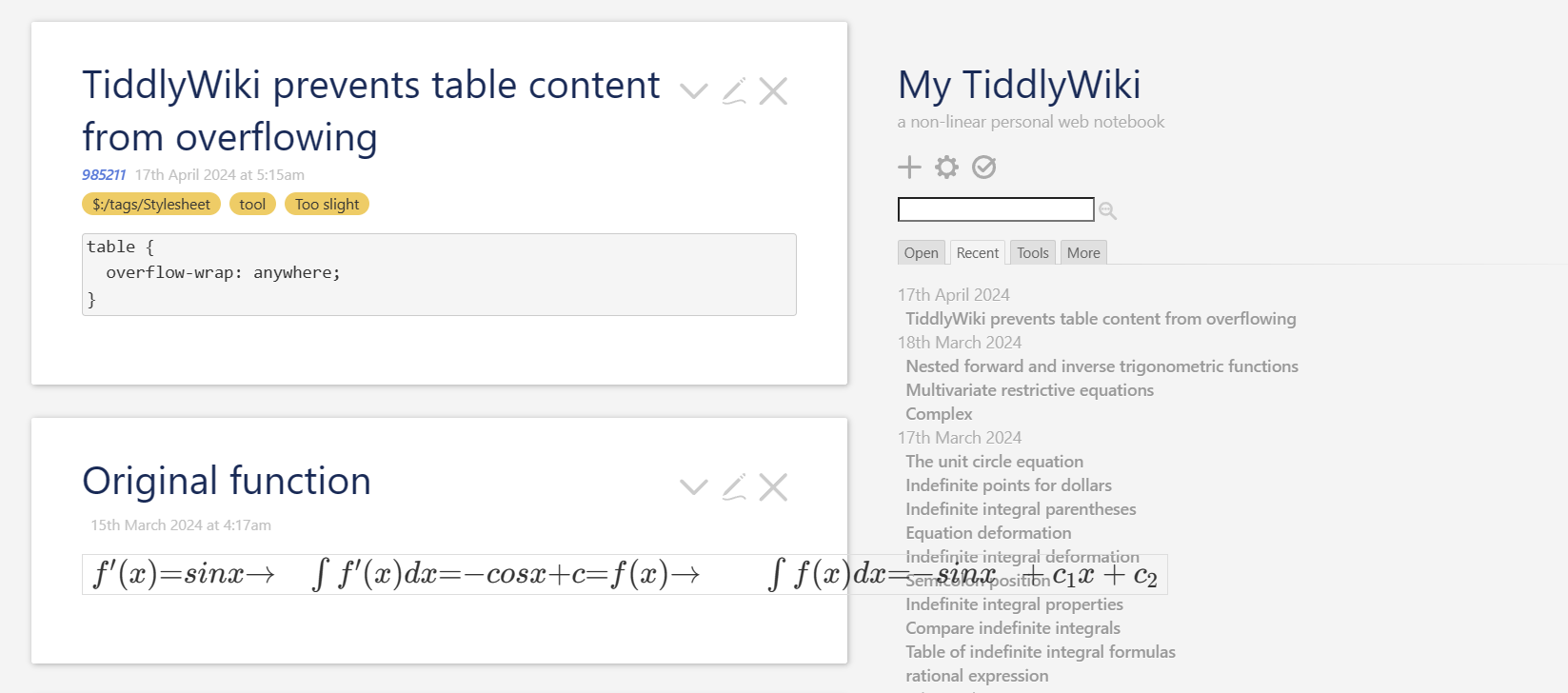
But it may not be able to handle the katex mathematical formula code embedded in the table.Maybe it’s a katex plugin setup problem?
I tried many styles but none of them worked perfectly so in the end I gave up on it
XYZ
April 18, 2024, 1:54am
8
Okay, that sounds like unlucky news