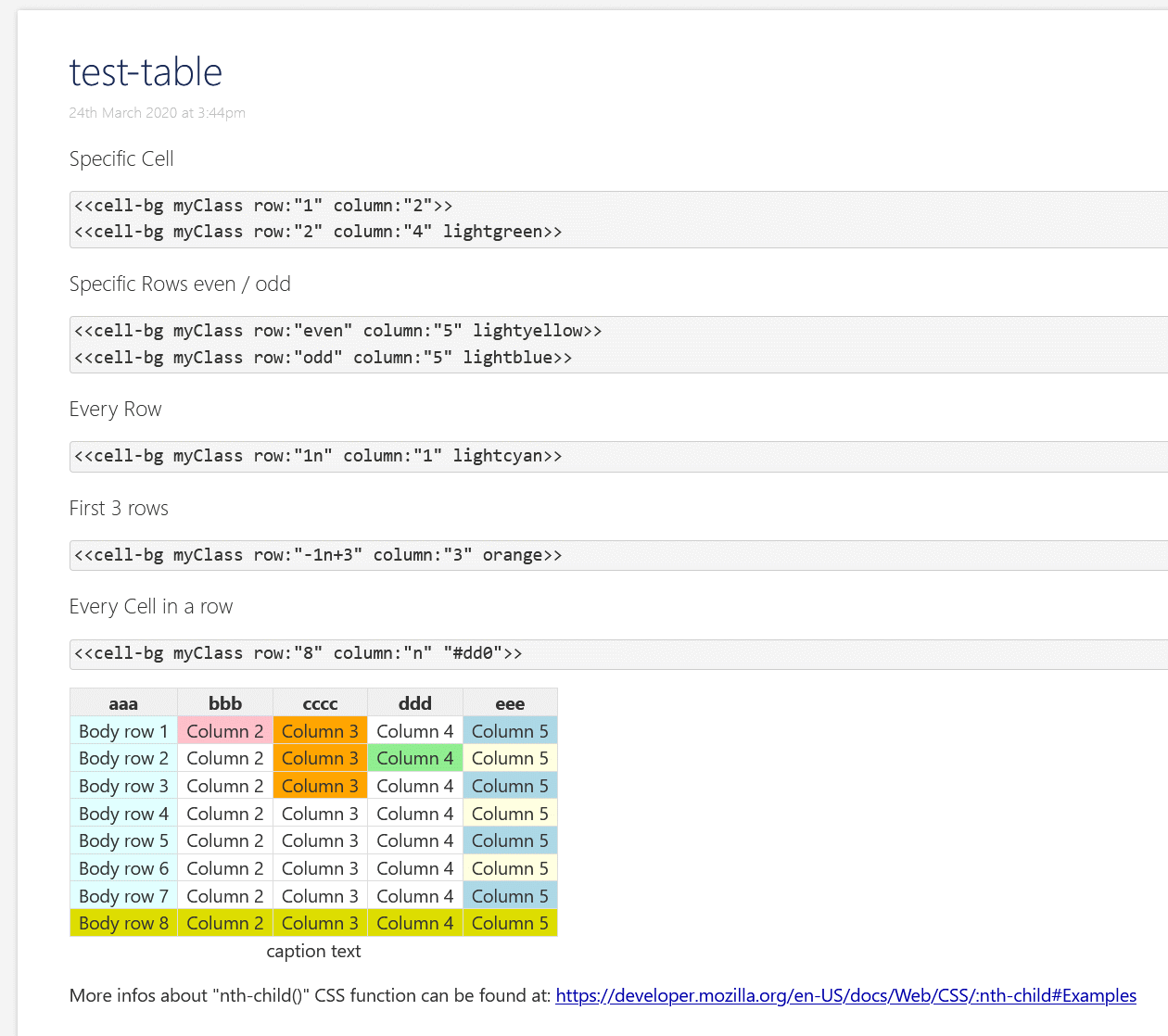
There is a way to cause overflow to become horizontal or vertical scroll bars? I believe this can be set on tables. Perhaps we need some default settings on the viewTemplate for tiddlers as a whole?
Perhaps if we could get the content to “shrink to fit”, if it becomes too small to read (how can we detect this?) we are presented with the ability to;
set the overflow on that tiddler or
open in a modal or separate window
zoom the content of the tiddler such that it overflows if too big.
I would like to see a generic solution built into tiddlywiki because such solutions depend on a technical understanding of TiddlyWikis UI and we should avoid forcing this on users, just because they have lots of content in a tiddler. Its about useful defaults.
Co-incidentally this related discussion resulted in my reply Table with several outputs in one row - #7 by TW_Tones which may point to an answer here, in this discussion, the adoption of flexbox or other design method.
@Ste_W , @Birthe thank you both!
They works! I need to do some adjustment for example use word-break, and white-space wrap/nowrap to get good rendering results
IMO how to “best” handle overflowing table rows depends on preference. It would be neat if someone could make a TW to present various options along with their respective CSS so one could compare and choose. And since this probably is a pure CSS matter, I’m guessing one can find many solutions online, maybe even comparisons. Here is one writeup.
I would say that a basic variable in the mix that matters is whether the end-user wants the table forced to “viewport width” or is okay with “infinite horizontal”
This is obviously a design issue rather than a “fault”.
The main problem with tables is, that they are a complex element. A HTML table consists of up to 8 different elements and all of them can be styled using classes. Some elements have special attributes eg: scope="col" or scope="row" for TH elements. TD cells can span columns and or rows …
A table cell is defined using the TD element
A table knows about “rows” with the TR element
It knows about columns with and COL element
It knows about column-groups .. COLGROUP element
THEAD and TH define header elements but are different in nature
Right. (Lest we forget) I thought your work on Custom Markup useful for more sophisticated tables that still are doable in WikiText. It needs a bit of love?
TBH, I always felt TW table syntax is one of the most amazing bits of it’s markup for parsing! The fact it doesn’t do 100% all the possible table “bells & whistles”, there is no denying it is a major achievement!
Just stumbled upon this issue again. IMO the easiest fix for floating-images it the following bit of CSS, which is also known as a “clearfix” .. Use your favourite search engine and feed it with this term.
Overflowing with tables is a different beast and probably not fixable anymore, because chances are high that it causes backwards compatibility problems. The last time I did try to fix table styling it “exploded” directly in front my face.