I don’t have it - its fine for me now.
Thanks 

I don’t have it - its fine for me now.
Thanks
With the issues about where to place a closure or end as a result of the linter I was wondering if an alternative would be to allow the linter “mouse over” suggesting “auto closure” have additional icon(s) such as to allow the designer to copy it to the clipboard, so the closure is copied to the clipboard and the designer pastes it as needed.
OK
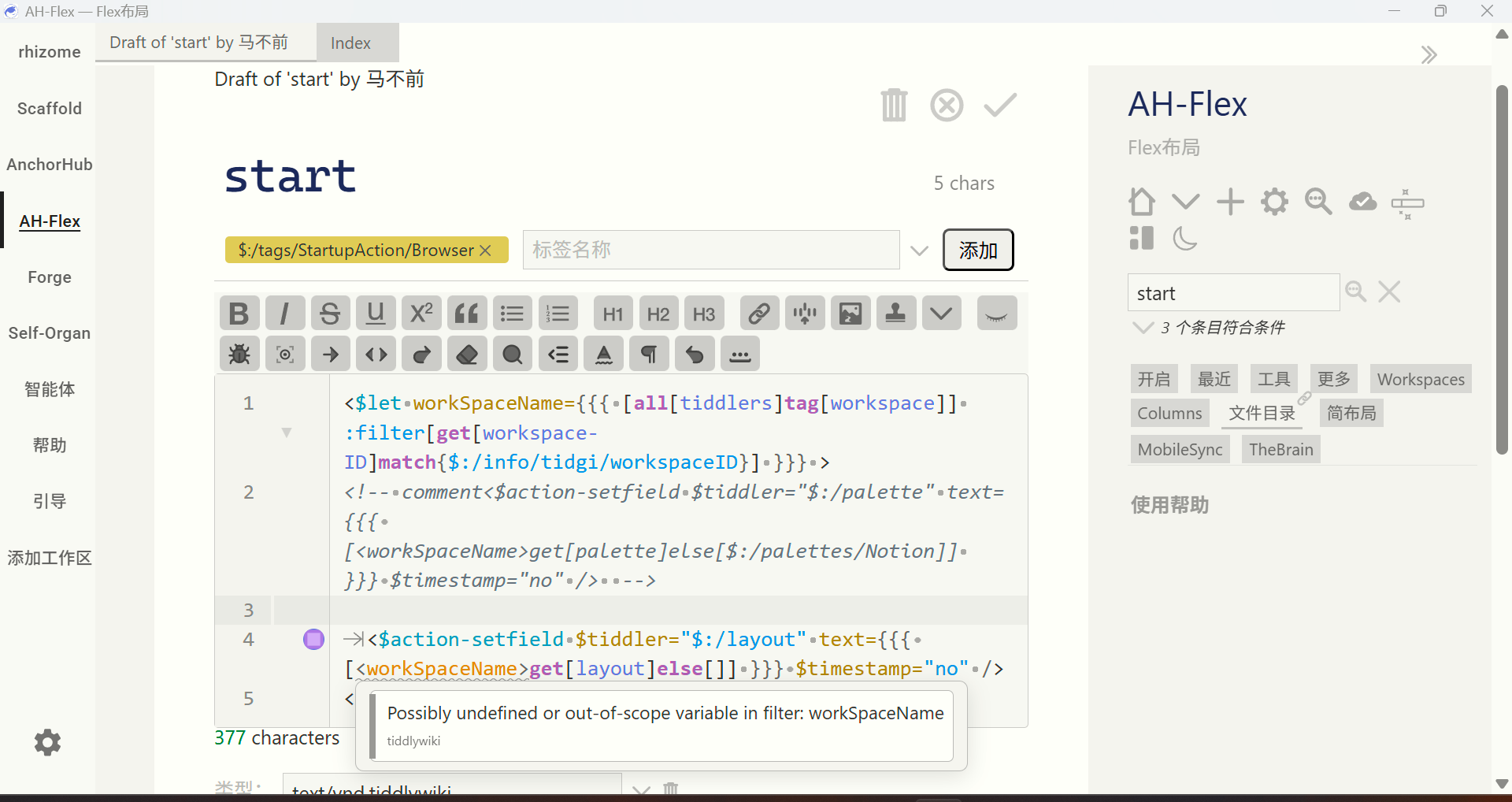
<$let workSpaceName={{{ [all[tiddlers]tag[workspace]] :filter[get[workspace-ID]match{$:/info/tidgi/workspaceID}] }}} >
<!-- comment<$action-setfield $tiddler="$:/palette" text={{{ [<workSpaceName>get[palette]else[$:/palettes/Notion]] }}} $timestamp="no" />  -->

	<$action-setfield $tiddler="$:/layout" text={{{ [<workSpaceName>get[layout]else[]] }}} $timestamp="no" />
</$let>
Also, I have another request—not sure if it’s possible: wikitext code formatting. I want the editor to have a button that, when clicked, formats my selected wikitext—for example, adding tabs and automatically indenting attributes. It could also provide a widget for similar processing.
Not sure if this can be implemented. I really want this feature because I have a lot of old code that’s a pain to organize. If it could be formatted first, it would be much more convenient to tidy up. Plus, this could serve as an officially recommended wikitext format.
in about 5 minutes a new version of the lint plugin should be available where this should be fixed
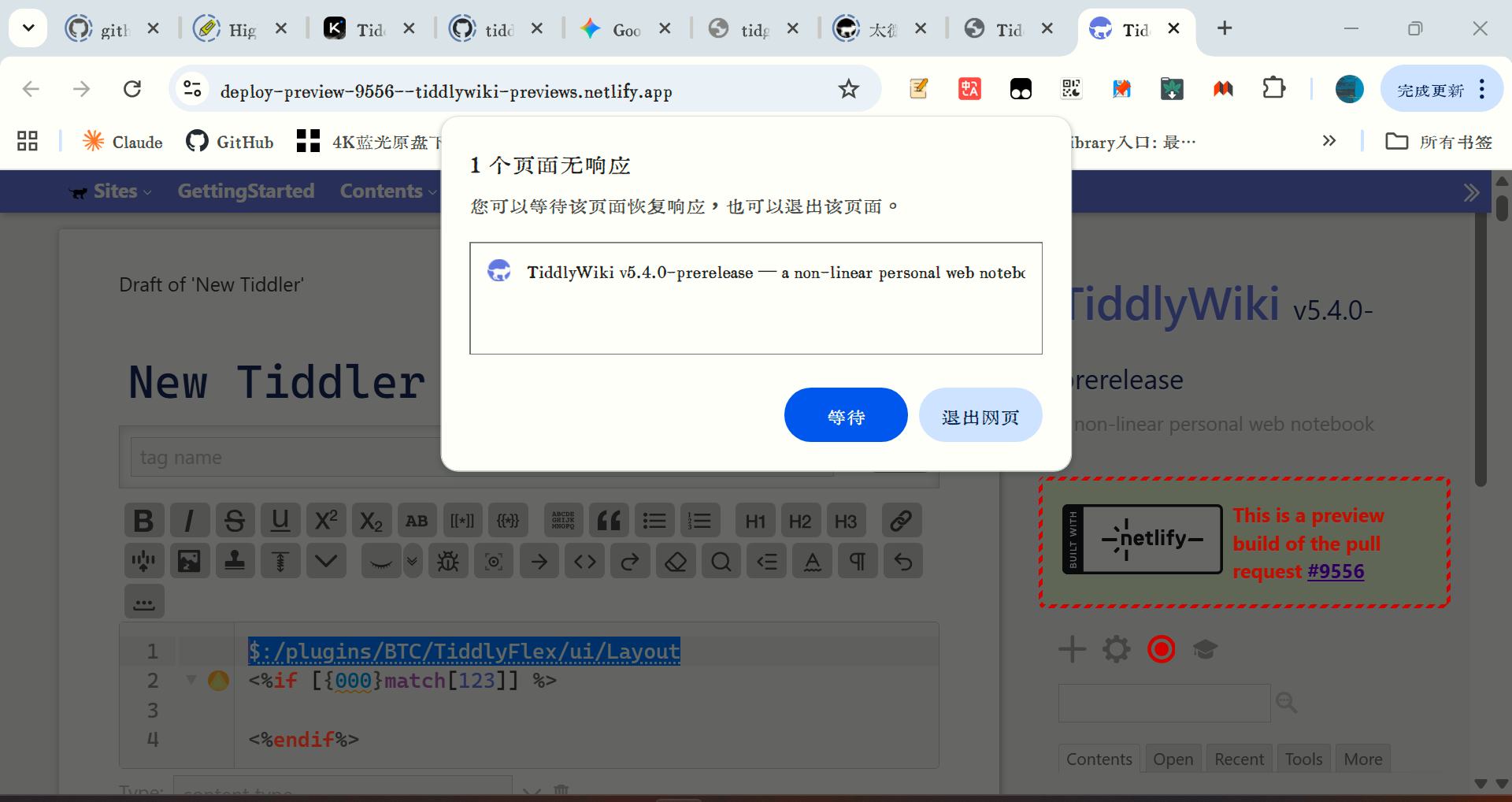
new bug, open the preview site,copy this code,and select the one line and ctrl+v,and the windows is blocked.
$:/plugins/BTC/TiddlyFlex/ui/Layout
<%if [{000}match[123]] %>

<%endif%>
even the preview site don’t install this plugin.
I cannot reproduce this. Please be a bit more precise
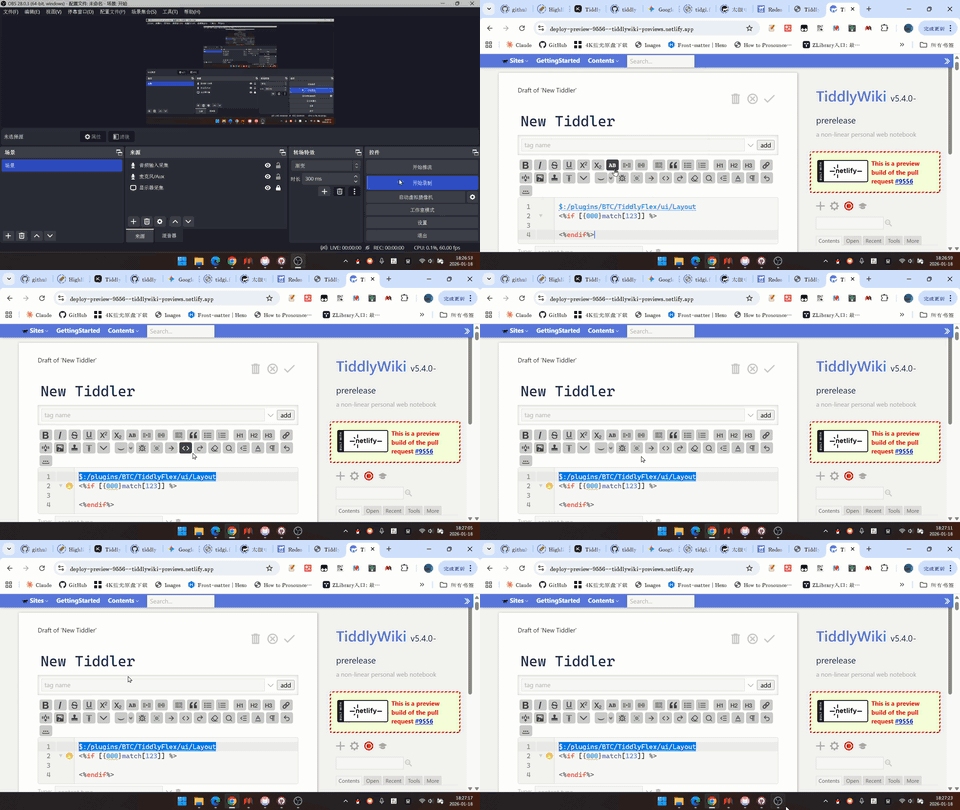
this is a little gif file,if you need more clear video ,i can send you.
the last action than i do is ctrl+v,then the window became blocked.
Maybe I’m missing something, but I don’t see any issues when trying that. Now I don’t get the little popup you seem to get on paste. So I don’t know what that is. When I paste the original code, and when I paste the single line, all links seem to function properly. Not sure what could be at issue here.
The problem persists. I think the most likely cause is that pressing ctrl+x triggers the link navigation behavior of this system tiddler, causing a conflict. This doesn’t happen with normal content. This behavior also causes rapid memory consumption, and my computer’s fan immediately turned on to cool it down.
my fault,is ctrl+x not ctrl+v.
@BurningTreeC now you could try it anf fix it, i had checked my fault.
Confirmed. CTRL-X does seem to cause the browser tab to freeze and chew up memory.
Hi @dongrentianyu @Scott_Sauyet
Within 5 minutes the fix is online
Technical insights: The problem was the “fold” plugin creating an infinite loop when there are <%if … blocks in the document which are handled separately and had a faulty logic
see
Something that could be useful would be rectangle selection, also known as block selection. There is an option for the similar feature of multiple cursors, though.
I understand that previous versions of CodeMirror (basing this on a general Google search) supported rectangle selection. Does CodeMirror 6 have a feature like that? Holding Alt or Ctrl and the mouse does not work.
Hi @yan - yes it’s possible for CodeMirror 6, I just haven’t found a personal usecase for it so I didn’t think about adding it
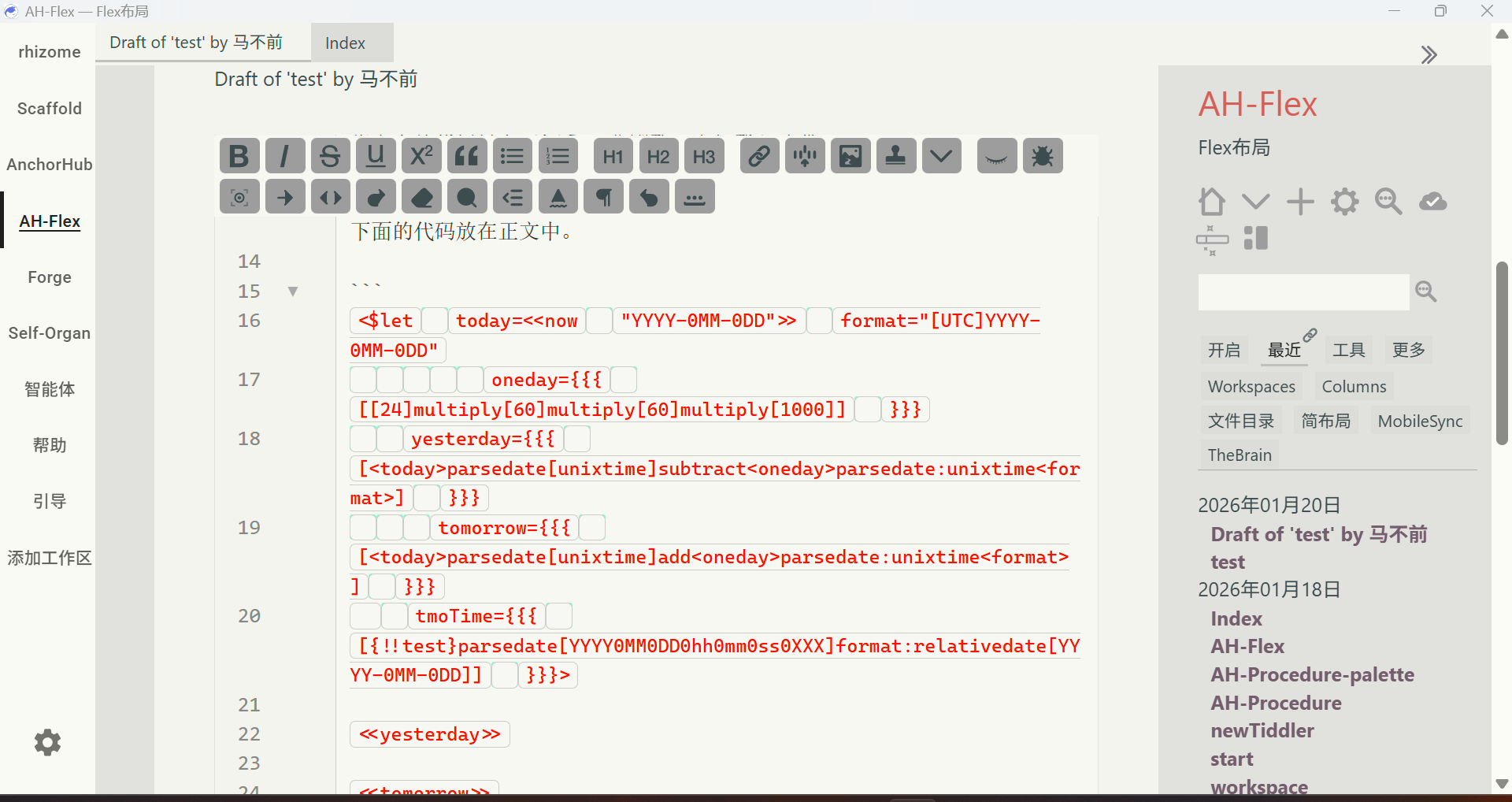
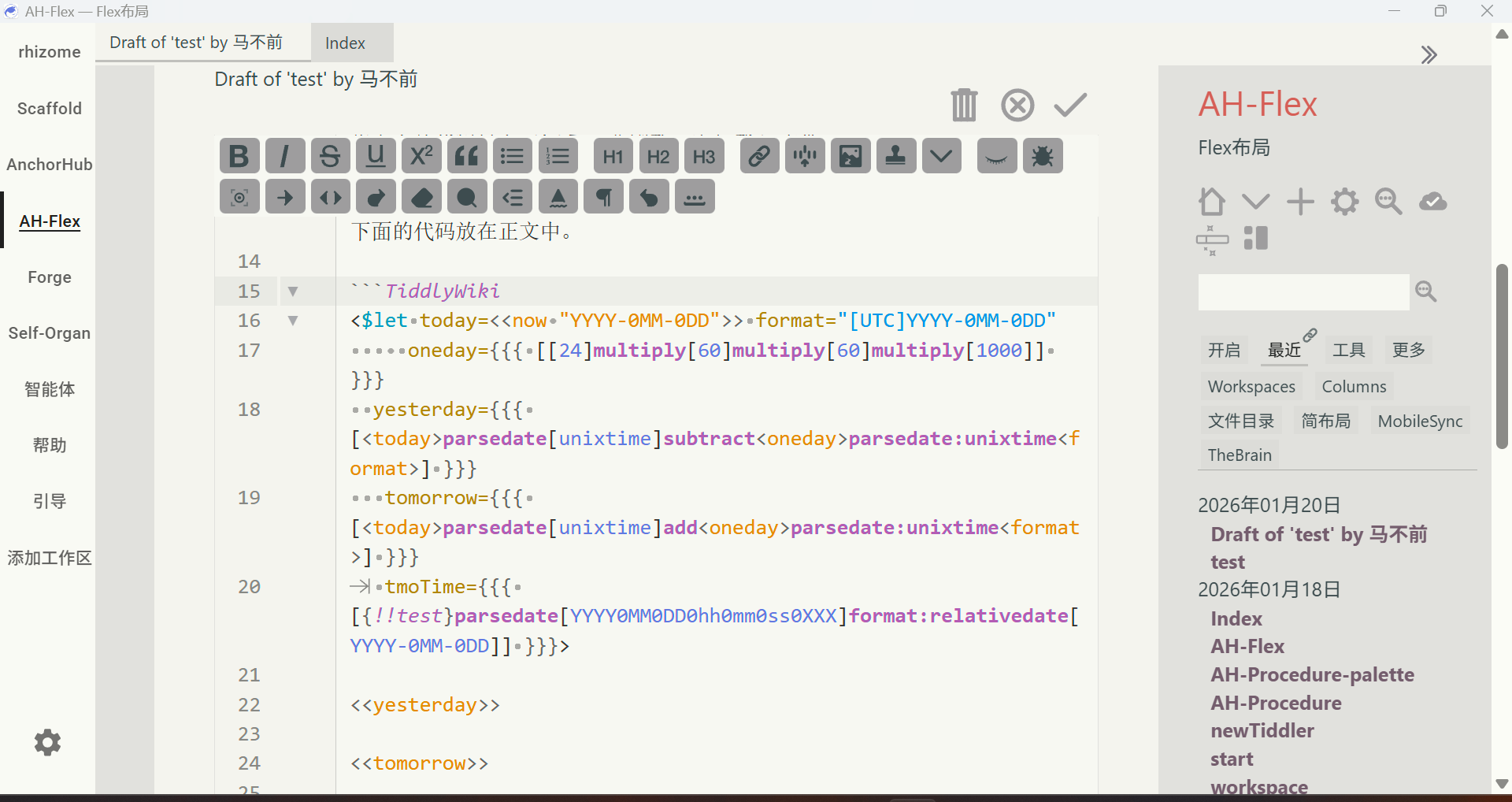
I think code styling should default to TiddlyWiki, or users should be given a default setting option. Alternatively, a hint could be added after code blocks, similar to how procedure includes its name after the end keyword.
you’re probably right, I just want SOME visual hint that this will be all code in the final TiddlyWiki result.
That’s why I left it like this… maybe I’ll add a little ViewPlugin that styles the background differently so that it looks like a codeblock… let’s see