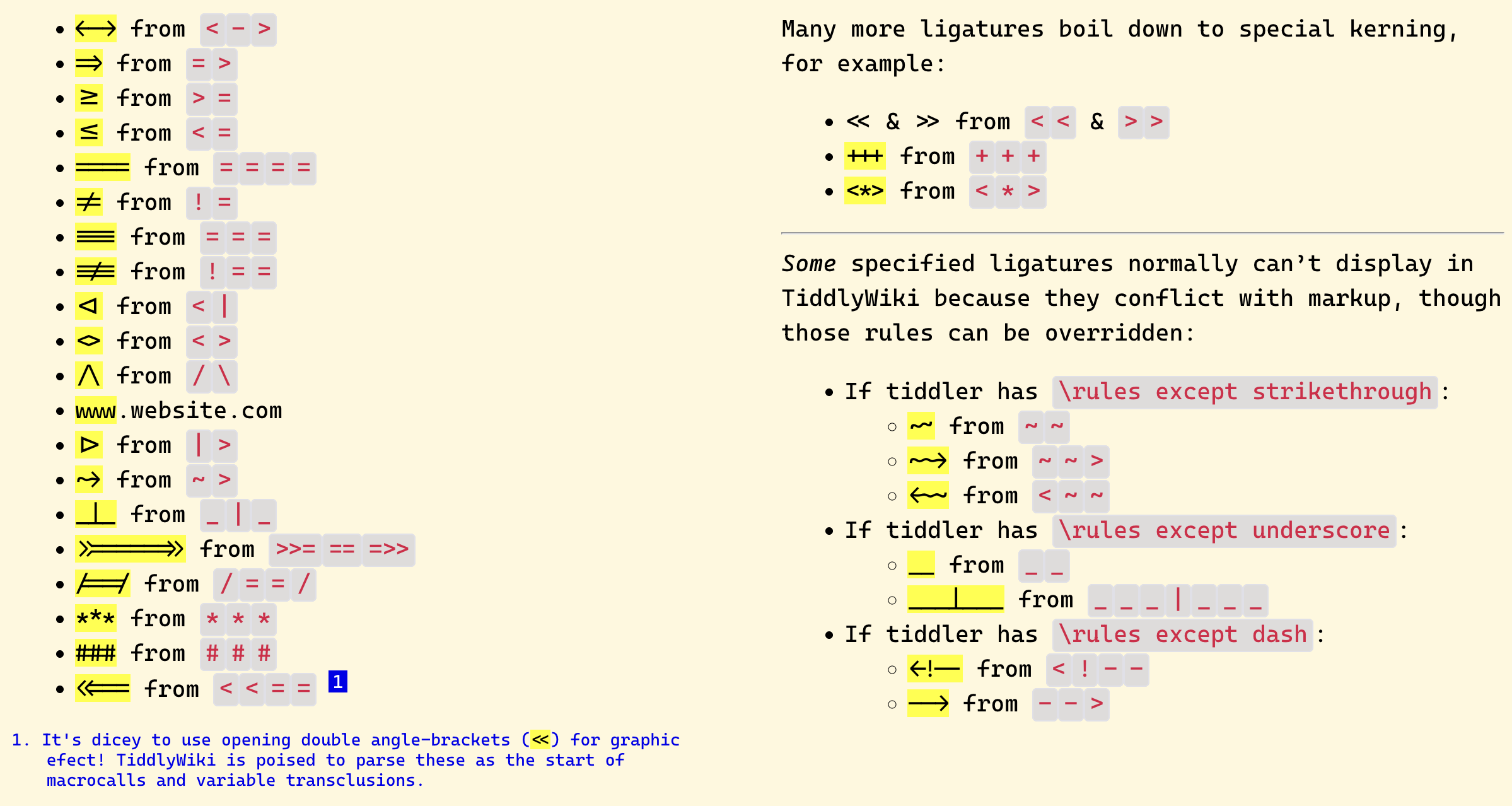
This comment was buried in another post — inspired by stobot on the => ligature for the new variable-setting shorthand — but other folks may also be interested in how Cascadia Code (font) offers various ligatures that can make codeblocks (and logicky notation) read better… (or conceivably this feature becomes a frustration if this font is active but you’re not yet oriented to how the ligatures work, or if the fancy connections end up making it harder to recognize crucial patterns in your code!).
To be clear, these automatic ligatures are just a display trick that happens at time of rendering, so the presence of a fancy arrow instead of => doesn’t at all affect TiddlyWiki’s ability to parse the real string.
(Aside, I wish some code-font developer would render a comment ligature with shapes like !╍ and ╍ — since sometimes a dense block is the only shape I could scan for easily! … So I end up pasting solid glyphs inside important comment blocks.)
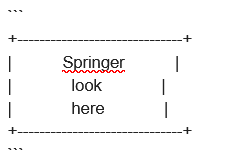
Thanks Springer, good notes! I’m loving all of the various arrow options myself. While we’re talking about this particular font, it has a somewhat unique property a “cursive variant” available! It has to be enabled though. Because TiddlyWiki normally uses italic for missing links, these are even more noticeable!
Normalitalic in Cascadia Code:
Alternateitalic in Cascadia Code:
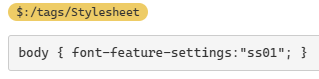
To enable it, you need to enable in CSS. Make new tiddler, give it the tag $:/tags/Stylesheet and then include body { font-feature-settings:"ss01"; }
For what it’s worth: I don’t see support for the cursive variant in the google webfont version. But if you’re on a Windows machine, or have downloaded and installed the font locally, you should be able to enable it.
There is a strong argument to separate the content from it’s styling via CSS
With the new Substituted Attribute Values we can even evaluate the attribute value from TiddlyWiki variables and filters which means literals, variables and fields.
The use-case that I had in mind — and which perhaps inspired @CodaCoder’s complaint — is in making code-editing flags that jump out at me while reviewing or troubleshooting a tiddler in EDIT mode (where css/html doesn’t help).
With Cascadia code in my editor, the ligatures do somewhat ease the visual fatigue of parsing code. Still, the ligatures are all rendering in that same uniform-width stroke that doesn’t stand out within the visual texture of the edit window.
If I could flag my tricky edit within a long shadow tiddler with |> (in some comment or unused parameter location) and have that render as a SOLID rightward triangle ⏵ or , or if I could make |=| render as a solid-fill block ▇ or █, that visual difference would be a godsend! Zoom-scroll through the editor, eyes out for that density, with zero need for actual reading.
It’s possible to get that effect now by copy-pasting emoji-like characters into those nooks and crannies, but pulling those in is an extra bit of overhead effort.
Have you tried the currently evolving Codemirror6 release and its syntax highlighting. Now would be a good time to ask @BurningTreeC if any work is needed to support Cascadia.
 !╍ and ╍
 — since sometimes a dense block is the only shape I could scan for easily! … So I end up pasting solid glyphs inside important comment blocks.)