New CodeMirror 6 TiddlyWiki5 plugin

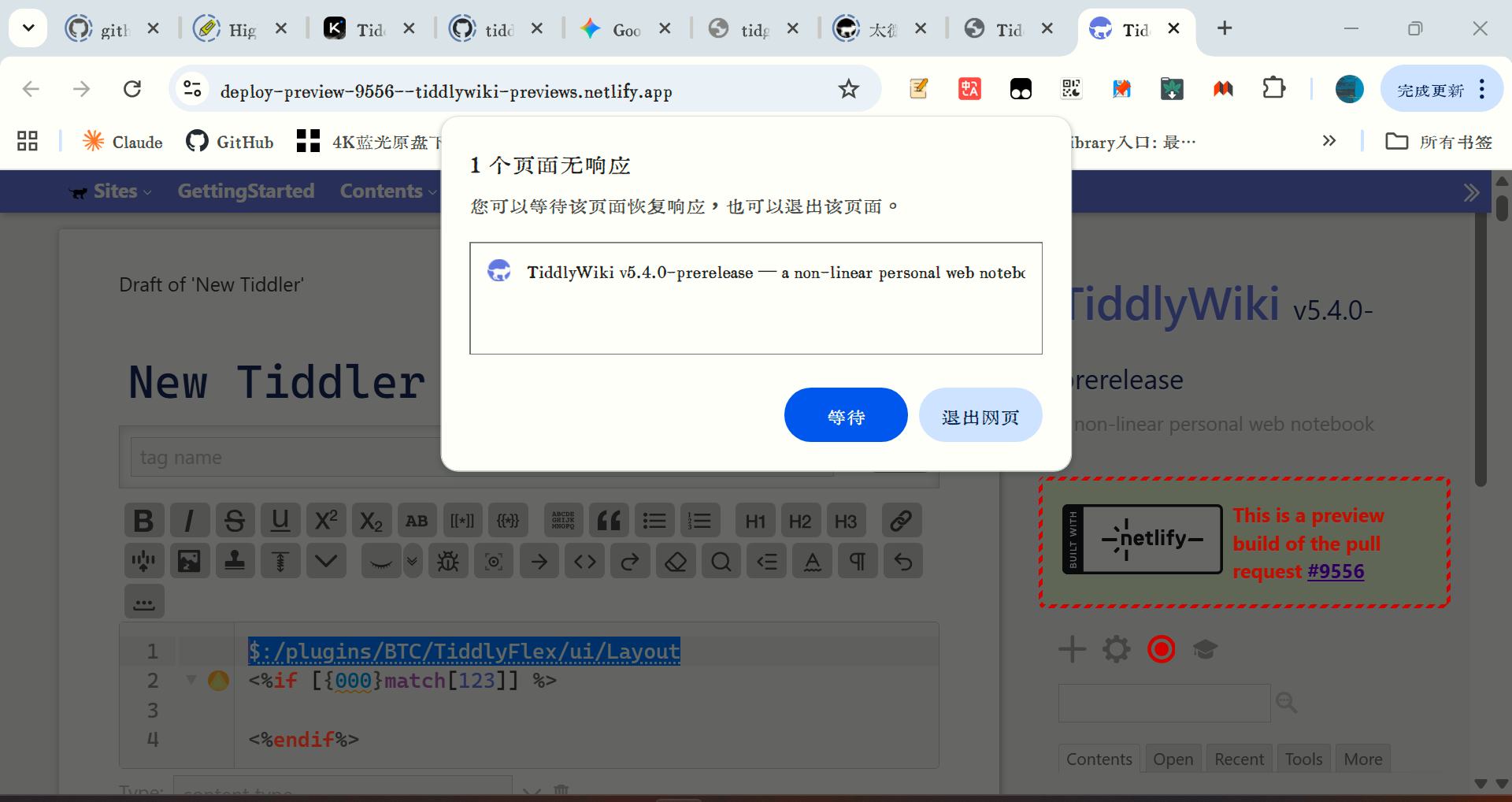
The problem persists. I think the most likely cause is that pressing ctrl+x triggers the link navigation behavior of this system tiddler, causing a conflict. This doesn’t happen with normal content. This behavior also causes rapid memory consumption, and my computer’s fan immediately turned on to cool it down.


my fault,is ctrl+x not ctrl+v.

@BurningTreeC now you could try it anf fix it, i had checked my fault.

Confirmed. CTRL-X does seem to cause the browser tab to freeze and chew up memory.

Hi @dongrentianyu @Scott_Sauyet

Within 5 minutes the fix is online

Technical insights: The problem was the “fold” plugin creating an infinite loop when there are <%if … blocks in the document which are handled separately and had a faulty logic

2 Likes

see

Something that could be useful would be rectangle selection, also known as block selection. There is an option for the similar feature of multiple cursors, though.

I understand that previous versions of CodeMirror (basing this on a general Google search) supported rectangle selection. Does CodeMirror 6 have a feature like that? Holding Alt or Ctrl and the mouse does not work.

Yes, this is one of the Cascadia Code ligatures.

1 Like

Hi @yan - yes it’s possible for CodeMirror 6, I just haven’t found a personal usecase for it so I didn’t think about adding it

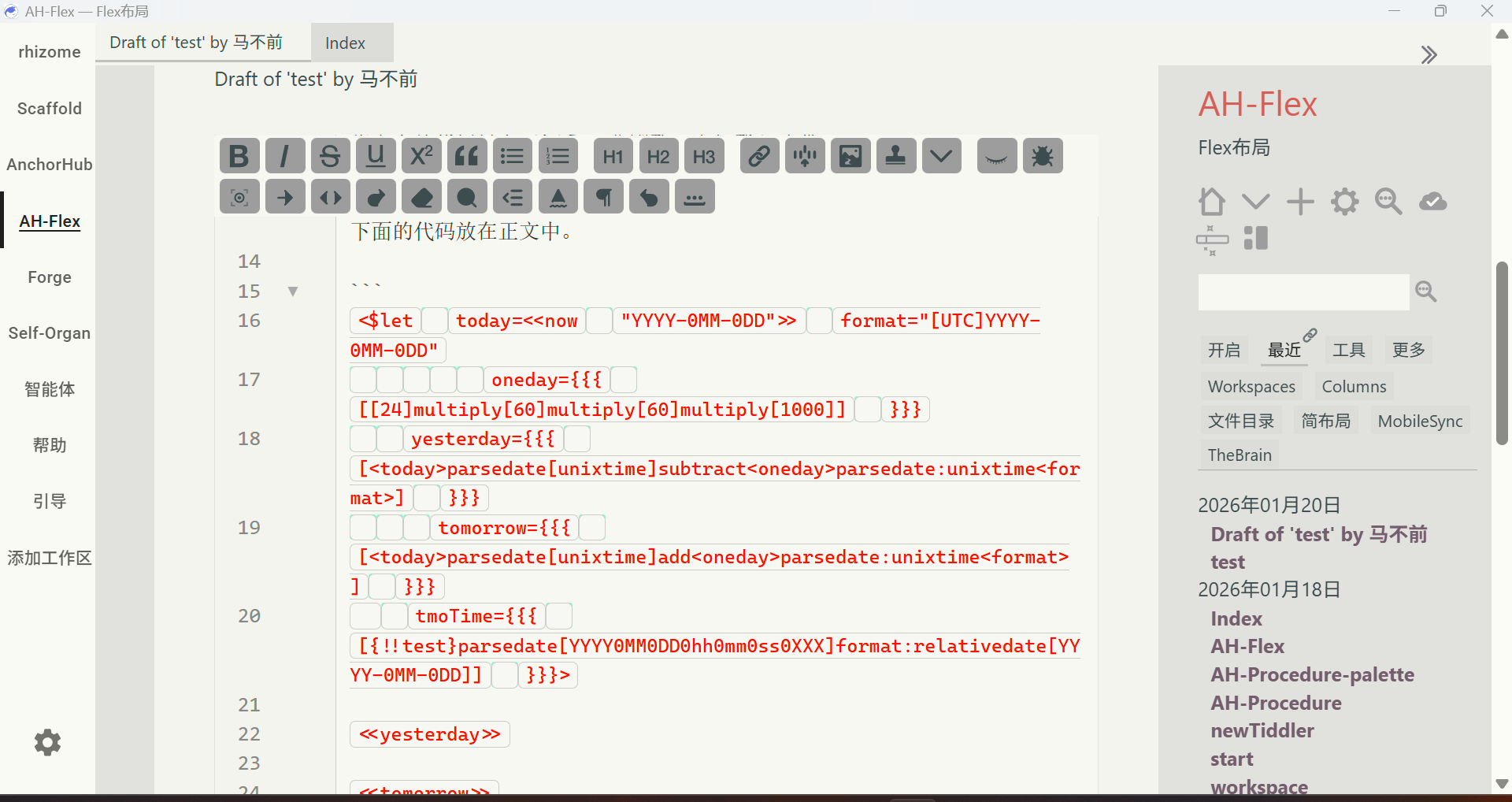
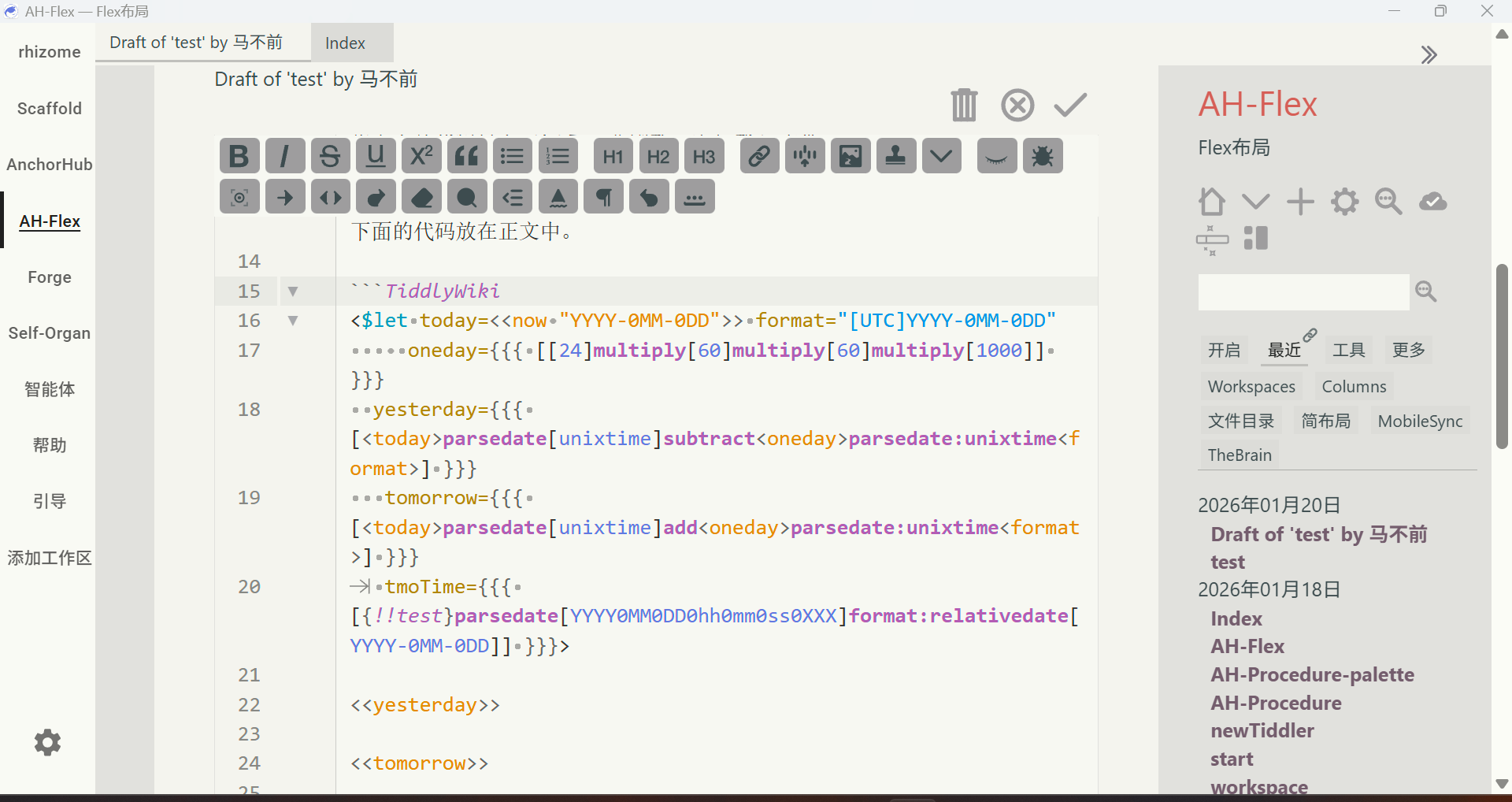
I think code styling should default to TiddlyWiki, or users should be given a default setting option. Alternatively, a hint could be added after code blocks, similar to how procedure includes its name after the end keyword.

3 Likes

@dongrentianyu

you’re probably right, I just want SOME visual hint that this will be all code in the final TiddlyWiki result.
That’s why I left it like this… maybe I’ll add a little ViewPlugin that styles the background differently so that it looks like a codeblock… let’s see

2 Likes

Hello,

Is it possible to have CM6 only defined as the text editor for tiddlers text fields and not all text inputs?

Would it be be possible to have a generic “User Snippet” that would be based on a dictionary data tiddler?
A key with the keyword to search for and the value with the text to insert.

BR,

Eskha

1 Like

I 2nd the desire for some kind of mechanism for user-defined autoconplete “searchterm:inserted string” pairs, especially if we can also define the final cursor position

How to use a widget to invoke zen mode? I noticed the code just triggers an action, but I can’t implement similar functionality with a button. I want to create a layout that opens in zen mode, with the tiddler behind it being the current date. This way I can quickly input all the thoughts I have for the day.

The code below didn’t work, not sure what is missing.

<$let targetTiddler="00123">
	<$button >
	<$action-sendmessage $message="tm-cm6-zen-mode" tiddler=<<targetTiddler>> />
	000
</$button>
</$let>

Also, how to enable heading and list collapsing in zen mode seems like an important feature as well. My understanding of zen mode is that it allows users to focus on editing, while also needing other editing-related functions. For example, I think an editing button bar could be added to zen mode, along with line number display. Of course, these could all be made configurable options, letting users decide whether to show line numbers, whether to collapse headings and lists, and whether to have the editing bar mentioned above.

For me, it mostly comes up when copying meeting invites from Outlook at work. It turns bullet points into unicode characters. I want to remove them and turn them into * so I normally paste into Notepad++ to turn them into *. I do this using rectangle selection as there are sometimes multiple levels.

It is important to note though that most text editors combine rectangle selection with multiple cursors. I don’t think it would be so useful if CM6 does not turn a rectangle selection into a series of cursors.

Hello yan,

For your use case, you can try the attached solution that adds a “Convert bullets from outside text inside WikiText bullets” in the editor toolbar. (Working with or without CM6).

To test this solution, you can drop the attached json to TiddlyWiki site

BR,

Eskha

convert-from-office-to-wikitext.json (3.4 KB)

3 Likes

Thanks @Eskha !

I’ve always been irritated at wrangling these incoming • bullets into parsable ul items.

FYI: A short user story that may infludence codemirror-6 plugin settings OR help someone get out of a tangle.

I wanted to avoid using CodeMirror6 0.0.35 for the streams editor.

I disabled the plugin "$:/plugins/tiddlywiki/codemirror-6 " - just the editor one and got this error;

uncaught exception: Cannot find module named ‘$:/plugins/tiddlywiki/codemirror-6/lib/core.js’ required by module ‘$:/plugins/tiddlywiki/codemirror-6/plugins/lang-cpp/register.js’, resolved to $:/plugins/tiddlywiki/codemirror-6/lib/core.js

  • The wiki then just remained on the splash screen

I opened the html file and found $:/config/Plugins/Disabled/$:/plugins/tiddlywiki/codemirror-6 and changed the text from yes to no.

There is no option in CPanel > Settings > Codemirrror either to disable the whole suite, or just the “line” text editor which is used in streams.

In the editor plugin I found edit-text SimpleEngine — CodeMirror for input fields and textareas

  • And then found the subplugin $:/plugins/tiddlywiki/codemirror-6/plugins/edit-text and disabled that - now the default streams editor is not codemirror-6

1 Like

Hi @TW_Tones I’m sorry for the trouble! I’ll add more safeguards so that this doesn’t happen!

1 Like

No problem @BurningTreeC just reporting observations and it was easily fixed.

I’m a big streams user and I’m interested in incorporating codemirror6 in my wiki, but I haven’t started playing around with it yet.

Curious as to why you /wouldn’t/ want to use it codemirror as the node editor? Is it not compatible yet or is there some other lost functionality?