I don’t know if what I’m asking for can be done. But I would like it if by pressing one of the toolbar icons I could have several tabs from which I could then select another option.
It would be something like this:
1-Any button.
1.1-Buttons
1.1.1-Shaded buttons
1.1.2-Single-color buttons
1.1.3-Buttons etc…
1.2-Horizontal lines
1.2.1-Horizontal lines in color
1.2.2-Centered horizontal lines
1.2.3-Horizontal lines etc…
I’ve been looking for something similar on other wikis but can’t find anything similar. I don’t know if any of you know how to do it or have an example of what I’m saying to modify it to my liking.
Hello.
The Stamp tool case works for me. I want each Stamp tool entry to be able to display another list of options when selected.
I want to include different actions that I usually use when making tiddlers so I don’t have to remember them. The problem is that I have quite a few and the list would be very long to read and search. For that reason I want to make drop-down menus, but I don’t know if it’s possible.
It should totally be possible, if each option in the cloned stamp tool used a template to use the details disclosure element or similar toddlywiki function, and each of those dropdowns listed tiddlers with a filter, so you can use something like $:/tags/widget-snippet or $:/tags/macro-snippet for each dropdown.
Unfortunately I’m away from my computer, so I can only offer ideas right now, but if a solution isn’t offer, I’ll get to tinkering once I’m back behind a keyboard.
It is possible, however we can deal with this larger list of stamps a number of ways.
Just clone and modify the tiddlers used in the existing stamp tool and create more editor buttons with a different tag or filter to indicate the stamps to include.
In an editor use ctrl-l, see how you search for tiddlers?
You could use this approach to search your snipits and then insert them.
You could create a category selection, at the top of a custom stamp tool to select a subset of stamps to list.
I’ve been playing around with the Stamp tiddler a bit but I haven’t been able to do anything other than add new options, but I don’t see a way to make each entry have its own dropdow in the stamp list.
Can you give me an example of category selection? , I have looked for it in the TW information but I have not found anything…
I feel like the basis of what you’re looking for is in some modification of the core Menu Bar plugin, which does offer nested dropdowns. Adapting it to work inside the editor toolbar is a possible sticking point, but I feel like it’s possible.
FYI I have decided to dedicate a small amout of time to making a standard stamp tool that can be cloned, this allows you hto maintain different sets of stamps with their own Editor toolbar button. back soon.
This is a quick approach to this OT, rather than several tabs have multiple toolbar buttons, one fore each.
however there are other ways but they require more effort.
If you look at the “dropdown” tiddler this is where you could put alternative code including tabs or look at “option groups” in the select widget.
Here is an additional stamp tool, use mouse over in the editor tool bar to see the tag used to organise its stamps. EditorToolbar-stamp.json (2.0 KB)
Clone and edit both tiddlers to create more
Change the icon in use if needed
Create a keybord short cut if needed
Edit other fields as implied in each tiddler
A solution that exactly matches the OT would take more time but this solution provideds a “way in” to learning how to do this.
Engage Me for finished solutions to your exacting requirements, for detailed reseatch tiddlers, describing all the parts and key code patters, training session on this or any tiddlywiki subject.
This solution and related corospondance took me around 1 hour
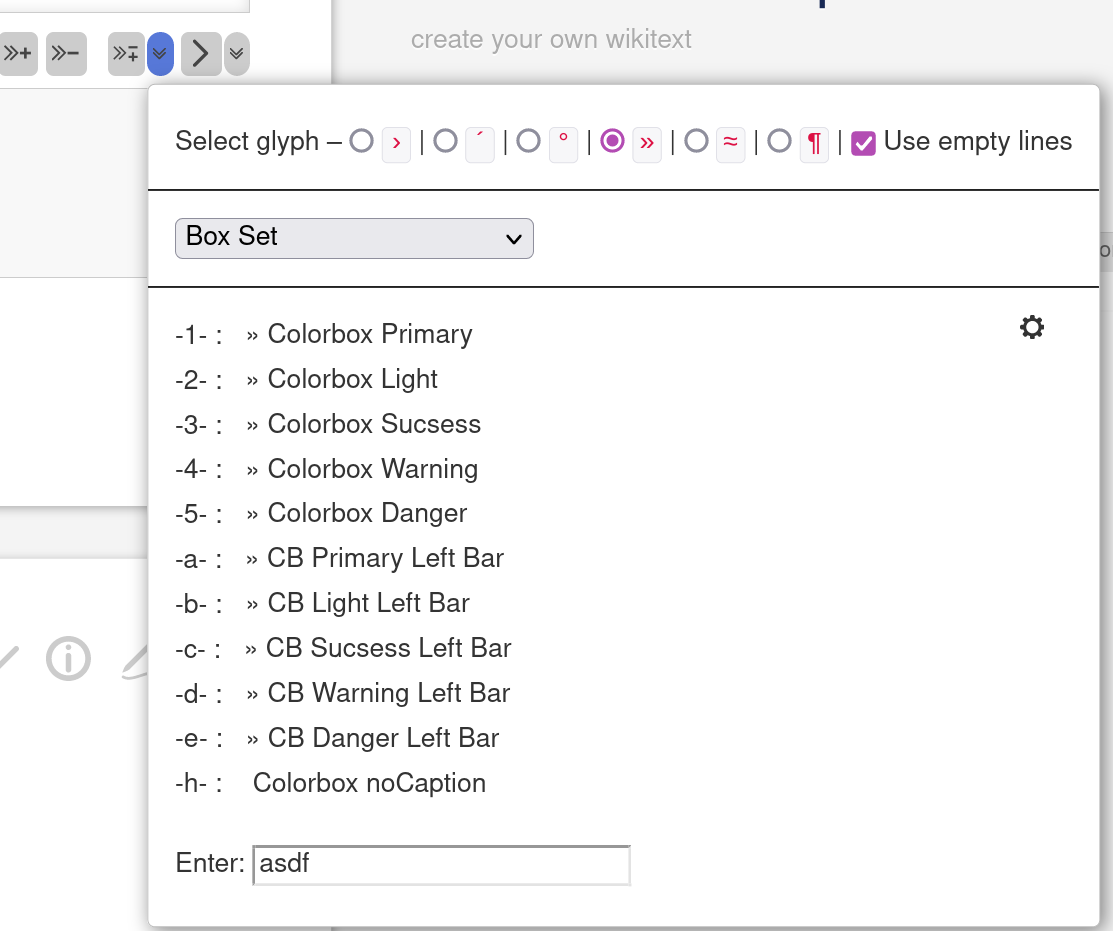
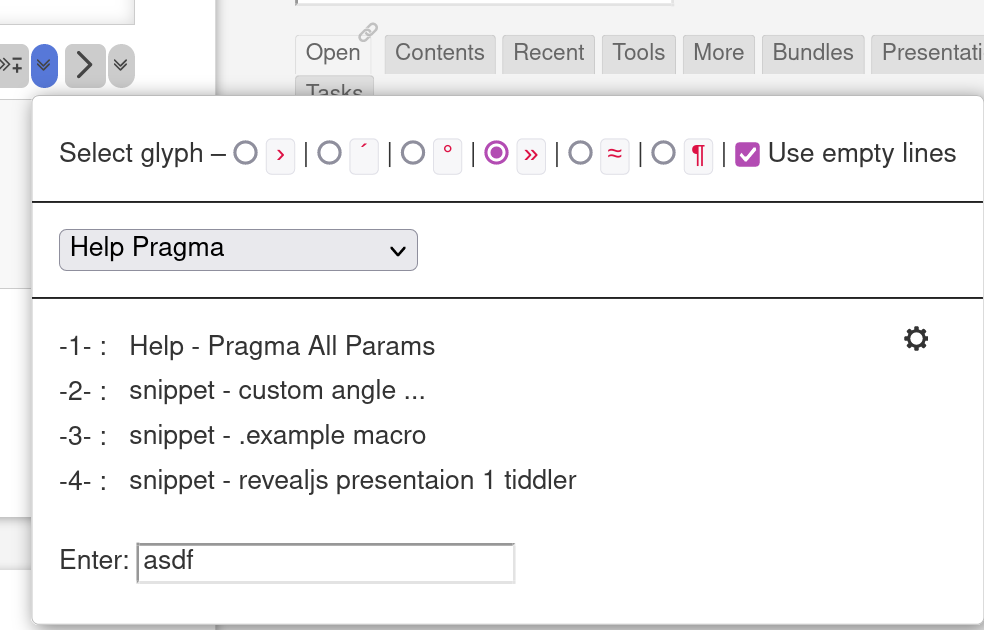
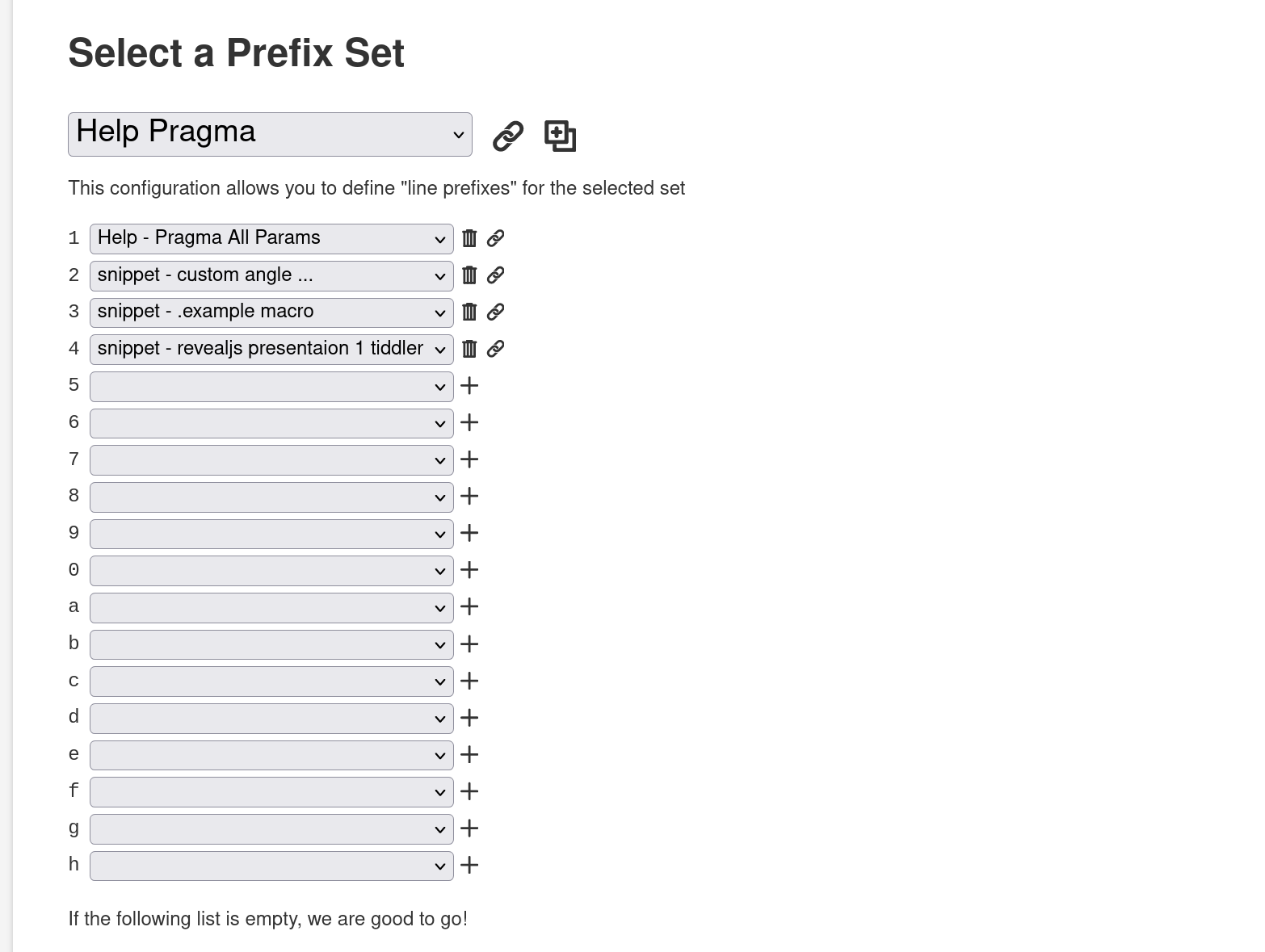
I’ve done a similar thing for a plugin of mine. The dropdown is similar to the stamp plugin, but has several sets with up to 36 options per set. Each set has its own configuration.
Eg you can open the dropdown with CTRL - 6 … which shows a “box set”
With the shortcut “1” it copies the text from the first option
With shortcut “a”, it copies an other text … and so on
The only problem is, that this is part of a much bigger plugin and not a plugin on its own.
Since I did create it some time ago, I’m not sure at the moment, how much work would be needed to extract it. I’ll have a closer look this week end.
Hi pmario.
Your approach to the problem is very complete, congratulations. Don’t worry if it is too complicated for you to extract that part of the plugin, we will surely find another way to do it.
I’ve been taking a look at all the tiddlers I have to modify and the example that Tones has made and I’ve made progress but I still can’t get consecutive dropdowns. I need to have 3 levels of dropdowns.
This is the outline of what I want to do, if possible, let’s see what you think:
I leave here the tiddlers that I have created, but I can not create the dropdown levels. Maybe some of you can tell me where I’m going wrong… Test1.json (7.5 KB)
It’s not too complicated. It’s “only” a hand full of files. But the tiddler titles are not too well thought out atm. I’ll have to think about it a little bit and clean up the code.
I actually did think about changing it into a plugin some time ago. There’s probably an other post here at Talk, that discusses the possibilities. We’ll see.
@Xabrina here is a high level guide to satisfying this topic. For the editor toolbar.
If you look at the tiddlers I gave you it is another stamp tool (copy of the stamp tool). Inside the dropdown tiddler is the code that appears in its drop down. You can replace this with the code to appear in your dropdown.
Now seperatly from a dropdown, can you generate a list of your stamps in the pattern or order you want?
you can either create a button for each
or wrap the list in a catcher
With both of these you can determin the action to occur on clicking an item. Outside of the editor the editor text operations are unlikely to work, you could use copy to clipboard for testing.
once you have this working change the actions to the one used in the stamp tool and place the code into the dropdown tiddler.
there may be some fine tuning like remove line breaks.
I am doing a bush walk today but can have a go later today to do this for you.
I always want to create new buttons with features I dream up including one like yours to take control of larger collections of stamps etc…
In a few cases in have made templates for new buttons of different kinds. However when I return to make a button it takes time to make the required edits.
With 5.3.x there are more opportunities to automate button creation. This is possible with a few hours of work but 10s of hours work, to make it easy to use by others.
another approach is to have a search box like ctrl-L in the dropdown but only list your stamps.
I have reviewed the tiddlers that you sent me but, as has happened with the ones that I have recreated following the original TW tiddlers, I have not been able to chain the drop-downs. I only manage to have one level. I’ve been reviewing other documents but I still can’t understand how to get there.
Well, at this moment I do not have a list of the texts that I am going to put nor have I generated a definitive structure. Firstly I thought about making the structure to work on, the outline that I put previously. Basically it will be a three-level scheme, the third level being where you would have the texts to use in the tiddlers.
That is the reason why I have started this project, whether it is the way I want to do it or another way that is not so functional, I have to do something.
There is no use having so many alternatives to improve the presentation of the tiddlers if you then depend on having to remember them at all times.
In my opinion, this kind of thing should be implemented in the TW core.