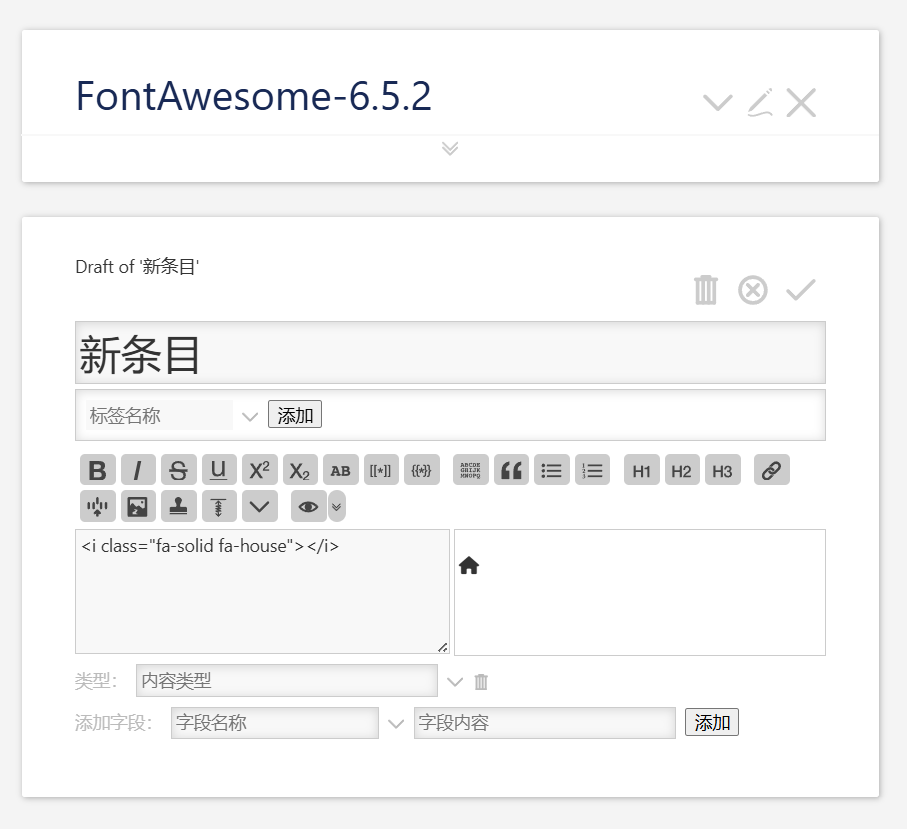
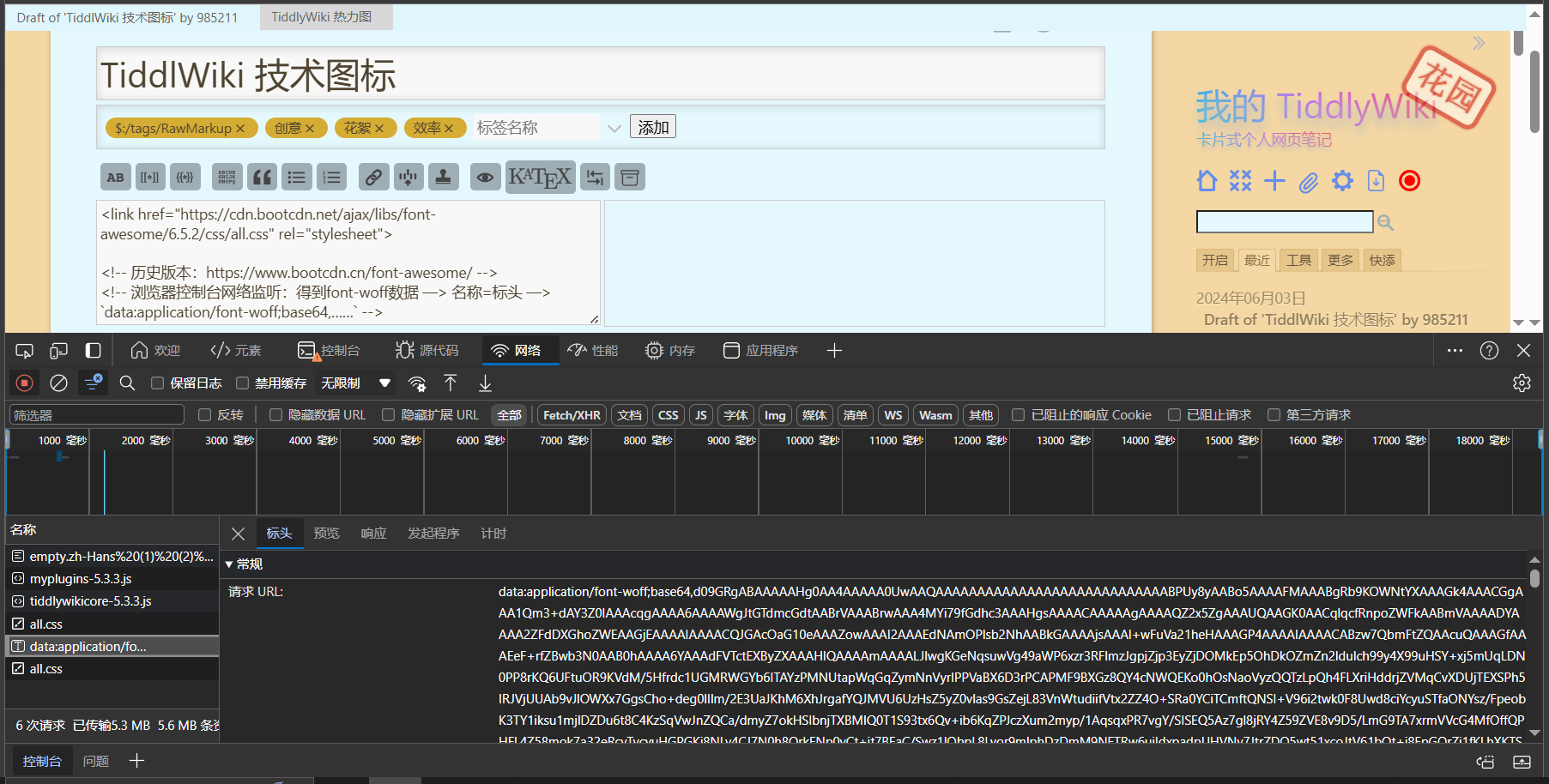
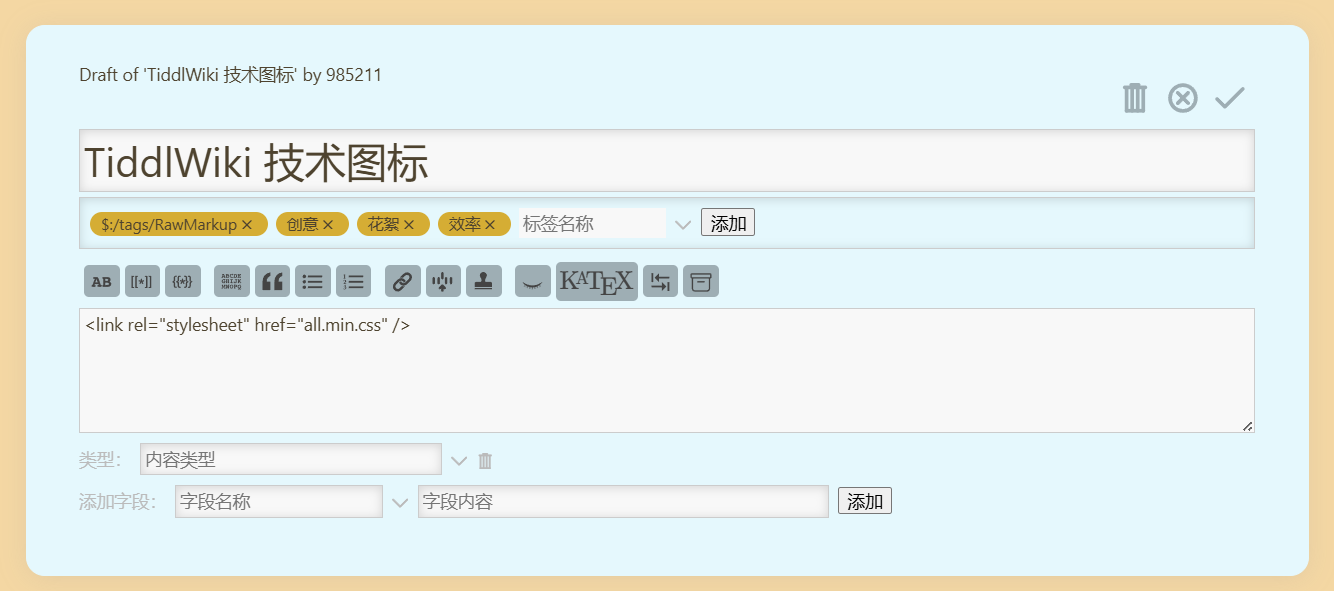
This is a way to embed the online font-awesome library by typing the following code into a tiddler and adding the system tag $:/tags/RawMarkup
< link href = "https://cdn.bootcdn.net/ajax/libs/font-awesome/6.5.2/css/all.css" rel = "stylesheet" >
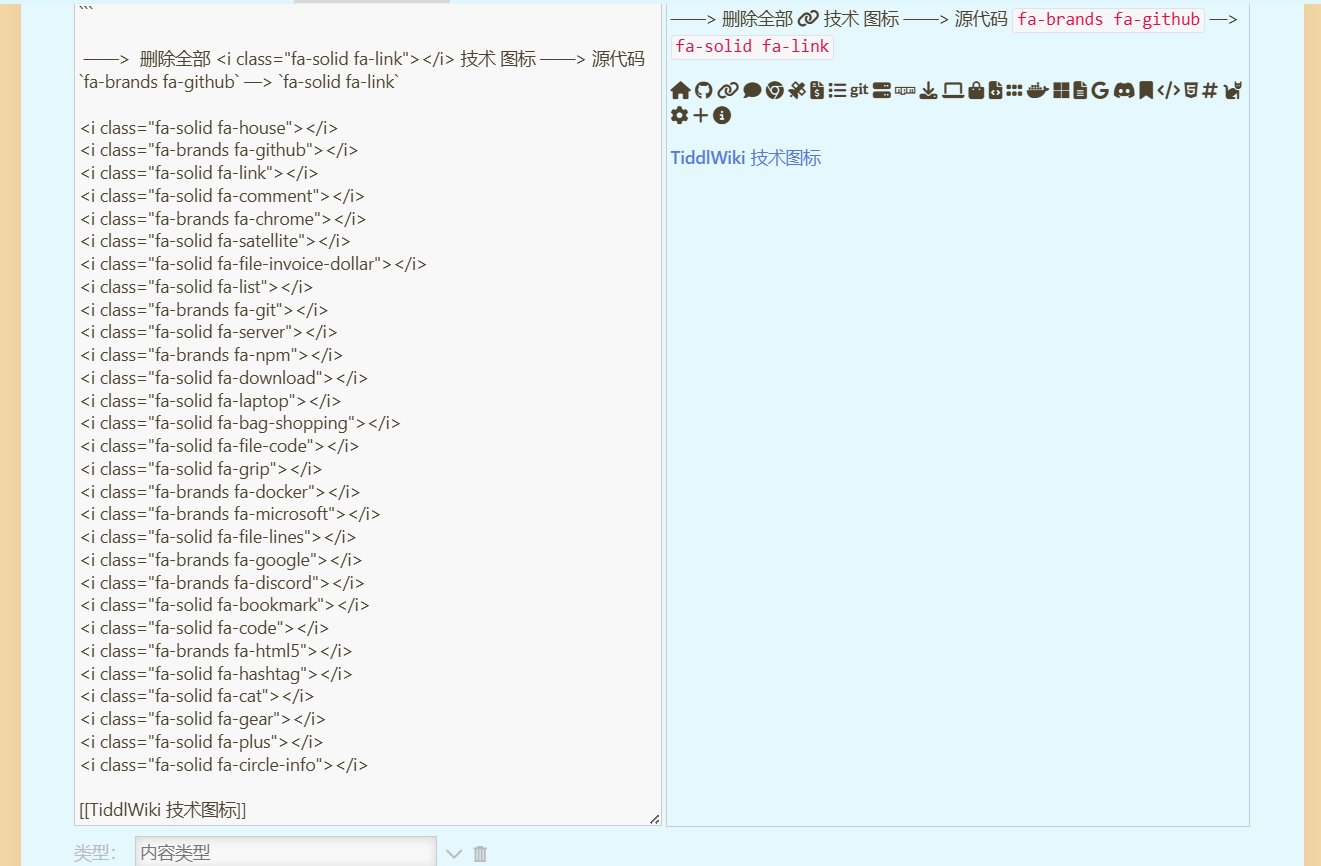
Use methods to add to other tiddlers in the same tiddlywiki
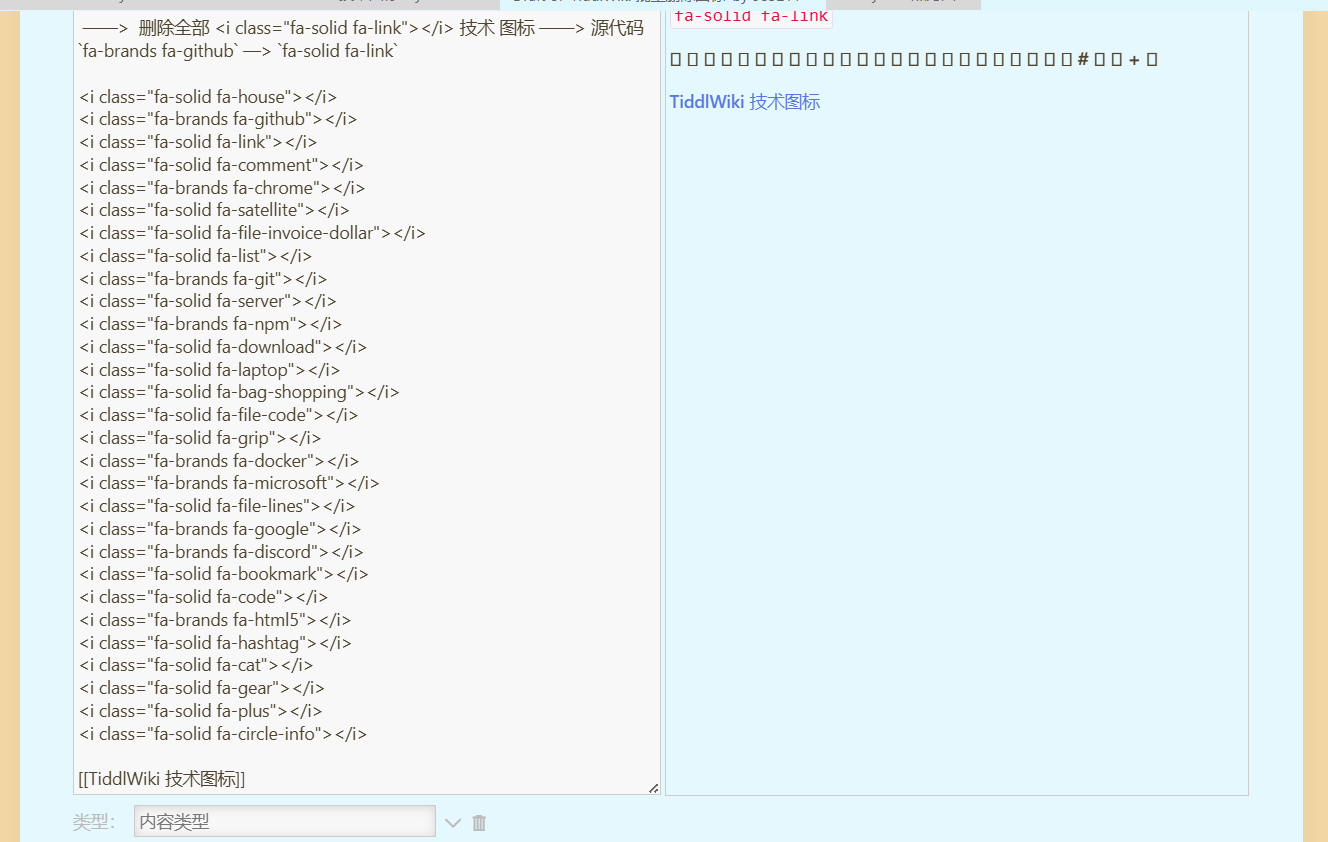
<i class="fa-solid fa-house"></i>
<i class="fa-brands fa-github"></i>
<i class="fa-solid fa-link"></i>
<i class="fa-solid fa-comment"></i>
<i class="fa-brands fa-chrome"></i>
<i class="fa-solid fa-satellite"></i>
<i class="fa-solid fa-file-invoice-dollar"></i>
<i class="fa-solid fa-list"></i>
<i class="fa-brands fa-git"></i>
<i class="fa-solid fa-server"></i>
<i class="fa-brands fa-npm"></i>
<i class="fa-solid fa-download"></i>
<i class="fa-solid fa-laptop"></i>
<i class="fa-solid fa-bag-shopping"></i>
<i class="fa-solid fa-file-code"></i>
<i class="fa-solid fa-grip"></i>
<i class="fa-brands fa-docker"></i>
<i class="fa-brands fa-microsoft"></i>
<i class="fa-solid fa-file-lines"></i>
<i class="fa-brands fa-google"></i>
<i class="fa-brands fa-discord"></i>
<i class="fa-solid fa-bookmark"></i>
<i class="fa-solid fa-code"></i>
<i class="fa-brands fa-html5"></i>
<i class="fa-solid fa-hashtag"></i>
<i class="fa-solid fa-cat"></i>
<i class="fa-solid fa-gear"></i>
<i class="fa-solid fa-plus"></i>
<i class="fa-solid fa-circle-info"></i>
And so on
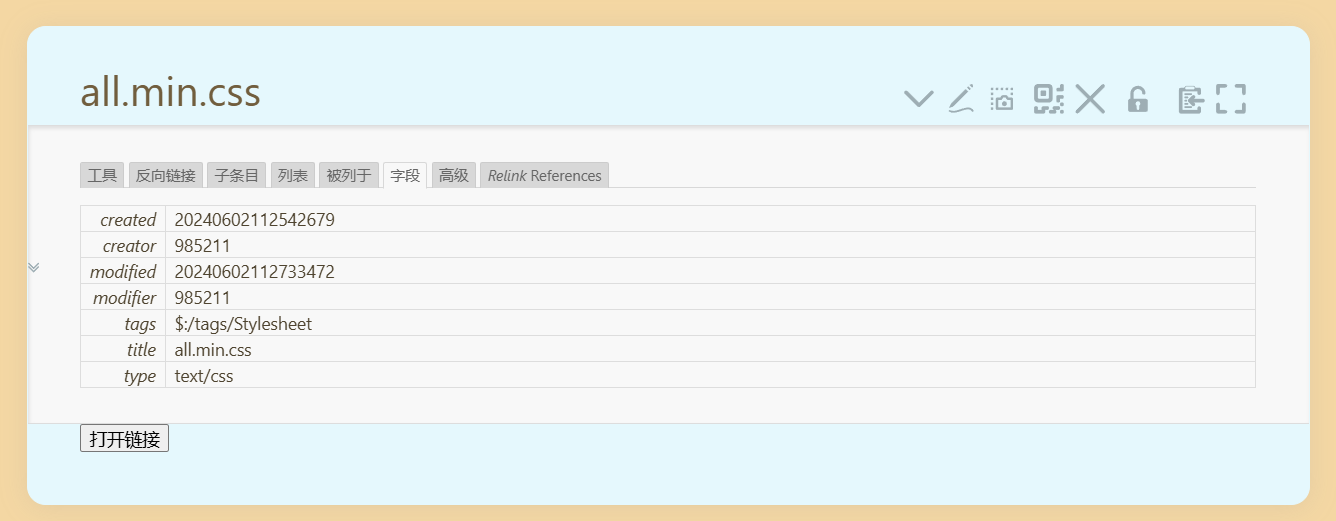
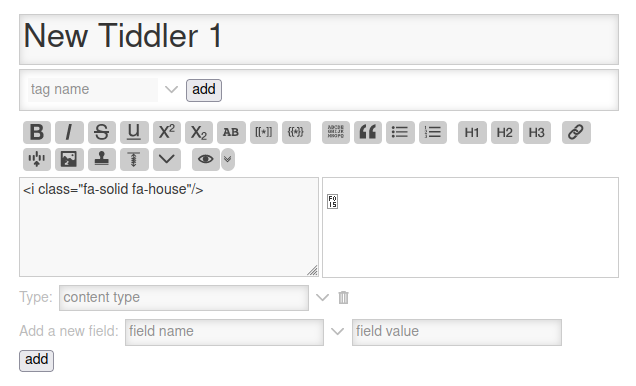
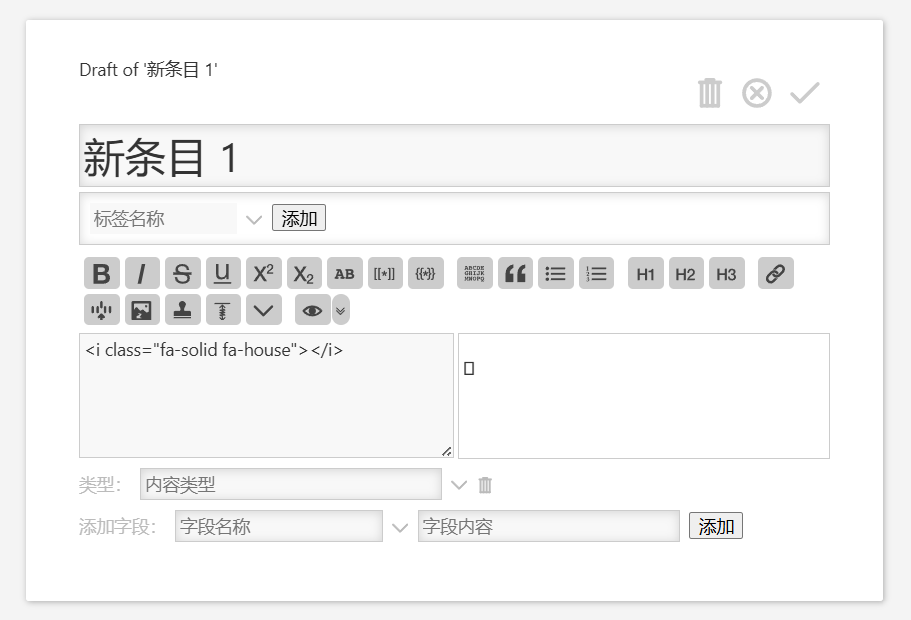
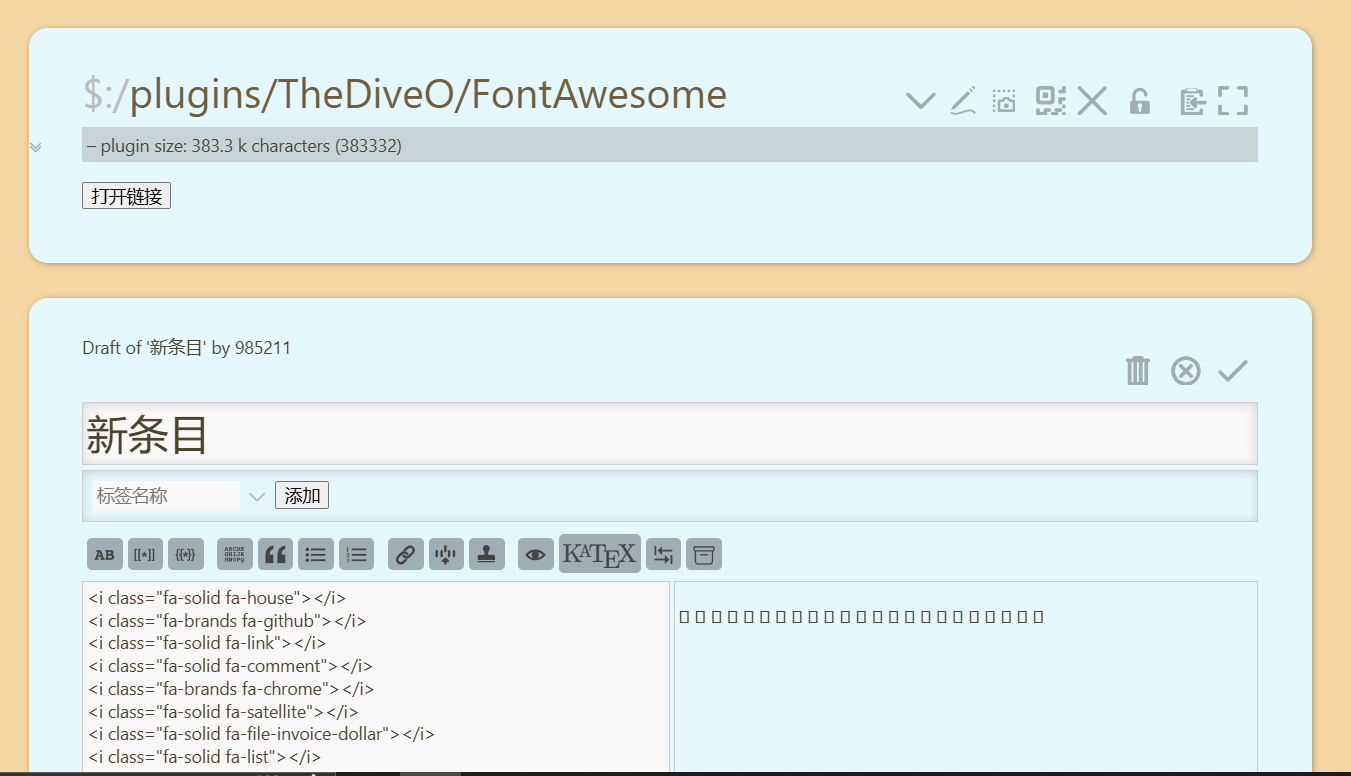
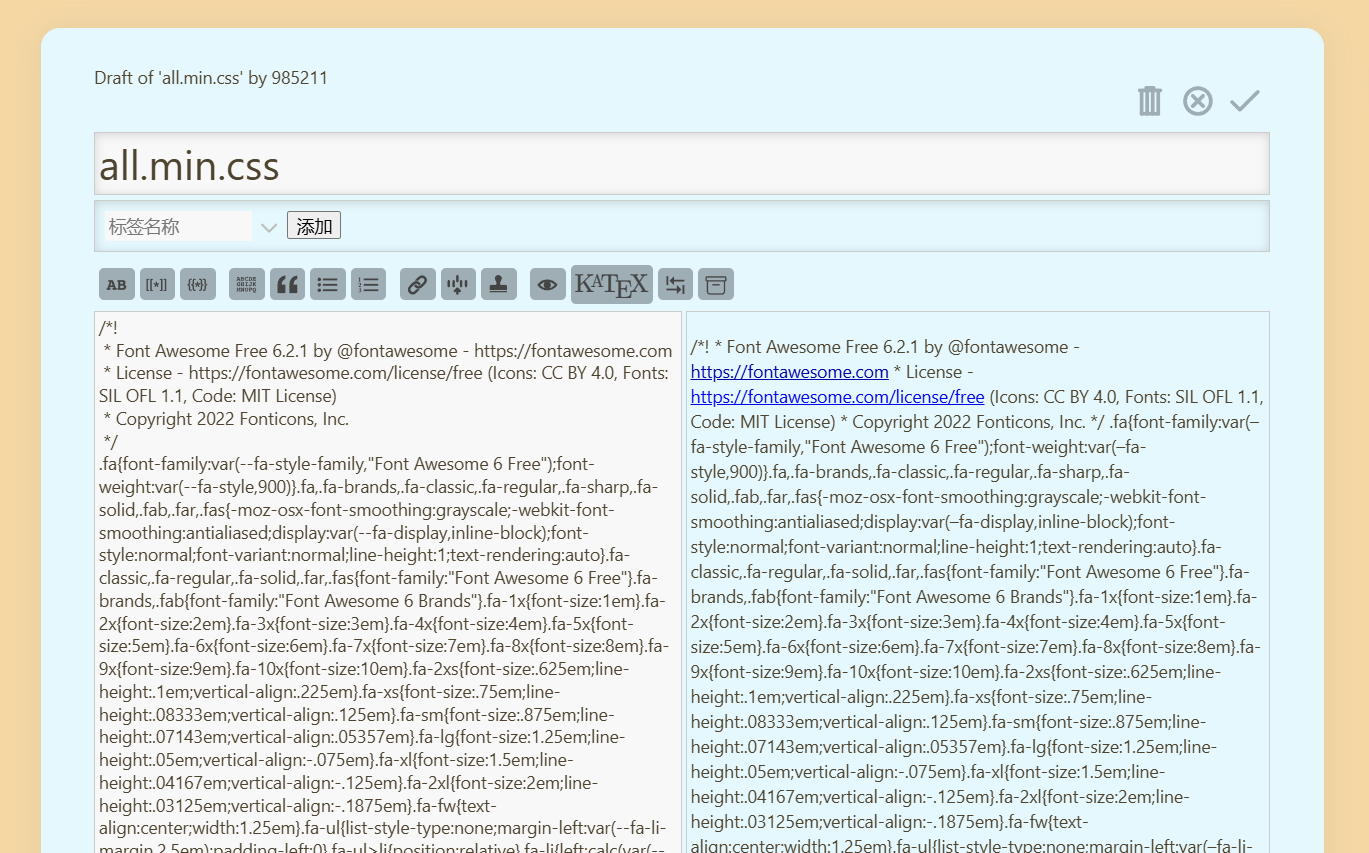
i downloaded 6.5.2/css/all.css locally, and imported this latest file into my local tiddlywiki, but the above code snippet was not properly parsed by my tiddlywiki, the display icon is garbled, any good ideas
all.json (138.0 KB)(After downloading, rename it to all.css)
Any reply would be greatly appreciated