Folder export/import
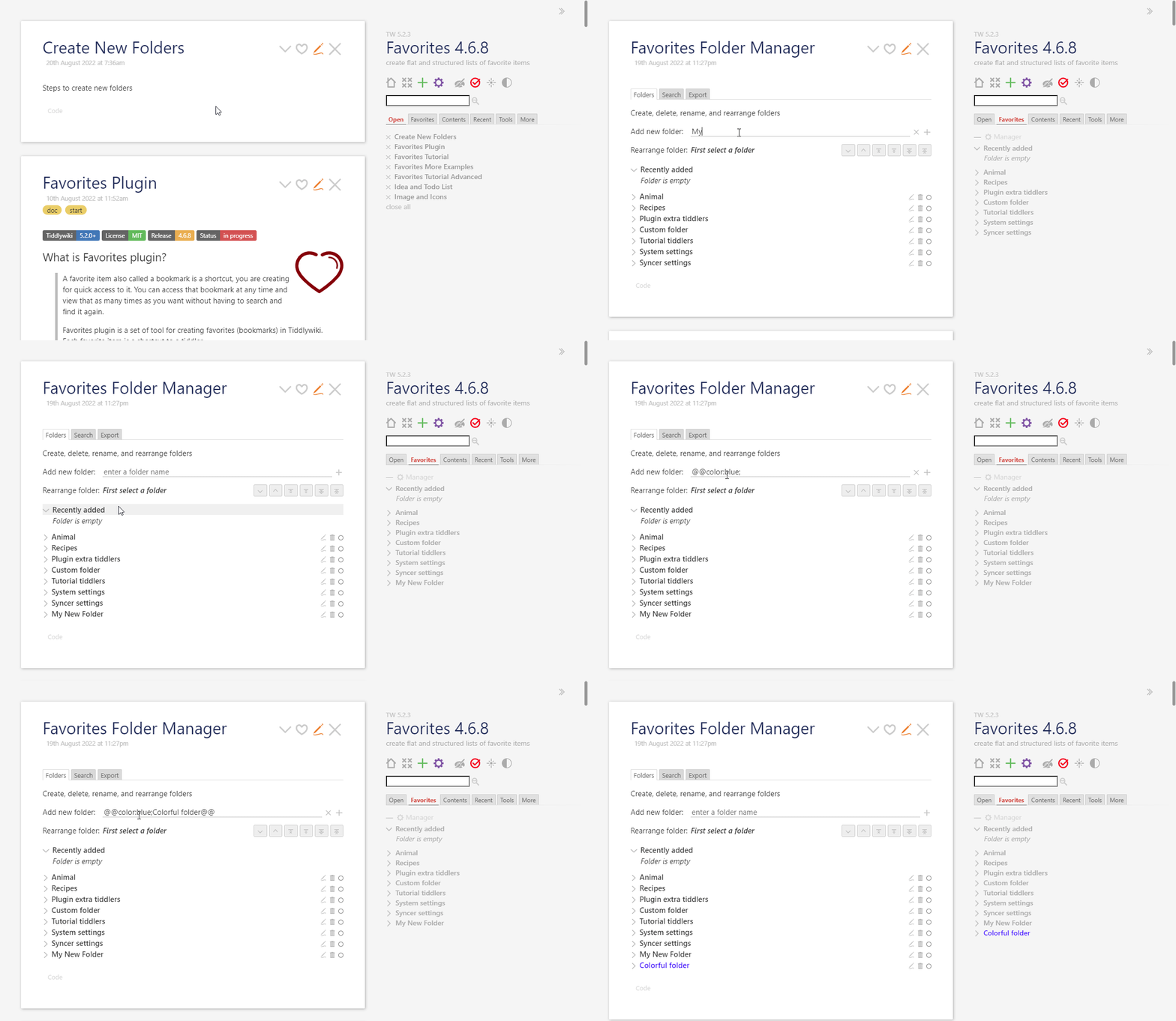
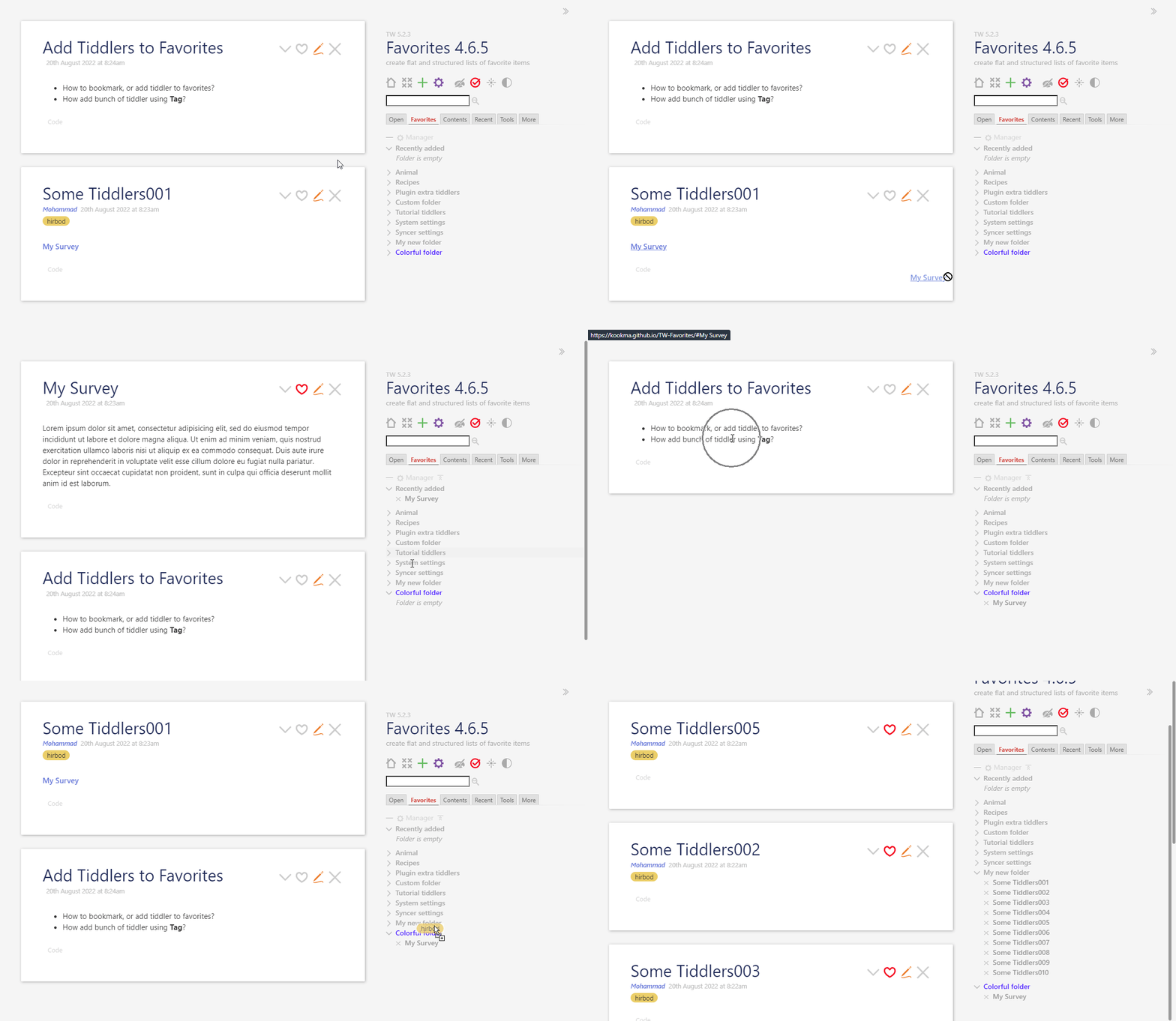
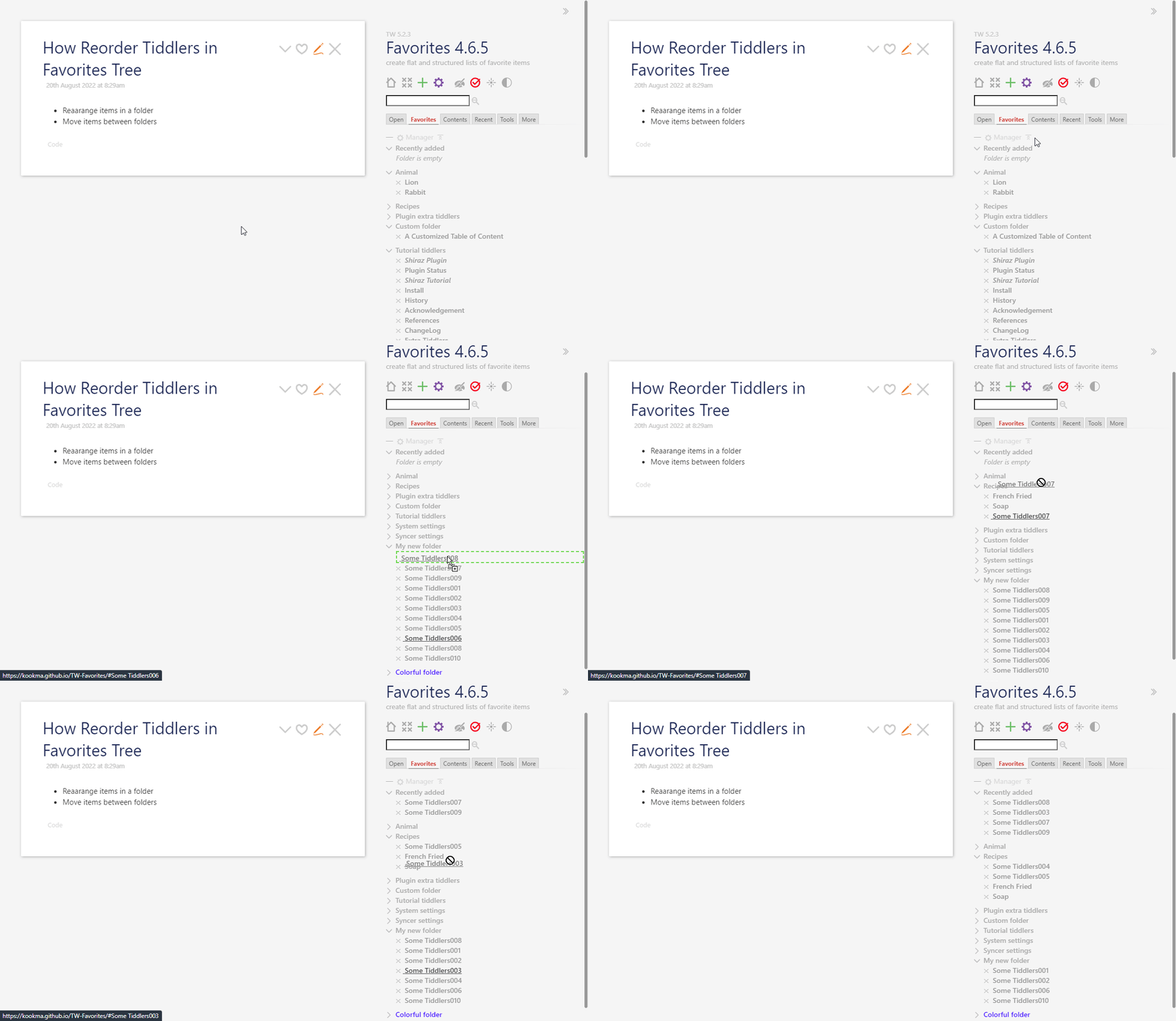
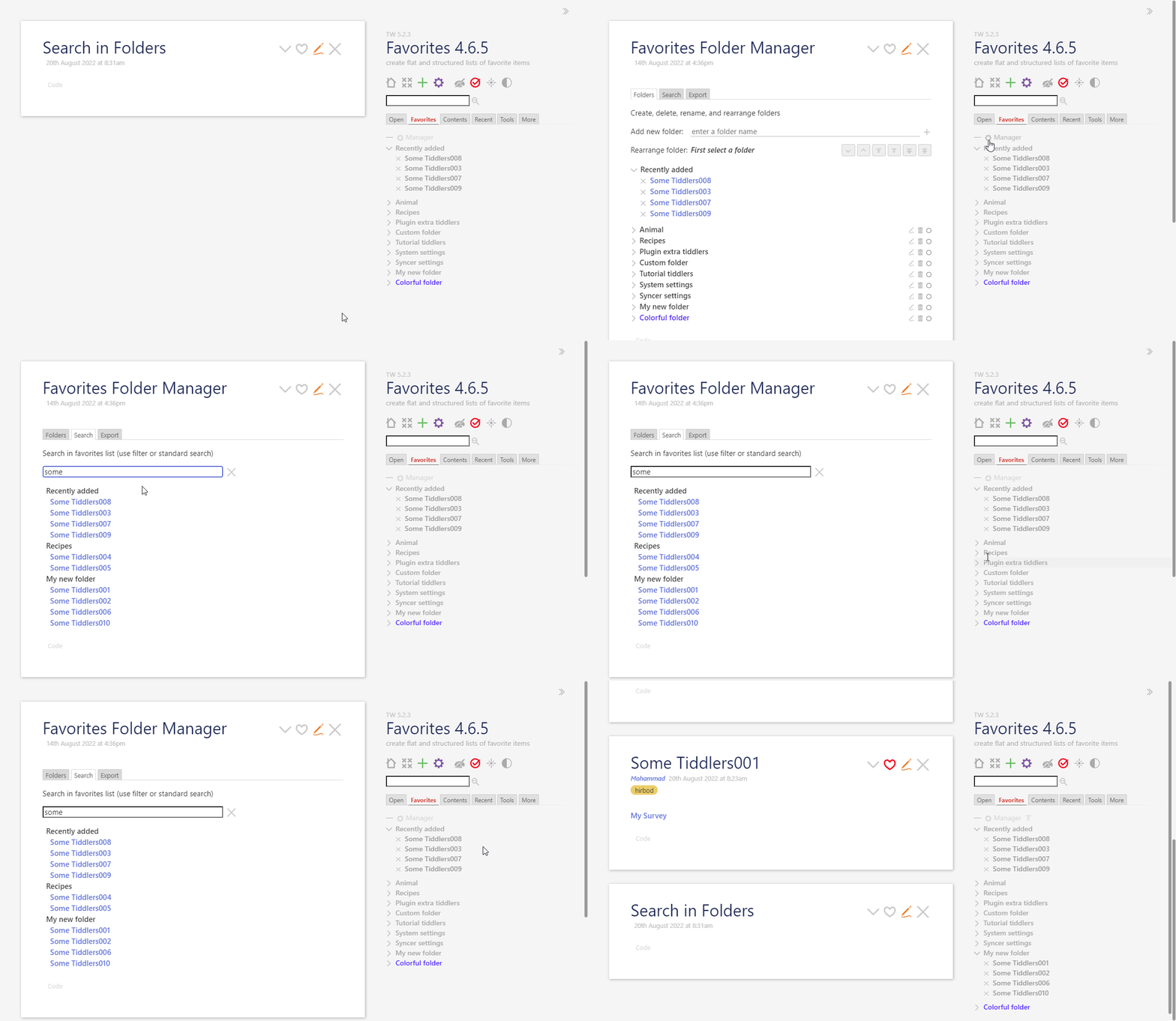
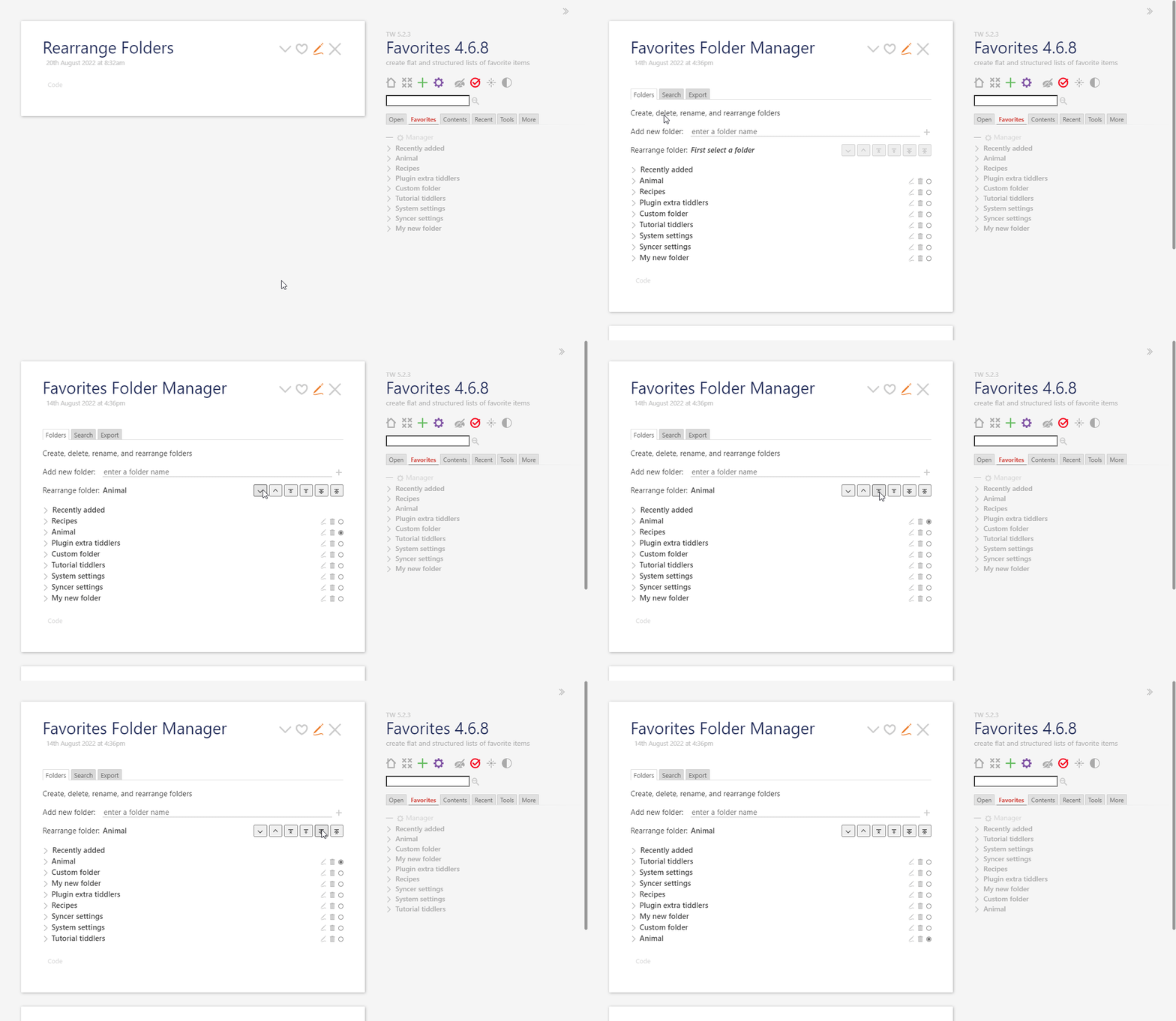
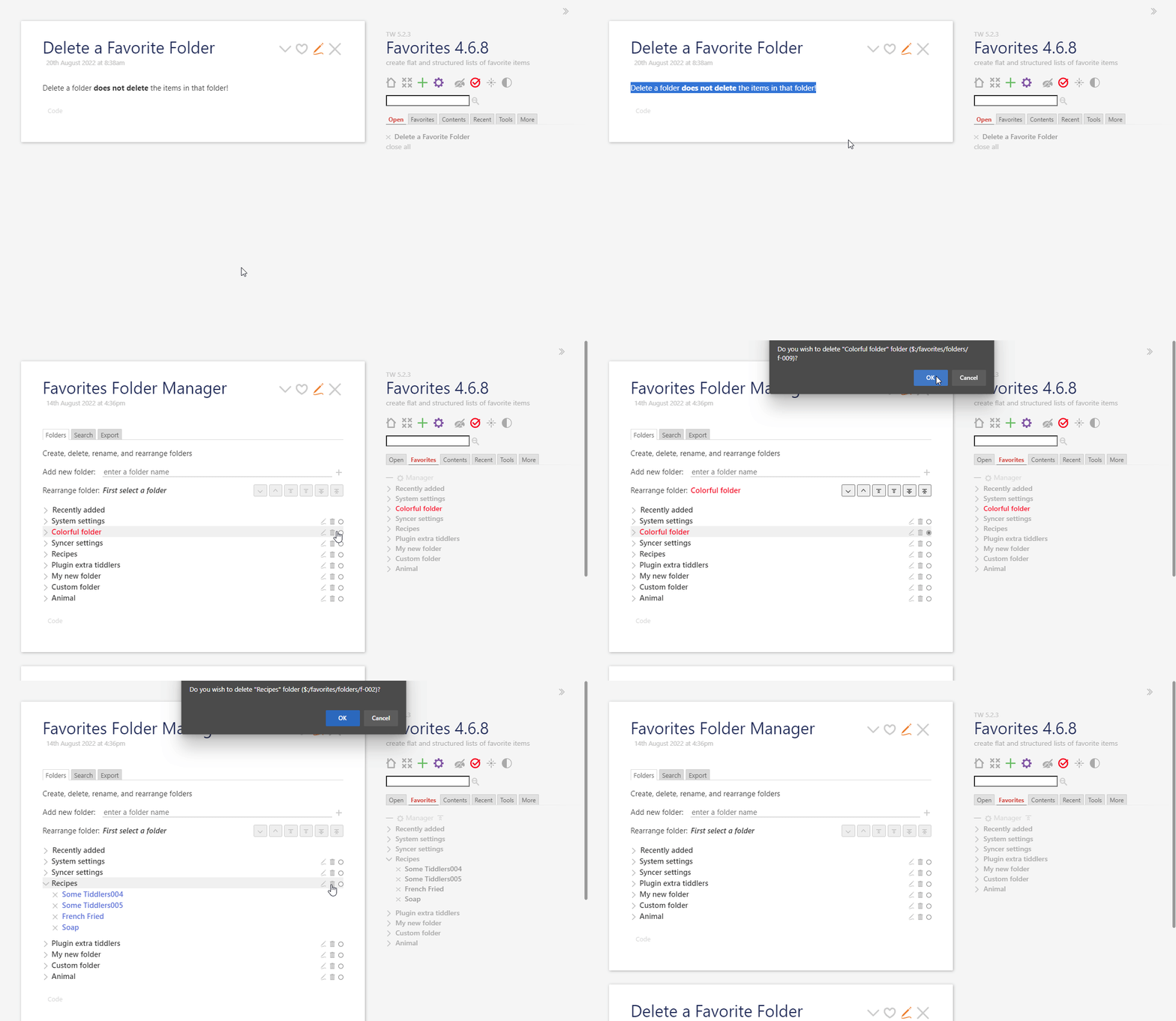
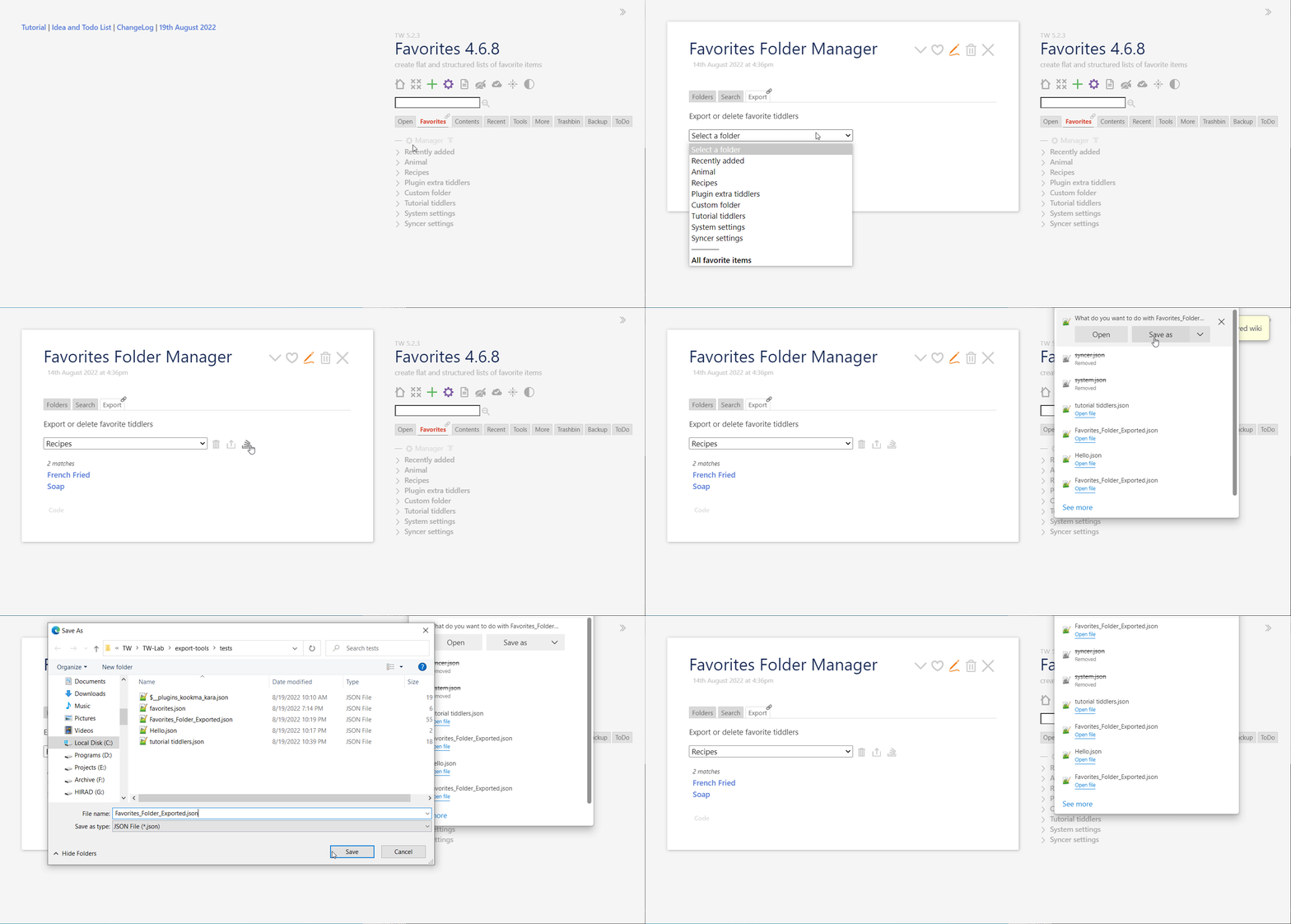
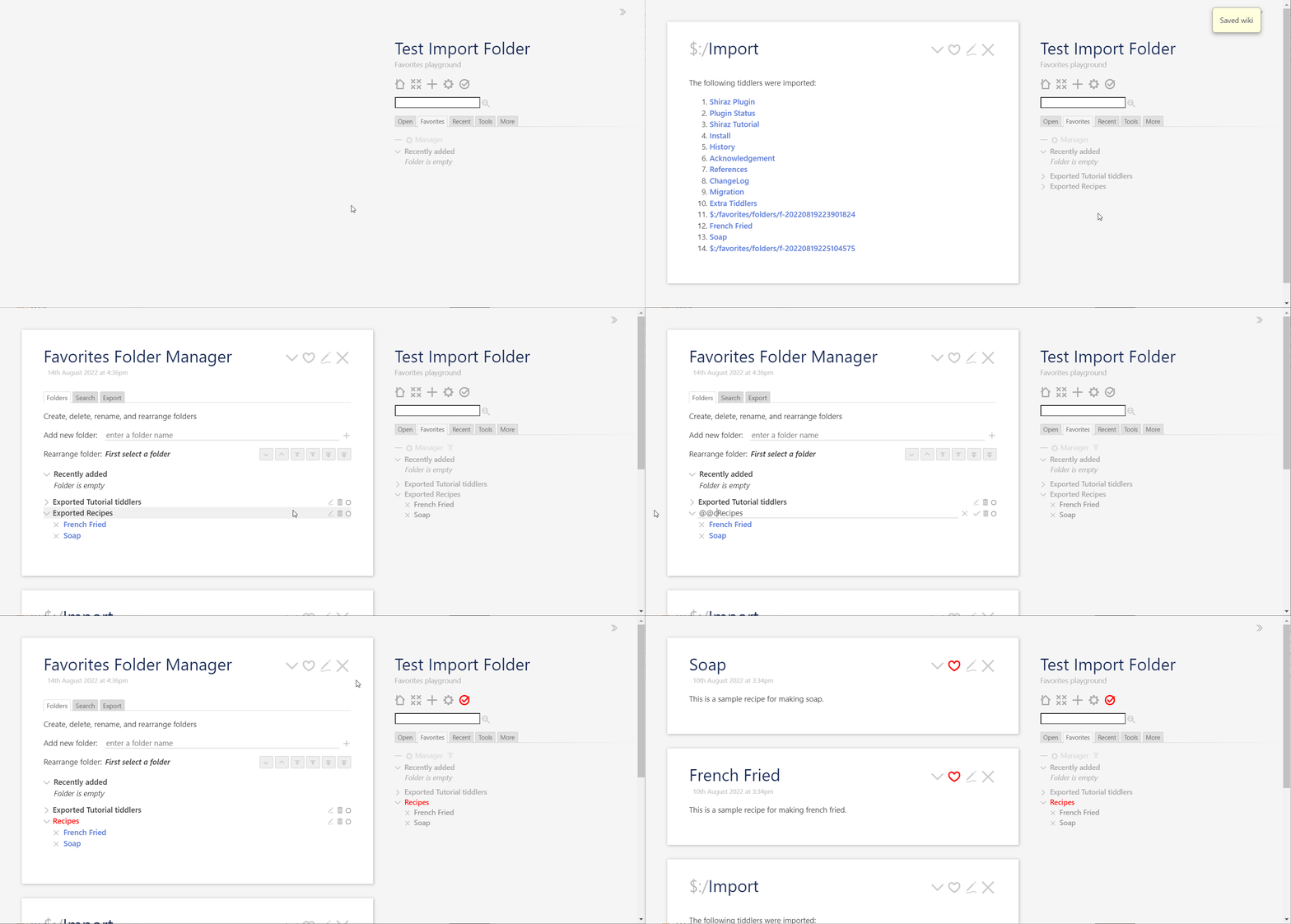
The new update of Favorites plugin (4.6.8) supports exporting a folder of favorites as an structured folder. This exported folder (as a JSON file) can be re-imported to a Tiddlywiki with Favorites plugin and you have the whole folder structure again.
Star it if you like it.
Export Folder (like a bundle)
Import Folder
References
- Favorites Plugin: Update 4.6.5 - Plugins - Talk TW (tiddlywiki.org)
- Favorites Plugin: New Update 4.6.1 - Plugins - Talk TW (tiddlywiki.org)
6 Likes
Favorites 4.6.9 supports most dark themes.
1 Like
Fantastic work @Mohammad you have built broad features for handling lists, you are calling favourites and folders, because I observed from the earlier version, you add tiddlers to a list field. This kind of list handling is a generic functionality, which places a meta layer over existing tiddlers without actually editing the tiddlers themself.
- It is effectively an advance on your basket idea. Which could be integrated to allow a whole tab for a nominated folder.
As an algorithm this is something I have always felt was a feature that could be added even to the core, a little more generalised than as favourites. As soon as we have lists they can be manipulated in many ways including through this interface you have developed. The list widget can also make use of such lists to include sub-filters and other alternate views.
- Projectify also follows a similar approach when it comes to dragging to projects but makes use of tags which is not as good as your folder lists which need not “touch” the tiddler".
- In a recent discussion about “missing tiddlers” I just tested it and missing tiddlers (their title) can be dropped on the favourites folder. This enables another suit of opportunities.
Perhaps some future features could be;
- From a given folder
- open all in folder in story
- close all in folder that are already open in story
- Add or select filter to apply to all items in folder and list only those that comply eg: project items with no done-date. Perhaps in a separate view such as the manager, but in this case a “folder content manager”
- Ability to define a folder according to a filter so items can automatically appear in a folder (below a line) if they comply. Perhaps list below a line, can be added by dragging above the line. Items could be dragged below the line to remove from the list field.
1 Like
Thank you for your review and comments.
I love the new terms you invented for this plugin: Favorites and Folders and in another post Virtual Folders 
I add these terms to Favorites documentation, as these describe nicely and clearly what Favorites plugin do.
Intresting features proposed, some of them are really handly, like open all items in a folder, or create a dynamic folder based on a criteria!
It is amazing to see how @jeremyruston created such concepts and features like a list field and list widget years ago!
I believe the TW core at the current status has great potential to create many useful tools, still we have not discovered many!
1 Like
@Mohammad I noticed something that can be added to your documentation for using your plugin even easier,
In Control Panel > Settings > TiddlyWiki > Tiddler Titiles > Display tiddler titles as links
- I know you demo has this, but some users may not know this
- The tiddler titles become links and can also be dragged on dropped on favorites.
I noticed that if one opens a folder tiddler we can see the list and search that folder. There would be value in allowing a sidebar tab be created that has this same content (and caption) allowing most commonly used favorites to have their own tab.
- Ideally of course it would also be good if we could drop new favorites to the named folder there as well.
- Perhaps this could be toggled from the folder in the Favorites tab?
- In some ways this would extend the functionality to beyond mere favorites as the other tabs (folders) may include Help/Instructions etc…
Love your work.
1 Like
Thank you Tony!
Good comments and nice ideas! I will add these to docs.
All these are super easy with current release.
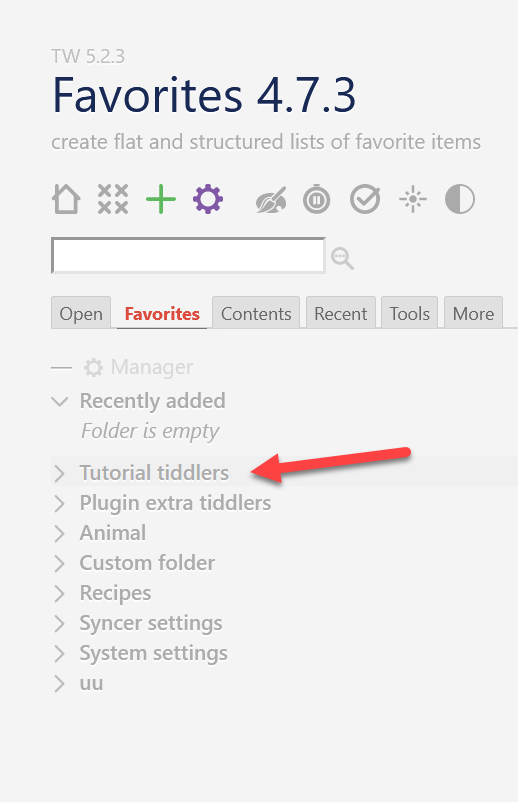
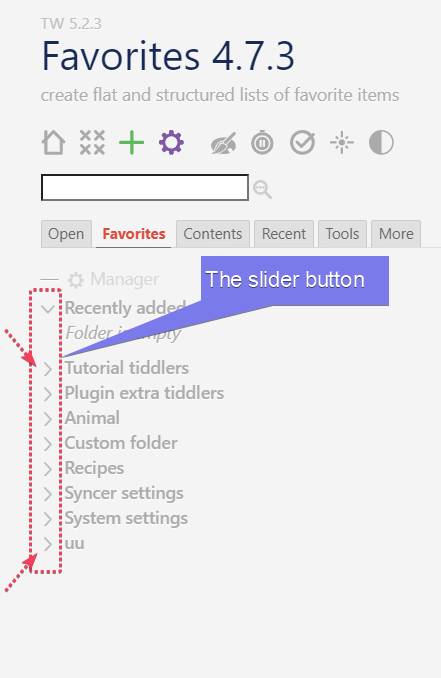
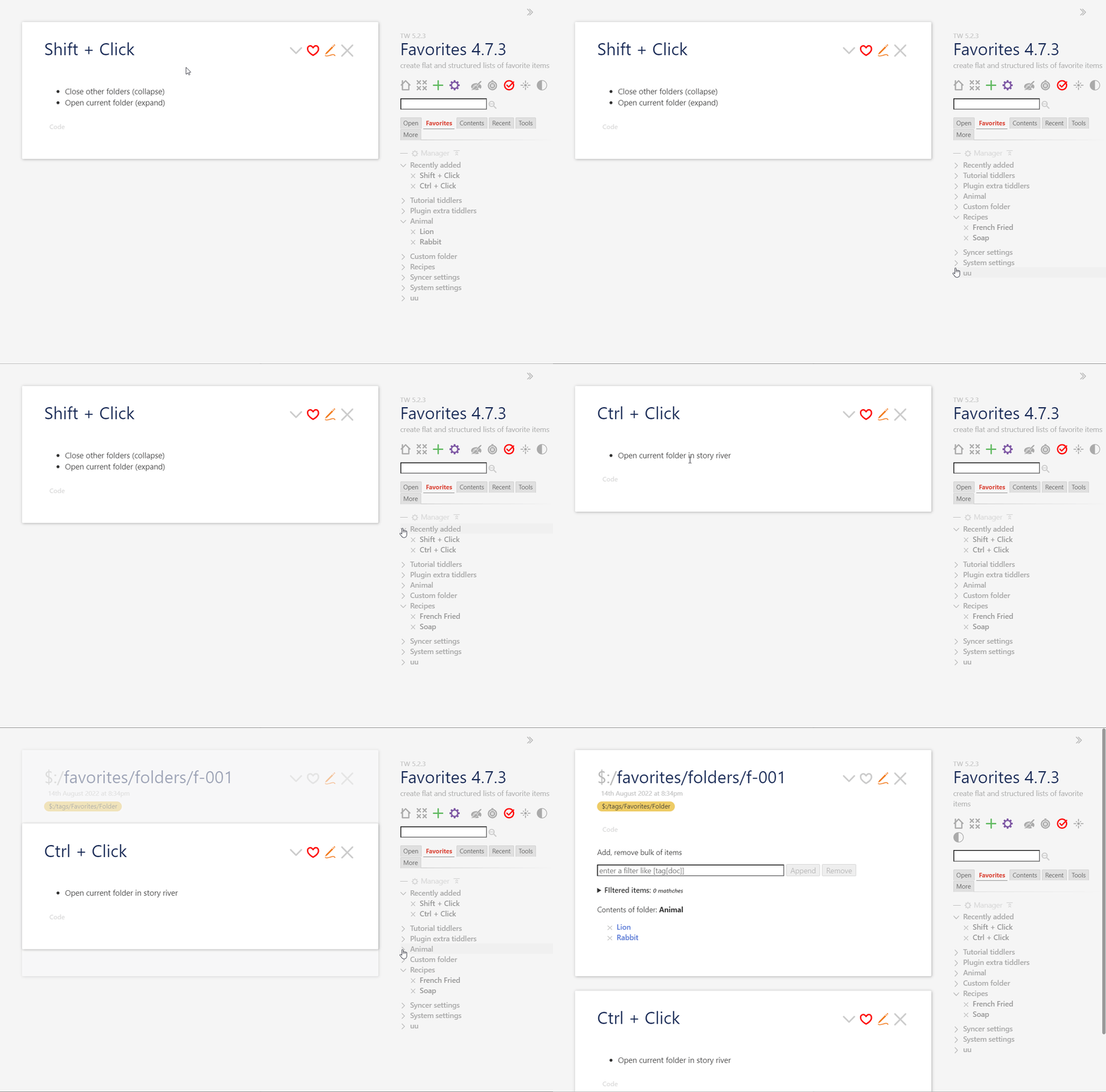
Based on discussion with Tony, I added the Basket feature to Favorites plugin. So in Favorites 4.7.3, you can drag a folder (using the slider button) to another Tiddlywiki, or even to another folder.
A new update is pushed.
Release 4.7.3
- Aug 29th, 2022
- [NEW] Folder slider button is draggable and one can drag the content of folder to another folder or another Tiddlywiki
2 Likes
Quick review feedback
I was looking for the basket feature and Cant see it and the ctrl-click and shift-click features don’t seem to work on the demo.
Looking fantastic
Hi Tony,
I checked again the demo page: Favorites 4.7.3 — create flat and structured lists of favorite items (kookma.github.io)
All features work (my test done on Win10 + Edge 104)
shift+click works
ctrl+click works
drag the slider button and drop on another wiki works
So sorry, but I cant do it in chrome or firefox but I suspect I am not doing what you say.
- First I have no idea what or where a slider is
- Second I am mousing over and and ctrl or shift click here as an example
By slider button, I mean the angle bracket before folder title
Work with modified shortcuts

So sorry, I though they were the same button.