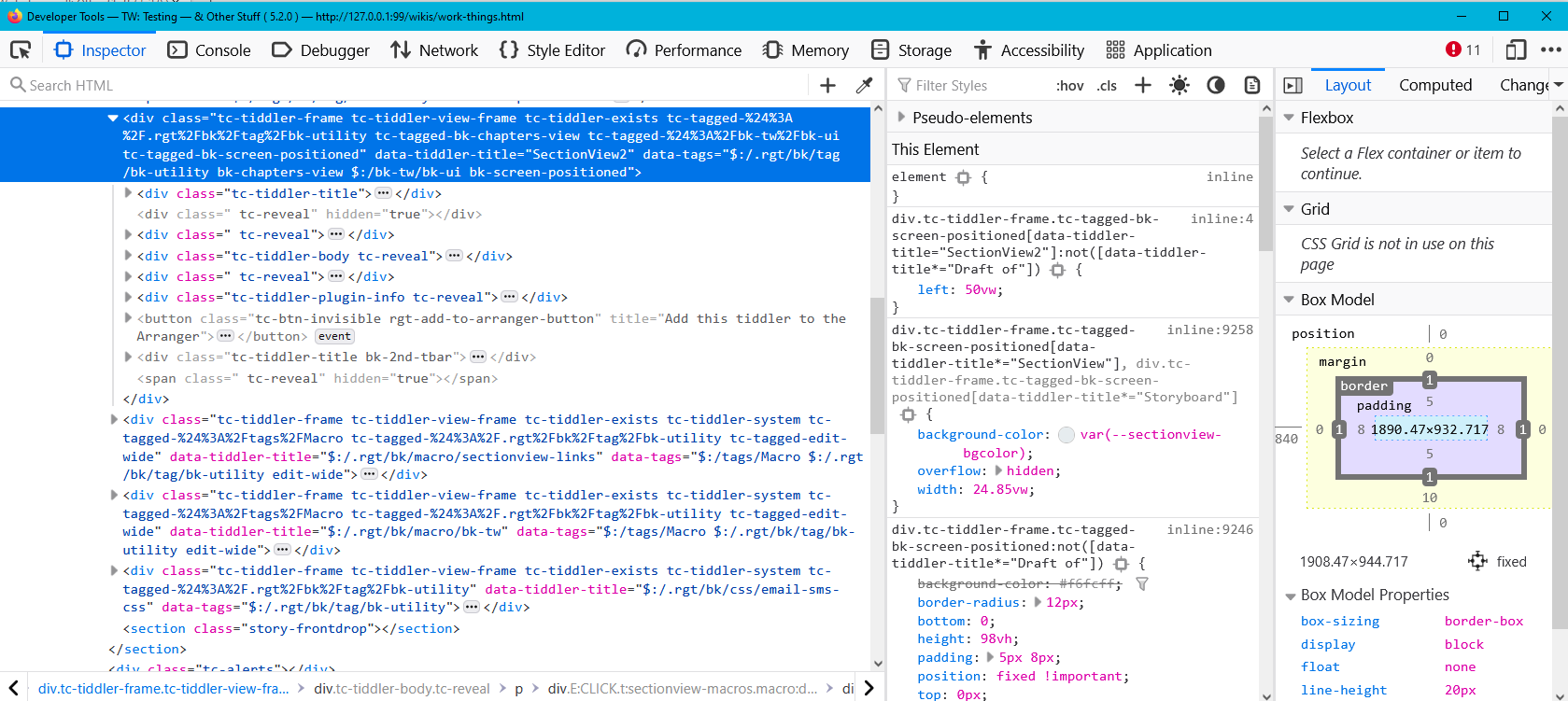
The tiddler I’m showing as a modal, I’ve set the “class” field to a class that is much wider and taller than the default size of a modal, but the “standard” modal size remains the same.
I’d like this particular tiddler to show as a modal that is 80vw by 80vh.
The trick is to put this <style></style> in the modal itself ;-). As far as it is not open (and not open in the storyriver!), that is not rendered
Best wishes Jan
Not one to put my feet up while I wait for somebody to make suggestions, I went about trying an alternative that is more suitable for me.
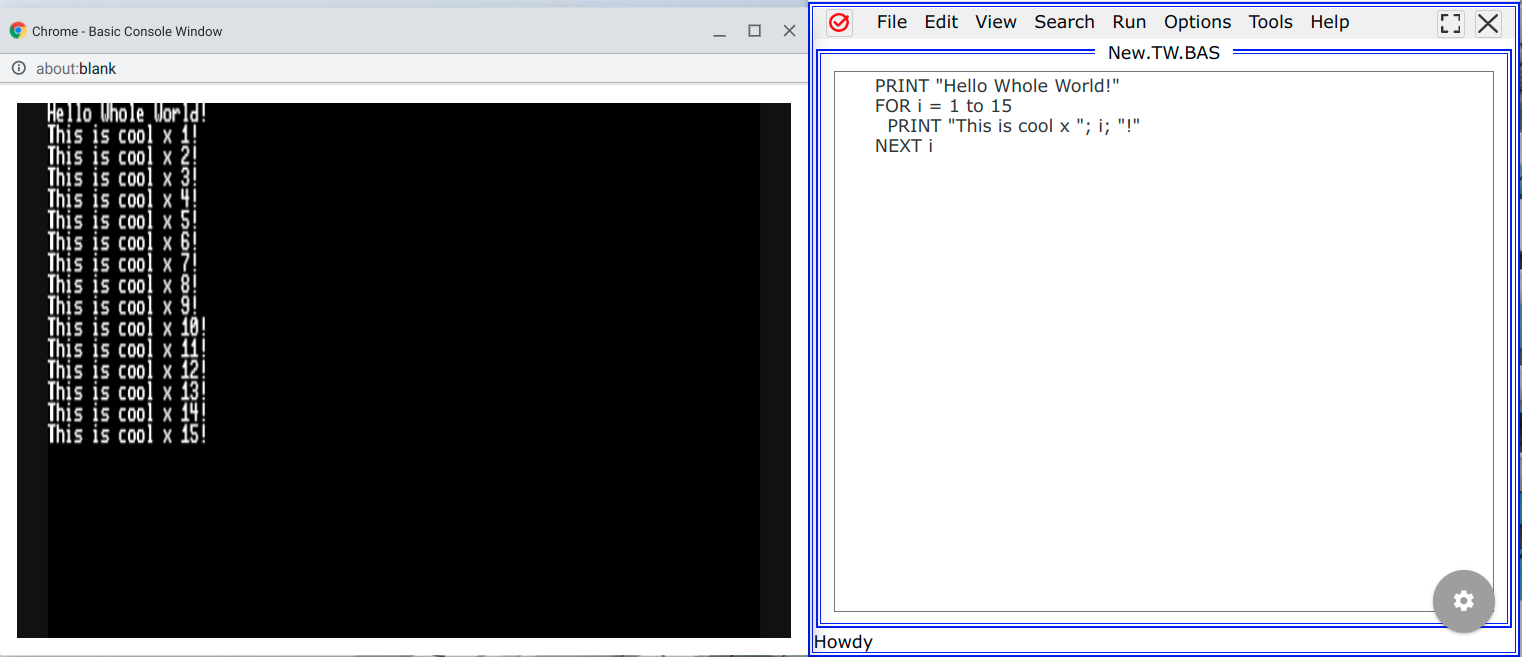
The goal: show a console window for a running BASIC program, TiddlyWiki being used here as a BASIC programming IDE (i.e. single-file BASIC IDE on BASIC programs normally in files instead stored in tiddlers.
Although I initially thought a modal window would be best (not a great idea to alter code while simultaneously running that code, i.e. TW refreshing of console window for every character typed in the source code), it actually is kind of nice for small programs. So close the console when it makes sense, leave it open when it is handy. EDIT: Yeah, just dawned on me: don’t run the code that is in the “New.TW.BAS” tiddler. Upon “run”, copy the code in New.TD.BAS somewhere, and run that. That way, I can alter New.TW.BAS as I like without the console refreshing, and the console will just refresh to the latest code after I click run again. Sweet.
@Charlie_Veniot do please share a little more of your “basic IDE and interacting with the basic console window”. I have long believed tiddlywiki is an ideal IDE (integrated development environment) and I was an advanced basic programmer in the past, so would love to play with it and build resources in a tiddlywiki. Perhaps even more integration later.
Something similar an IDE for shell, powershell, command prompt and batch scripting would be nice. I have done some pre-work on this I may share if applicable.
I used to write a lot of little programs that act as filters on the command line (Windows) for parsing different files or command outputs into useable content. I dreamed of publishing a set of tools for data manipulation. Currently I am doing this with in tiddlywiki and sometimes JSON mangler.
No, it only applies on modal with the class lightbox
The class is defined in the tiddler referenced by the $param attribute. You can also pass custom attribute (paramObject) to the modal to dynamically set the width and height :
<style>
.custom-modal  .tc-modal{
width:<<width>>;
height:<<height>>;

/*center the modal on the screen*/
inset:0;
margin:auto;
}
</style>
<<content>>
with the field class set to custom-modal.
(Not tested yet but should work it does !)
EDIT: fixed the css, we need to target .tc-modal. Also the position of the modal was messed up when the sidebar was open, inset:0 and margin:auto fix that issue.
I have up to 8 tiddlers displayed (akin to modals, but not actual modals), up to three of which fill one monitor each, the others sit side-by-side on one or two monitors.