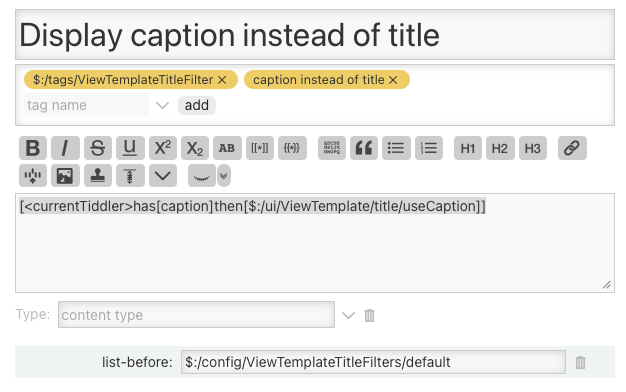
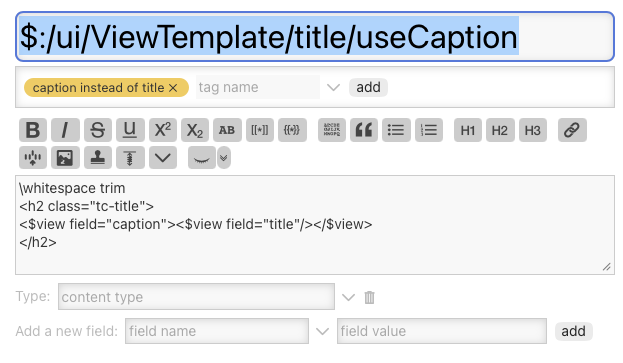
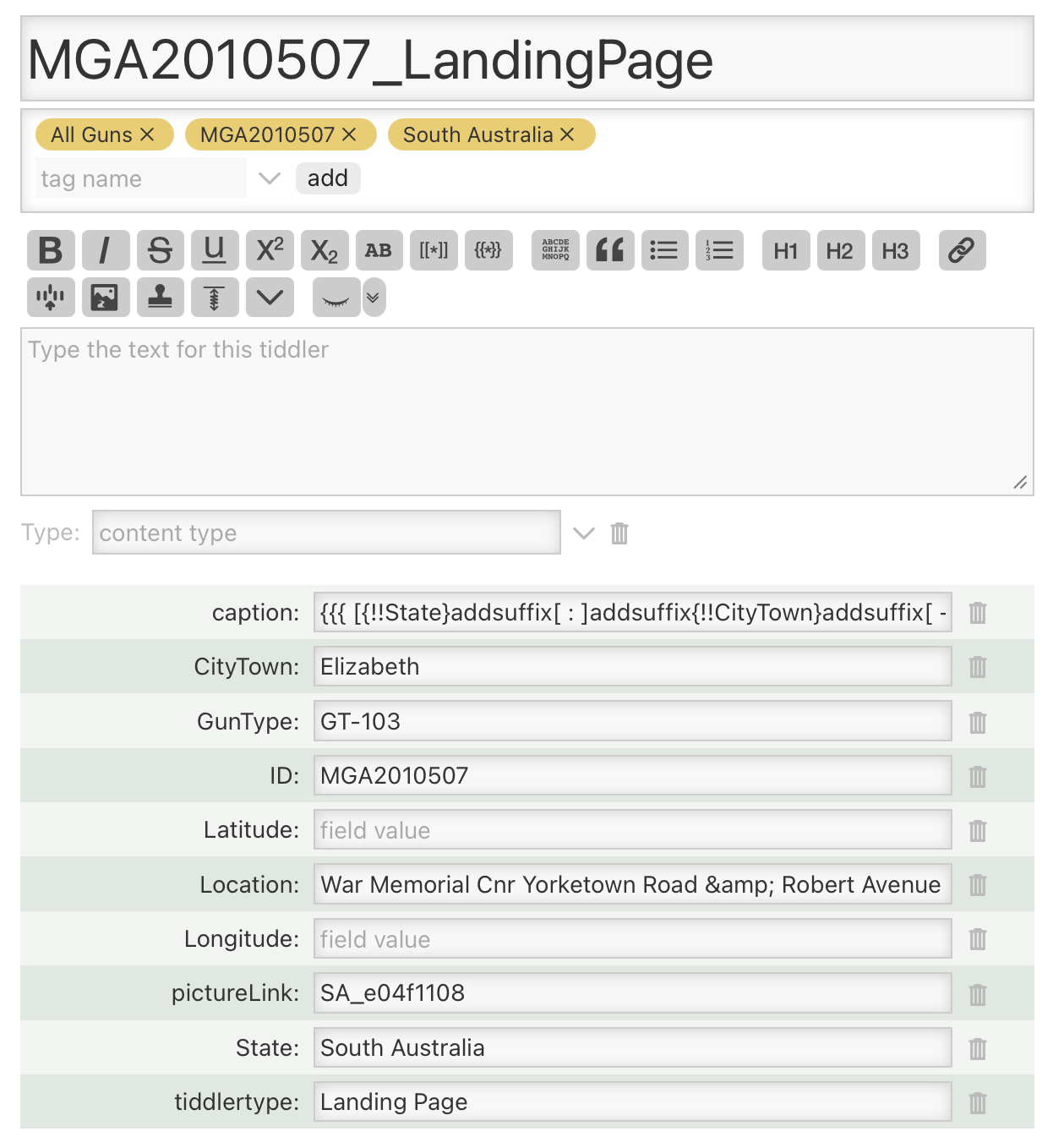
The dates precedes any work on this TW but this TW was a duplicate of an earlier TW (I do this when the new TW has similarities to the current one, to not have to re-install plugins, workarounds, etc but this has obviously bitten me in the bum).
Looking at the title of the first, I would suspect that it is something that I must have created back in 2022, it does not seem to me like a title devised by TW developers. However, searching back through my posts, I can find no mention of this around 2022. Looking back through my TW notes wiki, I see a link to another discussion, Displaying the caption instead of title in TW 5.2.1+ using the new cascade filters, from 2021 which I must have seen before,
Anyway, this post and its discussions are improving my knowledge of TW and so I thank all involved for their patience and perseverance.
Thanks @EricShulman, you and the others who suggested avenues have been a great help. I am at the stage in TW of opening up the platform cementing it all together and it is confusion and a bit scary at the same time. As I described in another exchange, DeepWiki for Tiddlywiki is proving very useful here.
What I have learned from this is - documentation, documentation, documentation, especially when it comes for editing of shadow tiddlers. This change had completely slipped my mind, after all it happened three years ago, and I’m only an old man on drugs
I have now commenced a Developer tiddler $:/TLS/Developer through which I will document all such technical changes, hints, work arounds, etc, related to this particular TW. This will complement my Useful Stuff TW, which I started before and which contains useful snippets not just to the TW but to TW in general.
In post 4 @cskrisz even extended the diff view to show the fields that have been changed. That may be of interest for you.
You only need to keep a link in your “dev-docs” tiddler
-mario
PS: Once v5.4.0 is out, it may be even easier to find the code, that built your UI with my Devtools plugin, which has an option to open the corresponding source code of a UI element.