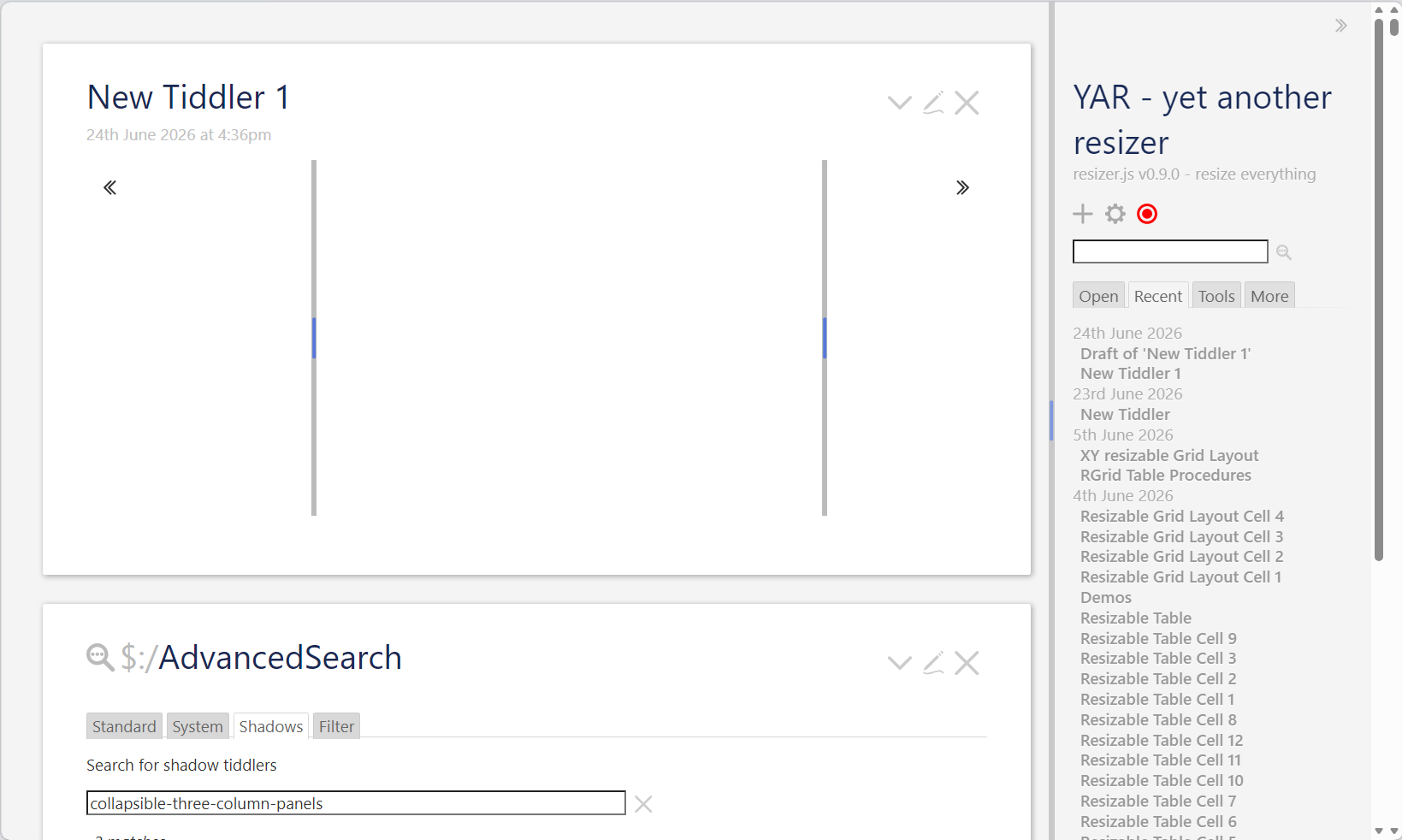
Hi @Scott_Sauyet , that’s already supported, by adding the fields “rowspan” and “colspan” and a numeric value for how many rows / columns the cell should span
1 Like
Very nice! Next question, why tag="MyTable"?
Why not filter="[tag[MyTable]]"? It adds a lot of flexibility and shouldn’t be much harder to implement.
2 Likes
Hi @Scott_Sauyet good question and I’ve changed it now to take a filter instead of a tag!
2 Likes
This almost feels like it could act as an alternative to @Mohammad’s Shiraz for building dynamic tables? Esp. with having a filter parameter that could be fed dynamically (even by a input text box!)
Not to derail this thread, but I’d really love to have a modern means to build and manage dynamic tables. Something like @Flibbles TW5-Graph but for dynamic tables.
Hi @Lamnatos
The table is not a real table per se.
It’s a CSS grid system.
That means this table-layout approach can not only be used for creation of tables but for all kinds of layouts.
Simon
The resizer now has a procedure called “btc.rgrid.xy.table” which is used to create xy resizable grid layouts!
<$transclude
	$variable="btc.rgrid.xy.table"
	gridId="xy-dashboard"
	cellFilter="[tag[MyLayout]]"
	columns="4"
	rows="5"
	statePrefix="$:/state/btc/rgrid/xy-dashboard"
	defaultColSize="1fr"
	defaultRowSize="1fr"
	colDefaults="4rem default default 35rem"
	rowDefaults="4rem default default default 6rem"
	height="80vh"
	resizeColumns="yes"
	resizeRows="yes"
	defaultCellMode="inline"
/>
Hope you like it, check it out!
1 Like
I previously created a view with a plugin in version 0.5.0, but when I came back and wanted to update the content, I found that the plugin had changed a lot. Especially after removing that close button, the type used in the previous image example can no longer be found. May I ask how we can achieve the previous button to close the content on one side?
Can you explain what you’re trying to achieve?
I have a hard time guessing
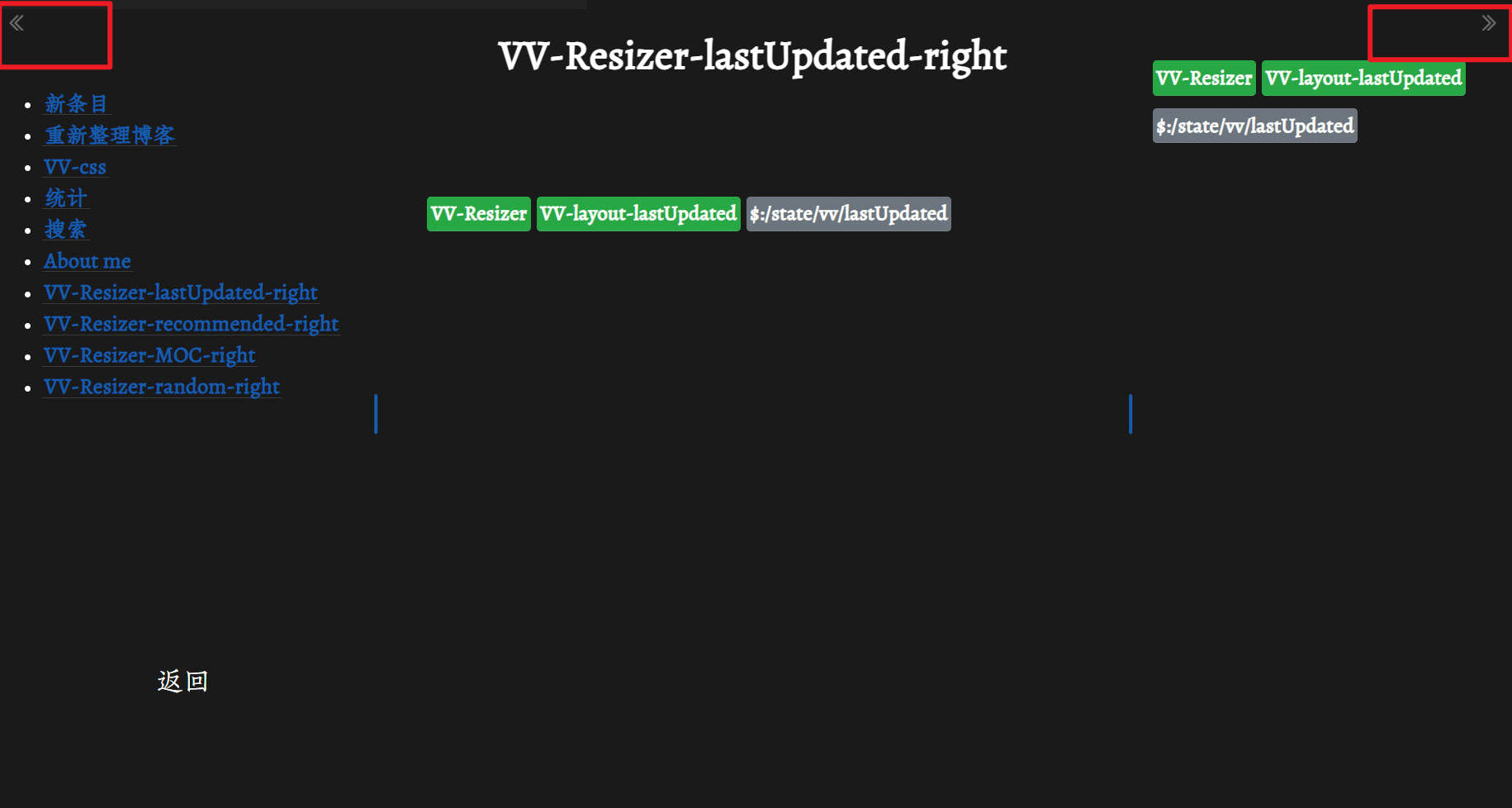
This is a view I made with a plugin before. There is a button in both the upper left and upper right corners, which enables me to close or open it very conveniently. But now this button is gone and I have no idea how to achieve a similar effect. It seems that this point is not stated in the latest plugin documentation.