I’m just curious. I’ve tested many websites, and all of them can load website content correctly through $:/plugins/sq/ExternalContent plugins, but my website cannot be loaded. I copied the console log to AI, and AI indicated that the data exchange was complete. However, the data was not parsed correctly. @saqimtiaz Could you answer it?
Packaged through GitHub’s automated operations, the code is available at the link above. Some js files may be used, which are also in the src folder of the above repository. I did not write this code, but I often use it as a template for public URLs. The main function of this code is to generate a TiddlyWiki that can be accessed statically. By default, it cannot be saved offline for download. However, I tested another website that can be saved offline for download, but it still did not work.
I just tested it, but I couldn’t import it successfully. However, this is indeed a spelling mistake, which may require modifying the content in the plugin readme. I copied the code directly from the readme.
I imported the selected tiddlers into the above URL tiddlywiki.com/empty, but they did not load correctly. However, I tested the TiddlyWiki Main, and it was able to load and import correctly.
I downloaded a copy of your wiki and then dragged and dropped it on to tiddlywiki.com. It was not possible to import individual tiddlers, which suggests there is an issue with the structure of your HTML file which makes tiddlywiki unable to parse it.
However, an offline version will also be packaged here. This version can be downloaded normally and viewed offline. However, I tested the above code and it still did not work.
$:/core/ui/Buttons/save-wiki
This button may be hidden, so you need to search for it manually. Click Save.
Downloading this file and dragging and dropping it on tiddlywiki.com results in the same issue, none of the tiddlers can be imported. Therefore the problem does not seem to be related to the plugin but rather than structure of your HTML file.
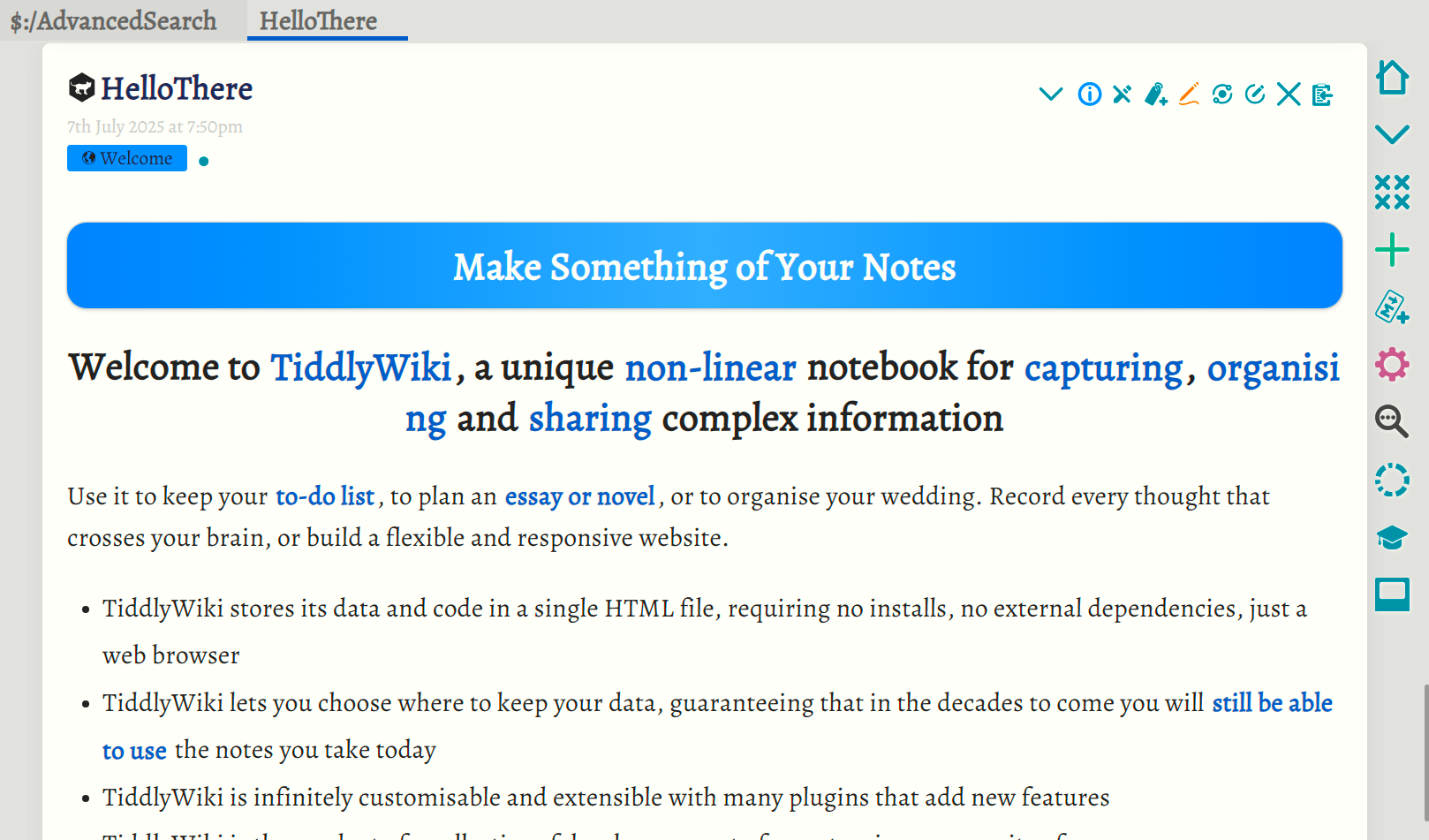
I’m not sure I understand what you mean. When I download an offline version, I can import it directly by dragging and dropping, as shown in the image. I dragged the entire HTML file into it, and it automatically generated these tiddlers.
The only version that matters in this context is the one you can download by right clicking either one of these links, only these can be fetched via HTTP to load content:
Thank you very much for your reply. I seem to have discovered this issue in further testing. I have one that imports all documents into the TiddlyWiki website and saves them, which can load content in the form of local links. The other one I downloaded directly from the browser, which can also be opened and viewed in the browser. However, it cannot load in the form of local links. It is certain that some of the HTML structure has been damaged.
After further research, I think I have found the answer. In the template I am using, there is an option to minimise the TiddlyWiki during the packaging process. This option is enabled by default, and some of the configuration settings will minimise the TiddlyWiki as much as possible. When I disabled this option, the offline HTML version generated could be loaded normally by the code. The content within the file could be loaded locally. However, I still find it odd that an incorrect HTML structure prevents proper parsing. Theoretically, if the browser can parse it normally, it should be sufficient. Of course, this issue has become more complex.
Your reliance on AI should be kept to a minimum if you then take its output to inform your submission to talk.tiddlywiki. There is no substitution for learning to become a subject matter expert in tiddlywiki if it is to be one of your key software platforms. I have experimented with LLM’s and their ability to support TiddlyWiki and they are somewhat limited and keep providing false answers with confidence.
It would be quite unfair if you keep presenting questions where the community is forced to respond to errors from LLM’s, when, if there was no LLM in the picture it would be easier to help.
I know in this case you were only using it to understand the console log, but you are introducing another factor where an error can exist. You have used LLM’s in other ways in other posts.
Please use LLM’s to learn, but please independantly verify what they suggest before presenting it as fact
Thank you for telling us when you do use it, this is very importiant, but please also try and avoid going directly from LLM to talk.tiddlywiki.
Opinion
The use of the term A.I. when people are refering to modern LLM’s is hype and vaporwear. At best we can call it machine learing. In my opinion LLM’s are just another step in machine sense and interpretation like Optical Character Recognision, voice recognition, image analysis etc… we are much further from A.I. than people who are selling products, would want you to believe.
The vendors of snake oil are working hard to fool your employer, as they always have, so don’t be too harsh, but as usual business people think they can “use their gut feeling” and not refer to expertise, as expertise costs money and may disagree with them, they prefer to marginalise expertise. Then decades on everyone asks “how did we get it so wrong?” when experts (not vendor experts with vested interests) told us as much.
I did create a GitHub issue, because the regexp we use to identify the TW store area is a bit too specific.
But according to the HTML spec: HTML Standard your script tag is also faulty. Because type=application/jsonneeds quotes because of the slash / character, which is explicitly mentioned in the spec.
I did a quick test, but it still didn’t work. The above simplification processing code still destroyed the structure inside. What I find strange is that if the browser can open it, that means the HTML structure inside should be valid. But why can’t TiddlyWiki’s core or plugins handle it?
I usually enable the above simplification processing, which can further compress HTML and improve loading speed.