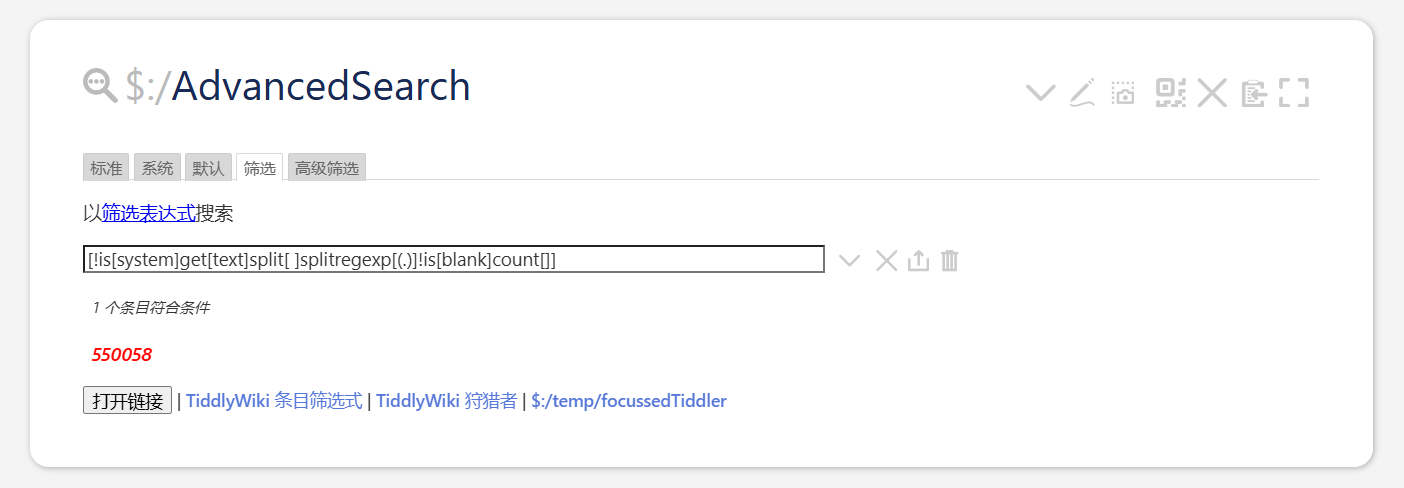
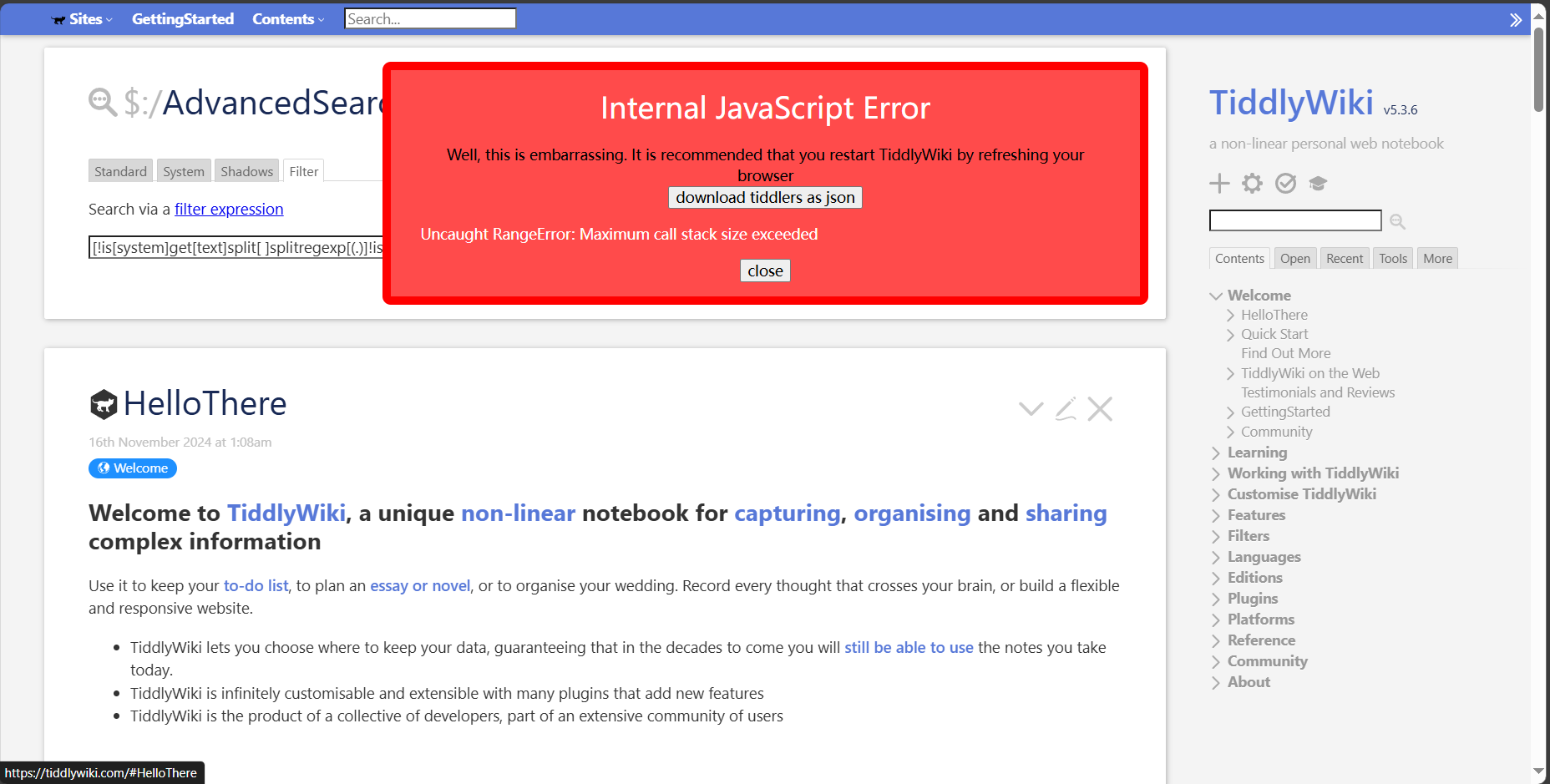
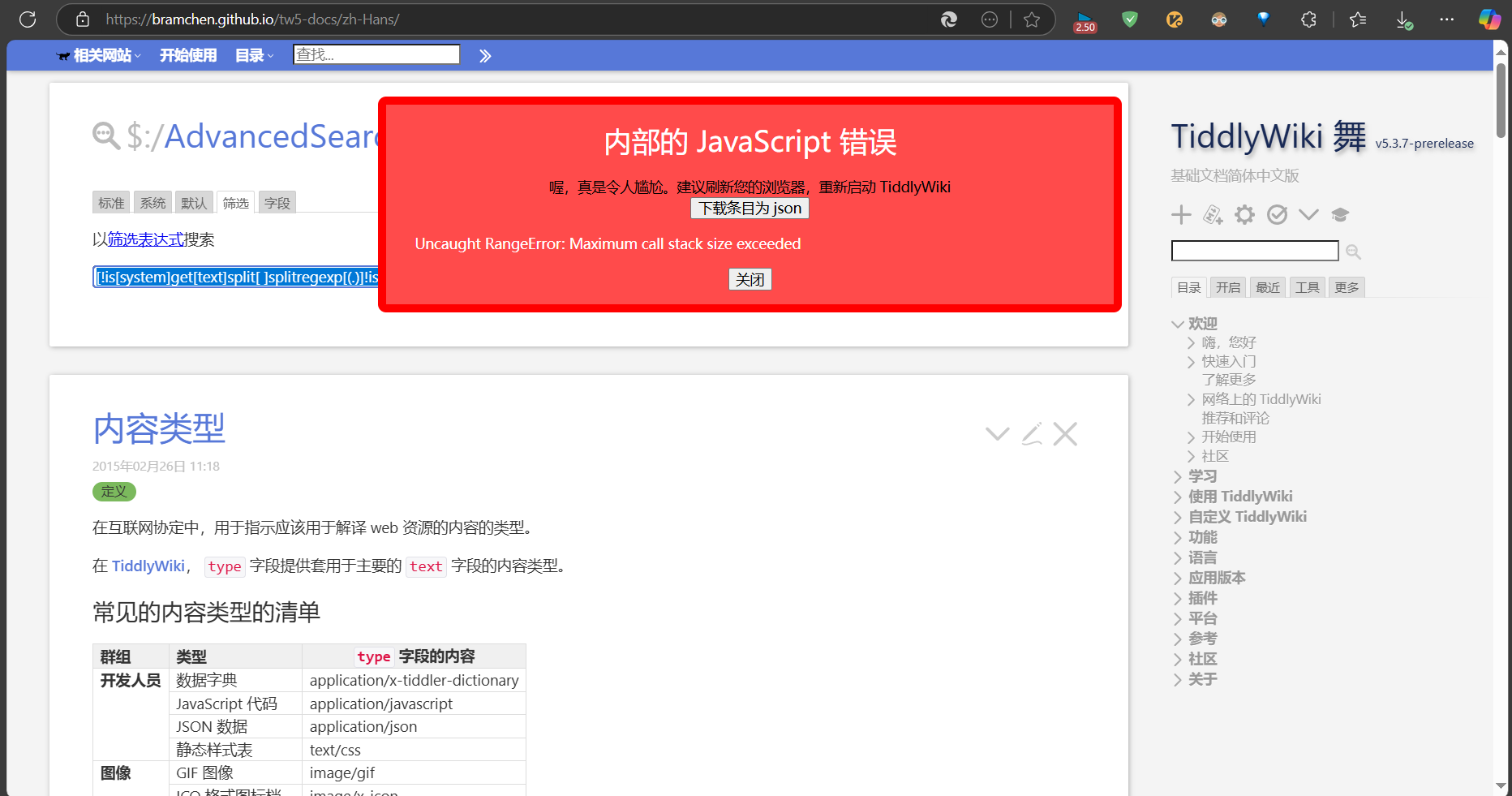
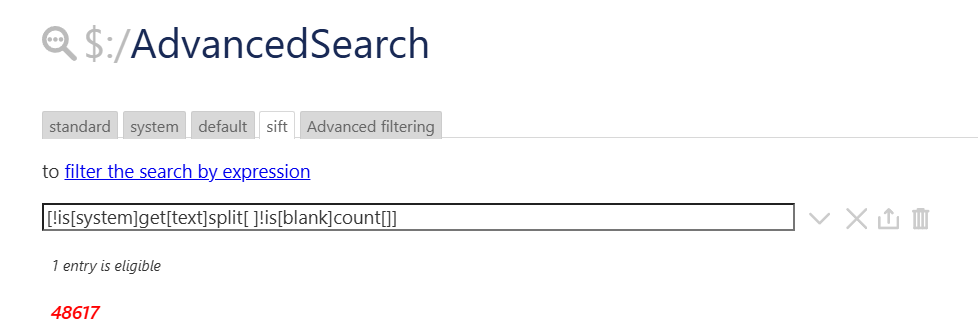
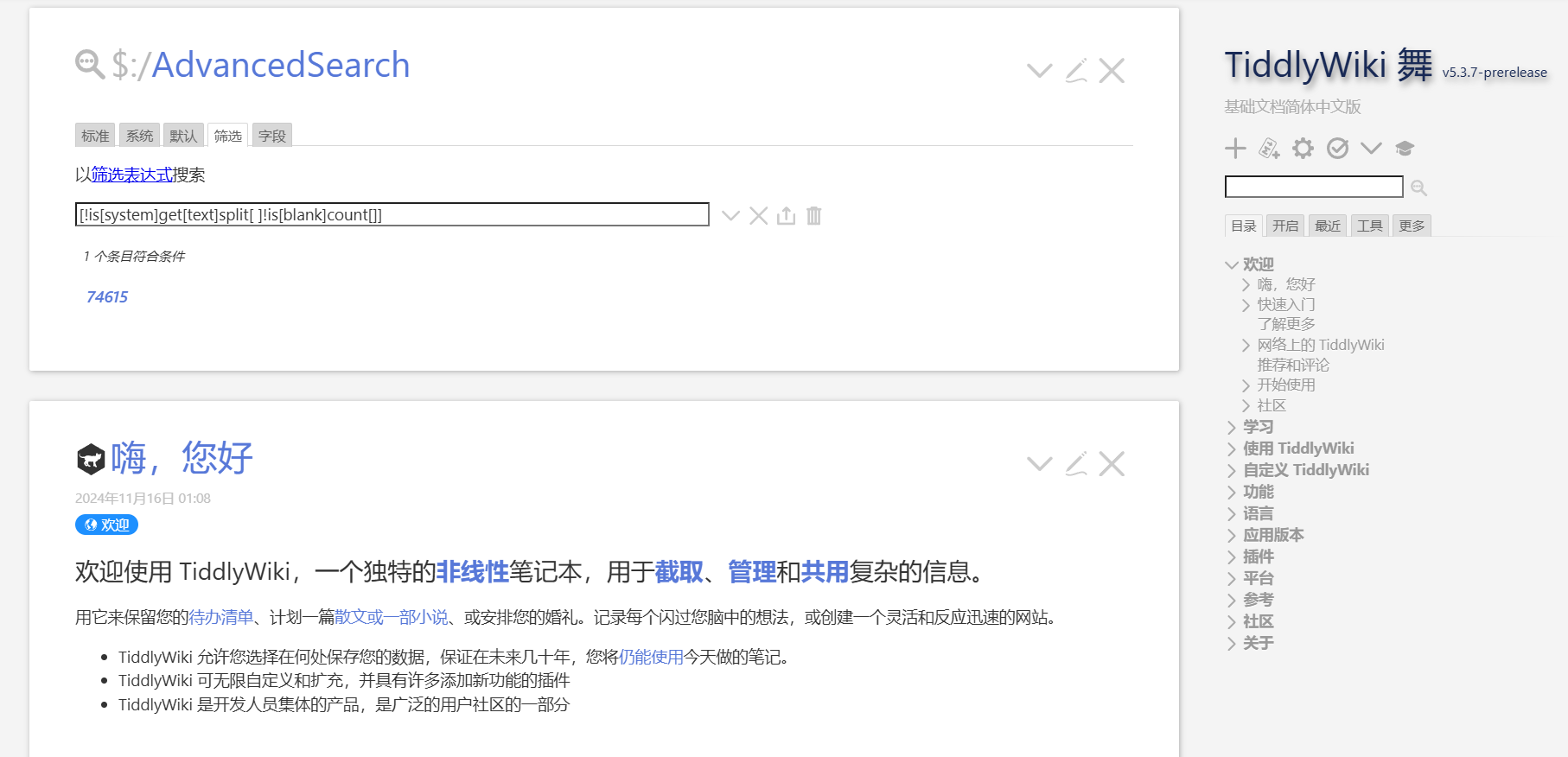
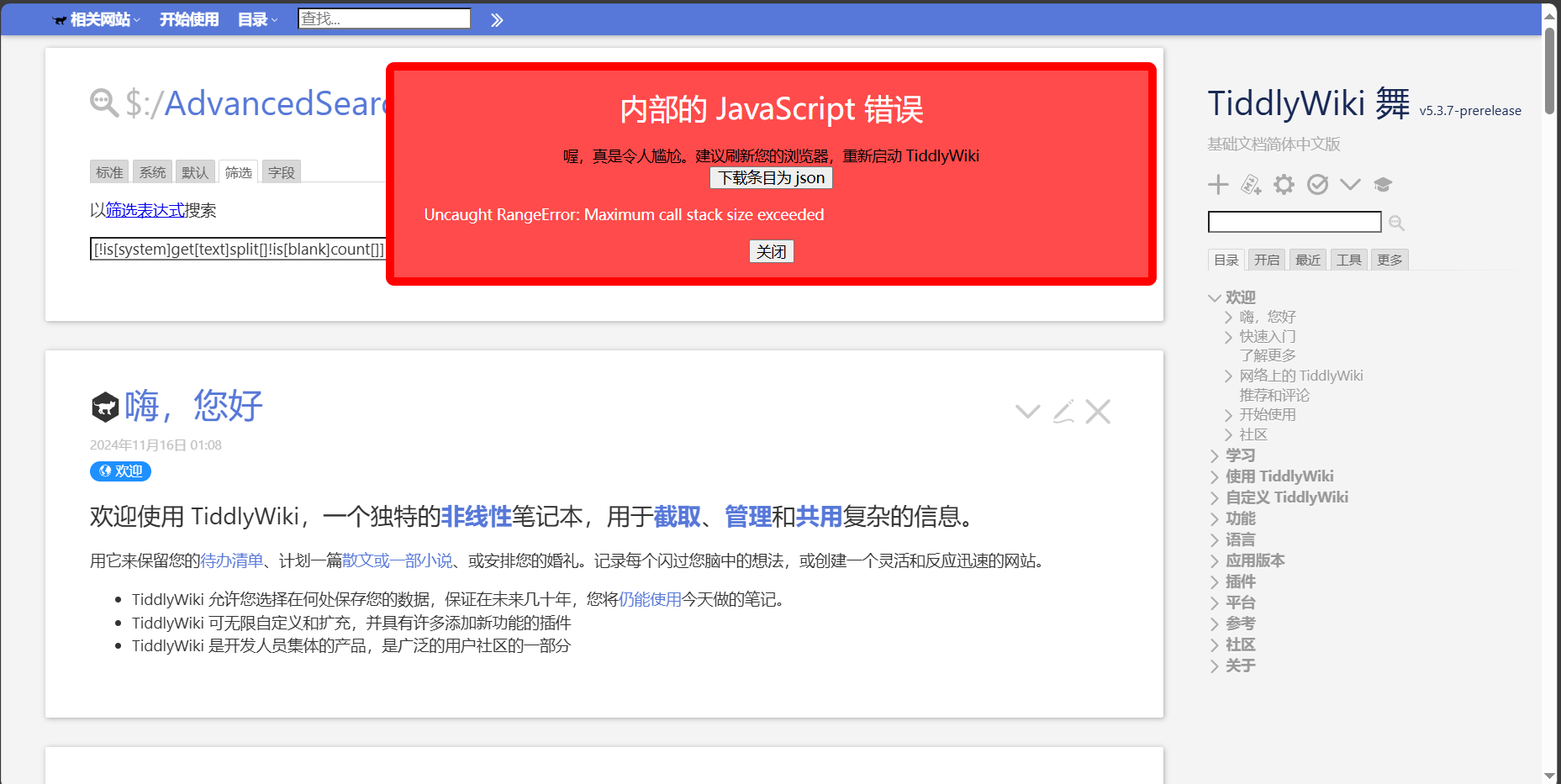
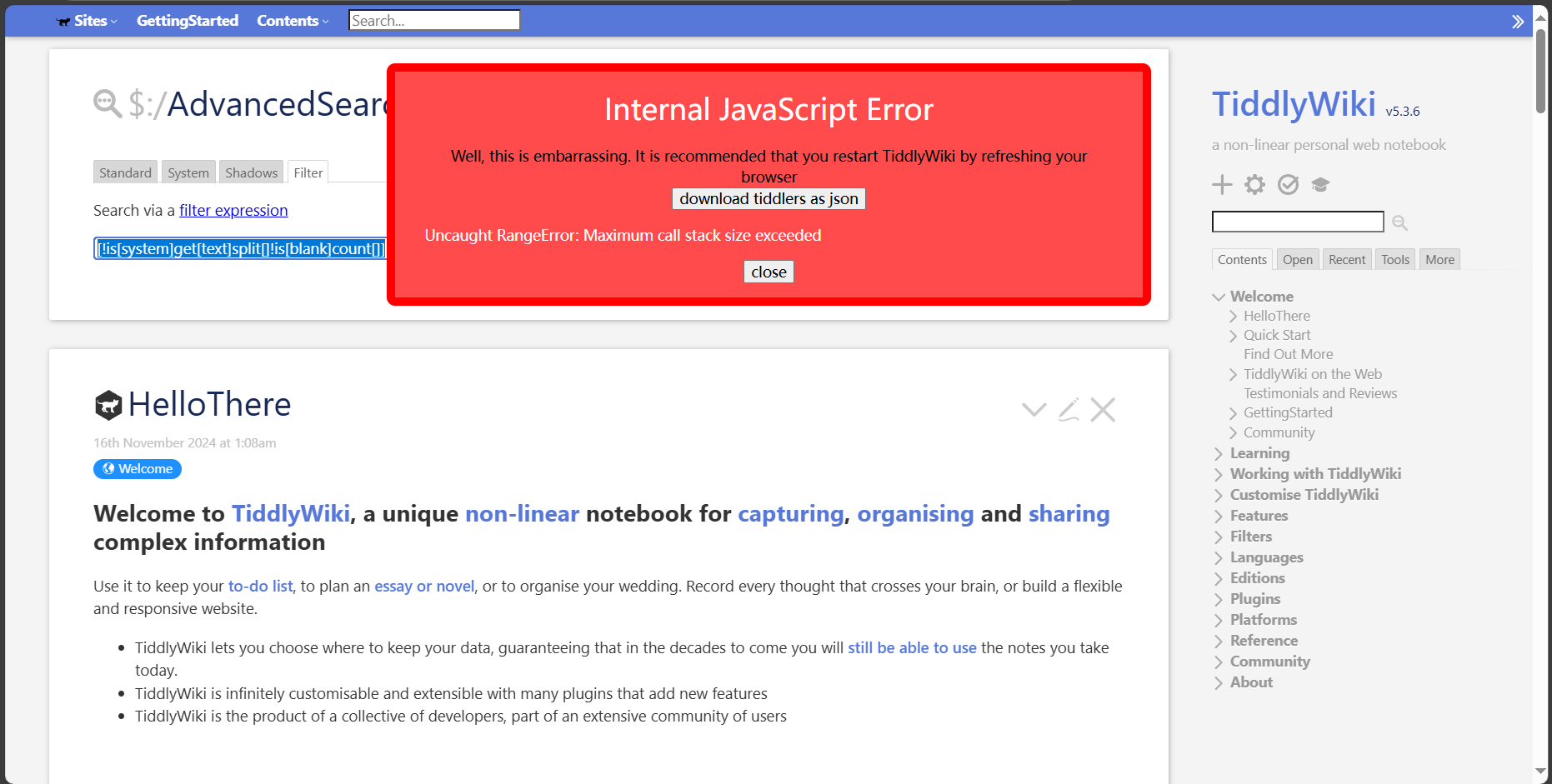
I think the splitregexp[(.)] is useless. It would return a capture group but you do not do anything with it. So IMO [!is[system]get[text]split[ ]!is[blank]count[]] should be a good enough approximation.
Divide 550058 by 48617 to 11.3, and search again by [!is[system]get[text]split[ ]!is[blank]count[]] to search again Chinese total number of words in the official tutorial is 74615, and multiply it by the scale factor of 11.3 to get about 844202.19 characters
When I add or subtract a character such as “1” in a tiddler, the results of the filtered search do not change [!is[system]get[text]split[ ]!is[blank]count[]],This may be due to the statistical precision of the filter
[splitregexp[(.)]] to [splitregexp[(.)]]count[]] will not cause tiddlywiki to freeze
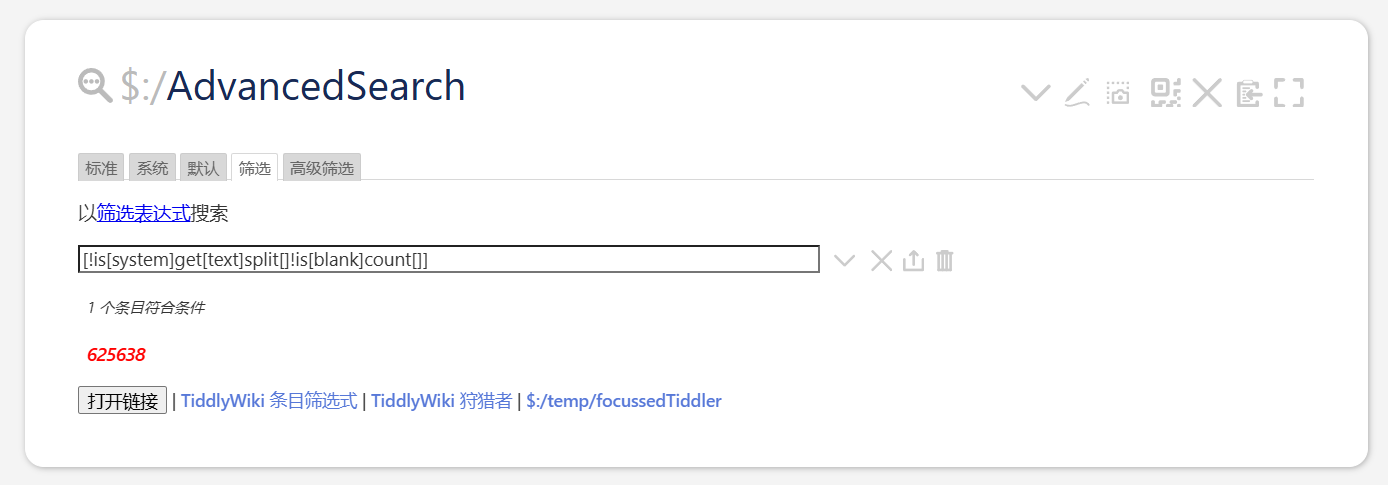
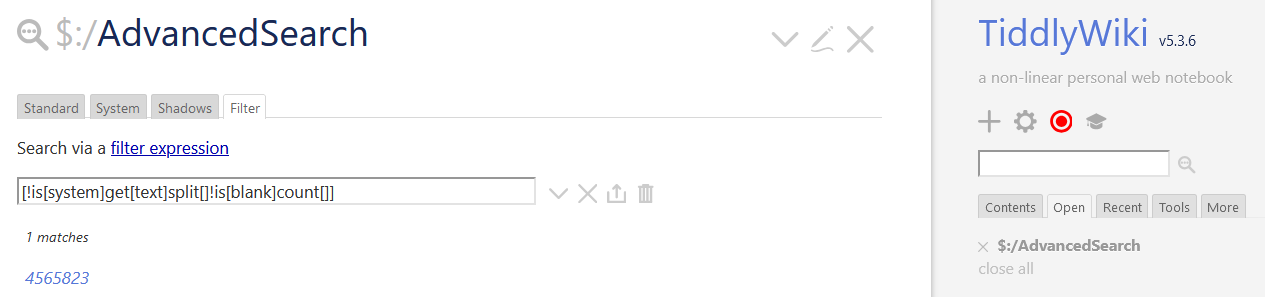
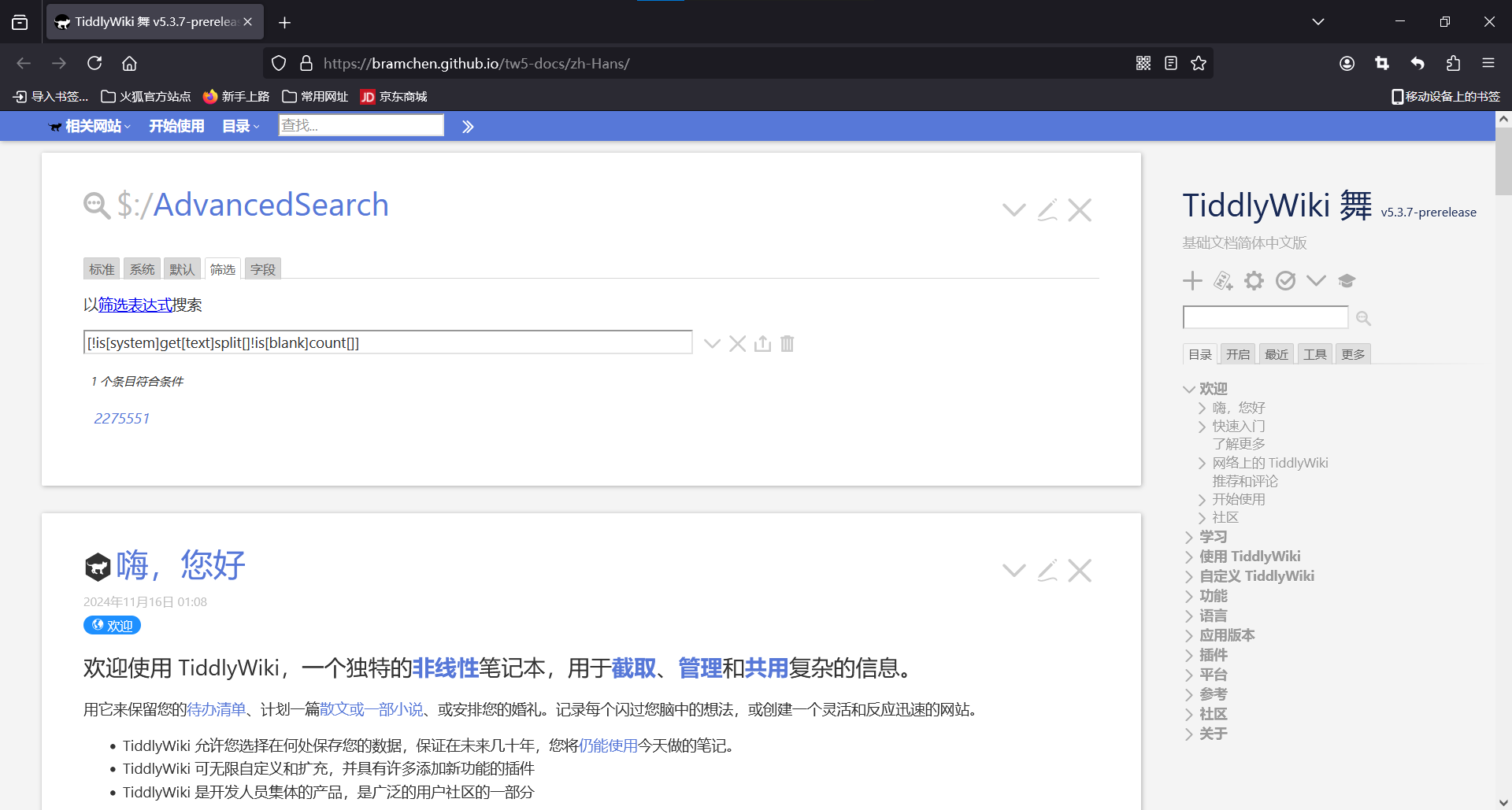
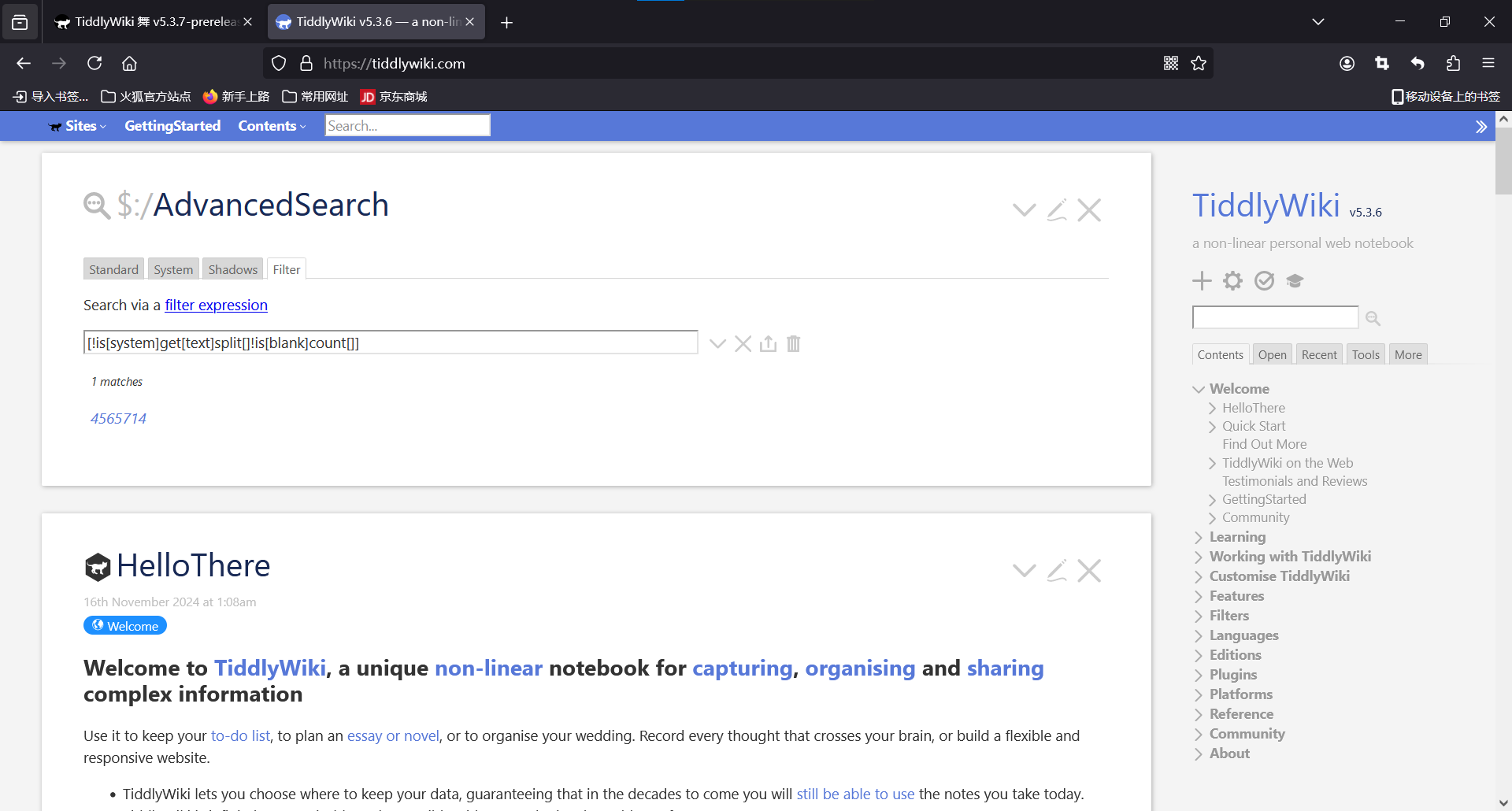
If you’re looking for a total character count, you could try [!is[system]get[text]split[]!is[blank]count[]]. This may be slow in a large wiki!
This doesn’t differentiate between Chinese and English characters, though, so the count will be somewhat inflated by English words (each “TiddlyWiki” will add 10 characters), punctuation, etc. For a rough estimate, it may be good enough.
The word count for my own knowledge base shows up normally, and when I add new characters to any tiddler, the filter results can also be dynamically added by one. Compared to the initial filter [!is[system]get[text]split[ ]splitregexp[(.)]!is[blank]count[]], an increase of 100,000 words
I admit I’m not sure what’s happening there. It works for me on the English version of the site, and I’d expect the numbers for the Chinese version to be significantly smaller.
For me, counting words by characters in English doesn’t make sense; I prefer counting by words. Currently, the current tiddlywiki filter seems unable to accurately count in cases where Chinese and English are mixed, so I rewrote a macro to count the number of words.