Since TiddlyWiki runs in the browser as well, and single HTML file wikis are a few megabytes, does it take part in this horror? Does a browser with a loaded reasonably big wiki have to write big amounts of data in its session storage?
Regarding single file TiddlyWikis - are they themselves offenders? If a 10MB wiki gets autosaved to disk entirely every time a tiddler is changed (add the state tiddlers here as well(?)), if it’s also encrypted, so changed data is unique everytime, then it only takes 100 times to accumulate 1GB of written data. The most obvious way here is to use Node.js if it’s possible, then only single files containing changed tiddlers get rewritten. Are there any other less obvious approaches to minimize the amount of TiddlyWiki data that gets written to disk?
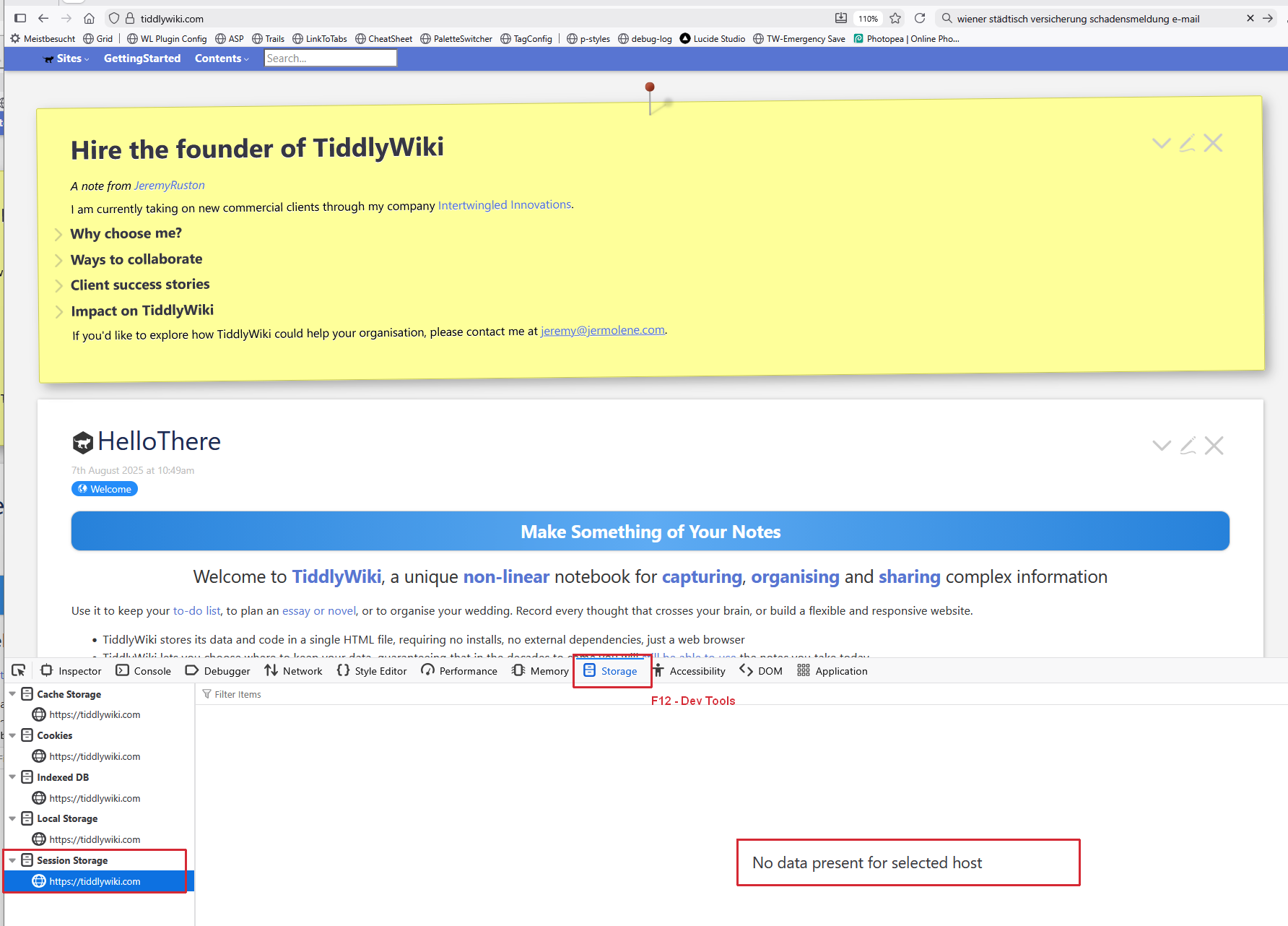
If you are concerned with single file wikis, or you are accessing one over a slow link, turn off autosave and only save occasionaly after a big change or when exiting if your system is stable. If you included local storage for security of the data, I am not sure if it commits to disk or memory first, probably disk as I have had a wikis restore after a suddent reboot.
personal i would just boot “live-desktop” installer image
( meaning should run in ram** … not and write to ssd / hdd , unless its configured/instructed to do so )
** you need enough ram for this + browser ( methods are available to reduce browser default per sub process usage xD )
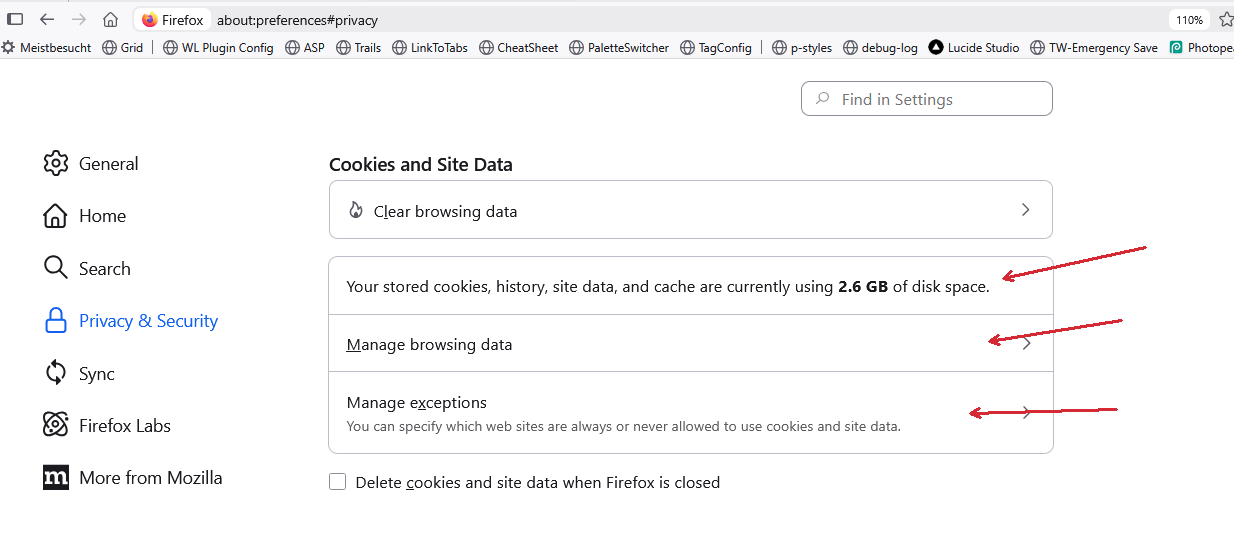
Depending on the browser, your settings will look different. I use FireFox
All browsers cache pages, that you did visit, which actually is an advantage. If you clear the browser cache, it has to download an temporarily write stuff again and again. …
That would not bother me all too much. You should have a look about how many terrabytes can be written to an SSD until it breaks. … It depends on the brand and what they guarantee. There should be a TBW (Terrabytes Written) value for your drive. So you should be able to find out, what your SSD can handle.