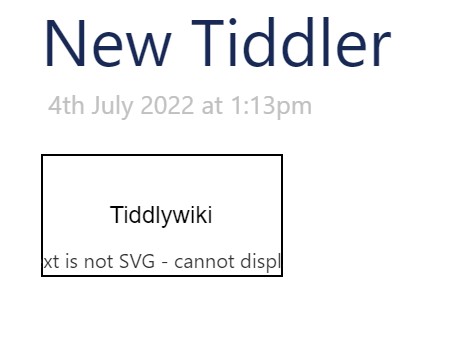
If I paste SVG directly in, it doesn’t render well (in Chrome). In particular, text elements are not visible. If I load it as a file in Chrome, it shows fine. Copying the outer html of the svg element shows that all xmlns attributes were stripped by TW, which is what must have caused the text problems as I can’t find any styling issue that could have caused it.
I want to use svg as is so I can style it. Using content types or $$$ both turn the content into an image blob that I can’t style.
The following works fine for me pasted into a tiddler as text of course - the tiddler has type image/svg+xml
If that works for you then maybe consider it as a starting point to be adapted to what you actually want.
If memory serves I created this in Inkscape but I probably stripped out some inkscape specifics to reduce file size - not sure it was a while ago.
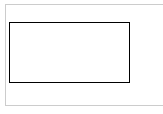
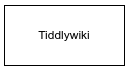
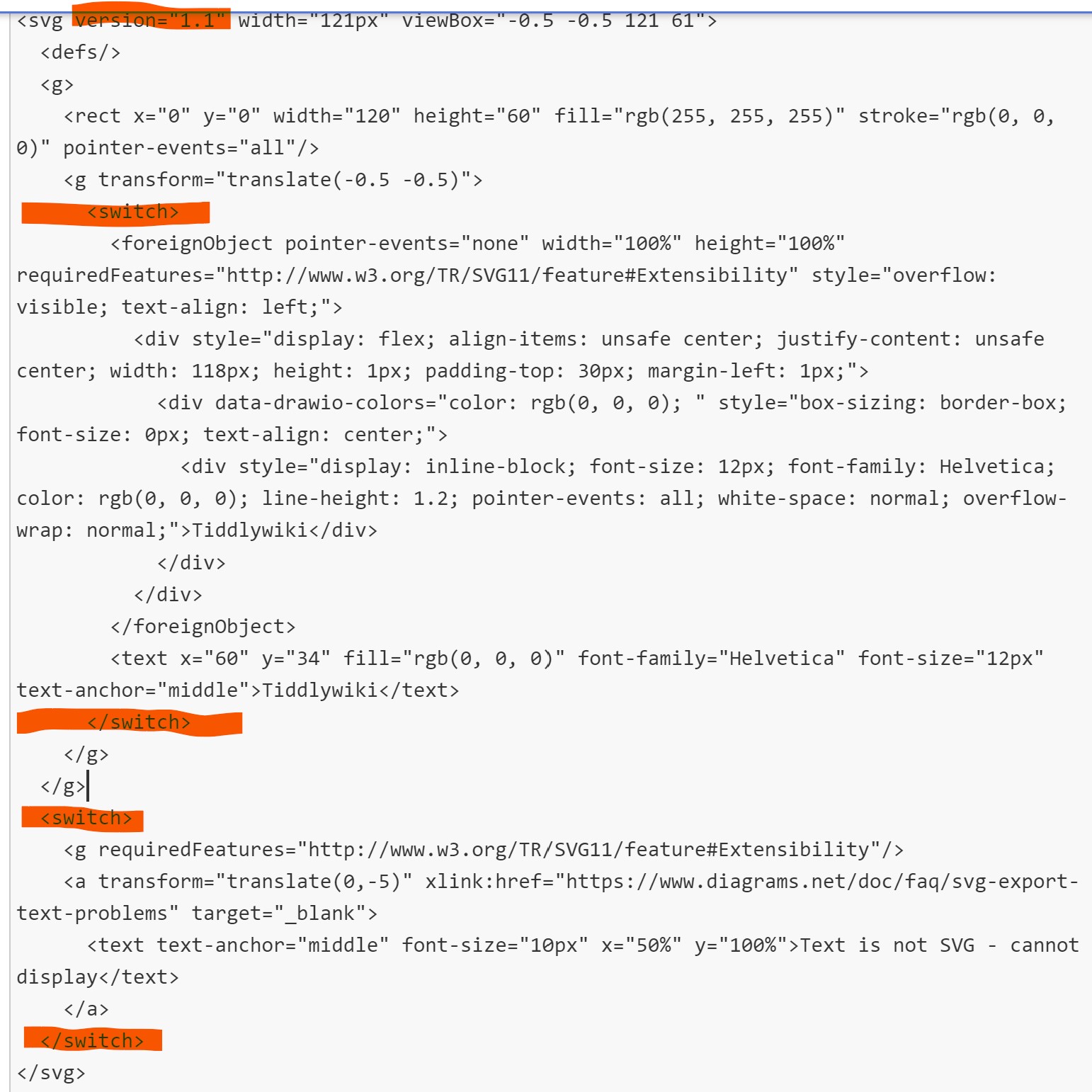
Yes, sorry. At the bottom is an SVG. It has the text ‘Tiddlywiki’. The first screenshot is how it looks when pasted int Tiddlywiki.com, the second is when loaded from disk (after wrapping in html and body tags).
When the tiddler has type image/svg+xml, TW will turn the svg into a data blob and use it as the src attribute of an img tag. This means it can’t be styled.
Where does your SVG come from. Which editor do you use. It seems most of the content is used by the editor and doesn’t make too much sense for the SVG itself.
Especially the transform should go away completely, it’s mainly bloat. SVGOMG - SVGO's Missing GUI can help to optimize SVGs to use with TW.
There is an example at https://tiddlywiki.com/#Using%20SVG, which also contains an html text element. If I start from there my SVG would look like this:
<svg class="test-svg">
	<path fill="#FFF" stroke="#000" pointer-events="all" d="M0 0h120v60H0z"/>
<foreignObject x="10" y="20" width="110" height="40" ><body>[[link to a tiddler|HelloThere]].</body></foreignObject>
</svg>
If I would give the SVG a class=“test-svg” it should be able to style the different elements.
I’m drawing diagrams with draw.io. It allows to export the diagram as SVG and read it again for further editing (given the SVG is the original).
So I’m trying to find a hassle free way to paste the exported SVG into a tiddler as an SVG so it can be styled and so I can copy later to draw.io to edit.
The same bloated SVG is loaded fine as a standalone document, I think it is TW manipulation (removing xmlns) that make it not render properly.
Of note is you need to export a drawing to SVG, not save as. ie you will always edit your draw.io file not the svg, so you do not need to import the svg to draw IO.
In this example I exported a Draw.io flowchart as svg and imported it, it all works fine.
Then I exported the tiddler as JSON and it imports and works as well, attached.
It exports the current tiddler as a simple file containing the text in only in the file. Leave the file extension in the title eg test.svg so on export, the filename includes that extension eg; text.txt or other files should happily export the same. This exporter does not enforce a set extension.
I can now use this to export the SVG tiddler back out to a file, however as noted before to re-edit a draw io file keep it on one of its save as formats, not an export format, which is what svg is.
With an svg extension it will import correctly and add the type=image/svg+xml
[Edited] I would like to work out how to import an flowchart svg from draw.io and edit the boxes to include tiddlywiki internal and url external links, that would be cool.
Perhaps this can be done via html but we need to include some javascript support <script type="text/javascript" src="https://viewer.diagrams.net/js/viewer-static.min.js"></script>
When draw.io exports an SVG it also puts in all its raw content. I removed it to make the pasted content smaller.
I just tried to import an SVG and it imports it with the image/svg+xml content type, which means TW renders it as an where the src attribute has a data blob. This cannot be styled.
The solution is, I think, to be able to save SVG as is without turning it into and without stripping the xmlns. I couldn’t find a way to do that.
When viewing the SVG in TW (that, is, the graphics), right click and choose Inspect. You will see the DOM contains an <img src="data:... tag.
Right.
TBH, the explanation at https://tiddlywiki.com/#Using%20SVG covers the basics and why “img” versions of SVGs can’t be styled by external directives (sandboxed).
Personally I use most always inline SVG directly for easiest management.
Yes, my problem is when using inline SVG, some text nodes are not displayed. I think it is because TW strips the xmlns attributes. I couldn’t find a way to disable it from doing so.
Thanks for looking into it! As mentioned, if I take the same SVG and load it directly in chrome (with or without wrapping it in html and body tags), the text is shown fine. So it seems to me this is not a Chrome issue. At first I suspected styling, but that doesn’t seem like it either.
If I take the SVG from the rendered dom (by ‘copy outerHTML’) then it doesn’t load in chrome with an error for the missing xmlns.