I understand when a binary file such as an executable is imported into tiddlywiki it is encoded and saved. If there an existing tool or method do decode and generate the source binary file again so if can be downloaded and executed? eg of type=application/x-msdownload
Of course other binary files such as image etc…
Alternatively perhaps a button that initiates downloading from a “URL to the executable”.
Why?
This is a useful way to include essential components for Guided install such as Timimi saver etc…
if may also;
Allow us to repurpose binary content in other solutions by making tiddlywiki a source (of embedded files) that can be downloaded locally.
Note:
Along with such a solution I will develop so tools to allow such binaries to not display the content including in the editor, store its source filename and recommended download location.
The file downloads plugin would also work well with this for external binary tiddlers.
What happens when you import the Timini executable into TiddlyWiki? Browsers may well restrict saving files with the .exe extension, but TiddlyWiki should handle them.
The process here is ultimately the same as the export process: the core builds a base64 representation of the content, puts it in a data URI, and triggers a click to force a download of the file.
Long time before replying. I just dropped an exe on a tiddlywiki and it imports it but gives it a type of application/x-msdownload unlike a zip file application/x-zip-compressed.
Of course application/x-zip-compressed can be found in $:/boot/boot.js
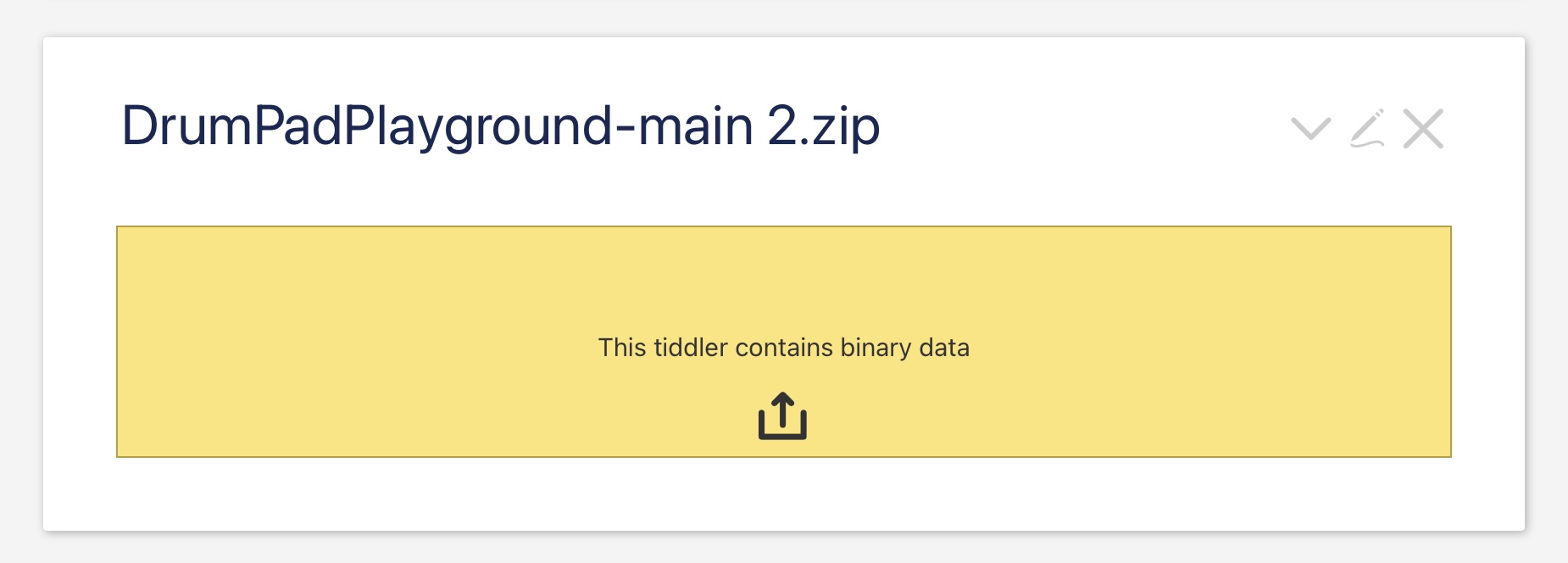
I Just added $tw.utils.registerFileType("application/x-msdownload","base64",".exe"); to $:/boot/boot.js saved and reload. An exe uploaded shows the yellow bar “This tiddler contains binary data” and the button but it is not working. This could be because the browser resists exe downloads.
It can be seen that this download link constructs a data:application/x-msdownload... link.
Trying $tw.utils.registerFileType("application/octet-stream","base64",".exe"); and changing the type on the binary tiddler does not resolve this.
I have long thought it would be usful if there were hackability support for additional types/mime and their display in tiddlywiki.
I would be keen to create a type for embedding mime types in a text field that subsequently becomes an attachement to an email.
Just yesterday, I worked on a Wiki that consists of Standard Operation Procedures and their forms.
I embedded some *.pdf- and Excel- files and used @Scott_Sauyet’s download link.
It worked great until I learned, that it doesn’t work with *.xlsm (Spreadsheet file that support Macros) and *.7z ( 7-zip-compressed files).
I can not help with development but I can assure, that there are use cases and I would highly appreciate the ability to embedded more types of binary files in TiddlyWiki.
I have no idea what consequences the used parser has.
I can use $tw.Wiki.parsers["application/excel"]; for both file-types and it works and looks identical or I can use $tw.Wiki.parsers["application/zip"];. (But 7-zip is not zip…)
I found a way that works for *.exe.
I imported one to learn its’s application from it’s type-field.
As I meantioned, as long as the parser is known to TW it seams to not matter.
This is of note. I wonder what this consists of and if it can be modified?
I have added your above code to a tiddler with module-type startup, save and reload. It, a small.exe only looks like unicode grafittie. I continue to research
I tested it with the two installer-*.exe-files (Adobe Reader and Everything) that you can download from the web and test and inspect. Maybe they differ from your small.exe?
Thank you this is now working well. I attach the resulting tiddler for ease of use. I am not sure that the file types application/x-compressed and application/vnd.ms-excel.sheet.macroenabled.12 are needed for me.
Am I missing something or is there a gap in tiddlywiki support for binary tiddlers? we seem to accept all types but cant export or save/download backinto the original form. See here Exporting images in TW using wikitext.
I belive my code here should just work, at least for common filetypes we alreade parse in here but also other binaries as discussed in this thread.