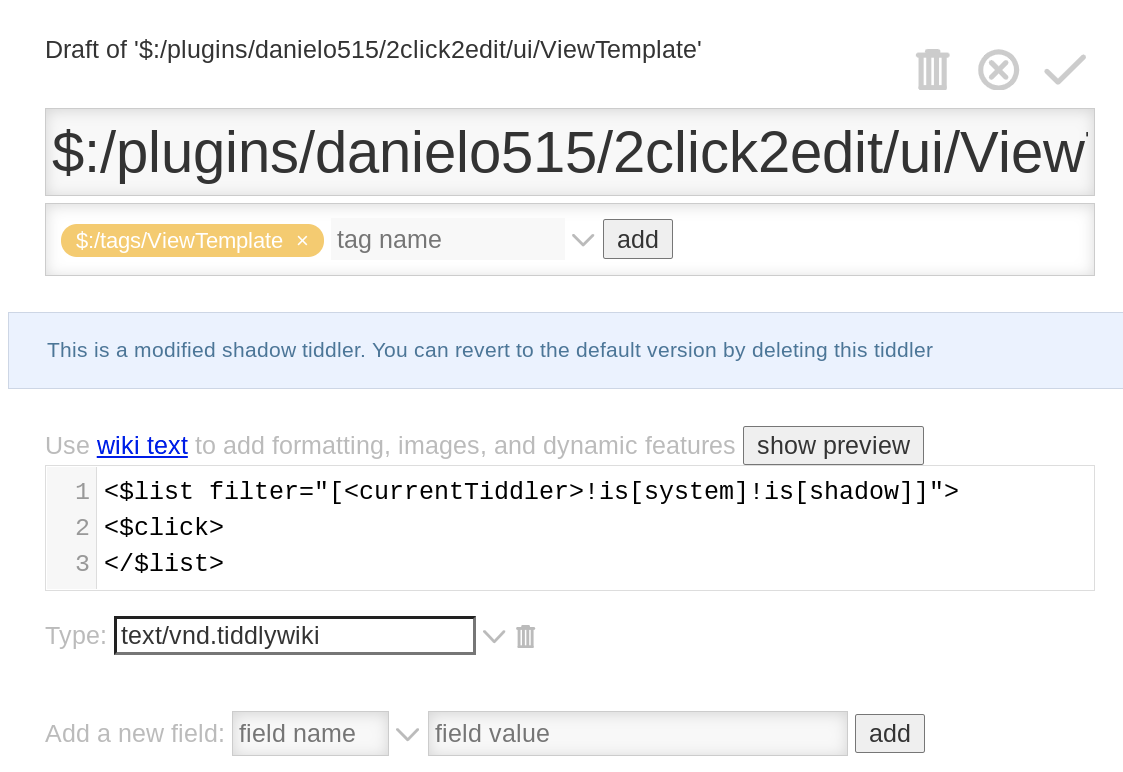
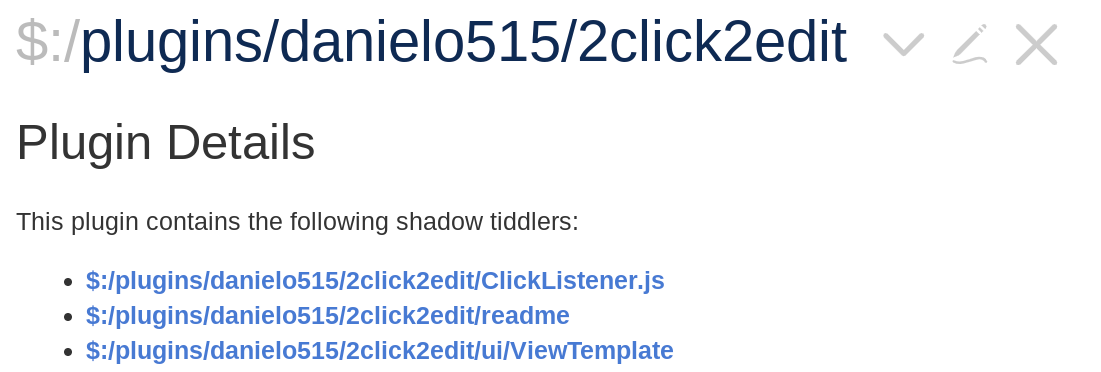
Just to answer your first question, you want to modify the ViewTemplate in your TiddlyWiki that has the plugin. (screenshot below)
Also, after you’ve edited the plugin, you have to make sure to save and reload the TiddlyWiki for the change to take effect.
I just tested this again, and it all works A-1. Double-clicking on any tiddler just opens that one tiddler for edit. Double-clicking on either a shadow or a system tiddler does nothing.
Just as a sanity check, download an empty TiddlyWiki, install the plugin in that TiddlyWiki, and see if things work correctly there.
I suspect you made a change to the plugin’s javascript and also made this edit I suggest to the ViewTemplate.
If you did change the javascript, you should probably remove the plugin and reinstall.
cj.v,
Thank you. I does work for me too now. It was of course an error on my part - not identifying my own typo. It seems no matter how many times we look our writing through- eyes popping out, errors are often not found. I call it TW eye fatigue.
Oh good. Big sigh of relief over here. (I may have had “look, see, it works” moments while people politely nod in agreement while awkwardly hoping somebody else lifts a hand and breaks the news…)
Do you know how to disable the plugin when I double click the title? Some time I just want to copy the title not edit the whole tiddler, I double click the title to select it. But now will trigger the edit command
That will require a change to the plugin’s javascript, I think, which will be quite ugly.
Alternatively, you could create a single-click button in the tiddler toolbar which copies the tiddler title to the clipboard. I think that would be a much more trivial affair.