
TiddlyWiki customizing frameset ~ Header/Banner

Has anyone created a dedicated header / banner for a wiki? I use the Navigator theme in The Memory Keeper. During intial development I hid a few UI Navigator components; one being “navigator-main” used to display a small top navigation bar. As an experiment I re-implement it, but added additional CSS to create a wiki banner.

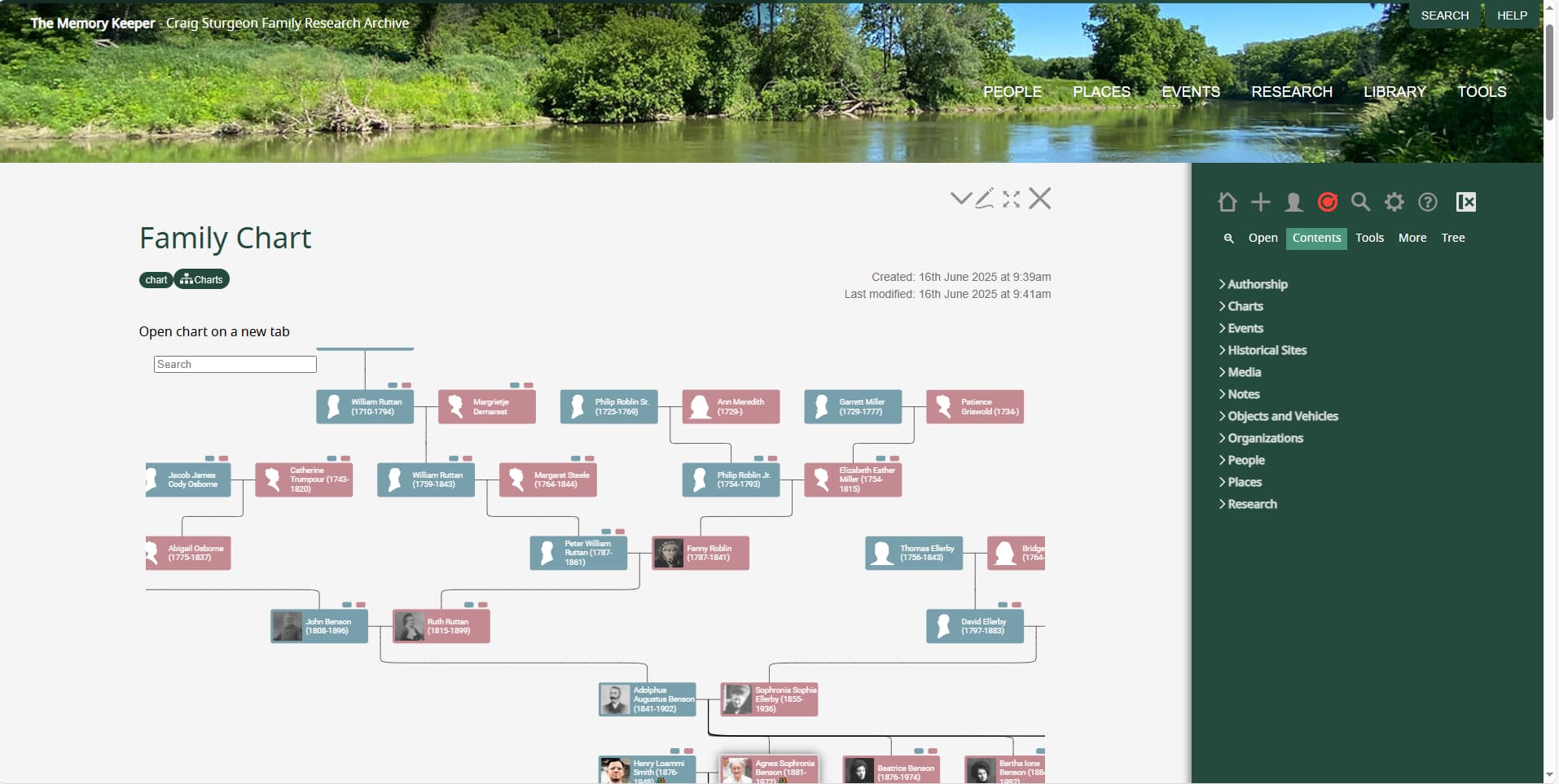
This works, but since it is not part of the Wiki’s core frameset the UI behaviour is not ideal. See screenshot. Note the scroll bar at the right, extending the full height of the screen. I personally don’t have an issue with the scroll bar, but it suggests it is the reason for behaviour I’d like fixed.

When the Wiki opens or when a new tiddler is added to the story river, the top of the tiddler is hidden below the banner and the scroll bar at the right is scrolled down a bit.

Do I need to make this banner part of the wiki’s frameset, or is a CSS option I missing, either with the tc-story-river of this navigator-main? Aside: setting padding-top for the tc-story-river does not help.

Thanks,

Craig
1 Like

I use this arrangement for a classification marking banner at the top:

  • add a $:/classification-marking-banner tidder tagged $:/tags/TopLeftBar , with a banner-color field set to a valid CSS color and a classification field set to UNCLAS
<svg class="bannersvg">
  <rect />
  <text x="50%" y="57%" textLength="400" lengthAdjust="spacing">Dynamic content - up to {{$:/classification-marking-banner!!classification}}</text>    
</svg>
.bannersvg {
  width: 100%;
  height: 15px;
  position: fixed; 
  top: 0; 
  bottom: 0; 
  left: 0; 
  right: 0; 
  z-index: 900;
}

.bannersvg rect {
  width: 100%;
  height: 100%;
  fill: {{{ [[$:/classification-marking-banner]get[banner-color]] }}};
}

.bannersvg text {
  font-weight: bolder;
  fill: white;
  dominant-baseline: middle;
  text-anchor: middle;
}
1 Like

If you haven’t done so already, try adding the tc-adjust-top-of-scroll class to the navigation bar. It’s meant to solve this particular scroll-position problem.

I’m currently away from my desk. Based on my quick review, is your top bar only 15px high? This is how the Navigator theme has this implemented (ie not high). When I make the height 200px I experience the issue where tiddlers open partially hidden. I do have the tiddler tagged with $:/tags/TopLeftBar

Thank you, I will review this alongside what I have.

yes, mine is a quite narrow banner at the top. It perhaps conflicts with a top navigation bar if you also have one. I observe the same thing if I expand it to 200px on tiddlywiki.com; it hides tiddler content.

Thanks. I tried this class tc-adjust-top-of-scroll No joy. It appears this should be the fix. I found in the core, $:/core/modules/utils/dom/scroller.js where it appears to do this. I put a breakpoint in the code where it gets the offset height. My breakpoint was never hit.

@fastfreddy thank you for trying this. Did u try @Brian_Radspinner suggestion?

I have done this once in the past but out for a few hours, I will look to see if this is resolved, if not search for the mechanism. If I recall correctly in one case I used the menu plugin and changed that, in another no menu bar and $:/tags/TopLeftBar

Then there are two or three places to alter the positions of elements, I was planning to leverage the new resize plugin and turn it into a bookmarklet including a tiddler with the required settings or notes.

  • I also had floating titles and editor toolbars which needed an additional setting

Perhaps we can make a utility package to all critical page manipulations that you can delete later or add them to the core $:/core/ui/ControlPanel/Settings/TiddlyWiki

Ok thanks to all. @Brian_Radspinner @fastfreddy @TW_Tones for taking the time to review this. You are now going to throw things at me. Since I noticed the code was not being hit, I dug deeper, to see if could find something that I had done to block this from being resolved using @Brian_Radspinner suggestion. Sure enough, I had installed a plugin that was a requirement for another plugin. This plugin had its own configuration for the height offset. So, I must give @Brian_Radspinner credit for the fix. Thank you.