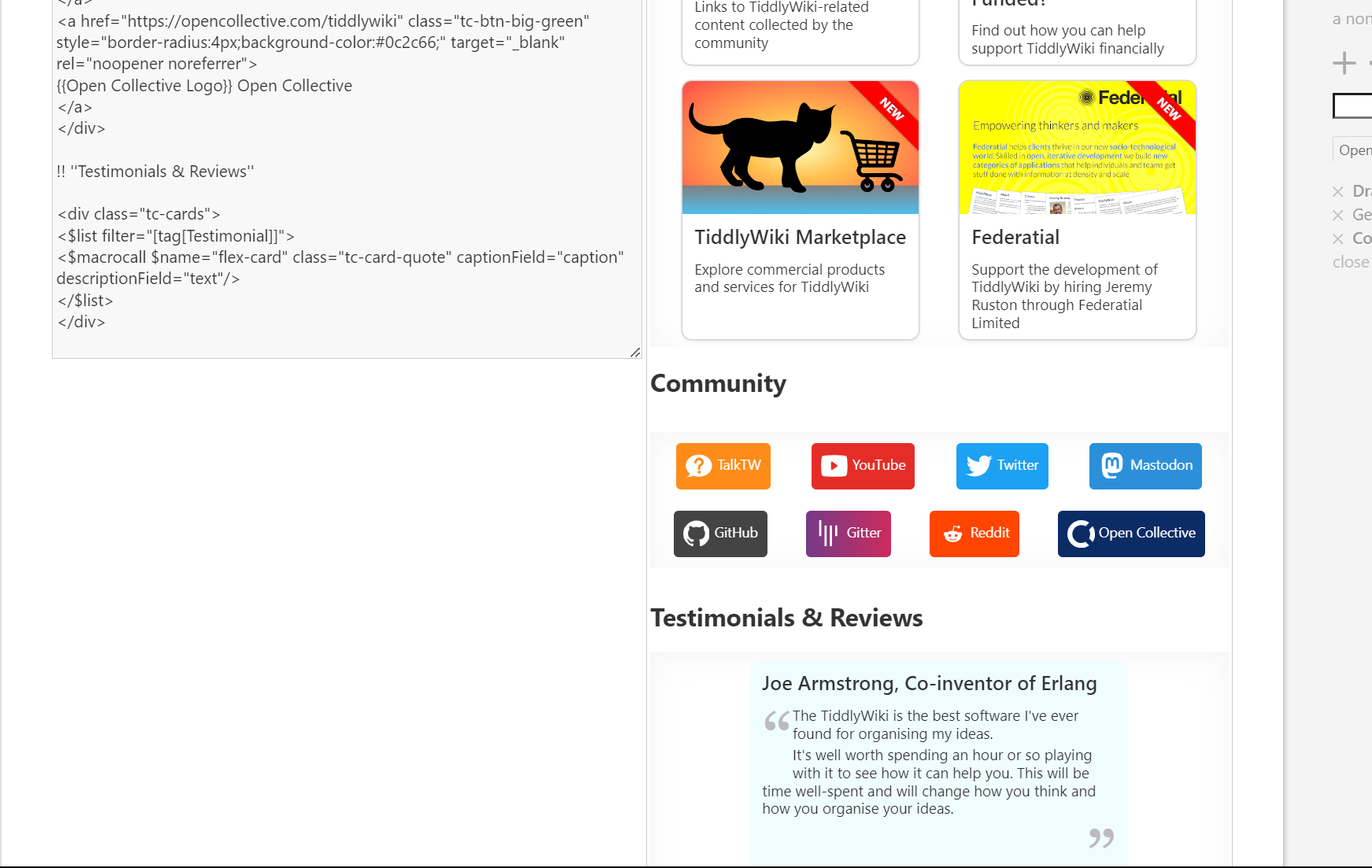
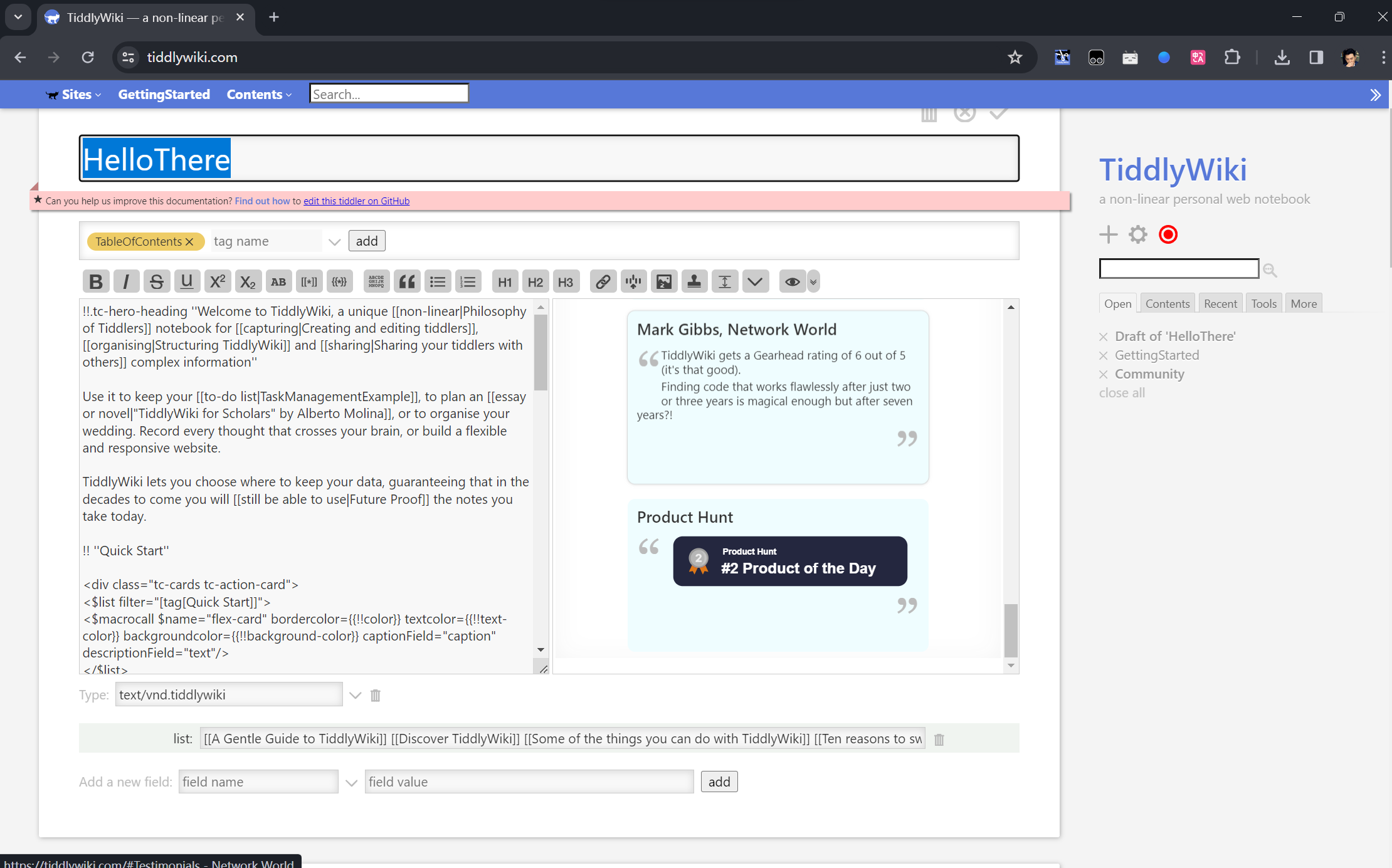
If the height is fixed, how to automatically scroll to the corresponding area simultaneously becomes a problem, otherwise the user will have to scroll back and forth every time. This is very tedious.
Is this possible for further optimization in tiddlywiki? Although tiddler advocates brevity, more often than not, we will get long text.
PS: The editing experience in tiddlywiki doesnât seem to have received a lot of attention. Iâve been trying to optimize it recently, but itâs still missing some of the effects I expected.
Iâve mentioned this before. I guess the presumption is that your tiddler will be small enough that this never becomes a problem. That would fit with the Philosophy of Tiddlers.
Even having a preview that automatically refreshes to show the top, or bottom, would allow you to work at the top (or bottom) and see the results.
One work-around for longer documents is to use Mohammadâs sections editor.
Itâs interesting that the editor here on Discourse auto-synchs to show you where youâre working. So that gives an example of how TW could work.
In fact, this function is relatively difficult to implement, especially for tiddlywiki. Because it needs to analyze the height of the corresponding area, I have not written a similar function, but here is an example for reference.
Just to be clear, it isnât that there is a presumption that a synchronised preview isnât required, it is just that we have not so far managed to find an implementation that is viable.
@oeyoews mentions another project that does something similar, but I am not able to see enough details to determine how they address this problem. I note that it is a Markdown editor, which I think would mean that they wouldnât run into many of the issues that would make it difficult in a TiddlyWiki context.
I do believe there is a valid approach to a semi-synchronous scrolling between edit and a custom preview.
@oeyoews I did feel a compromise was posible through a Custom preview that displayed a line number when one was available in a âleft hand column of the previewâ.
This may be hard to express, but I think this may be possible with codemirror line numbers.
Of course one line of code can result in many lines rendered, so many lines will not have a line number matching the code
Often also a number of lines in the code result in a single rendered element eg a list widget code using 10 lines displays one list rendered. S we may only see the first line number in the code in the preview. Eg the line number where a widget is opened eg <$list
I think it would be ok if not all line numbers are represented in the preview, only those that can be identified. As we change the active line number, in the editor, it will jump to the relevant position when that position is available.
However I expect blank lines and those contain comments will always be able to obtain a line number in the preview.
But you could see how the line number in the editor could be used to track where the editing is taking place and when it is possible to manifest a line number in the preview, make the preview scroll to that position, in jumps.
I believe the above can be made to work, and be of practical use, but it may need a new way to parse a tiddler, so I am unsure how complex it would be to implement.
One way I Imagin it is what if every blank line was itself considered wiki text requiring a line number to be displayed.