
Suggestion: Search the caption field by default

Update:

I mean, since text fields can be searched, it stands to reason that any field values displayed in the view should also be searchable. These field values should take precedence over text fields—for example, subtitles, captions, and so on. Do not skip these fields during a search just because they are not required.


It doesn’t look like that right now. That’s strange.

For example, I have a tiddler with the caption “1234,” but when I type “1234” into the search box, I don’t get any results.
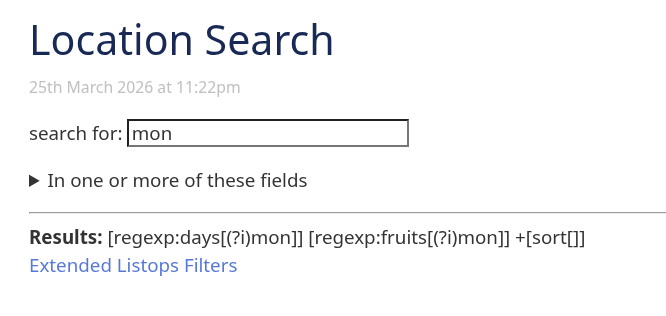
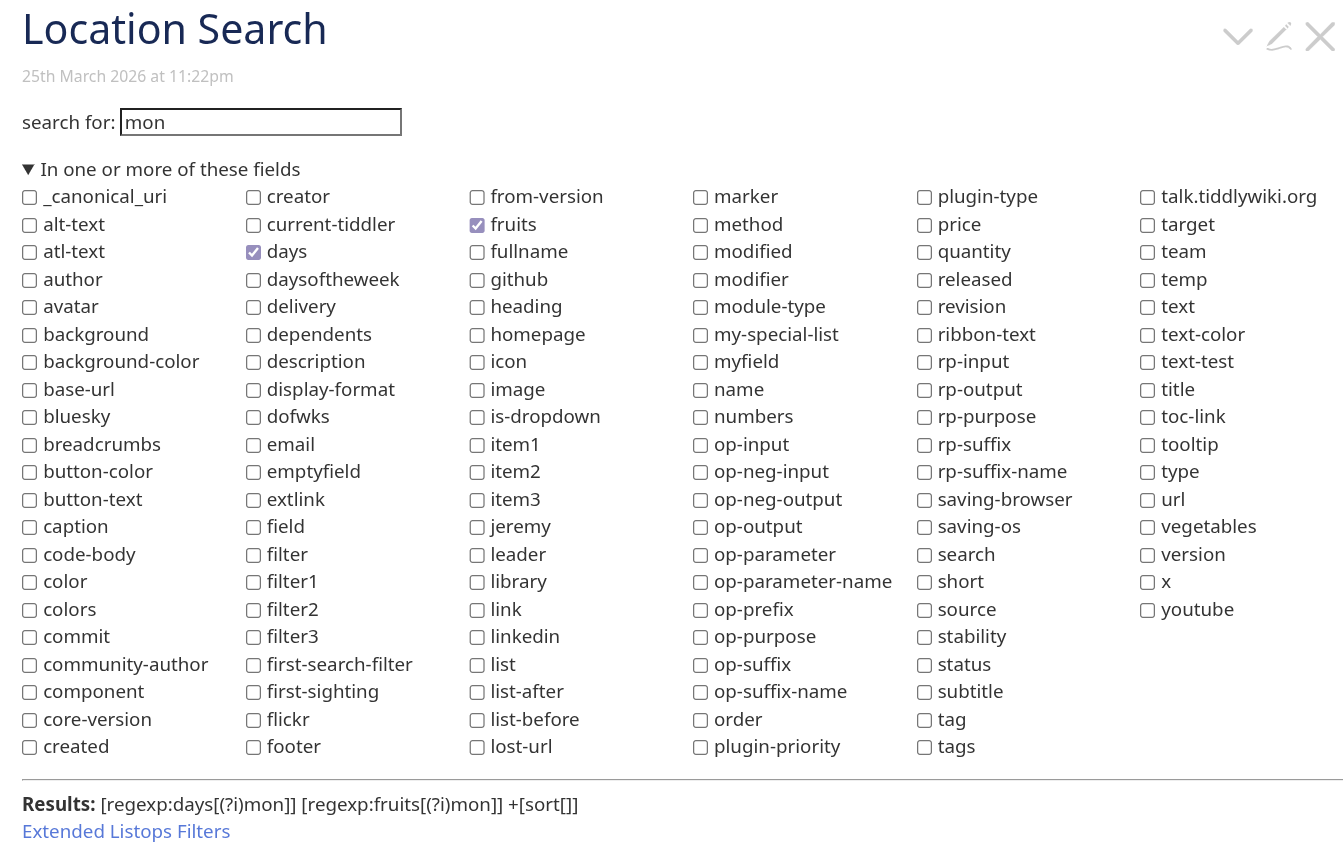
I’m not sure I would want that as a default.

It would be pretty easy, though, to setup a “full-featured” search (in a new sidebar tab), with check boxes to choose what fields to search, and whatever other goodies useful for searching.

1 Like

To change the fields that are searched by the default Sidebar search, all you need to do is edit the $:/core/ui/DefaultSearchResultList shadow tiddler and change the second-search-filter field value from:

[!is[system]search<userInput>sort[title]limit[250]]

to:

[!is[system]search:title,text,tags,caption<userInput>sort[title]limit[250]]

enjoy,
-e

1 Like

For the giggles, here’s something I quickly put together as a brain-age exercise.

Download the json file and import into tiddlywiki.com:

tiddlers.json (1.2 KB)

image

2 Likes

Building on Eric’s reply, the search operator also allows a ‘*’ to search all fields.

I also noted that you can clone $:/core/ui/DefaultSearchResultList (it’s tag is the magic part), give it a new title, edit the filter fields and give it a new caption and the modified search results will show up as a new tab next to the existing default results.

I’ve learnt something new and potentially useful…