
StoryRiver Canvas / Expanded Tufte Style Demo

Since my last demos of the Tufte style went so well, and because I was encouraged to do so, I decided to throw together a more complete demo of how I’ve been playing with the annotation widget, since it’s expanded quite a lot into something I’m calling TiddlyMesh, or “StoryRiver Canvas” or just “Canvas.”

Okay, so what are you looking at?
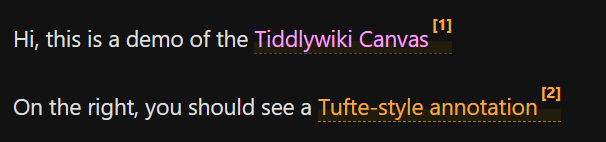
image

Well, on the left side of the screen you should see that annotations now appear as Color coded links within the body of the tiddler, rather than as simply an annotation number.
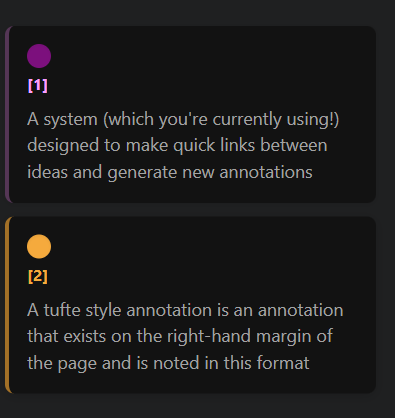
image

That color is derived from the “color” field of the tiddler that is being linked to, and corresponds to the color that appears in the margin bar. Clicking that color in the margin bar opens a color swathe that changes the tiddlers color field. Clicking anywhere else in the annotation also opens the corresponding tiddler
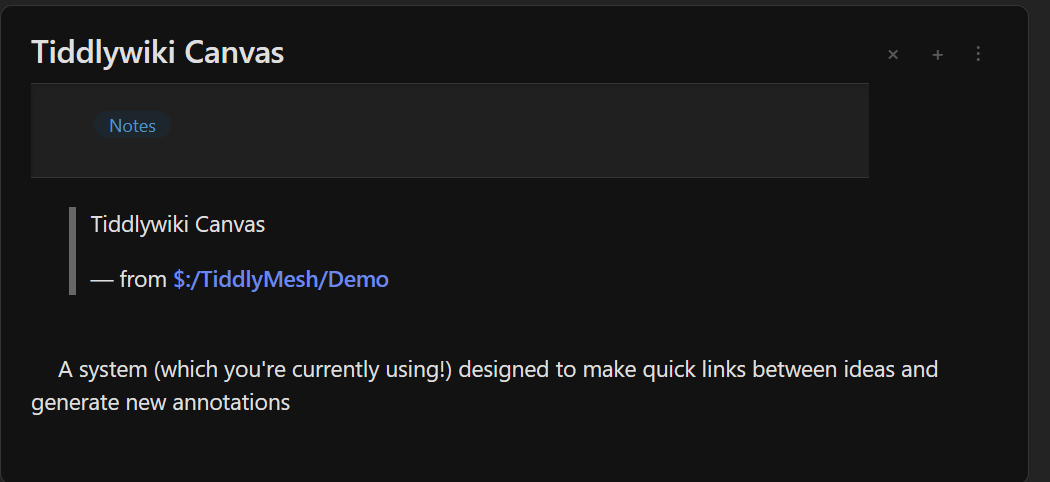
You’ll also notice that, although the tiddler is composed of only one text field, it is being segmented into separate paragraphs by linebreak (or <br><br> tags). Each of these paragraphs is separately editable…
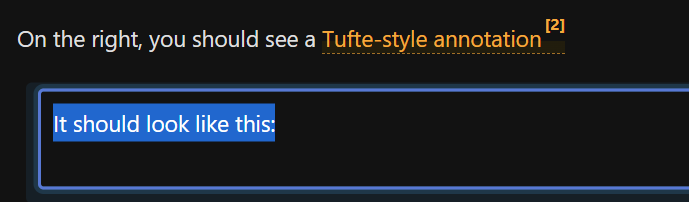
image

… and also can be dragged to be repositioned, which will alter the text of the tiddler
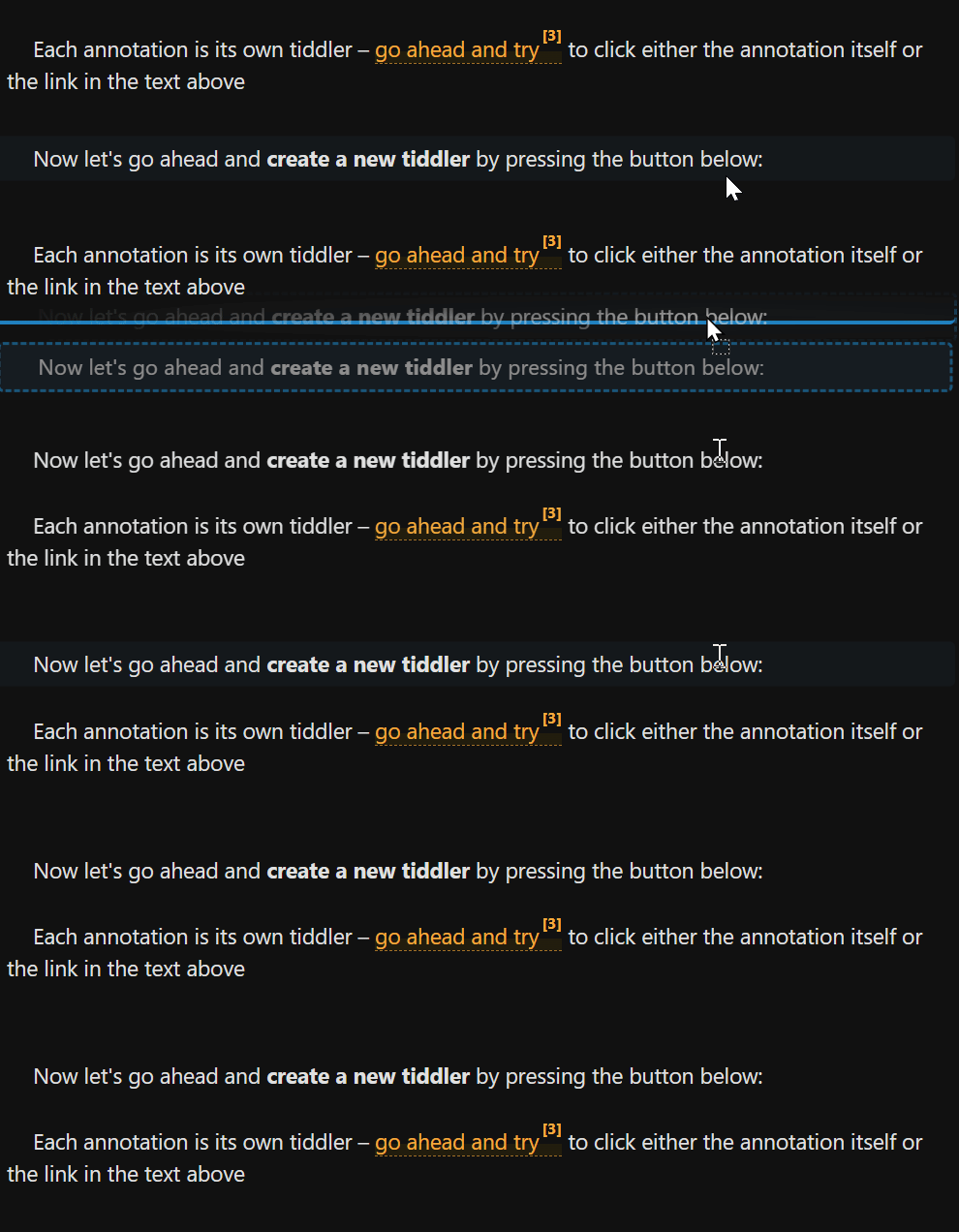
vivaldi_XZUNBPno9y

If you select some text in the edit mode of a paragraph, you’ll see the ‘Annotate’ button
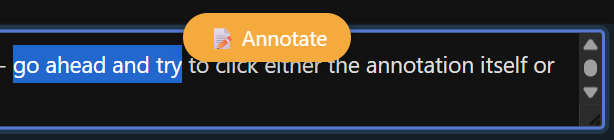
image

Pressing that creates a new annotation of the default color, which you can click-to-edit.
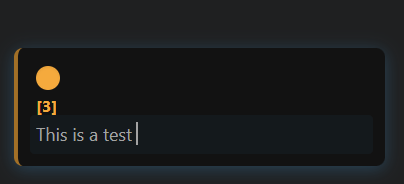
image

Changing the text here will change the text of the associated tiddler.


Some other things:

  • Pressing tab/shift-tab indents/outdents the paragraph
  • Annotations are grouped according to the tiddler they are associated with
  • Annotation numbers update according to their relative position in the story river
  • There exists mobile options for this demo that, while aren’t detailed here, should be relatively straightforward to discover
  • Image Paste is supported
  • Probably very fragile

Other things I forgot to mention in the first pass:

Transclusions appear as visually distinct elements from other paragraphs
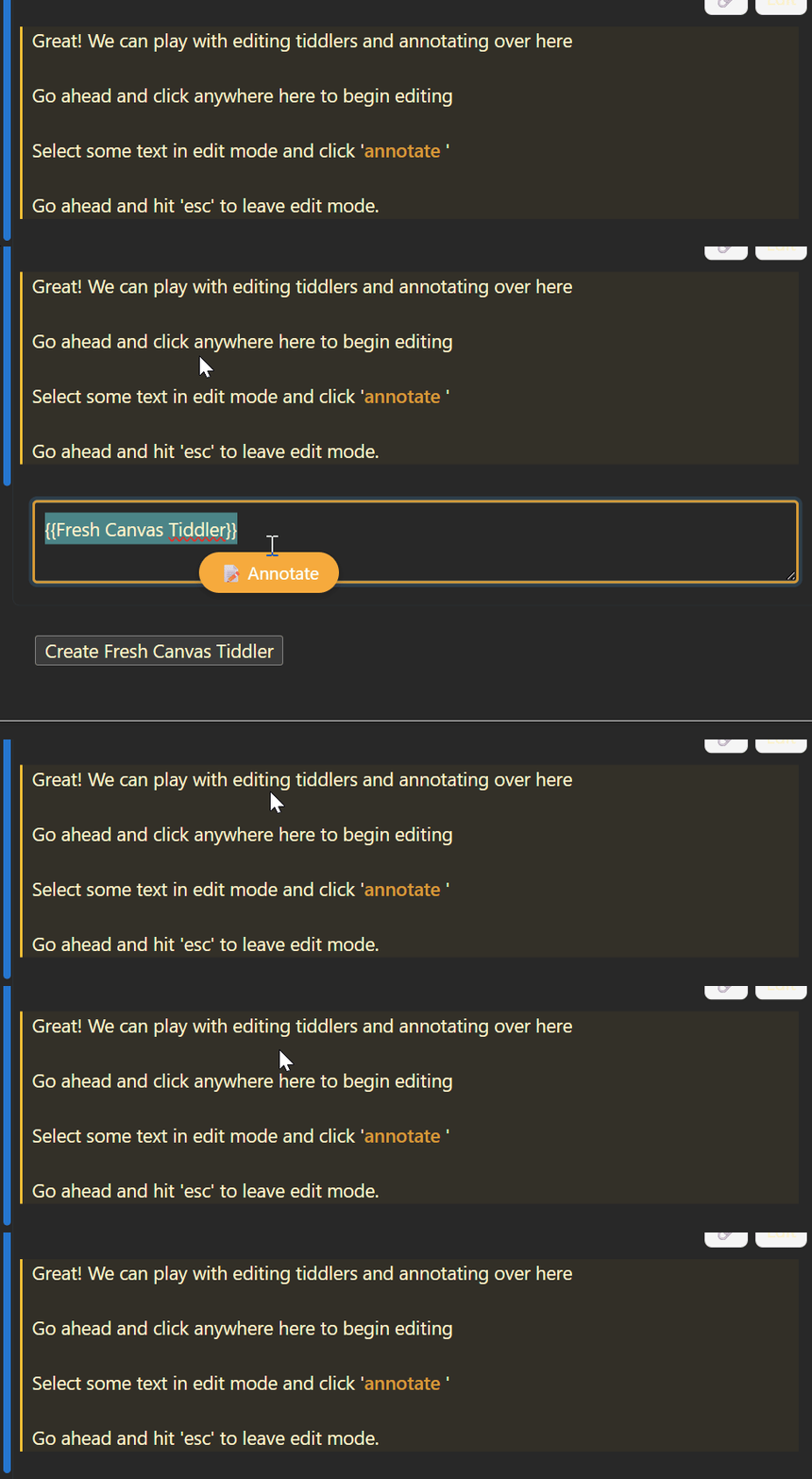
14Bp9B8DCG

Pressing enter on a paragraph creates a new paragraph:

msedge_oVF5Hw81wL

Backspacing on an empty paragraph takes you to the preceding paragraph.

Dragging between tiddlers is allowed.
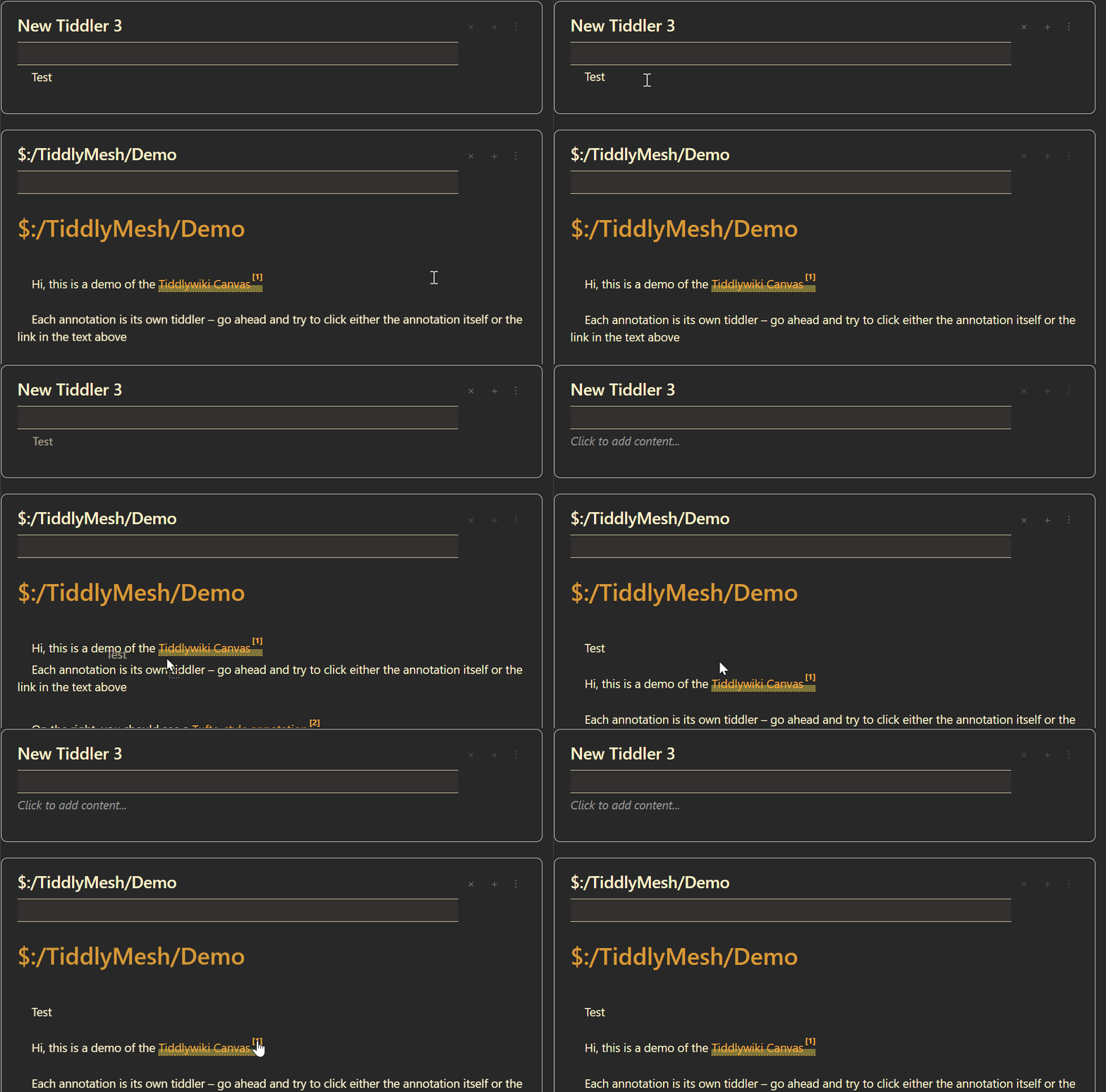
msedge_fI9oQ9hGY5

1 Like

The operation is completely different from TiddlyWiki. Moreover, it completely masks the TiddlyWiki interface. You’re creating your own document format. What is the intent behind this particular format?

From my understanding, you’ve created an ‘annotate’ tree. The difference from a wiki tree lies in appearance—it displays link content on the right.

Another approach achieves the same goal by showing previews when hovering over links. Which method is preferable? Some preview plugins: hoverflow,tw5-preview.

Encoded links allow the same highlighted text to correspond to different annotations. You may annotate freely. Unencoded links will merge annotations for identical highlighted text.

The indentation feature evokes an outline editor, but it lacks collapsible sections.

I find this fascinating. It’s very different from the sorts of annotations I would like, but it looks like for the right case, it would be very useful! I look forward to having a little more time to play with it.

Do you have the same objection to Streams? It seems to me that allowing for multiple document formats inside TW is nothing but a positive.

2 Likes

Tiddlymesh disables TiddlyWiki’s editing functionality. Access to interfaces for browsing and managing tiddlers is also unavailable. The author likely deemed these features unnecessary. Like Metawiki, Tiddlymesh offers only links and search capabilities. It hides TiddlyWiki beneath the surface. Stream operates differently.

Actually, this is only partially true. I deemed them unnecessary for the demo that I was building – this is far from a working widget, and while those features would be easy to add back in, I thought that disabling them for now would be the best way to showcase what it is I’m actually trying to get at.

If simplified data structures are adopted by removing generated fields, TiddlyMesh can serve as a minimalist interface for TiddlyWiki. It’s best to create this interface as a new layout at $:/tags/Layout, allowing easy switching back to the TiddlyWiki interface.

Yep, if it wasn’t a demo I would probably have set it up as a layout rather than replacing the whole story river :slight_smile: