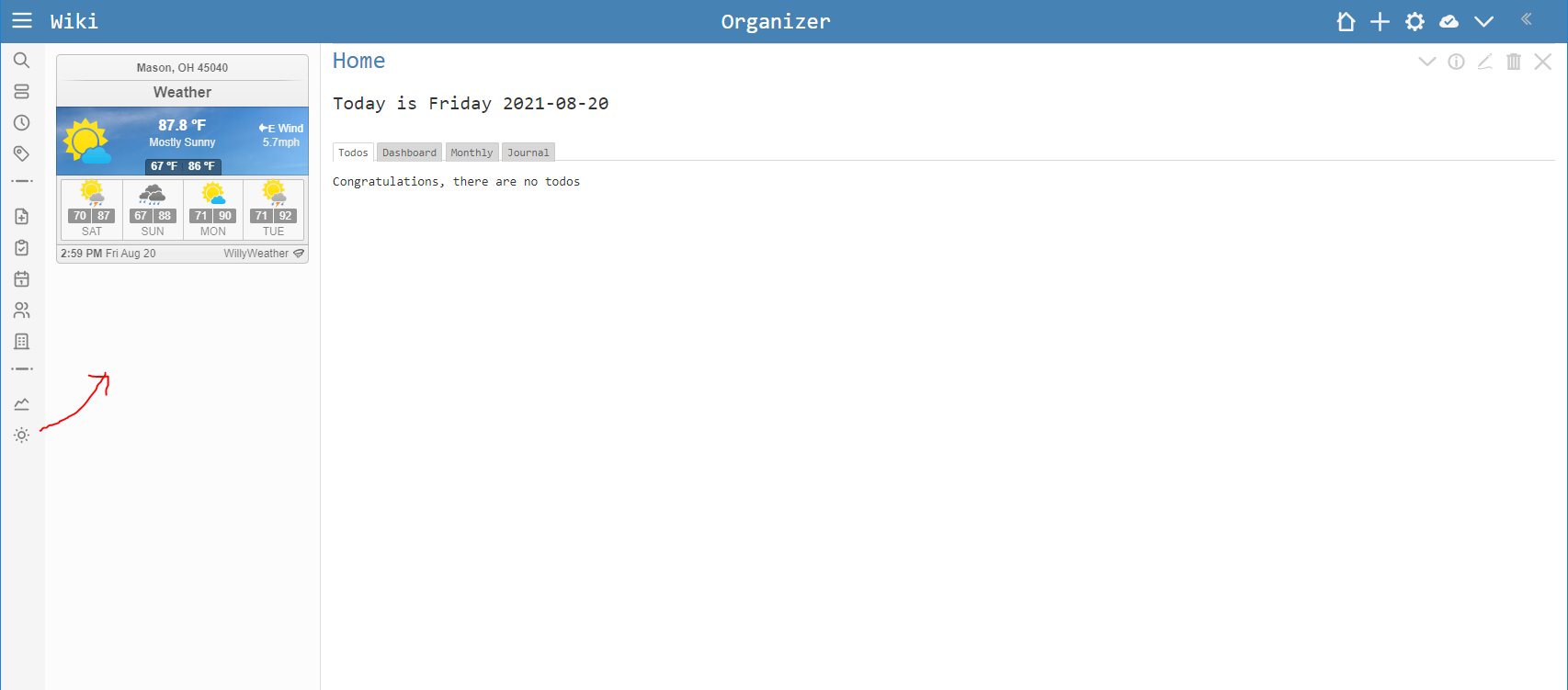
I feel like some of you might hate this, but just in case there are those that use their TiddlyWiki as a personal organizer and like to integrate other information, I thought I’d share.
Outside of TiddlyWiki, I’ve known the term “widget” to be a self-contained bit of a website that you can embed inside your site. Well since TW is essentially a website, you can use these too. Couple examples that I use in my own every day:
Stock Prices - https://widgets.tc2000.com
I track my company’s stock against the market and it’s competitors. I setup the widget how I want it at the site above and then in a tiddler just use the code provided by the site (changed my numbers to #s):
Thanks @stobot I do like this. It is also a timely example to show how we can reuse content elsewhere within tiddlywiki, I think if any actions are taken to secure iframes further in tiddlywiki we should permit this kind of widget.
Thanks @stobot. I do this too but use Google Sheets as it’s highly flexible and customizable, almost on the fly. It has advanced finance functions to retrieve and manipulate ticker prices for instance, which can be further extended as necessary using external APIs. I’ve only scratched the services but it’s clearly immensely powerful at the retail investor level at least.
It’s basically a one-click export from Google Sheets, then toying around the parameters to remove the grid lines and headers and getting the right display size.
(@TW_Tones: I tried adding the sandbox attribute and it stops displaying unfortunately).
There are ways of also retrieving weather forecasts but I haven’t looked into them to check how powerful there are. Out of the box this method would be much less visual than the widget you’re using in any case.
I just tried this, and it does not work. As the purpose of these widgets is usually to look up information dynamically (list of stocks, address for weather), generally I find that widgets either: contain javascript themselves, or go to a URL that runs javascript on that side. I’d never heard of the sandbox attribute before, so I guess I’m not surprised that it kills these types of things. Essentially I just get an infinite spinning loading icon in both cases.
The IFRAME element has a couple of attributes. 2 of them are sandbox and allow
Both of them have several parameters to increase the security of the “calling” site. Without any parameters all the functions that an iframe element has, can be used by the embedded site.
Browser vendors do everything they can to make it safe for users, even if the element has full rights. BUT the less rights that are enabled the smaller is the attack survace. The better is the security.
Usually site admins are aware of problems that can come up with iframe embeds and they adjust the settings in a way that the minimum rights are granted. The rights should be “just enough” that the embedded site works as intended. — Be aware for “normal read only sites” the deveolpers are the only people that can change the site. —
TiddlyWiki users usually care little abut security of code they copy / paste. That’s why the developers have to. … The TW renderer contains some HTML sanitation functions that prevent users from using dangerous code snippets. eg: <script> elements.
We will need to implement something similar to the the <iframe> element. May be we need to create a <$iframe> widget, that sets some default options as eg: sandbox and / or allow. Than the users can and has to decide what the embedded site should be allowed to do.
It may be a higher learning curve for users, but in this case I say: “Better safe than sorry.”