Hello, looking for some support. I have a standard wikitext table which overflows to the right:
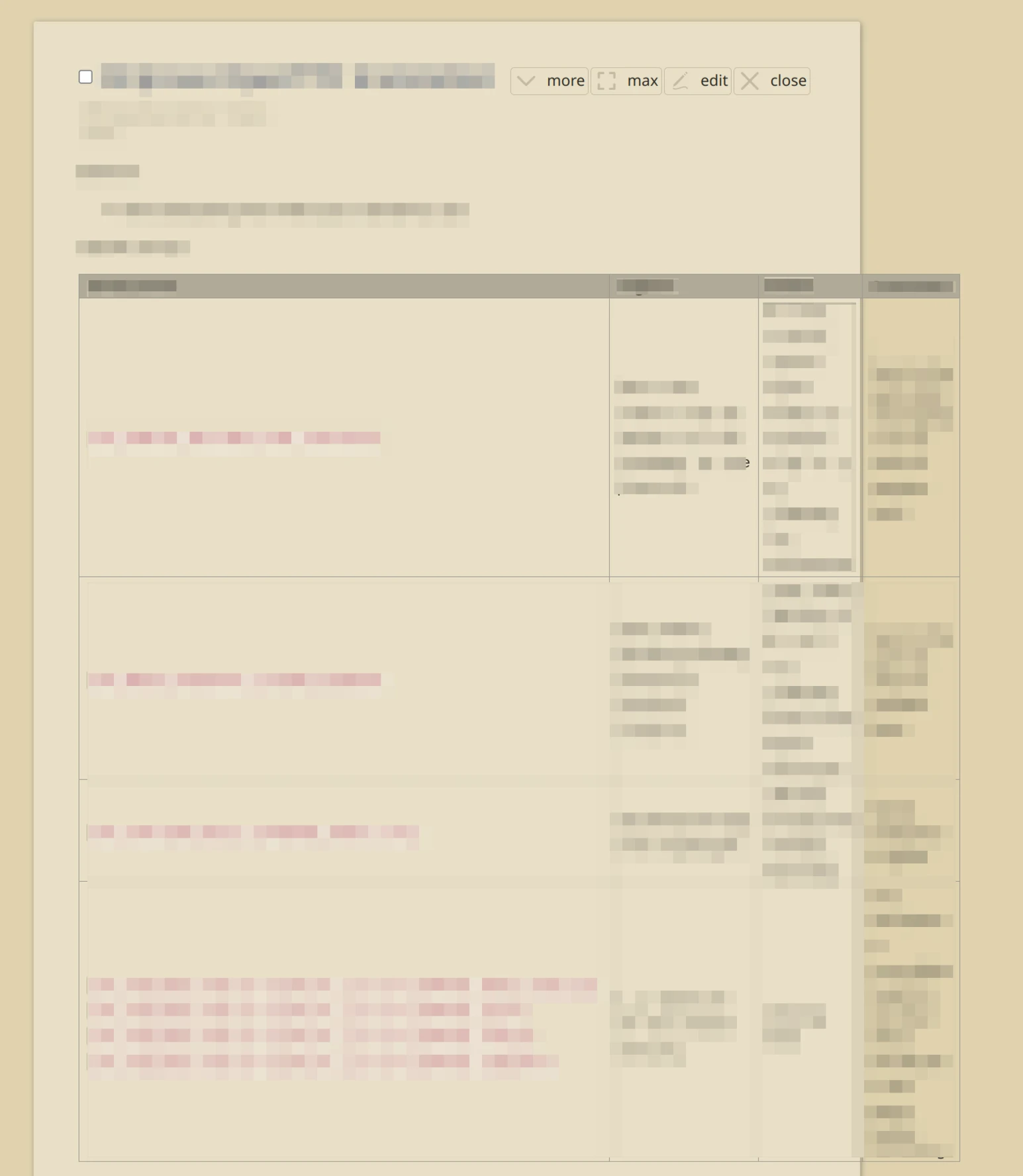
However, in Wikitext preview mode, I see a narrower version of the very same table, which does wrap.
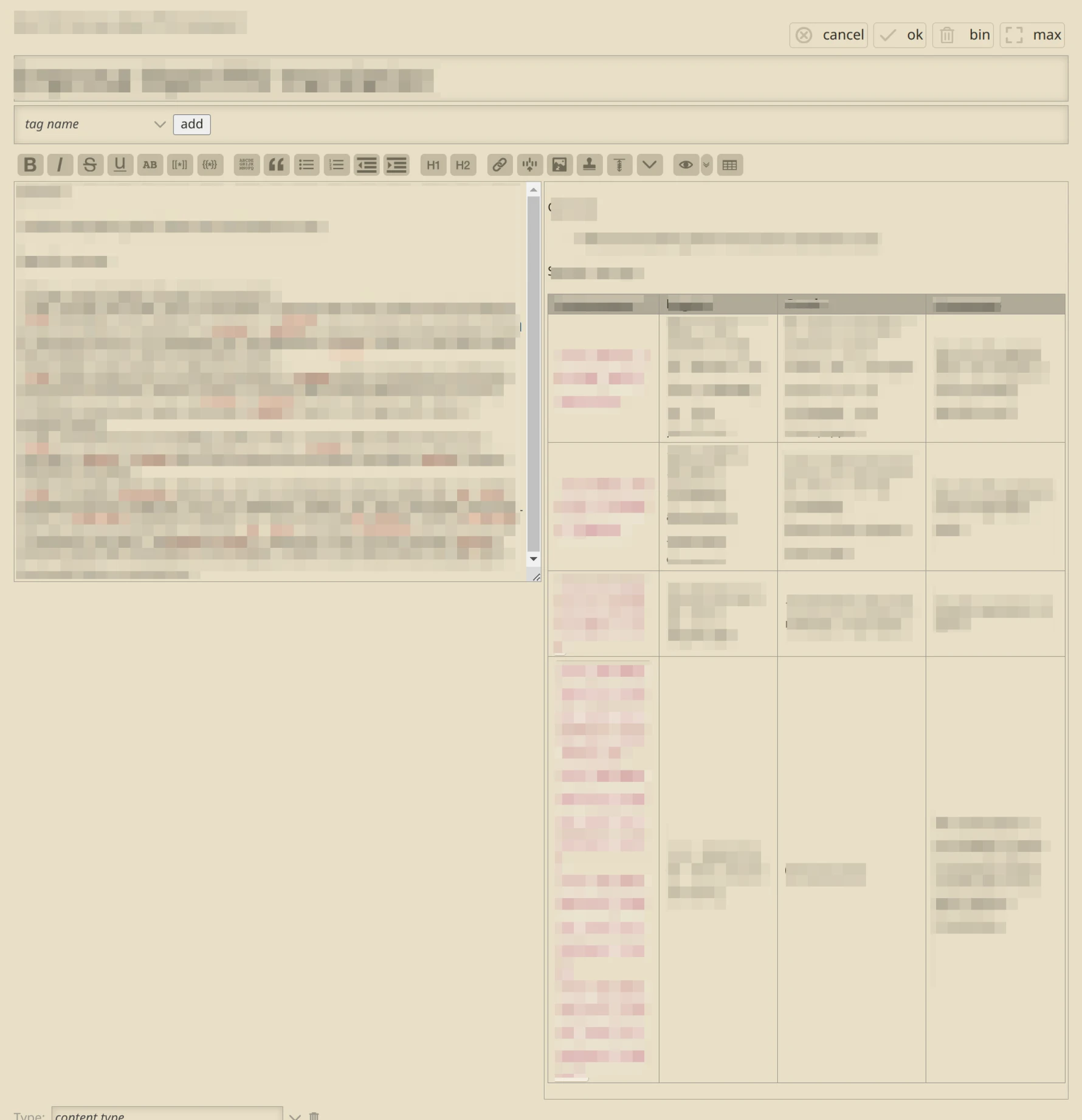
I believe it is because the leftmost column uses backticks, meaning some text is enclosed in <code> elements. This text does not wrap in View, but does wrap in Preview.
I have not been able to replicate the wrapped table shown in Preview with any of the CSS utility classes offered in the documentation.
I’d be grateful for assistance getting this table to wrap, as I’m happy with the high degree of wrapping shown in the preview version of the tiddler.
Note: I use a few lines of CSS from CenterStory which is why my tiddler is quite narrow, but I can confirm this happens without those customisations also.
