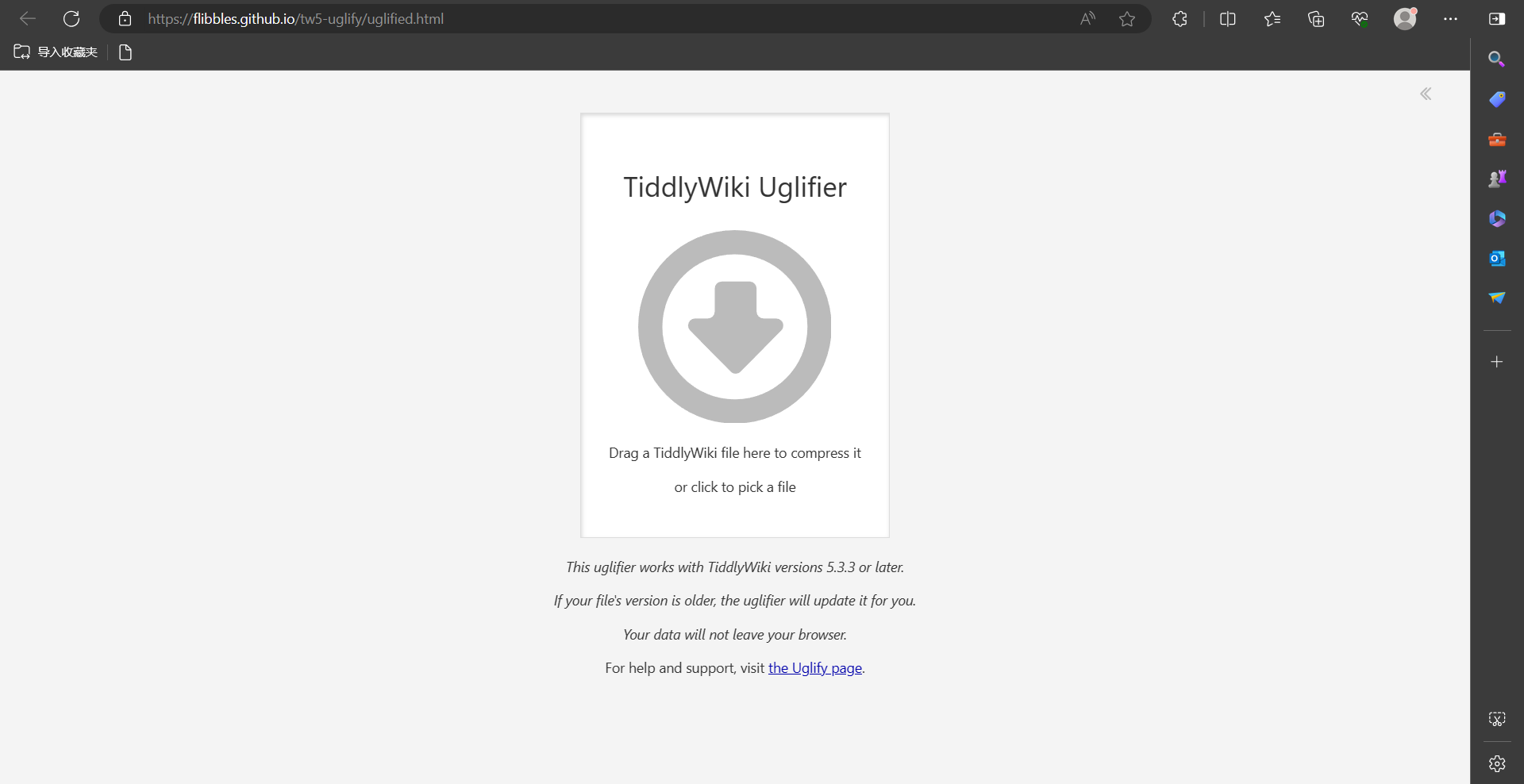
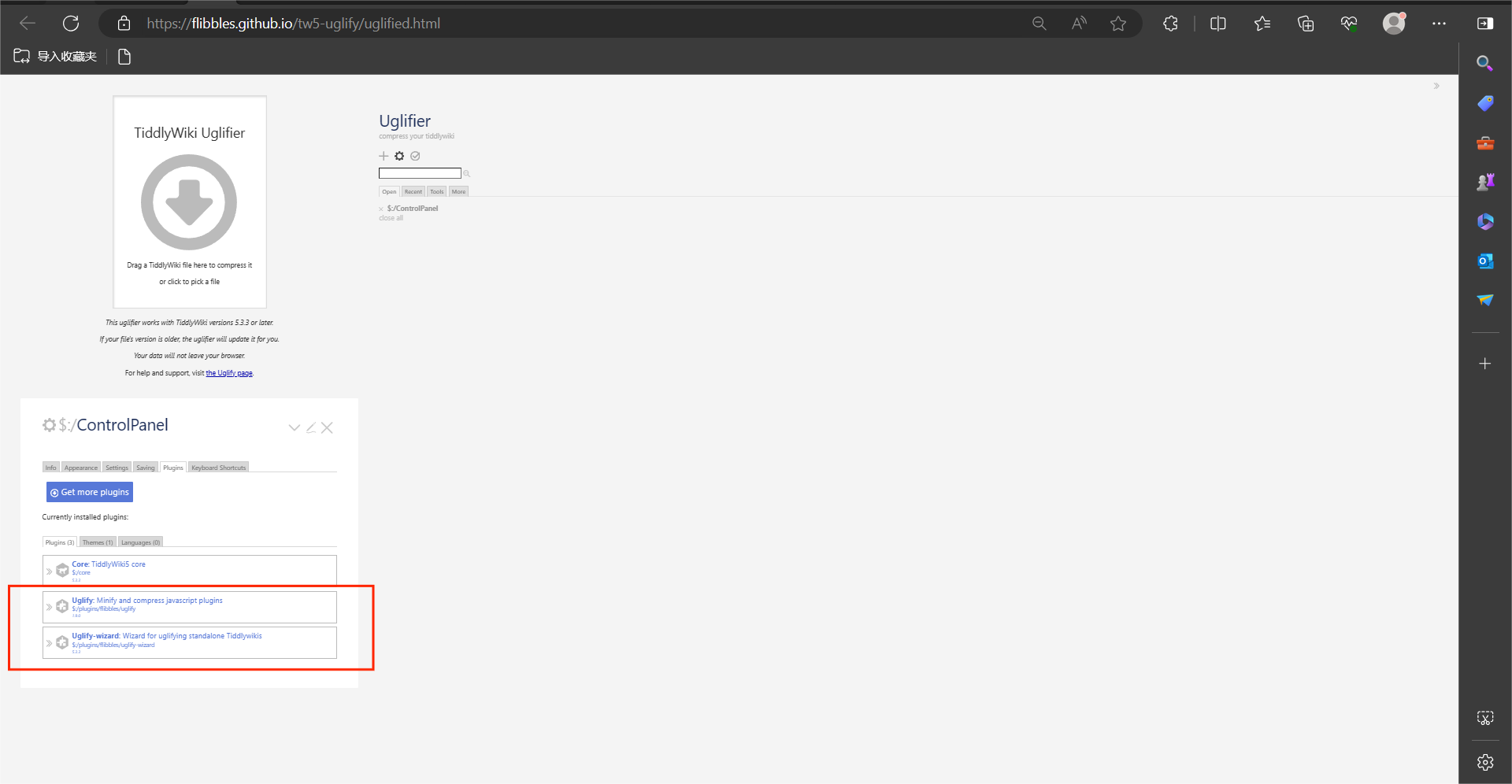
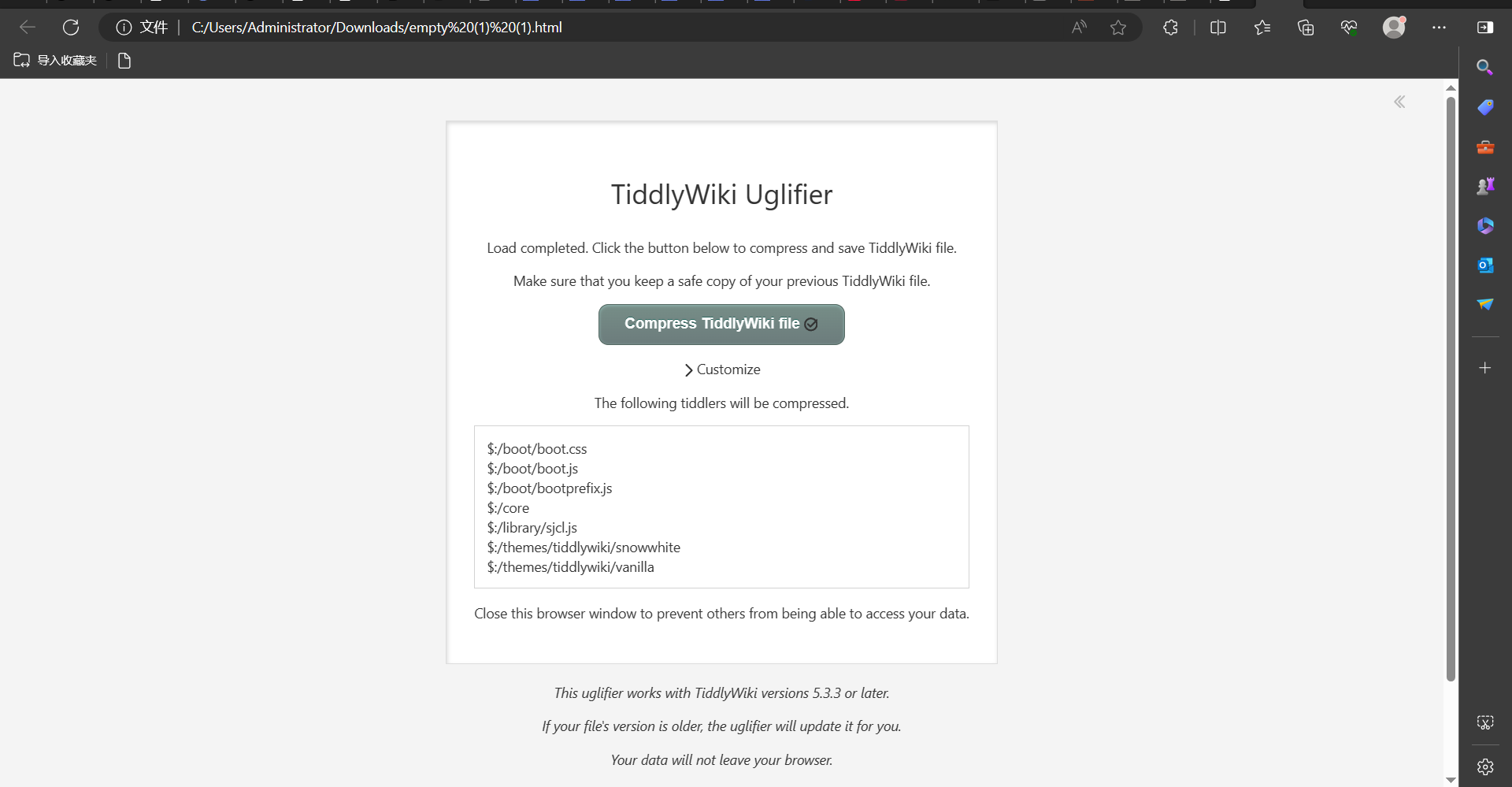
so I installed them in my tiddlywiki and saved it, opened it and found that the default open icon is not the download icon of the official website, although directly dragging and dropping the html to be compressed by code can also do the next thing normally
Uglify is an action, that usually only needs to be done once. If itâs done you do not need the plugin anymore. So from my point of view it does not make sense to permanently install it to your wiki.
Thatâs the reason, why there is an uglify-wizard page. So you can update your wiki and then you are done.
In my testing of it, when you download the plugin to tiddlywiki, the code compression effect is obvious the first time you use it, and when you add or modify your tiddlers to use it again there are three cases, nothing has changed, the file is 1kb larger and the file is 5kb smaller
Like @pmario was saying, you shouldnât be installing Uglify into your standalone tiddlywiki file. The only time it makes sense to install Uglify is if youâre using Node.JS, and it doesnât look like youâre doing that.
Also, the Uglify-Wizard should never be installed. Thatâs intended to be interacted with only through the github page through drag-and-drop. The reason itâs a plugin is just to sandbox all its tiddlers together, which makes it easy to remove itself when the wizard passes back your compressed tiddler.
Also, so weâre clear, Uglify will not uglify the tiddlers youâre working on. It only affects plugins and boot files, so the idea of editing some tiddlers and then saving again wonât actually result in any changes. The only reason to ever bother uglifying a second time is if youâve installed some new (and large) plugins.
âŠBut I guess if youâre trying to duplicate the compression wizard itself, then yeah, youâd download both of those plugins, and that should be all you need to do. Would this be for offline mode, or for a legacy version?
Edit: Actually, itâs be easier just to save the uglify wizard using the âsaveâ button. Itâll compress its own compression plugins, but itâd still work.
Youâre right. It does download the code compression wizard directly and it works, and the ui ICONS are displayed, just like the original photos
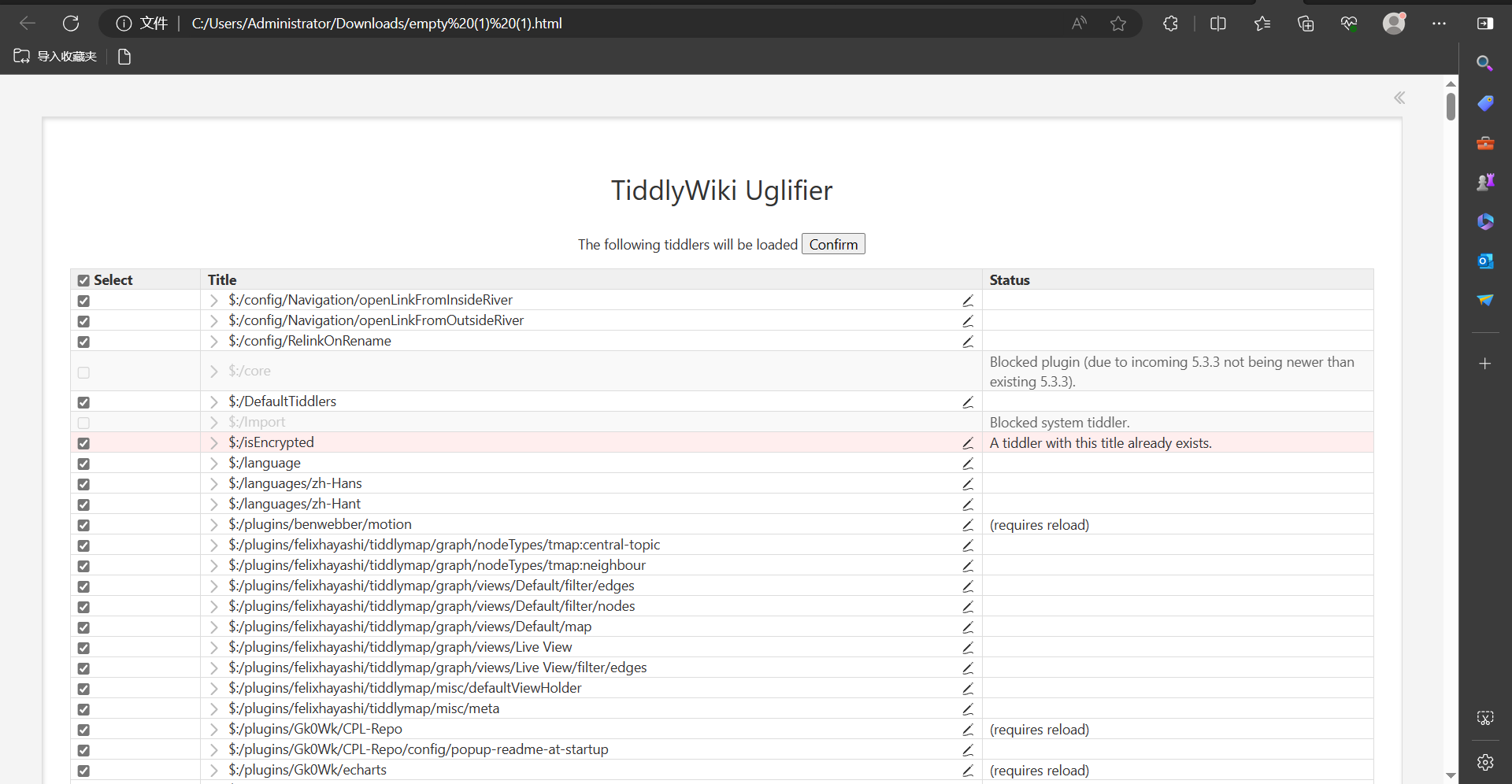
I tried to add this download guide to my main tiddlywiki repository (because my Internet is often unstable, and I have a deep obsession with downloadable tiddlywiki utilities in case I never find them again). Or the website crashed when I needed it so I wanted to download it to have a sense of security) (I can download the wizard from the official website to the local, but my local files are too many, itâs easy to forget it, So I want to tie it to my tiddlywiki), unfortunately it doesnât become a web tiddlers directly in tiddlywiki like a normal web page, but is resolved as a select import tiddlers