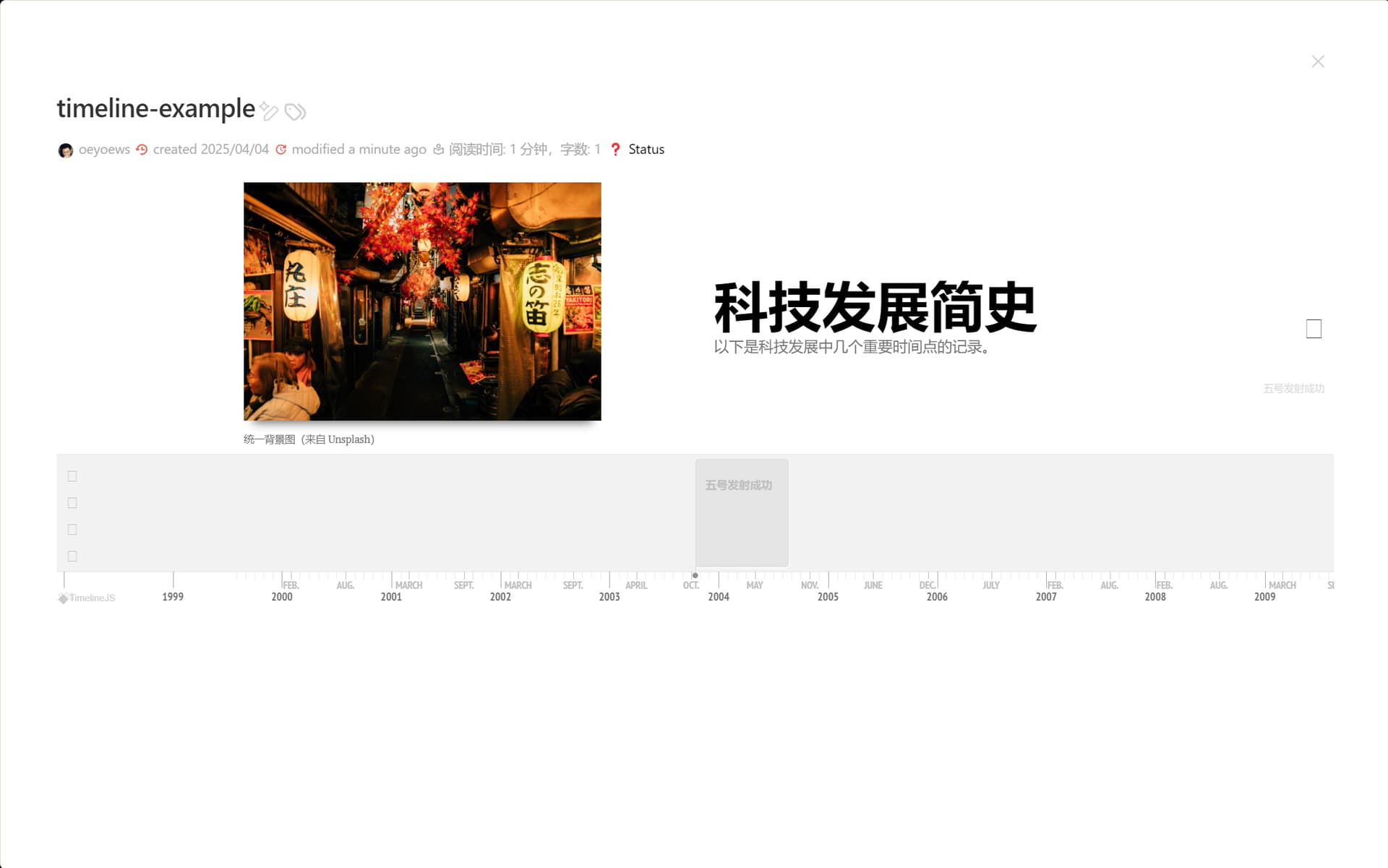
As a historyteacher, I always wnated to have a great timeline in Tiddlywiki.
I used Emkay’s Vis.js-timeline but for quite a while I am not happy with it…
The Knightlab Timeline is better at parsing different date-Types and has a far better visualization.
But without the great option of simply filtering dates in TW it is no fun making a timeline either…So I tried to implement this in TiddlyWiki.
I tried to convert it into a plugin… but I failed… it says the widget is undefined. Can anybody help? Why is it so hard to get a widget to work correctly…
PS: With some help of @Scott_Sauyet , @oeyoews and claude.ai we now have quite a good working version. If you want to help to fix the minor issues like mainly wikitext - formatting, it is in the widget part of the plugin where the filterresult is converted into timline-data.
The problem is a catch statement without a matching try.
Starting on line 59 we see:
TimelineWidget.prototype.loadTimelineJS = function() {
    var self = this;

    // Load CSS if not already loaded
    if(!document.getElementById("timelinejs-css")) {
        var link = document.createElement("link");
        link.id = "timelinejs-css";
        link.rel = "stylesheet";
        link.href = "https://cdn.knightlab.com/libs/timeline3/latest/css/timeline.css";
        document.head.appendChild(link);
    }

    // Load JavaScript if not already loaded
    if(typeof TL === "undefined") {
        var script = document.createElement("script");
        script.src = "https://cdn.knightlab.com/libs/timeline3/latest/js/timeline.js";
        script.onload = function() {
            self.createTimeline();
        };
        document.head.appendChild(script);
    } else {
            // Timeline already loaded, create directly
            self.createTimeline();
        }
    } catch(e) {
        console.error("Timeline plugin error:", e);
    }
};
That catch at the end does not have a matching try. I don’t know the logic, and don’t have time to investigate right now, but perhaps that will get you moving.
Hi @oeyoews
with some artificial help I implemented the filterfunctions and and more configuration options. Here is the enhanced version.
like oeyoews’ version it needs quite a recent TW-Version because it otherswise says options is not defined.
Filter Support: You can specify a filter to select which tiddlers should be included in the timeline.
Configurable Fields:
Default fields are start and end for dates
Text content is the rendered tiddler by default
Date Parsing: The widget can handle various date formats:
ISO format (YYYY-MM-DD)
Year only (YYYY)
Year-month (YYYY-MM)
TiddlyWiki’s timestamp format
Example Usage
<$timeline
filter=“[tag[invention]]”
startField=“start”
endField=“end”
timelineTitle=“History of Technology”
timelineDescription=“A timeline of technological developments.”
/>
Attributes:
filter: TiddlyWiki filter expression to select tiddlers
titleField: Field to use for event headlines (default: "title")
startField: Field containing start date (default: "start")
endField: Field containing end date (default: "end")
textField: Specific field to use for content (default: rendered tiddler)
mediaField: Specific field to use for images (default: "media" if empty and undefined first image in text)
timelineTitle: Title for the timeline (default: "Timeline")
timelineDescription: Description text for the timeline
titleImage: URL for the title image
titleImageCaption: Caption for the title image
startYear
endYear
height
Don’t go out of your way for this. I didn’t know if there was a sample available. I’m used to plugins having at least minimal examples. But I wasn’t asking you to create one, just hoping there was one that already existed.