This is an updated version of Accordion macro
Code
\define accordion(filter, stateTiddler:01)
<$let stateTiddler={{{ [[$:/state/accordion/$stateTiddler$]addsuffix<qualify>] }}}
      btn-actions='<$action-setfield  $tiddler=<<stateTiddler>> $field=text $value={{{ [<stateTiddler>get[text]match<currentTiddler>then[]else<currentTiddler>] }}} />' >
<div class="accordion">
<$list filter=<<__filter__>> >
<$button class="accordion__title" actions=<<btn-actions>>  tag=div>
<$view field=caption><$view field=title/></$view>
</$button>
<$reveal type="match" state=<<stateTiddler>> text=<<currentTiddler>> class="accordion__content" tag=div>
<$transclude mode=block/>
</$reveal>
</$list>
</div>
</$let>
\end
Example
<<accordion "[tag[bem101]]">>
Screenshot
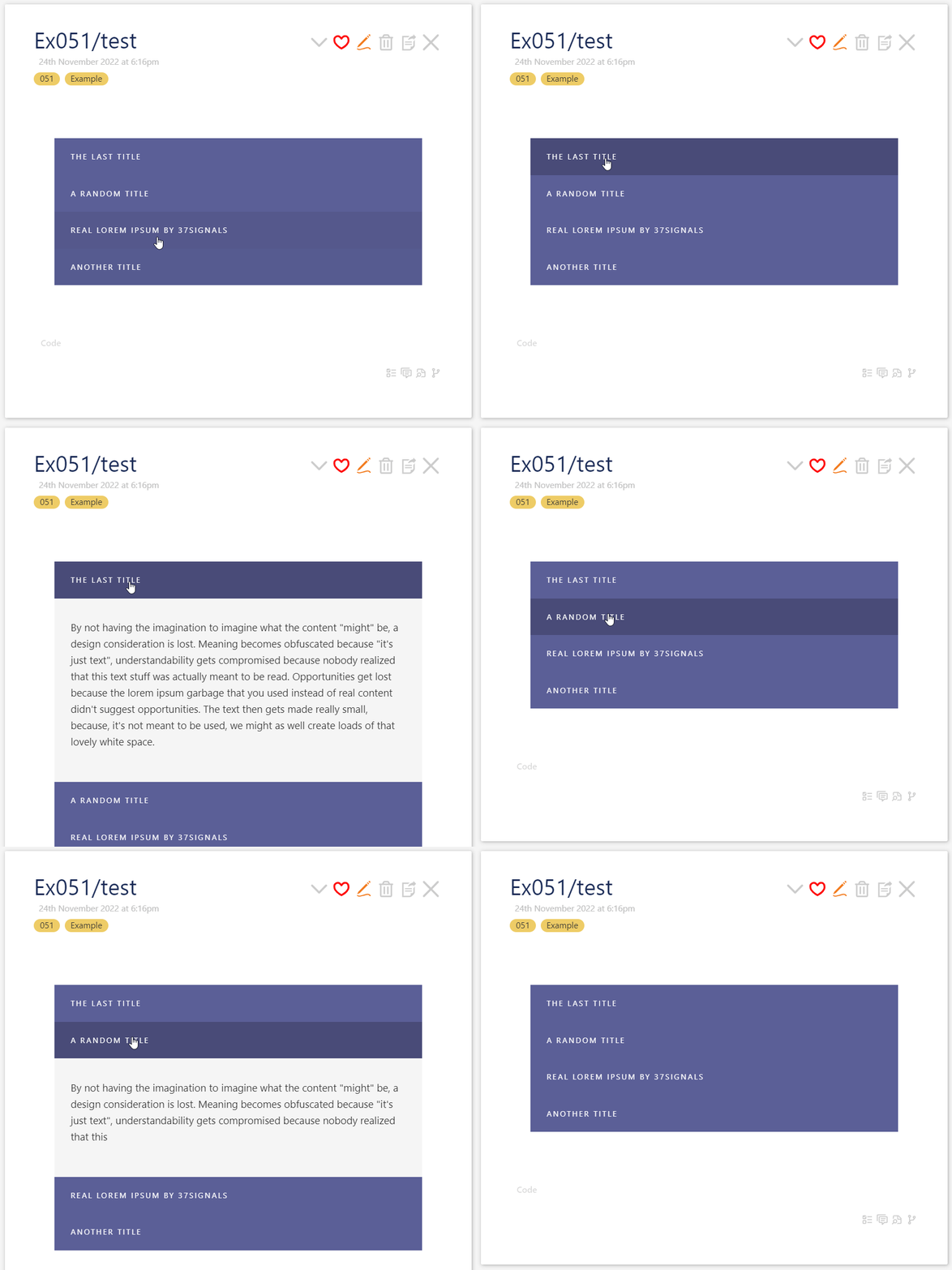
Demo
- Download kiss-macro-accordion.json (3.8 KB)
- Drag and drop into https://tiddlywiki.com/
- open
Ex051/test
Contribute
- Add some animation for smooth sliding
- Add other colors
- Make it compatible with dark themes