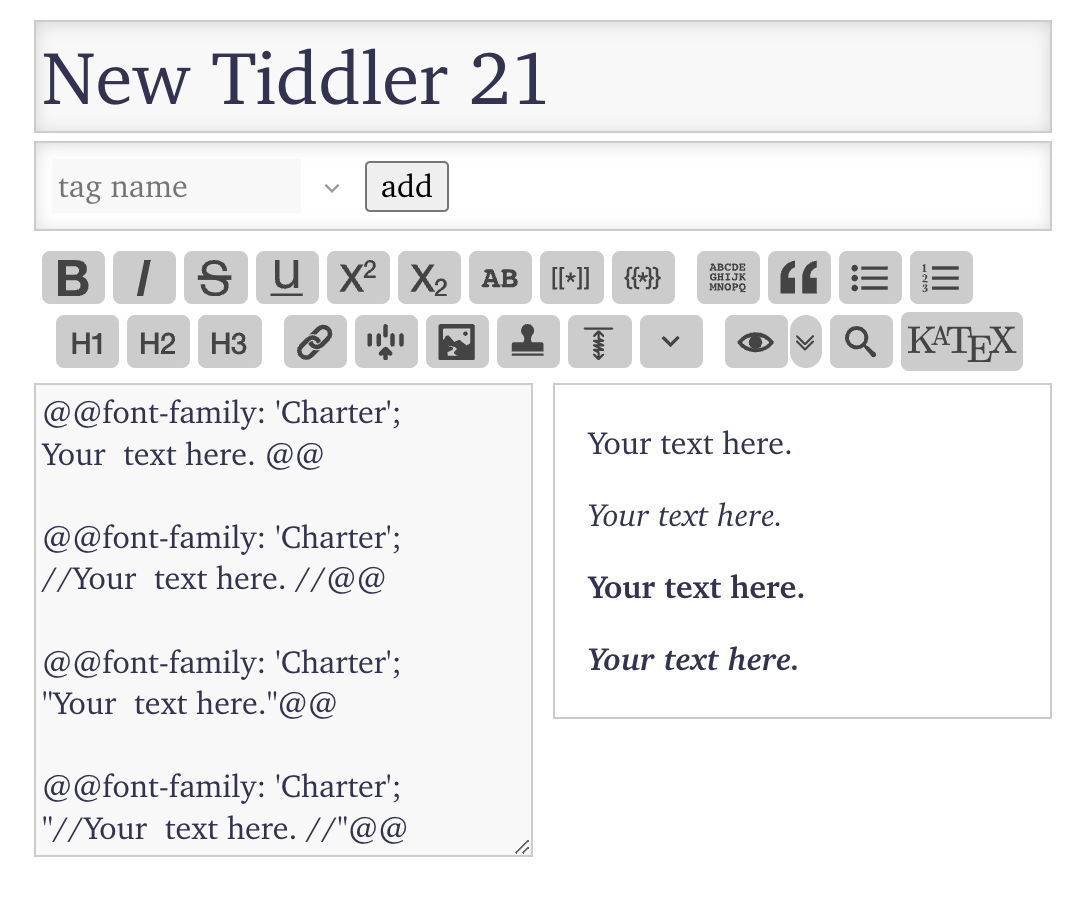
I’ve been reading through the guide to good typography Nice articles on Typography and thought I’d try a ‘good’ font, so I downloaded charter as recommended by the author of practical typography.
Now my instructions to do fonts were:
- check for a font you like
- make sure its license allows you to embed, modify, publish on the web or redistribute the font as you intent to (links about licenses)
- visit http://www.fontsquirrel.com/tools/webfont-generator
- upload your font file (".ttf", “.eot”, “.woff”, etc) and select “Expert” option
- check the option case at CSS >> Base64 Encode
- generate your webkit: the output file is a “.zip” file containing a text file with the CSS code (stylesheet.css)
- copy all text from that file into a tiddler
- make sure the field font-family is what you want
- tag the tiddler [$:/tags/Stylesheet] and change the tiddler type to “Plain text (text/plain)”
This however is failing to work.
I’ve tried a few other things I found on the forums, but can’t find again now (I was trying this a week or so ago, but only at a keyboard now).
I’m sure this is an 1d0t kind of an error but any help appreciated.
My flailing attempts can be found in the recents tab here: