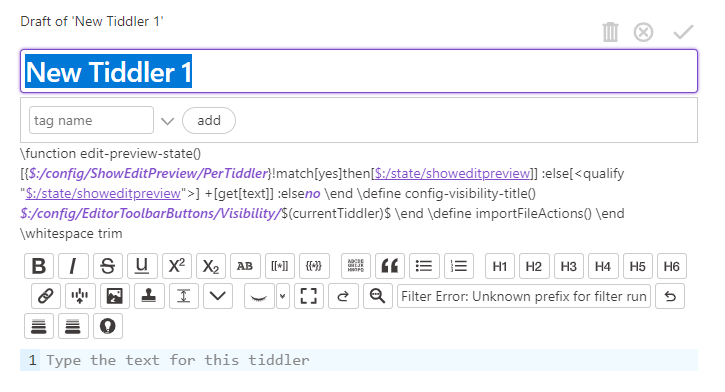
Can anyone detail how to install codemirror 6? I’m usually pretty adept at these things but I can’t get this plugin to work. I’m getting errors like this when going to edit a tiddler.
Hi @belmont224 - from where are you getting the plugin?
If you use my version of the plugin you should use the version you find on the TiddlyFlex page, which is the most recent version. If you’re using @oeyoews plugin, maybe he can tell you what’s going on
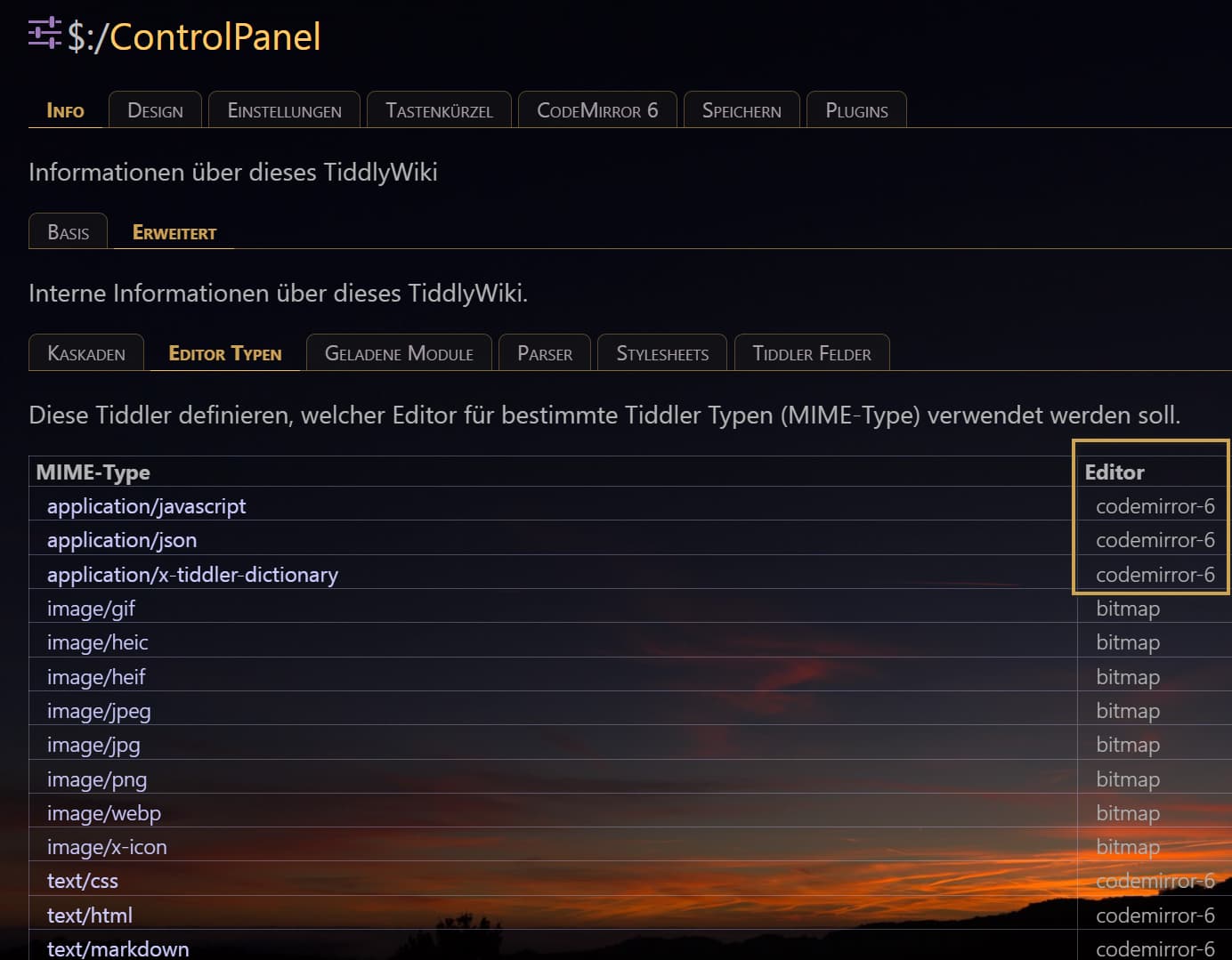
Sorry for the lack of info. I has trying to install the version from @oeyoews. I did the drag and drop thing, changed all the editor types to codemirror-6. I see the plugin’s tab in the control panel, but I get this error when opening/creating a tiddler.
I am using the Notebook theme with TW 5.2.2. I previously had CMPlus installed, but removed it before installing CM 6. I just tried it with a fresh install (using the empty.html file) and it works fine. So there is something leftover in my old wiki that is messing things up. I need the data that is in there so I can’t start over with a fresh wiki.
Now the hunt begins for what is causing the conflict I guess. I’m installing other plugins one by one to see if one of them causes an issue.
I’ve upgraded the wiki to 5.3.3. This takes care of most of the problems. I still get the strange filter error in the toolbar as pictured above. Not sure why yet. I am using version 1.6.22 of CodeMirror 6 plugin.