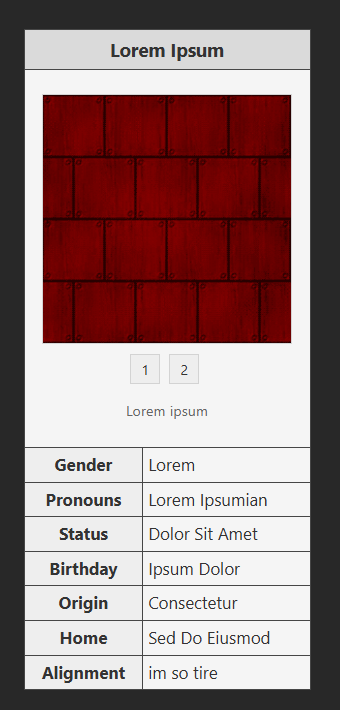
I think this is probably your issue:
.tab-images img {
 width: 200px;
 border: 1px solid #cccc;
 display: none;
 margin: 0 auto
}

#img1:checked ~ .tab-images #image1,
#img2:checked ~ .tab-images #image2,
#img3:checked ~ .tab-images #image3 {
 display: block
}
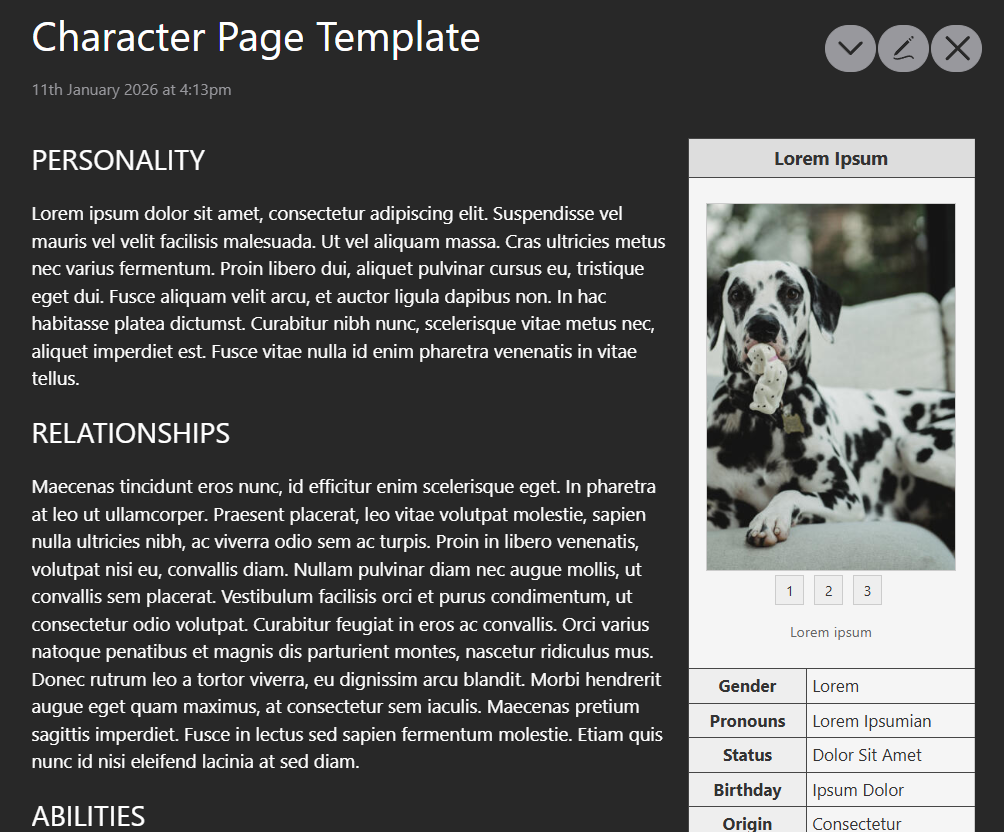
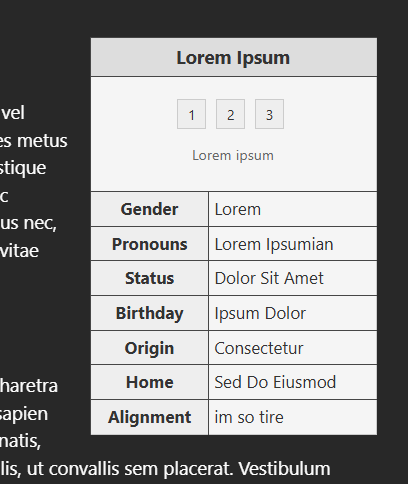
You’re using the id attribute to set the visibility of each image — which is clever, except that id is meant to be unique within an HTML document. This becomes a particular issue in TiddlyWiki because, unlike more traditional wikis, your entire wiki is a single HTML document. So it’s not enough to simply avoid repeating an id within a single tiddler; you’d have to avoid any repeats anywhere in the wiki. Otherwise, if you have an image with id="img1" in more than one tiddler, you risk your CSS breaking… and I imagine this is exactly what happened.
I’m sure there are CSS workarounds for this, but I’d recommend using a more TW-based approach instead. One of the key ideas of TiddlyWiki is that everything can (and generally should!) be stored in a tiddler or a tiddler field — and this applies to everything from your own user content to the UI features visible at any given time. So rather than the HTML <input type="radio"> buttons, I’d suggest using $radio widgets to set the value of a given field to the URL of the image you want to display. Then use a single <img> (or the TW $image widget) with a dynamic src value — the transcluded value of the field set by the $radio widget, e.g. <img src={{!!display-image}} /> if your $radio widgets are using <$radio field="display image" ... >.
If that sounds like a lot, I understand! I do a lot of work with templates myself, and I’ll try to come back with some sample code for you if no one else gets there first.


 I am still learning at the moment, I haven’t quite figured all of the Tiddly features out yet. Thank you for the explanation! I understand what went wrong now, I will see if I can figure out a solution if nobody else comes up with something.