I would like to create a button that looks like the icon taken from the tiddler icon field:
Tiddler X
Icon field: $:/core/icon
<$button>
{{!!icon}}
</$button>
Doing so shows me not the Tiddlywiki’s cat, but the plain text “$:/core/icon”.
I tried playing around with $wikify and with variables, but with no luck.
I thought I’d ask because I’m sure this is something simple, and it’s just my inexperience holding me back.
-Any tips?
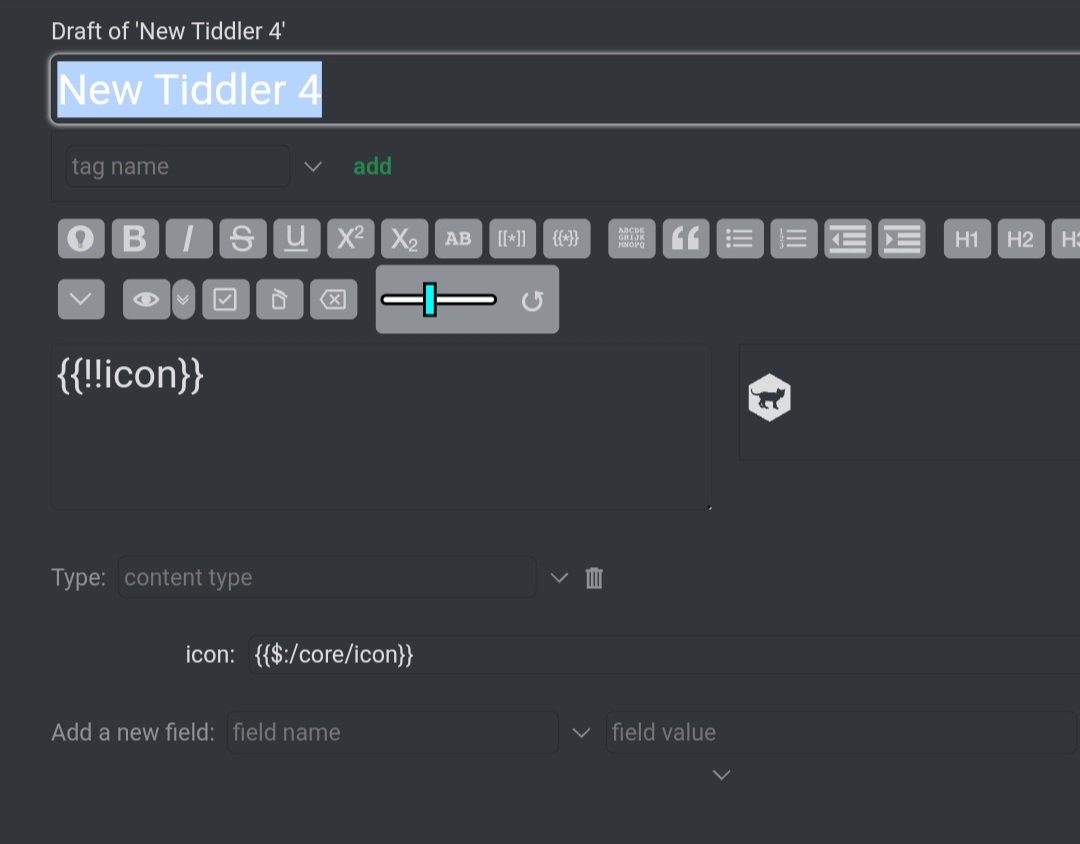
But this way there is no icon next to the title of the tiddler, I don’t know if it is desirable
What do you mean by icon next to tiddler title ?
This is a cropped screenshot image which I took in my mobile. So the tiddler edittoolbar buttons are missing. Is that what you are referring to ?
This icon. If I wrap with curly brackets “$:/core/icon” it does not appear anymore next to the title of the tiddler. If I instead l don’t wrap it it is displayed.
I don’t have the answer to your question. Just wait till someone else with a solution see this post.
lol, i doubt this is good practice but it works:
<$wikify text={{{ [{!!icon}addprefix[{{]addsuffix[}}]] }}} name=icon output=html>
<<icon>>
</$wikify>
A tiddler’s icon field usually contains a tiddler title referring to an image tiddler. To transclude this icon within the tiddler’s content, you can use the $transclude widget, like this:
<$transclude tiddler={{!!icon}}/>
enjoy,
-e
Brilliant! Thank you Eric!