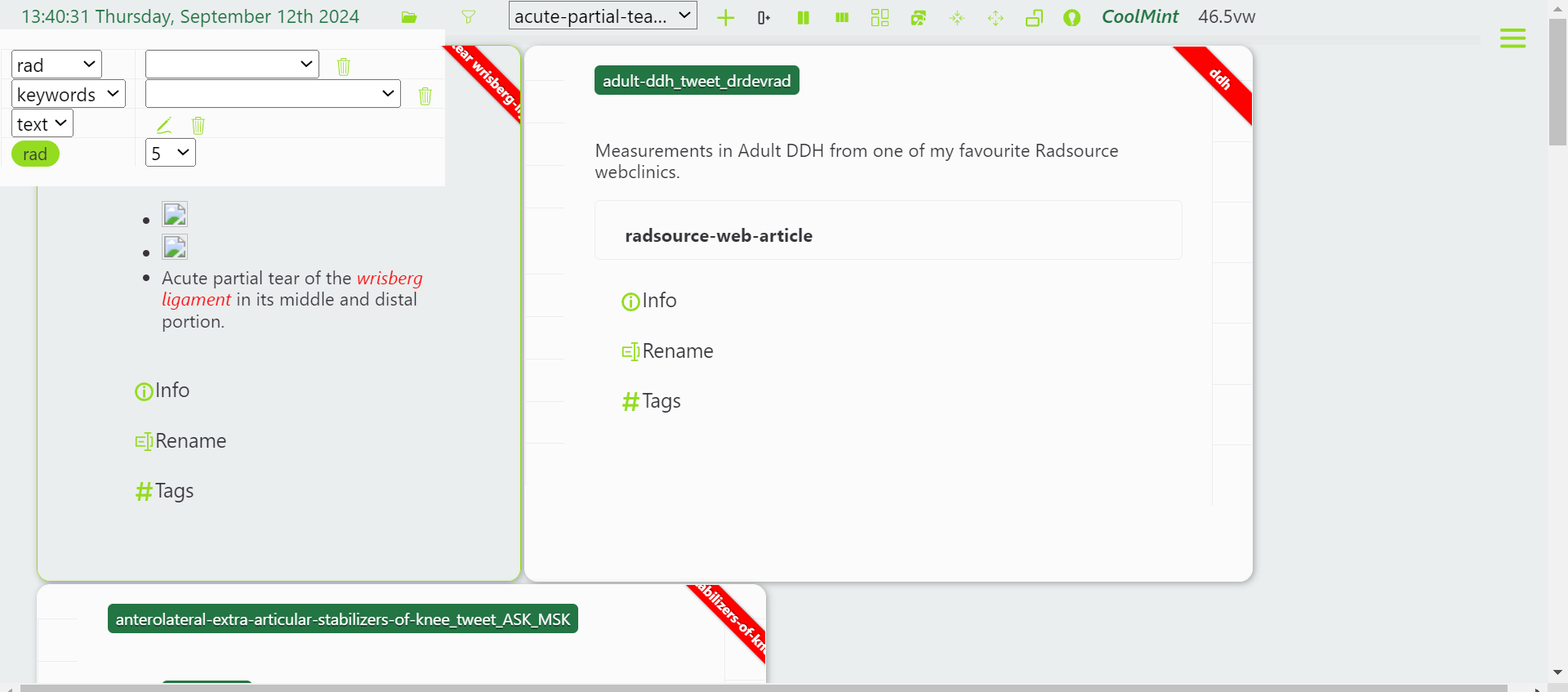
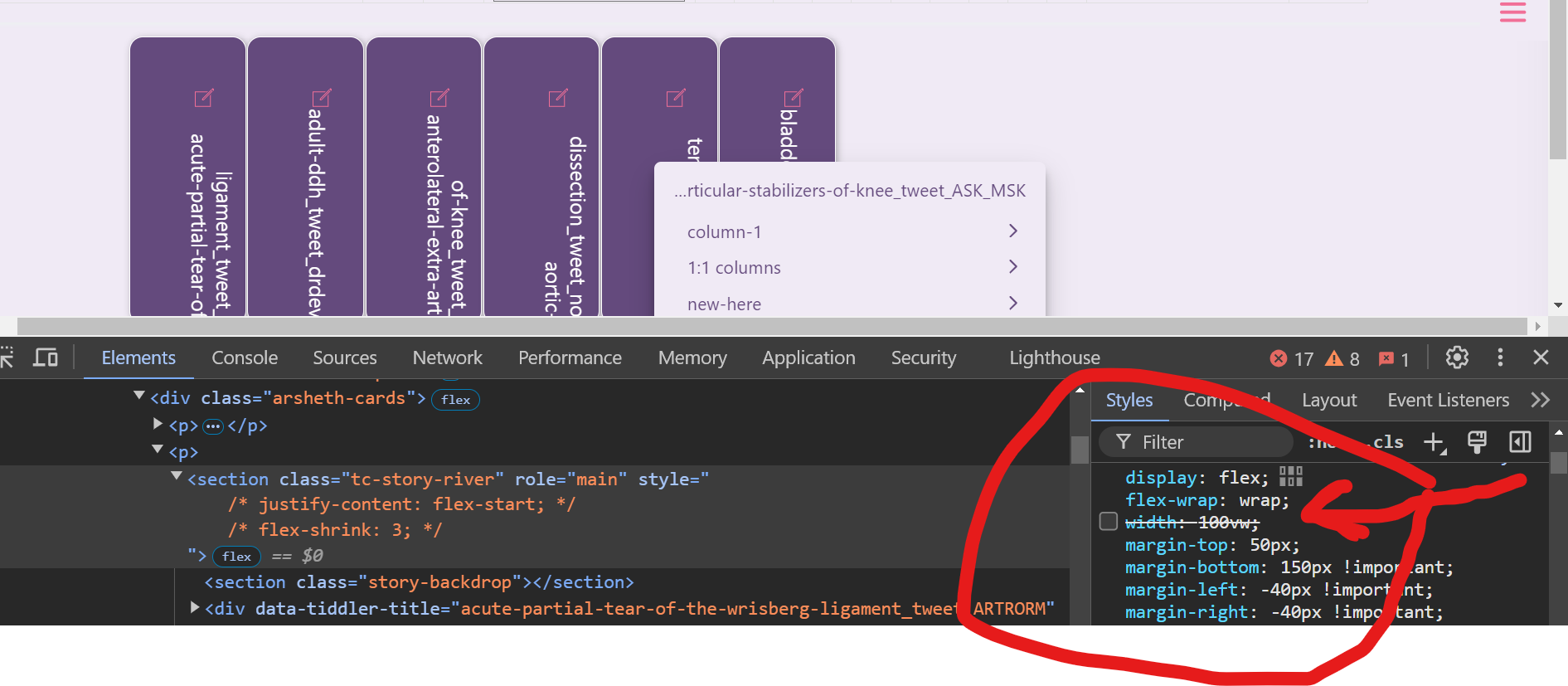
Here I am using a custom layout with collapsed tiddlers / cards.
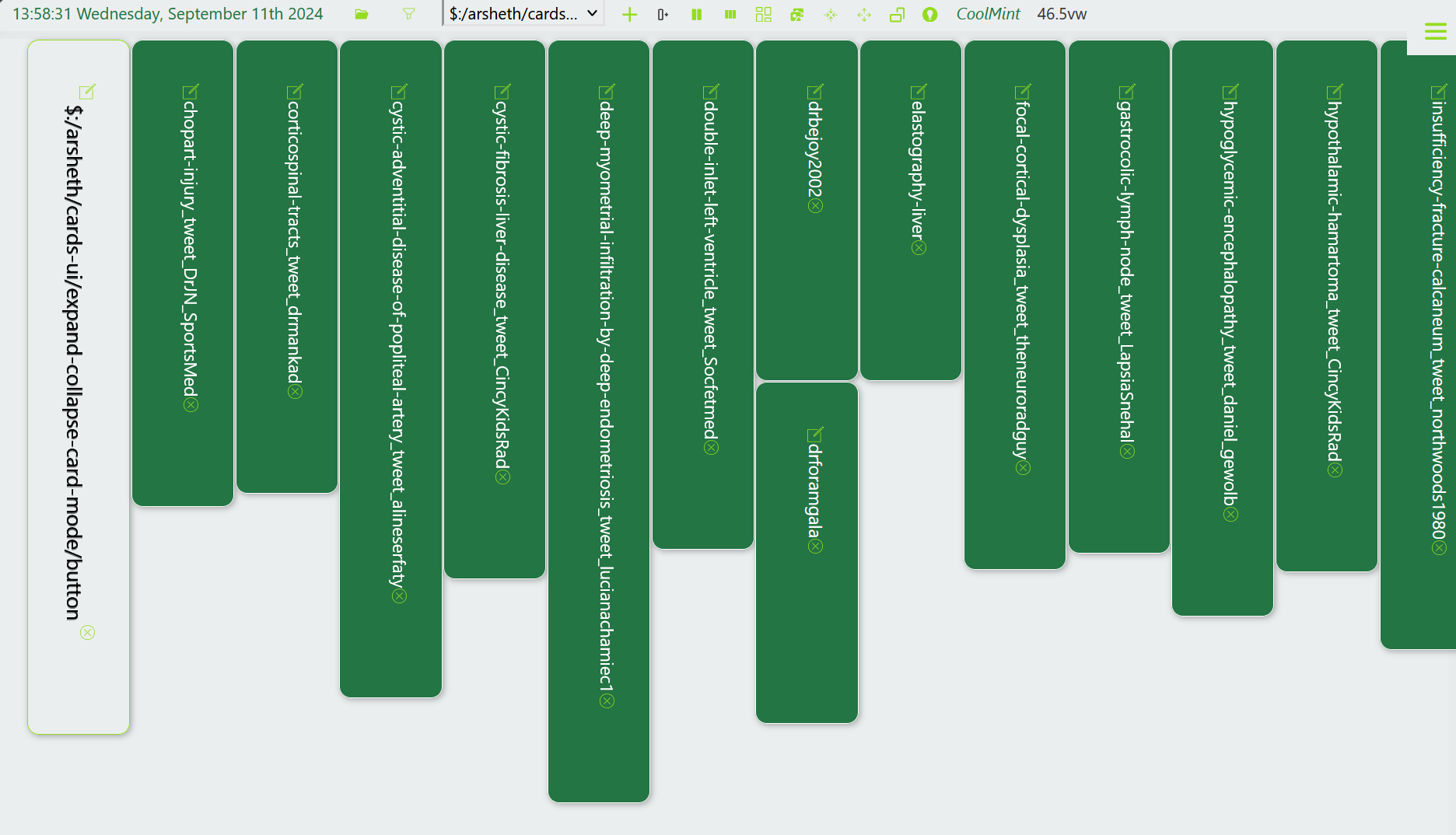
When the storyriver has many tiddler, these collapsed tiddlers are closely packed.
But when the tiddler number in the storyriver is less, the gap between tiddlers are more.
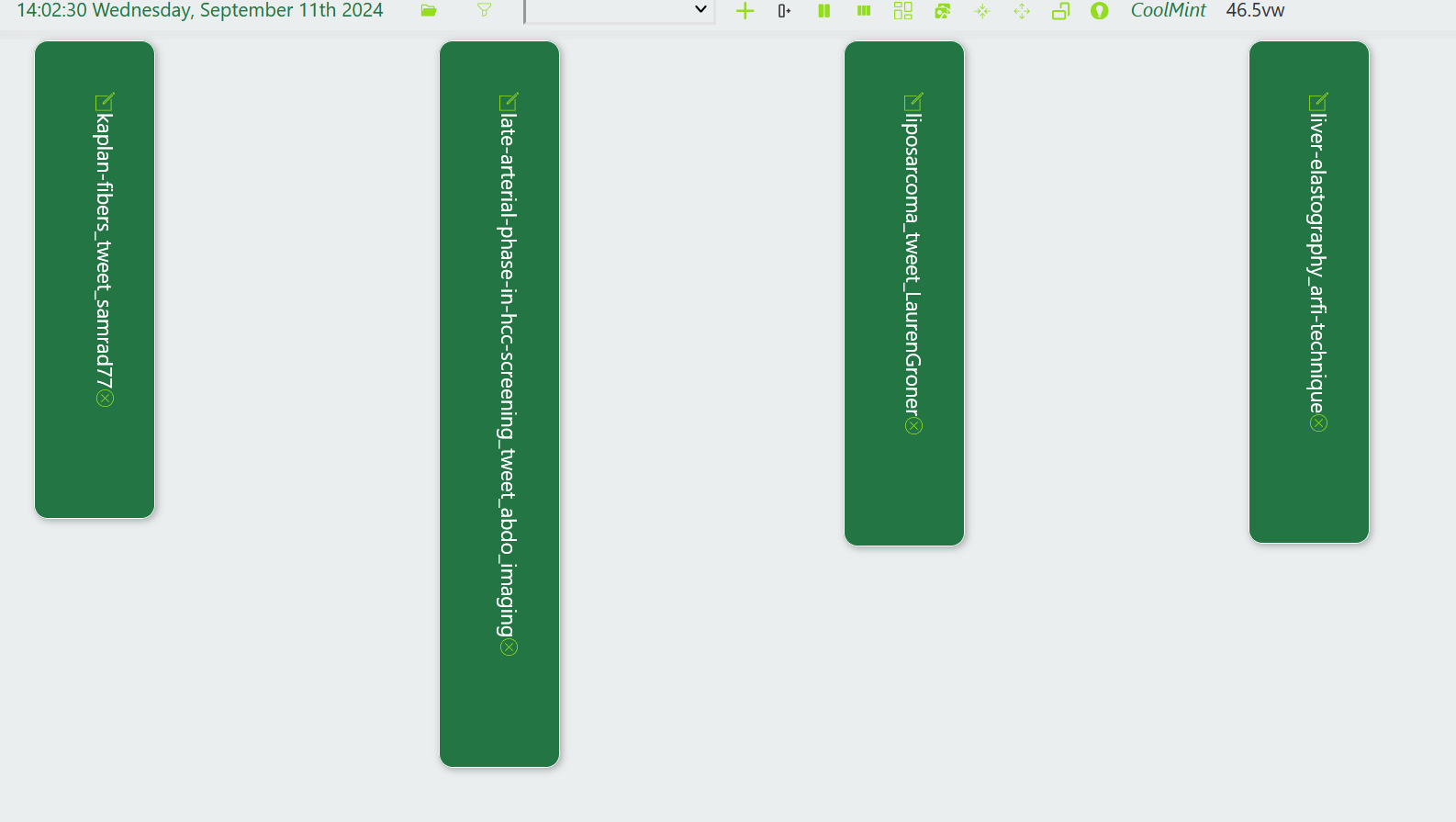
How can I fix this gap ? This occurs only when the storyriver is horizontally oriented instead of the default vertical orientation.