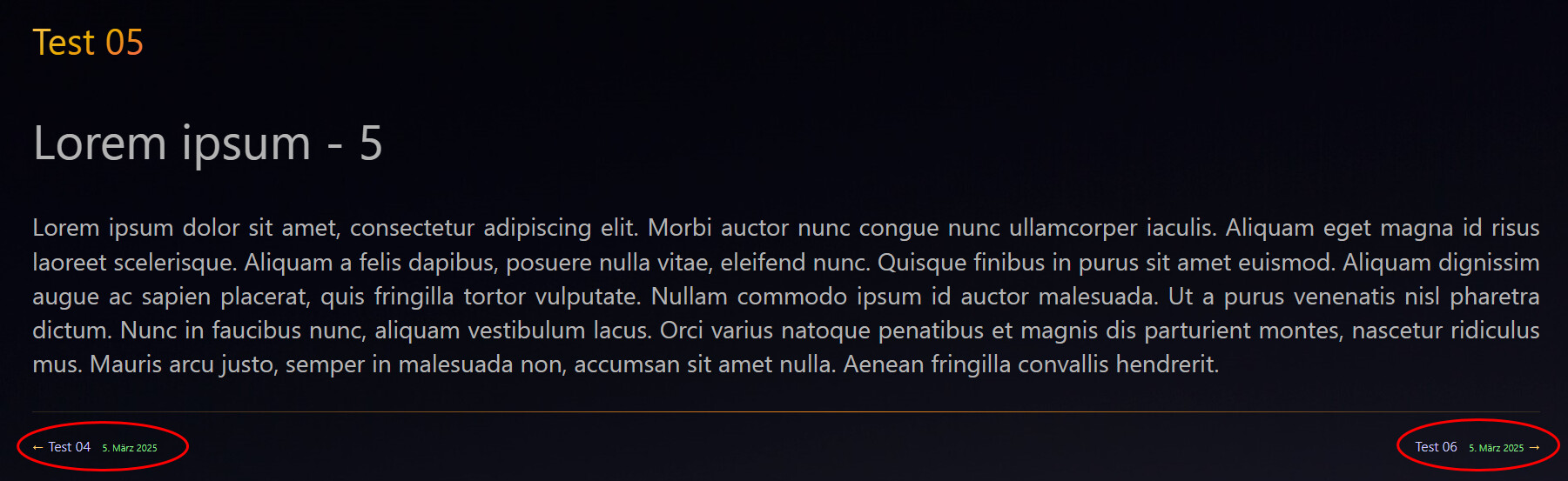
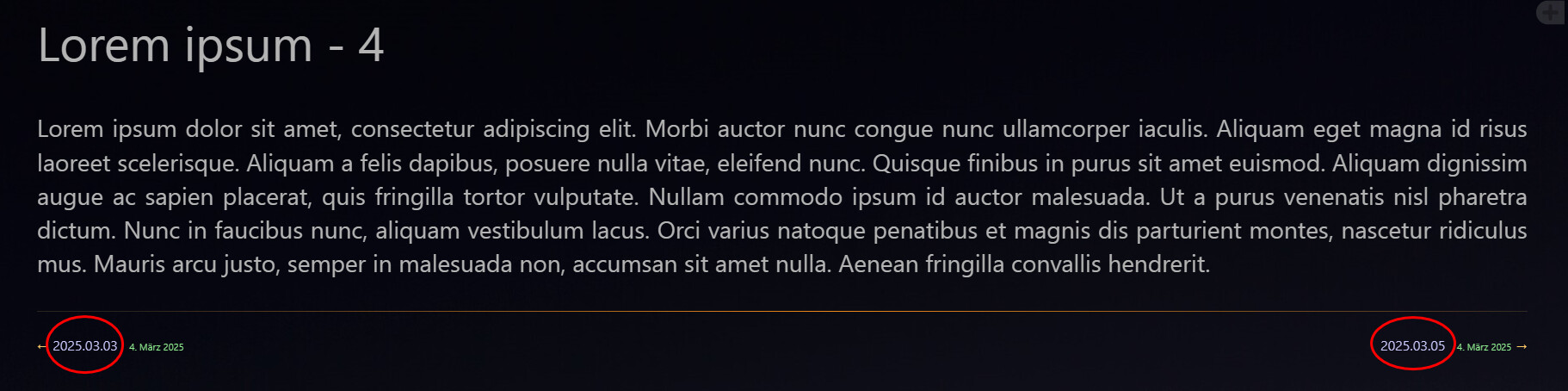
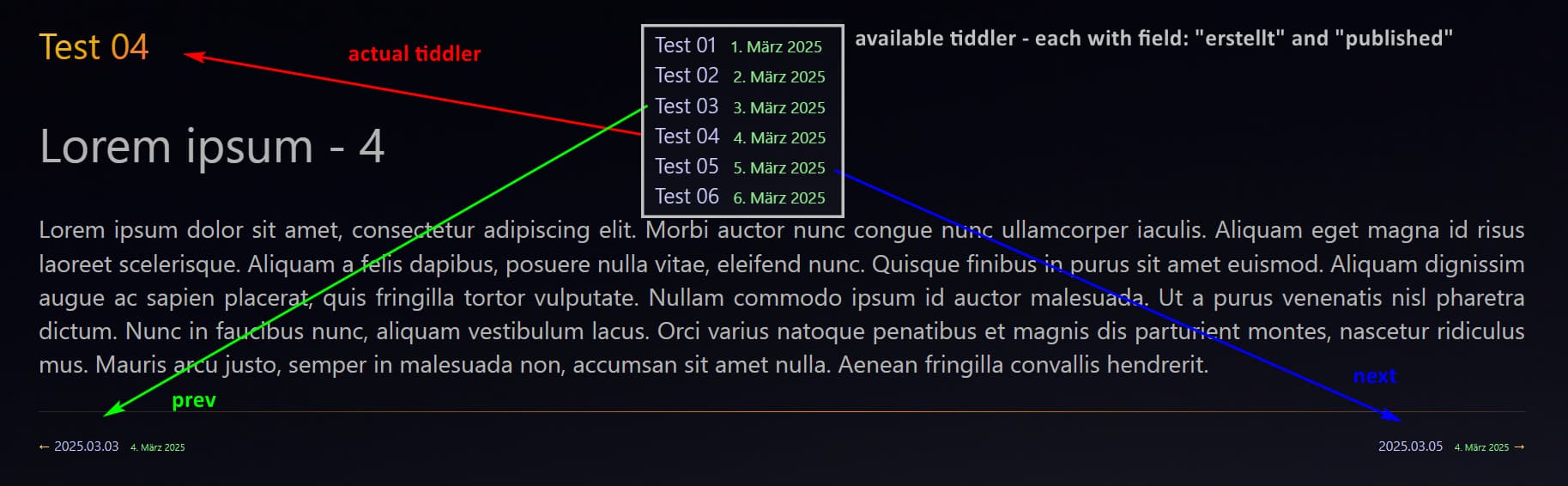
All past publications about navigator between tiddles use tags, but is possible to create a navigator using fields? Like adding manually previous and next fields to a specific tiddlers and made some rules to show only if this fields exists?
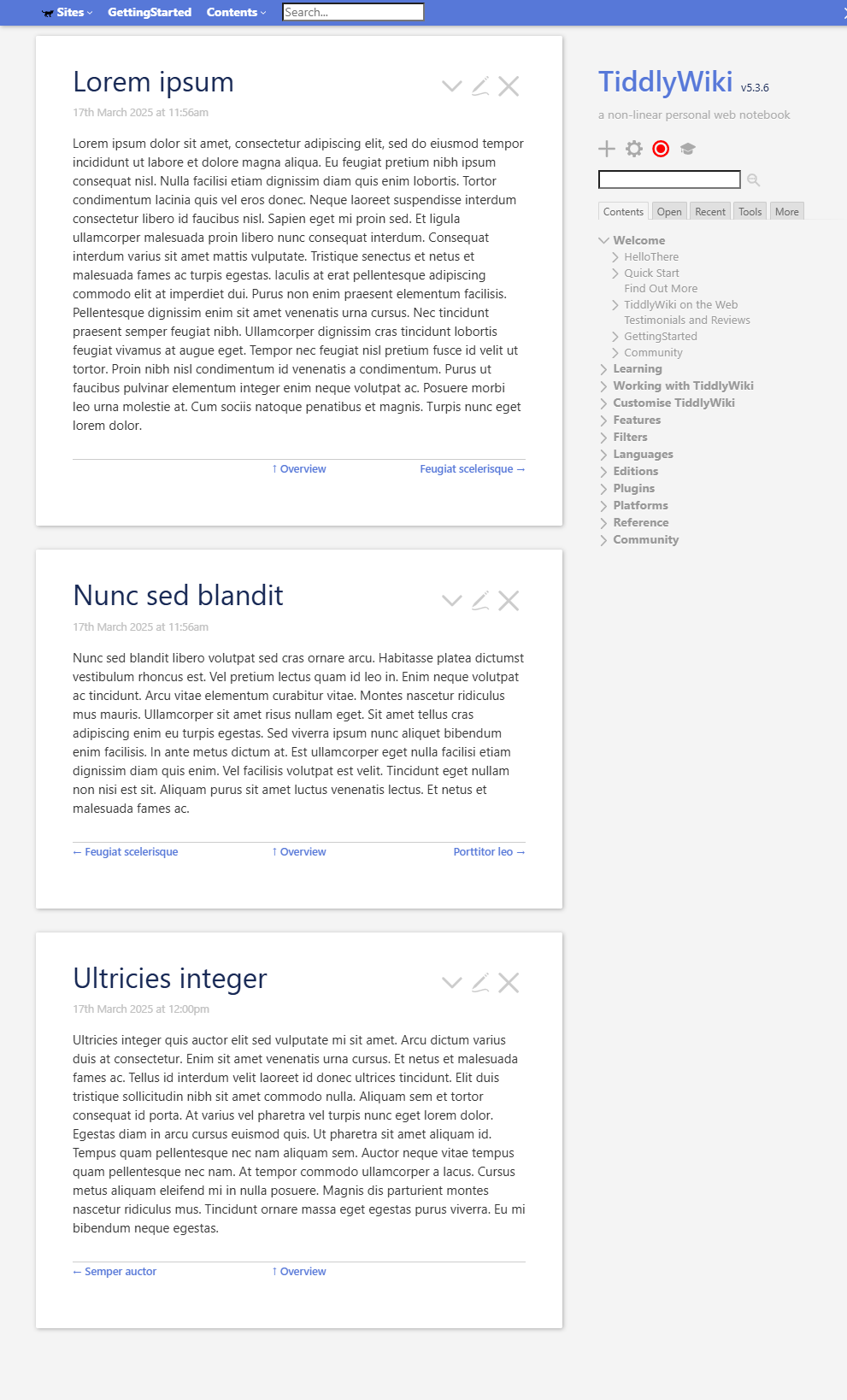
My objective is to make something similar to Grok Tiddlywiki, but i have so many subsections that the Grok logic don’t work (read i dont know how to do this).
I know i can add manually links using the [[Example]], but it’s not so beautiful like grok
I adapt the code from @EricShulman inside the Grok Navigator and it works like a charm!
It’s a gross adaptation of course, i dont know nothing about javascript but it work like i expect
\whitespace trim
<$list filter="[<currentTiddler>has[seq]]" variable="here">
<$set name=tids filter="[has[seq]sort[seq]]">
<$let
prevSection={{{ [enlist<tids>before<here>] }}}
nextSection={{{ [enlist<tids>after<here>] }}}
upChapter={{!!parent}}
>
<div class="gtw-section-manager">
<div style="text-align: left; float: left;">
<!-- if this is a section and it's the first section in the chapter -->
<% if [<prevSection>is[blank]] %>
<$set
name="endMessage"
filter="[enlist<tids>first[]!match<here>]"
value="//Início do Livro//"
emptyValue="//Primeira seção//"
>
<% if [list[Outline]before<upChapter>] %>
⟸
<$link to=<<upChapter>>>
Up to chapter:
<$text text=<<upChapter>>/>
</$link>
<% else %>
<<endMessage>>
<% endif %>
</$set>
<% endif %>
<!-- if this is a section and there's a previous section in the chapter -->
<% if [<prevSection>!is[blank]] %>
←
<$link to=<<prevSection>>>
Anterior:
<$text text=<<prevSection>>/>
</$link>
<% endif %>
</div> <!-- left column -->
<div style="text-align: right; float: right;">
<!-- if this is a section and there's a later section in the chapter -->
<% if [<nextSection>!is[blank]] %>
<$link to=<<nextSection>>>Próximo: <<nextSection>></$link> →
<% endif %>
<!-- if this is a section and it's the last section in the chapter -->
<% if [<nextSection>is[blank]] %>
//Final do Livro//
<% endif %>
</div> <!-- right column -->
</div>
<div style="text-align: center; clear: both; padding-top: 1em;">
<% if [all[current] %>
↑
<$link to=<<upChapter>>>
<$text text={{{ [<upChapter>get[caption]] }}}/>
</$link>
<% endif %>
</div>
</$let>
<style>
div.gtw-section-manager div {
border-top: 1px solid <<color table-border>>;
padding-top: 10px;
margin-top: 6ex;
width: 50%;
}
</style>
Certainly. While @Sunny mentioned my WizardNav plugin, that is another tag-based solution. And it’s designed to cater to multiple different paths through various parts of the content.
Hi @Scott_Sauyet thank you for your contribution! Your solution looks way more simple than mine, i tryed to use but the links to the next tiddles are show in lines
If the selectors in that stylesheet are not specific enough, or if they conflict with other styles you have, it should be easy to alter the markup and alter the outer selector in the stylesheet to match.
Here I just replaced <<prev>> and <<next>> inside the link label by function calls <<fn.view.nav prev>> and fn.view.nav next>>, I did not try to change your <$view> widgets.